Content
The right Network Cabinet size is determined by three key factors: total rack units (U) required, equipment depth, and future expansion capacity. In most business environments, choosing a cabinet with at least 20–30% extra rack space prevents overcrowding and extends system lifespan.
Undersized cabinets restrict airflow and cable management, while oversized cabinets waste space and budget. Accurate sizing ensures safety, performance, and scalability.
Network cabinets are measured in rack units (U), where 1U equals 44.45 mm (1.75 inches). Start by listing all equipment and summing their rack heights.
| Equipment Type | Typical Height |
|---|---|
| Network Switch | 1U–2U |
| Patch Panel | 1U |
| Server | 1U–4U |
| UPS | 2U–6U |
For example, if your equipment totals 18U, selecting a 24U Network Cabinet allows room for cable management and expansion.
Depth is critical, especially for servers and UPS systems. Standard cabinet depths range from 600 mm to 1200 mm.
Always allow an extra 100–150 mm clearance behind equipment for cable bending radius and airflow.
Network equipment generates significant heat. A properly sized Network Cabinet improves ventilation and prevents overheating.
Industry recommendations suggest maintaining internal temperatures below 27°C (80°F) for optimal performance. Cabinets should include:
Overcrowded cabinets restrict airflow and may reduce equipment lifespan by up to 30%.
Network demands typically grow 15–25% annually in business environments. Choosing a slightly larger Network Cabinet prevents costly upgrades later.
If current usage is 20U, consider a 32U or 42U cabinet to accommodate:
The installation location influences size selection.
Also verify floor load capacity. A fully loaded 42U cabinet can weigh 800–1200 kg, depending on installed equipment.
Add the U height of each device and include 20–30% extra space for cable management and expansion.
For small offices, 9U–18U is usually sufficient. A 42U cabinet is more common in server rooms or data centers.
Servers typically require cabinets with 900–1200 mm depth to allow proper airflow and cable clearance.
Yes, but ensure adequate space and ventilation, and consider separating high-heat equipment.
A minimum of 20–30% additional rack capacity is recommended.
Indirectly yes. Proper sizing improves airflow, cable management, and equipment stability, which enhances reliability and lifespan.
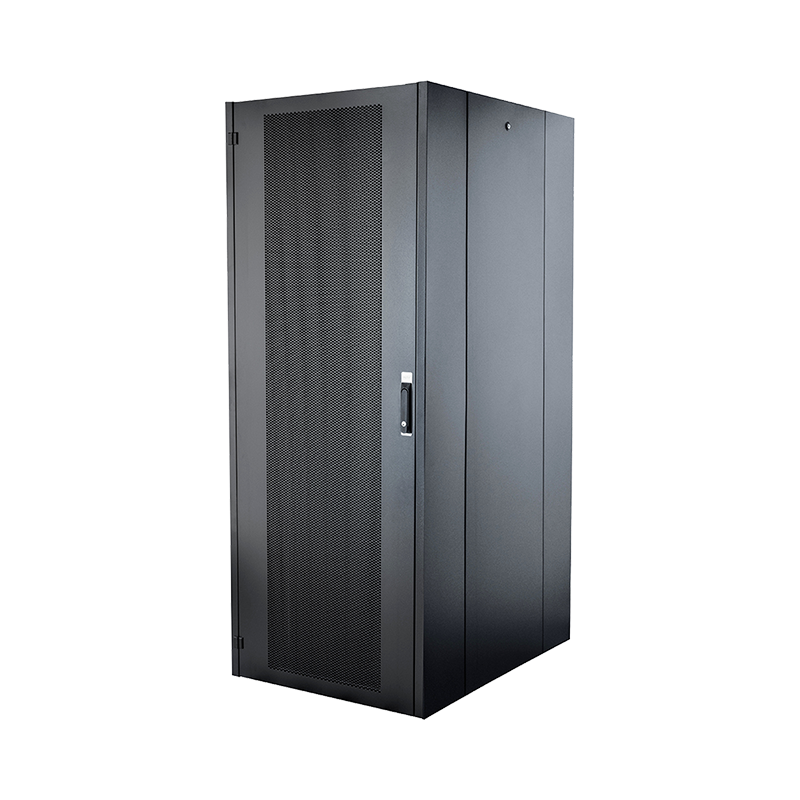
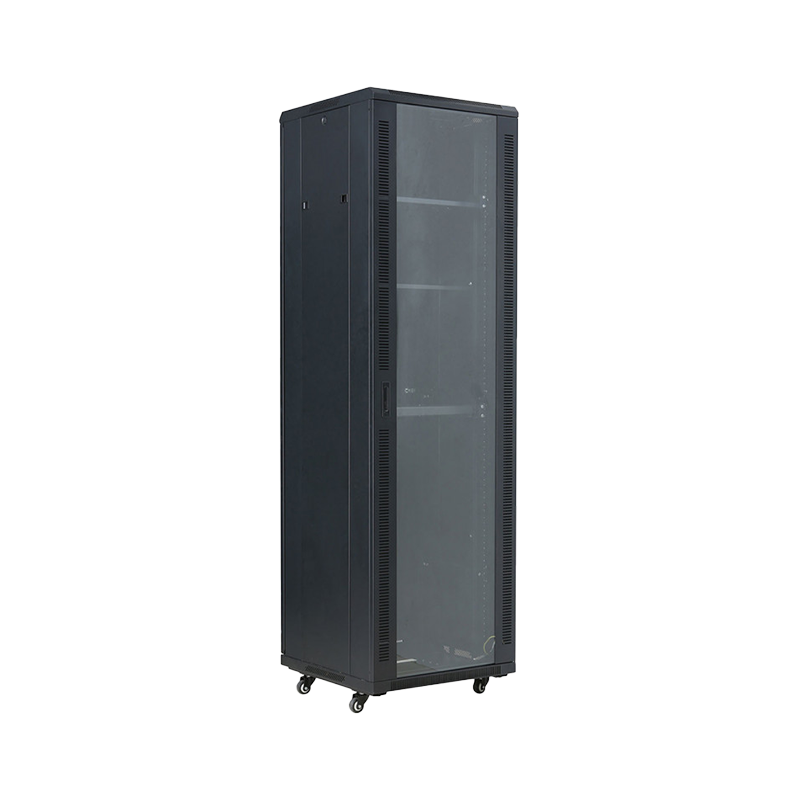
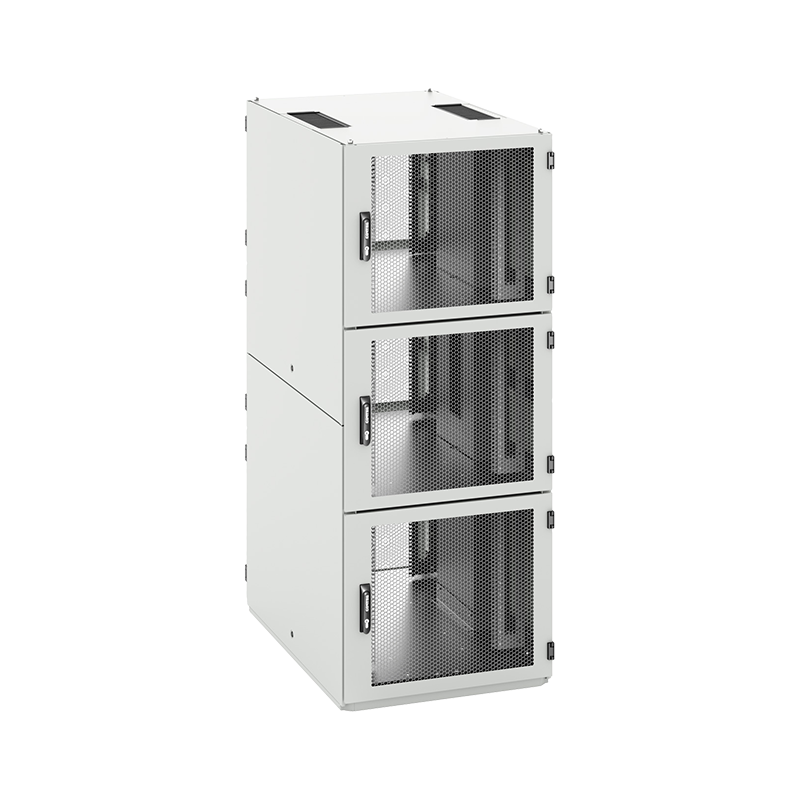
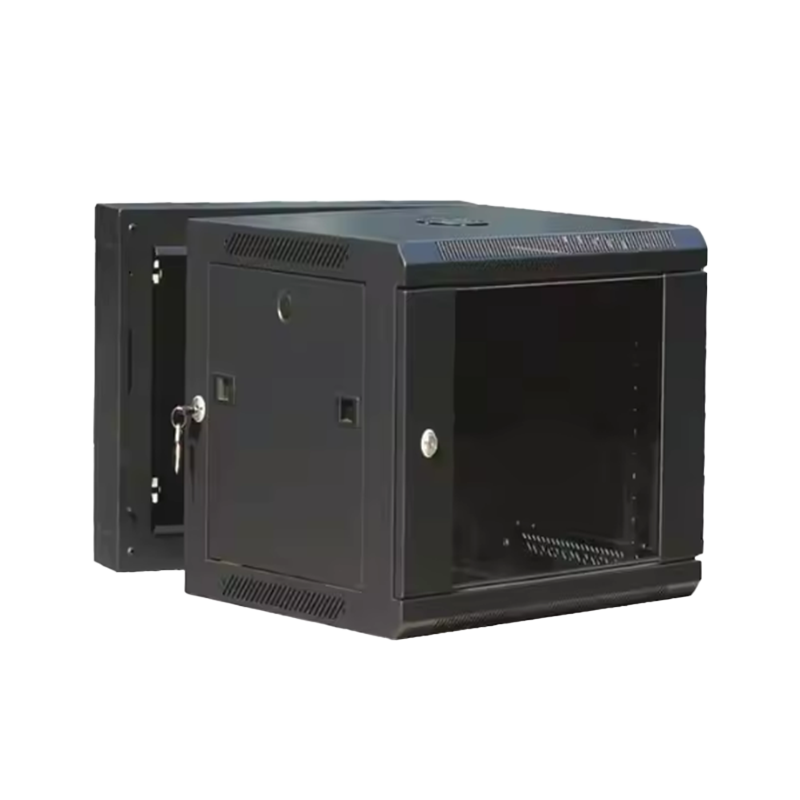
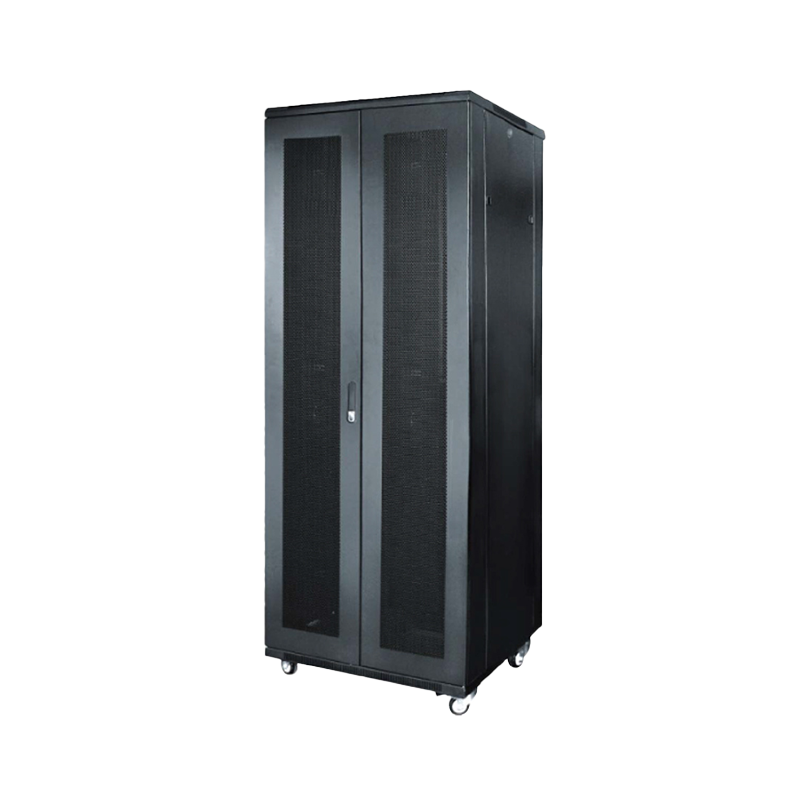
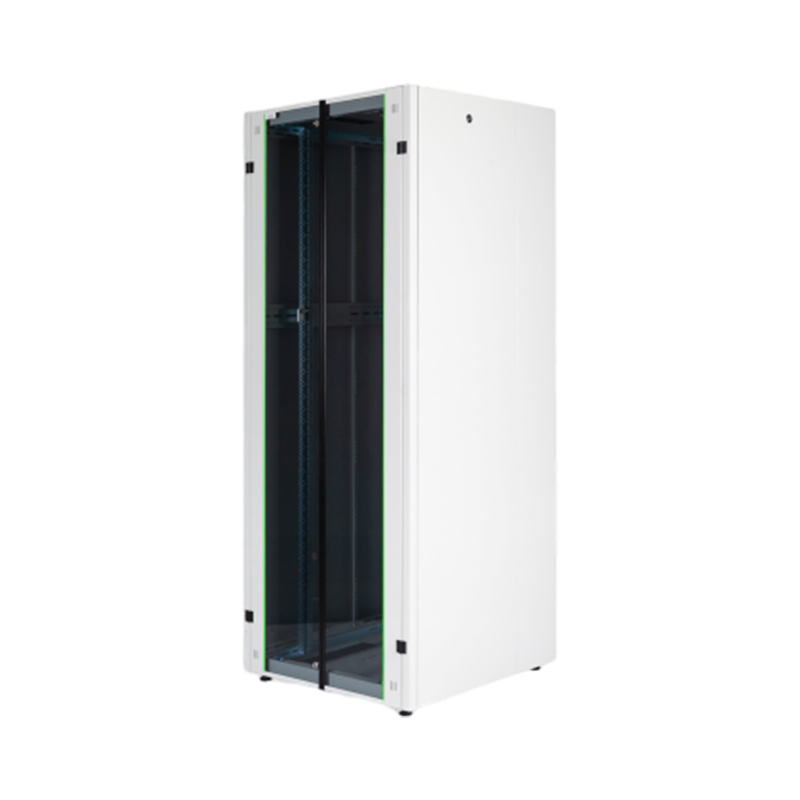
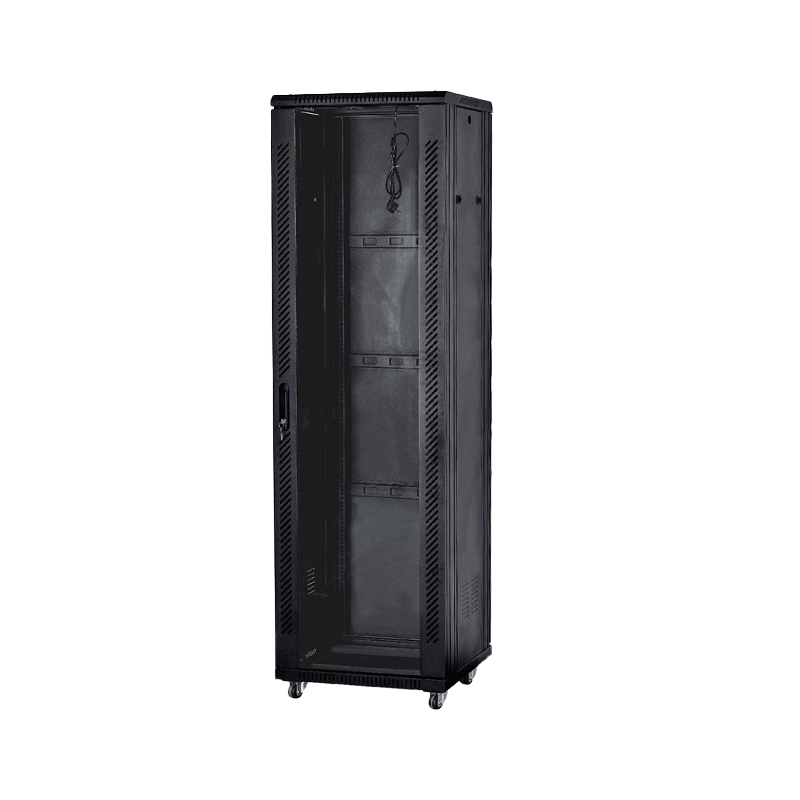
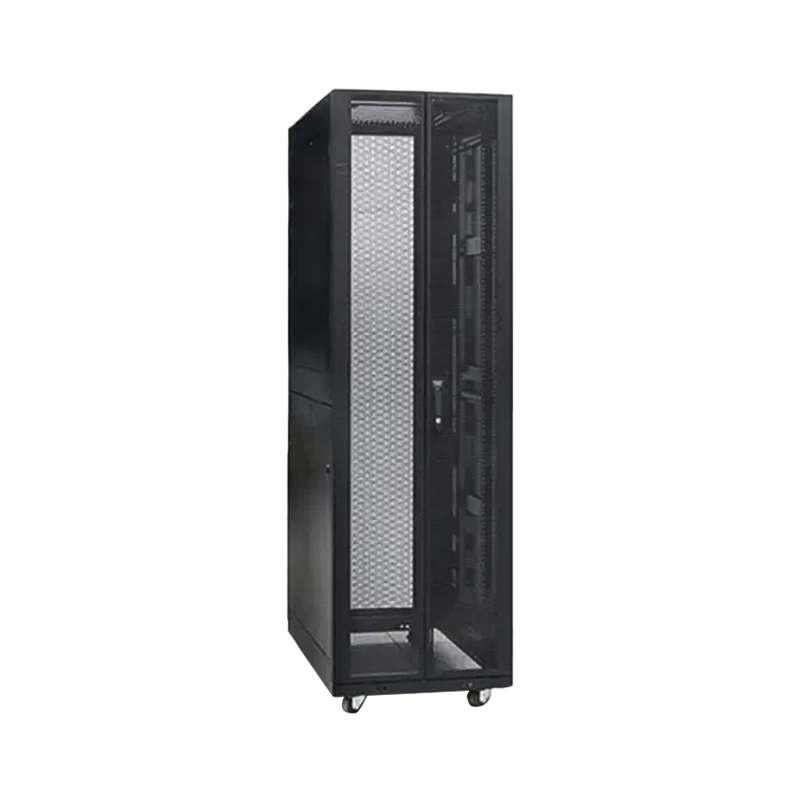
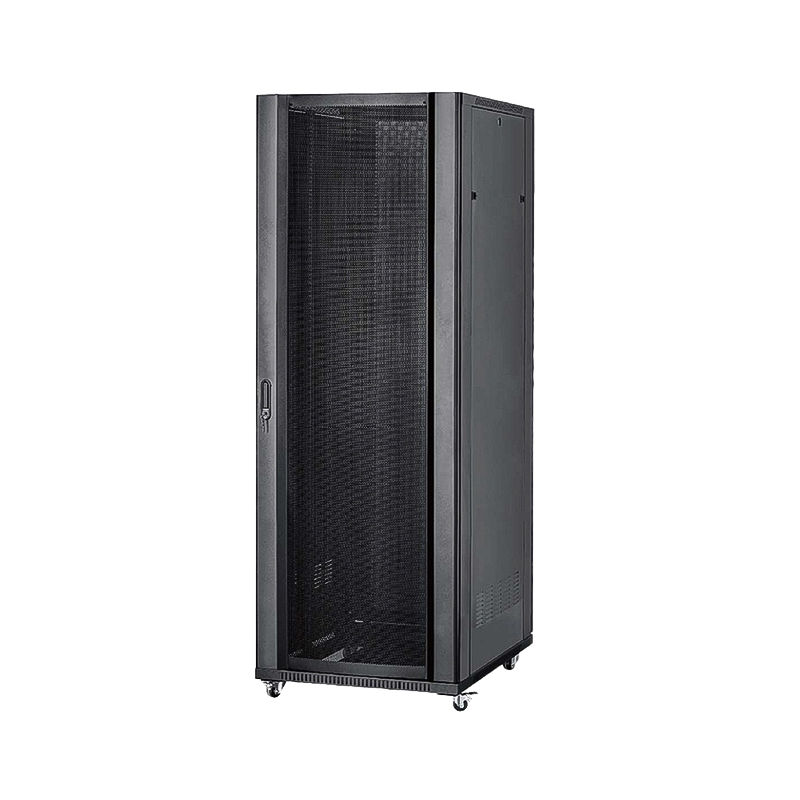
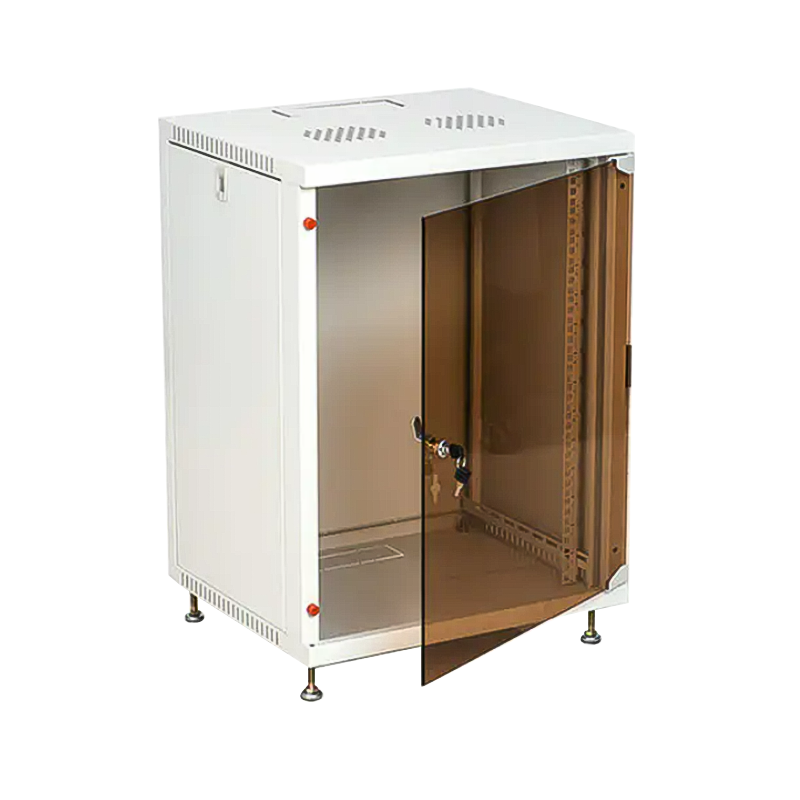
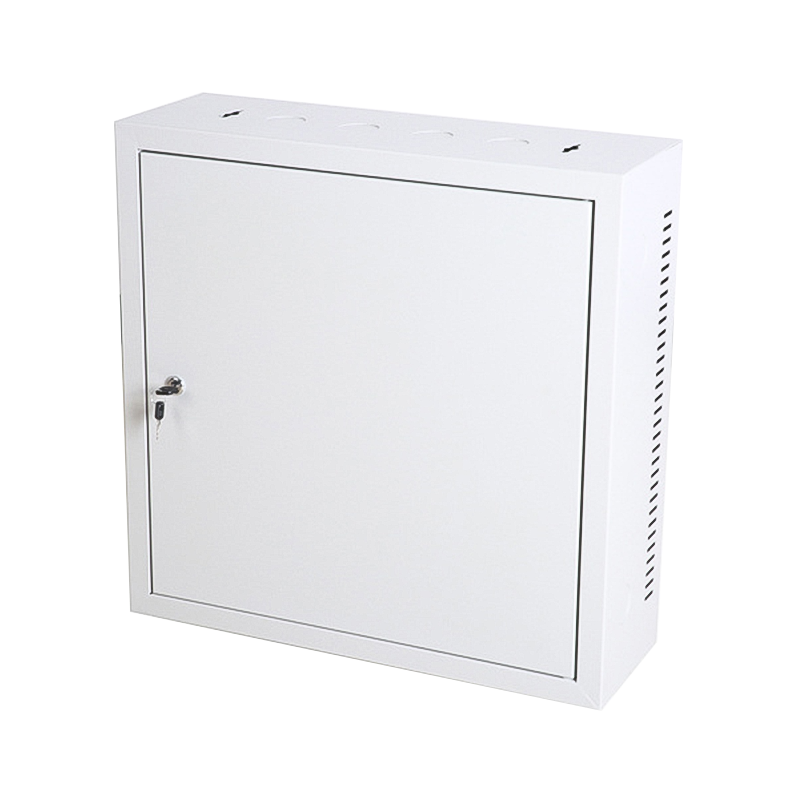
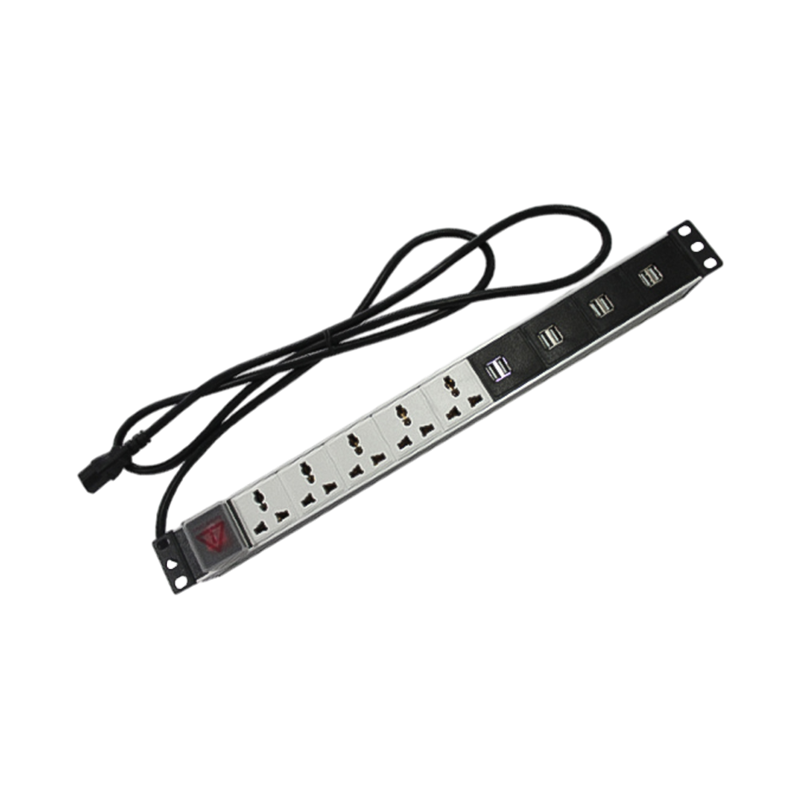

We are a company mainly engaged in the manufacturing of network cabinet , charging cart and other infrastructures.
Product Classification
Address
No.12 Fushan Road,Guanhaiwei Town,Cixi City,Ningbo,Zhejiang,China
PHONE
+86-17857397994

 English
 عربى
عربى
 Español
 русский