With the development of information technology, various servers, switches, routers, and other equipment are widely used in data centers, enterprise networks, and server rooms. These devices generate a significant amount of heat during operation, especially under high loads, making heat dissipation crucial. As a key facility for housing and protecting these devices, the network cabinet's heat dissipation performance directly impacts the stability and lifespan of the equipment.
1. Choosing the Right Network Cabinet Size
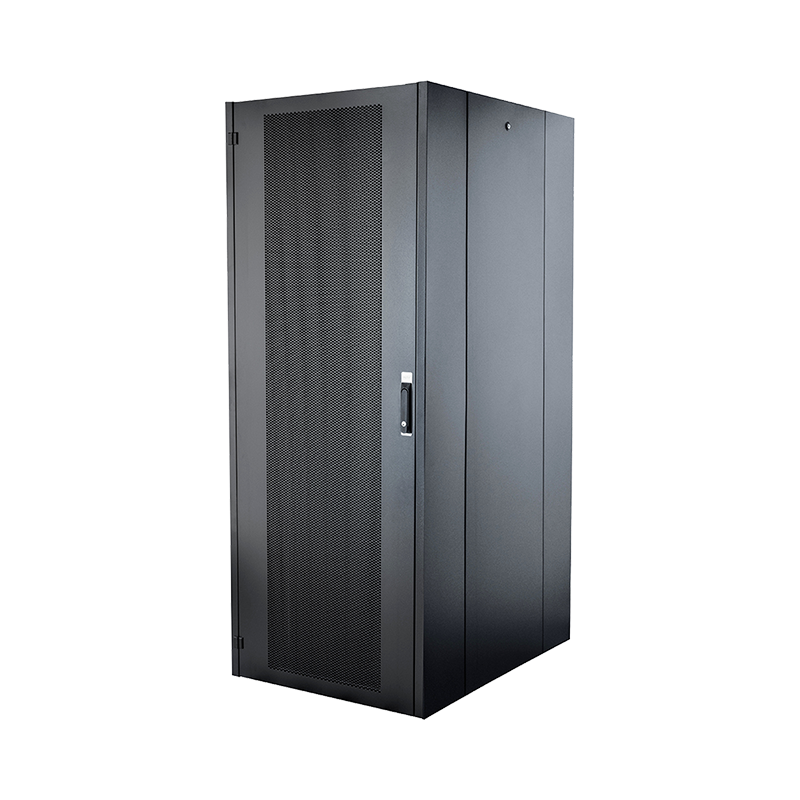
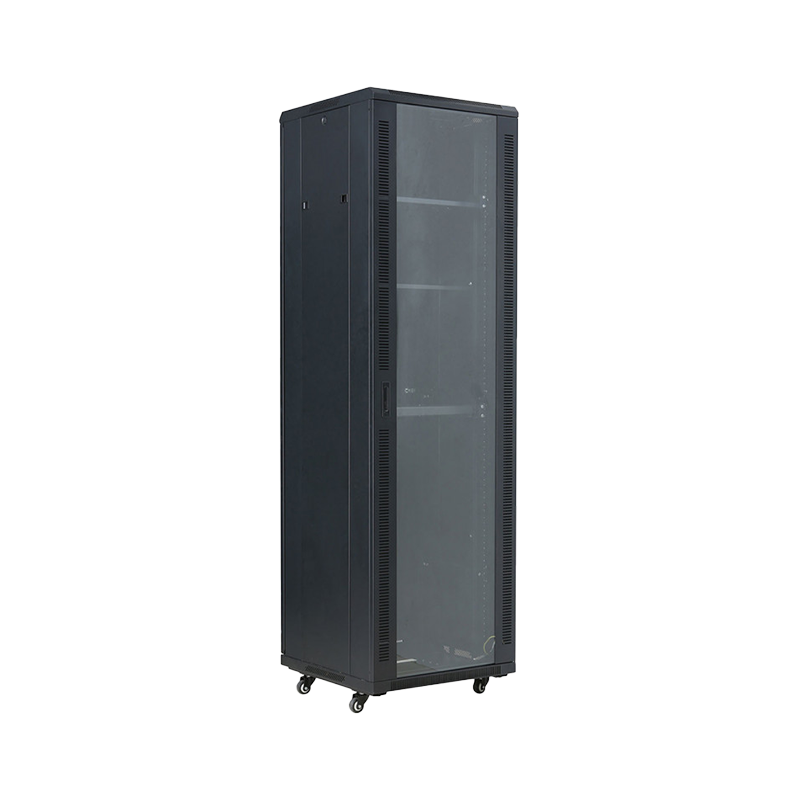
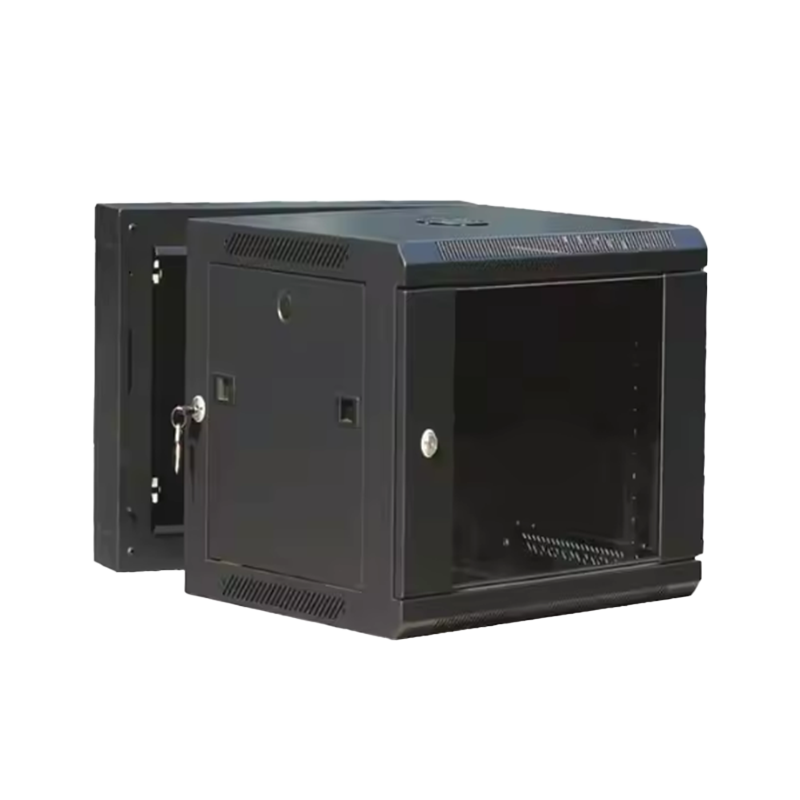
When selecting a network cabinet, appropriate size is paramount for heat dissipation. The cabinet's internal space needs to be sufficient to accommodate the equipment and allow for adequate airflow. Sufficient spacing should be maintained between devices to ensure smooth airflow and prevent heat buildup.
Cabinet Height and Width: The height and width of the network cabinet should be determined based on the number and size of the equipment used. A cabinet that is too small may not only cause overcrowding but also restrict airflow, leading to poor heat dissipation. Choosing an appropriate cabinet size ensures sufficient space for heat dissipation.
Cabinet Depth: The network cabinet must be deep enough to effectively accommodate deeper devices and provide sufficient airflow space. 1. Insufficient depth can lead to heat buildup between devices, affecting overall heat dissipation.
2. Optimize Airflow Design within the Rack
The heat dissipation of a network rack is closely related to its airflow design. Proper airflow management not only increases the speed of cool air flow but also effectively exhausts hot air, reducing the temperature inside the rack.
Front-to-Back Airflow Design: Traditional racks typically use a front-to-back airflow path, meaning cool air enters through the front and hot air exits through the back. To ensure good airflow, appropriate ventilation holes or gaps are needed at the front and back of the rack to ensure smooth airflow.
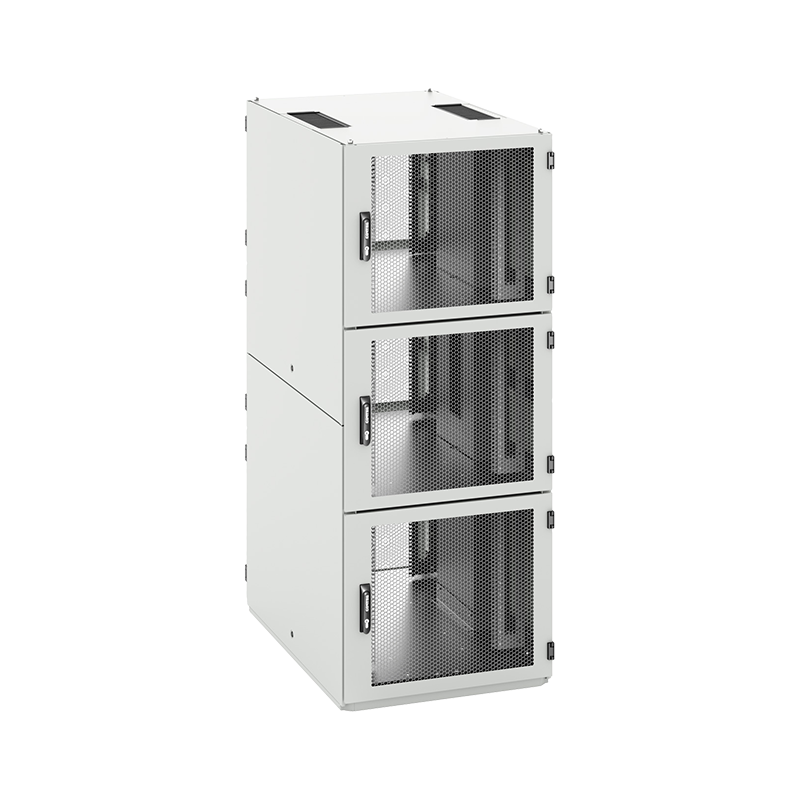
Airflow Isolation: To prevent the mixing of cool and hot air, many high-end network racks employ airflow isolation designs. By installing cold and hot aisles, cool air can be directed towards the front of the devices, while hot air is exhausted through specific paths. This design significantly improves heat dissipation efficiency.

3. Use High-Efficiency Fans and Air Conditioning Systems
Heat dissipation within a network rack typically relies on fans or air conditioning systems. Ensuring the proper functioning of these systems is crucial for effective heat dissipation.
Fan Selection and Placement: Fans are the most common cooling device in network cabinets. Choose high-efficiency, low-noise fans and ensure there are enough fans. The fans' placement also needs to be reasonable; they should generally be installed at the top or back of the cabinet to allow for smooth exhaust of hot air. Some cabinets also support adjustable-speed fans, allowing users to adjust the fan speed according to the load of the equipment inside the cabinet to ensure optimal cooling.
Air Conditioning System: For high-density network cabinets or data centers, auxiliary cooling from the air conditioning system is crucial. Using precision air conditioning equipment ensures that the temperature inside the cabinet remains within a safe range, preventing equipment malfunctions due to overheating.
4. Reasonable Cabling and Equipment Layout
The rationality of equipment placement and cabling inside the network cabinet directly affects the cooling effect. Messy cabling not only easily obstructs airflow but may also prevent effective heat dissipation.
Equipment Layout: Distribute equipment within the cabinet according to its heat generation level. High-heat equipment should be distributed as dispersed as possible to avoid concentrated overheating and affecting the cooling of other equipment. At the same time, equipment within the cabinet should be placed according to the airflow direction to ensure smooth airflow.
Cabling Management: Good cabling not only contributes to a tidy cabinet but also improves airflow. Use appropriate cable trays or cable management systems to neatly secure cables and avoid obstructing airflow. Minimize cable bends to ensure they don't create areas of heat buildup within the cabinet.
5. Regular Cabinet and Equipment Cleaning
Dust and dirt are significant factors affecting heat dissipation, especially in areas like fans and air ducts. Cabinets and equipment that aren't cleaned regularly accumulate dust, leading to reduced fan efficiency or obstructed airflow, thus impacting cooling performance.
Fan and Heatsink Cleaning: Regularly inspect and clean fans, heatsinks, and other heat dissipation components. Dust and dirt reduce fan speed, affecting cooling efficiency. Regular cleaning of these components ensures they operate at their best.
Rack Vent Cleaning: Keep cabinet air inlets and outlets clean to prevent dust and debris from clogging them and affecting airflow. Use a vacuum cleaner to remove dust from these areas to ensure smooth airflow.
6. Monitor Rack Temperature and Environment
Installing temperature sensors and a monitoring system allows for real-time monitoring of temperature changes within the rack. If the temperature exceeds the safe range, the system will issue an alarm, helping administrators take timely measures, such as increasing fan speed or activating air conditioning, to prevent equipment overheating.
Temperature Sensors: Installing multiple temperature sensors within the rack enables real-time monitoring of temperatures in different areas, ensuring the cooling system can be adjusted according to actual needs.
Environmental Monitoring: In addition to rack temperature monitoring, environmental humidity and air circulation also affect heat dissipation. Using environmental monitoring equipment ensures the entire server room environment is suitable for equipment operation.
Ensuring effective heat dissipation in the network rack is fundamental to ensuring the long-term stable operation of equipment. By selecting appropriate rack dimensions, optimizing airflow design, using efficient fans and air conditioning systems, proper cabling, regular equipment cleaning, and temperature monitoring, the rack's heat dissipation can be effectively improved, preventing equipment malfunctions or damage due to overheating.
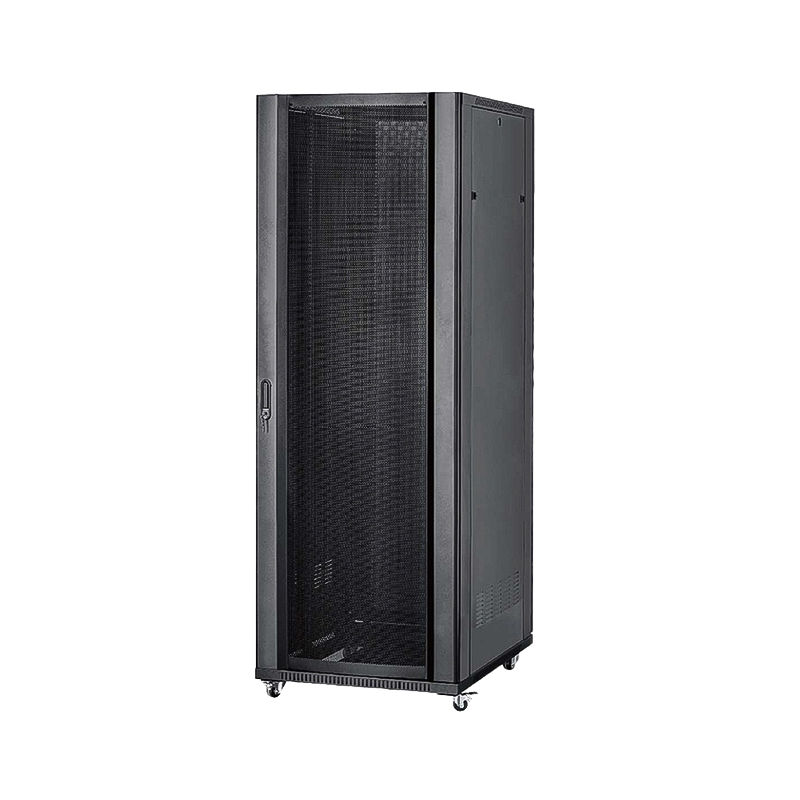
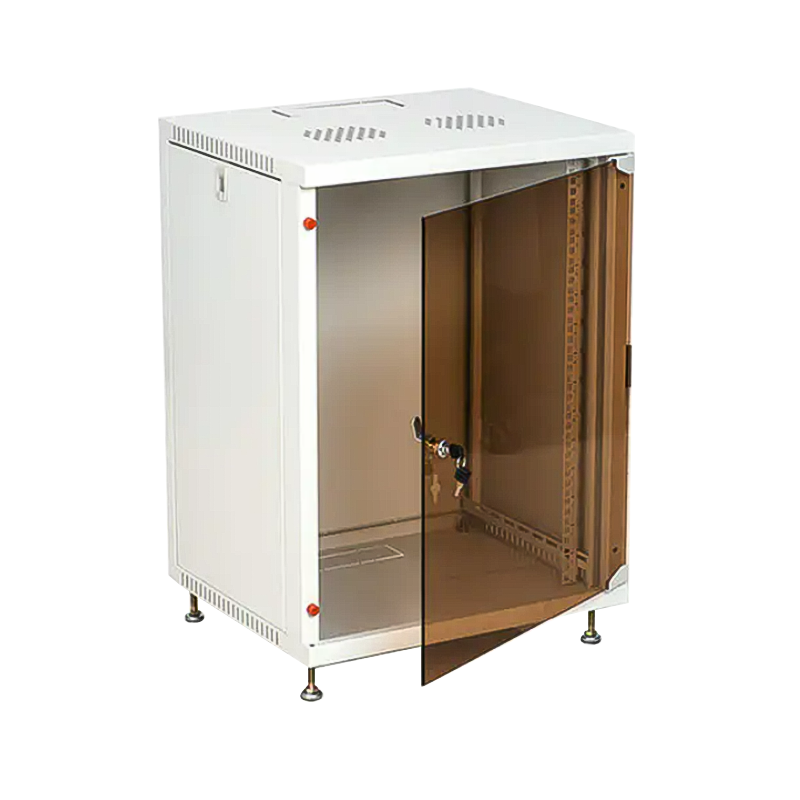
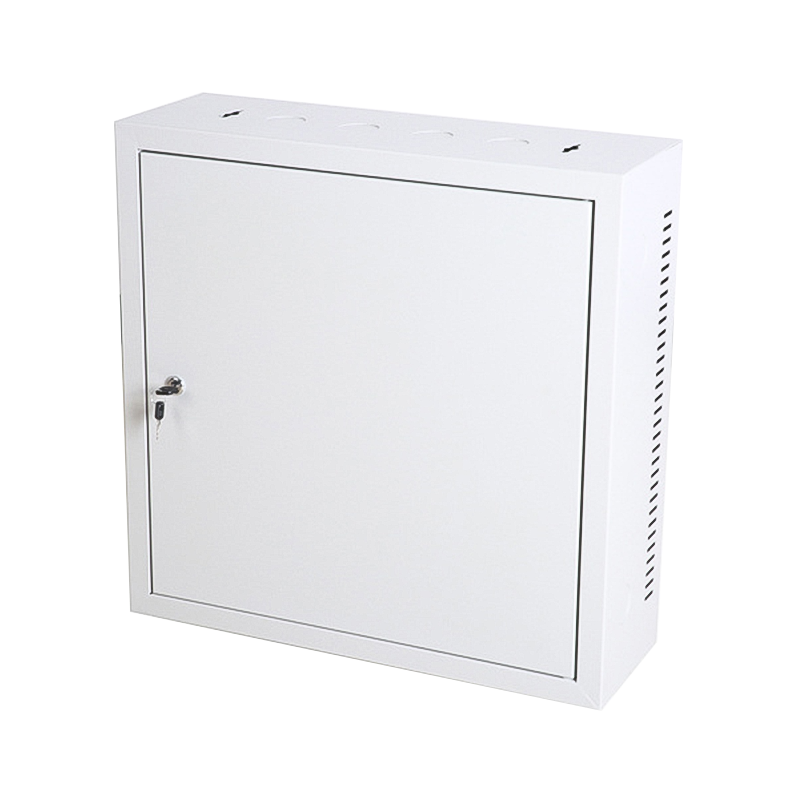
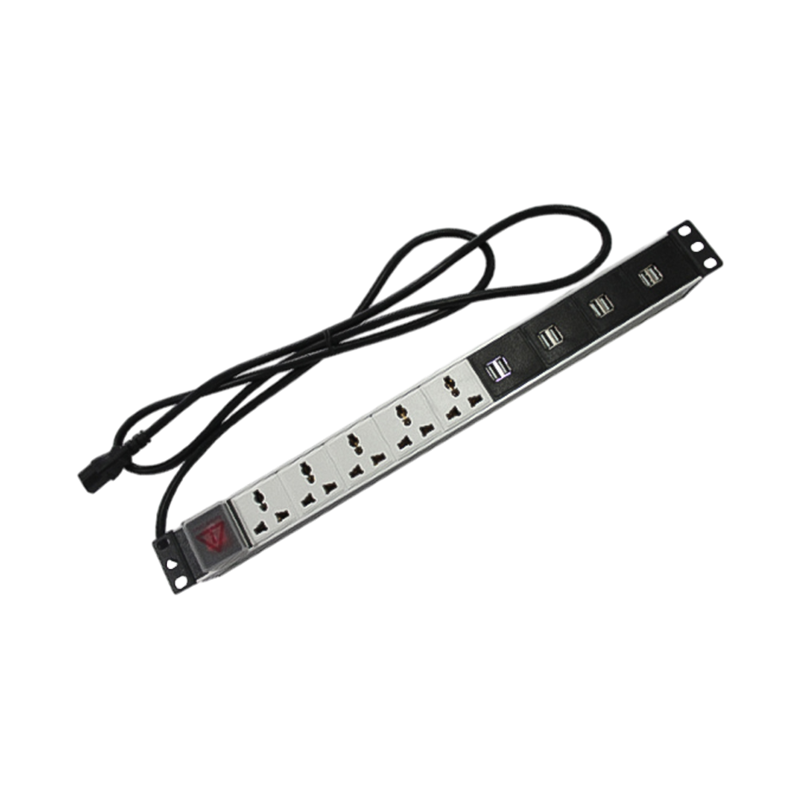

We are a company mainly engaged in the manufacturing of network cabinet , charging cart and other infrastructures.
Product Classification
Address
No.12 Fushan Road,Guanhaiwei Town,Cixi City,Ningbo,Zhejiang,China
PHONE
+86-17857397994

 English
 عربى
عربى
 Español
 русский