English
 عربى
عربى
 Español
 русский

News
Home / News / Industry News / Wall Mount Network Cabinet vs Floor Standing Cabinet: Which Is Better?
The direct answer: a Wall Mount Network Cabinet is the better choice for small offices, wiring closets, and space-constrained environments with limited equipment; a floor-standing Data Center Rack Cabinet is the correct solution for high-density server rooms, large data centers, and installations requiring significant expansion capacity. Choosing the wrong type creates airflow problems, access difficulties, and costly retrofits. This article walks through the differences in depth so you can match the cabinet format to your actual infrastructure requirements.
Content
Both cabinet formats are enclosed storage units constructed from high-grade cold-rolled steel, designed to house and protect active network and server hardware. The structural differences between them are significant and directly affect deployment suitability.
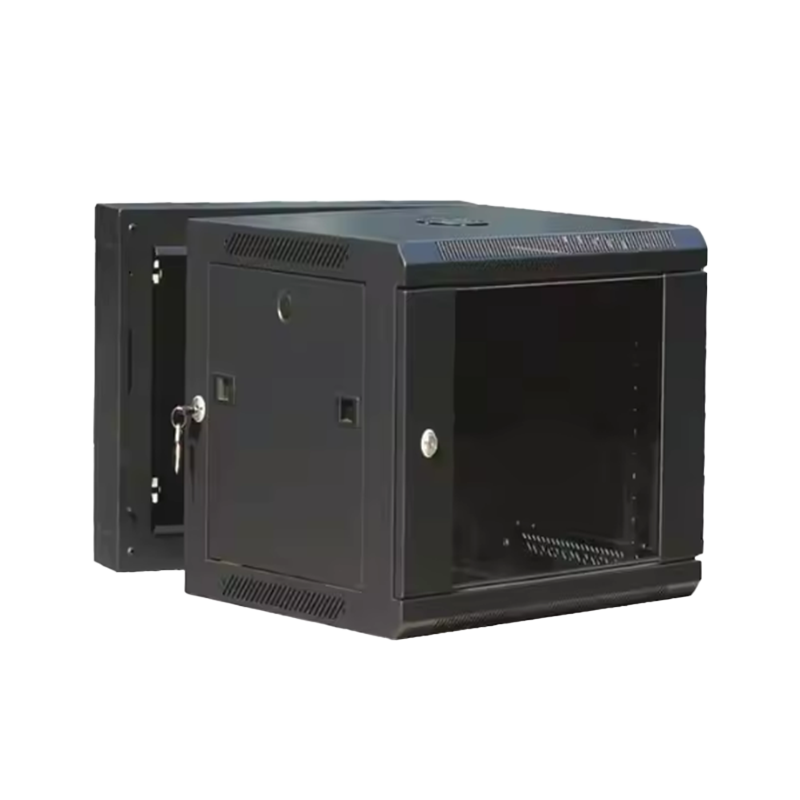
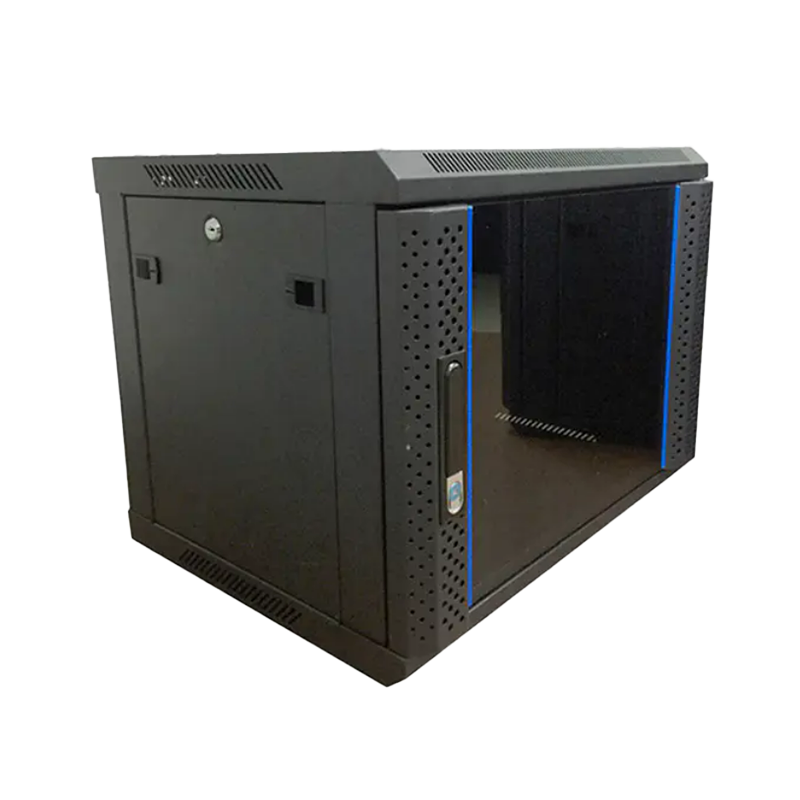
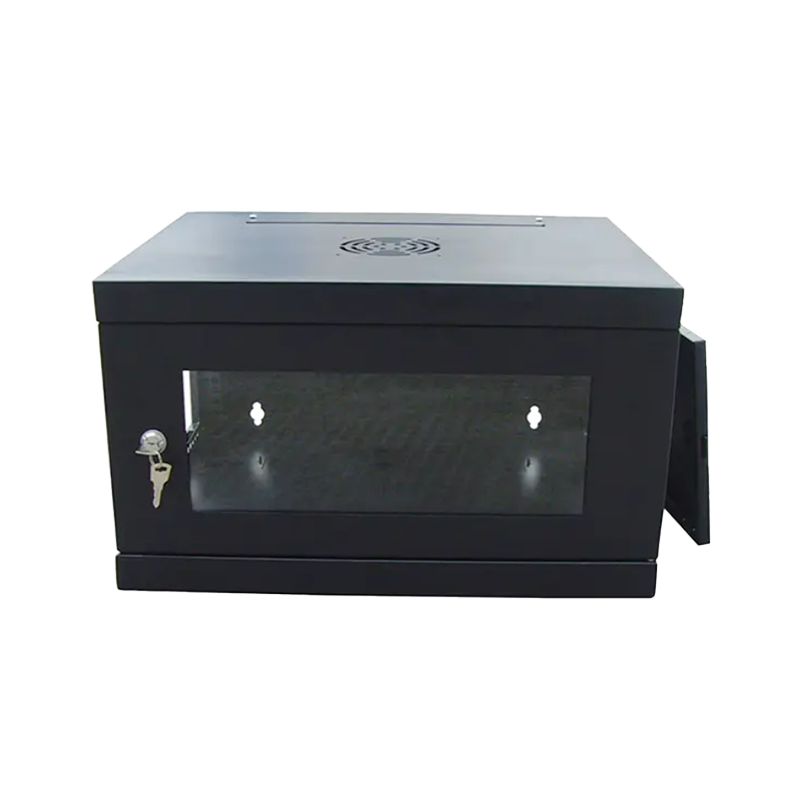
A wall mount network cabinet is fixed to a structural wall, keeping equipment off the floor entirely. Standard sizes range from 4U to 18U, with depths typically between 300 mm and 600 mm. Because they consume no floor space, they are preferred in offices, retail environments, and small server closets where rack space on the floor is not available. They are available in open-frame and fully enclosed variants, with the enclosed Lockable Network Enclosure style being most common for security-sensitive deployments.
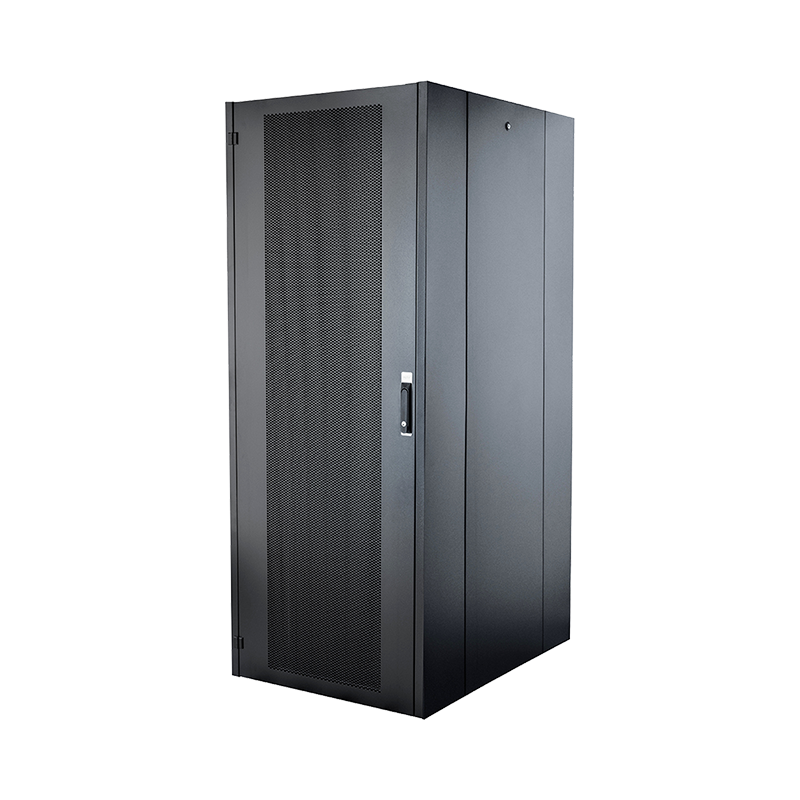
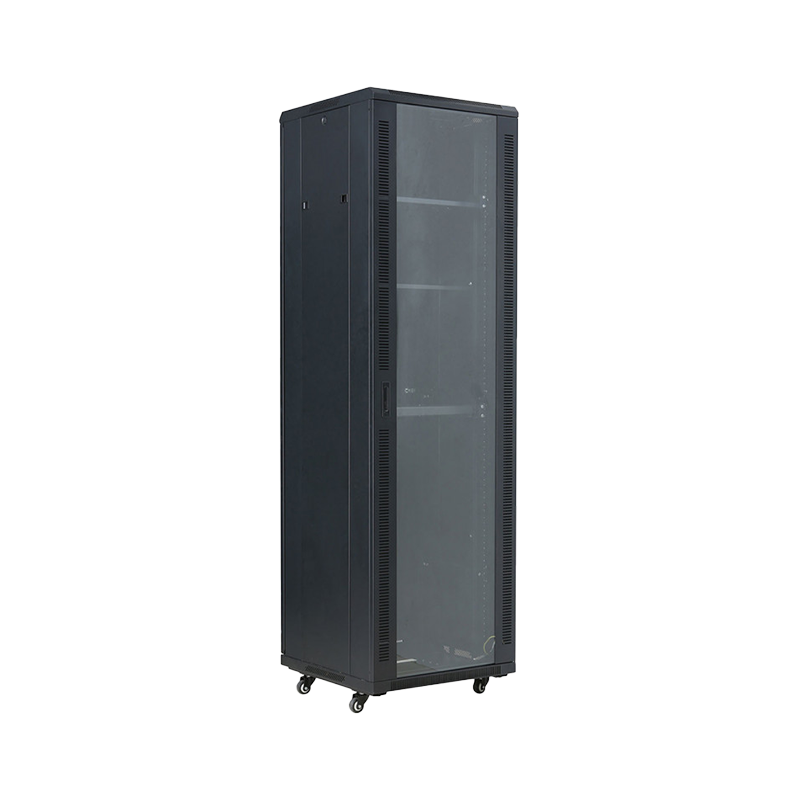
Floor-standing cabinets stand independently on adjustable leveling feet. Standard heights run from 18U to 47U, with depths from 600 mm to 1,200 mm. The larger footprint accommodates high-density server, storage, and networking equipment simultaneously. A full-size Ventilated Server Rack Cabinet in this format supports active cooling integration, blanking panels, and structured cable management across multiple equipment tiers.
The table below summarizes the most decision-relevant specifications across both cabinet types.
| Specification | Wall Mount Network Cabinet | Floor Standing Cabinet |
|---|---|---|
| Typical U Size Range | 4U – 18U | 18U – 47U |
| Floor Space Required | None (wall-mounted) | 0.5 – 1.2 m² |
| Typical Load Capacity | 30 – 80 kg | 500 – 1,500 kg |
| Active Cooling Support | Fan tray (limited) | Full fan array, in-row cooling |
| Cable Management | Basic internal routing | Full vertical and horizontal |
| Security (Locking) | Front door lock standard | Front and rear locks standard |
| Typical Deployment | Office, retail, wiring closet | Data center, server room |
| Scalability | Limited by wall space and load | High; row-based expansion |
Wall mount cabinets are the right choice in the following scenarios. Each represents a real operational condition where a floor-standing unit would be impractical or wasteful.
A practical example: a 200-person office building with distributed network closets on each floor can efficiently deploy 12U wall mount cabinets at each telecom room location, feeding a central floor-standing cabinet in the main server room — a hybrid approach that optimizes both cost and space.
Floor-standing cabinets are necessary when equipment density, weight, or thermal load exceeds what any wall mount solution can support. The following conditions point clearly to a floor-standing unit:
Load Capacity Comparison: Wall Mount vs Floor Standing Cabinets
Indicative maximum static load ratings by cabinet type and size. Actual ratings vary by model and manufacturer specification.
Heat is the primary cause of premature hardware failure in enclosed network cabinets. Both cabinet types must manage airflow, but the scale and method differ substantially.
A wall mount cabinet houses passive or low-power active equipment. Passive mesh ventilation on door panels is often sufficient when heat dissipation is below 200–400W. For environments with more active switching equipment, a fan tray at the top of the cabinet creates a bottom-to-top airflow path. Perforated front and rear doors with over 60% open area significantly improve natural convection in wall mount enclosures.
Floor-standing Ventilated Server Rack Cabinets must manage far higher thermal loads — enterprise servers routinely dissipate 300–600W per 1U unit, meaning a fully populated 42U cabinet can generate over 10kW of heat. Effective thermal management at this scale requires:
Estimated Airflow Requirement vs Cabinet Heat Load
Estimated minimum airflow (CFM) required as heat dissipation load increases. Values assume a 15°C inlet-to-exhaust temperature differential. Actual requirements depend on layout and equipment density.
Both wall mount and floor-standing cabinets are available as fully enclosed Lockable Network Enclosures, but the depth of physical security features differs with cabinet size and intended environment.
A wall mount cabinet typically features a keyed front panel lock as standard. Because the unit is mounted at height and often in lower-traffic areas, this single locking point is frequently sufficient. Swing-out hinge mechanisms allow full side access when the front panel is open, which is practical for small spaces.
Floor-standing cabinets support a more comprehensive physical security posture:
For environments where regulatory compliance mandates auditable physical access — such as financial institutions or healthcare data rooms — a full-size floor-standing cabinet with electronic access control is the appropriate choice.
When network equipment must be deployed outside a conditioned building — at cell tower base stations, roadside telecom nodes, industrial sites, or remote distribution points — neither a standard wall mount nor a standard floor-standing cabinet is appropriate. An Outdoor Server Cabinet is required.
Outdoor cabinets are characterized by:
An outdoor cabinet is a purpose-built enclosure and should not be substituted by a weatherproofed indoor unit. The thermal and ingress requirements are fundamentally different from indoor deployments.
Use the following decision framework to identify the correct cabinet type before specifying or ordering.
| Your Condition | Recommended Cabinet Type |
|---|---|
| Under 12U of equipment, no servers, limited floor space | Wall Mount Network Cabinet |
| 12–20U of mixed active/passive gear in an office or wiring closet | Wall Mount (18U) or Small Floor-Standing |
| 20U+ of equipment including servers and storage | Floor Standing Data Center Rack Cabinet |
| High heat load exceeding 2kW, active cooling required | Ventilated Server Rack Cabinet (floor-standing) |
| Outdoor installation, industrial or remote site | Outdoor Server Cabinet (IP55+) |
| Compliance-driven access control and audit logging needed | Floor Standing with Electronic Lock |
Ningbo Cixi Communication Technology Co., Ltd., established in February 2024 and located in Ningbo City, Zhejiang Province, China, is a company focusing on the design, research and development, production, and trade of network cabinets and charging cabinets. Leveraging advanced equipment and manufacturing technology, the company is committed to providing reliable products and services to customers across multiple industries.
The Cabinet Series represents enclosed storage units typically constructed with high-grade cold-rolled steel, offering multiple U spaces for equipment storage suited to large data centers and server rooms. Equipped with secure locks, efficient ventilation systems, and cable management features, these cabinets provide a stable operating environment for network equipment.
Ningbo Cixi Communication Technology offers comprehensive solutions for communication equipment infrastructure, providing one-stop services for network communication equipment installation and charging needs. The company continuously pursues transformation and upgrading — emphasizing both product safety and intelligence — to provide customers with smarter, more convenient, and efficient infrastructure solutions.
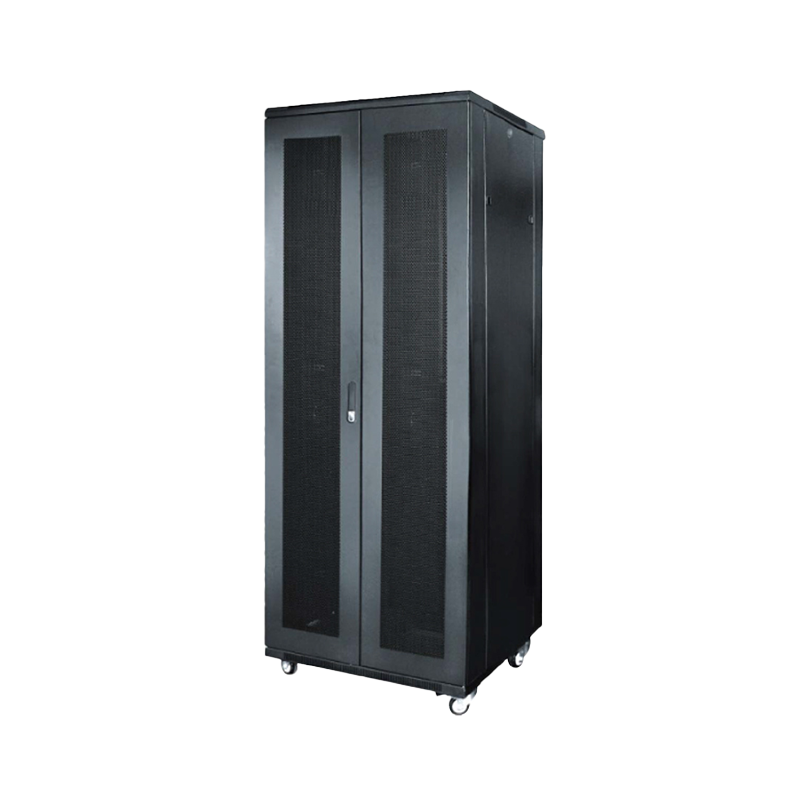
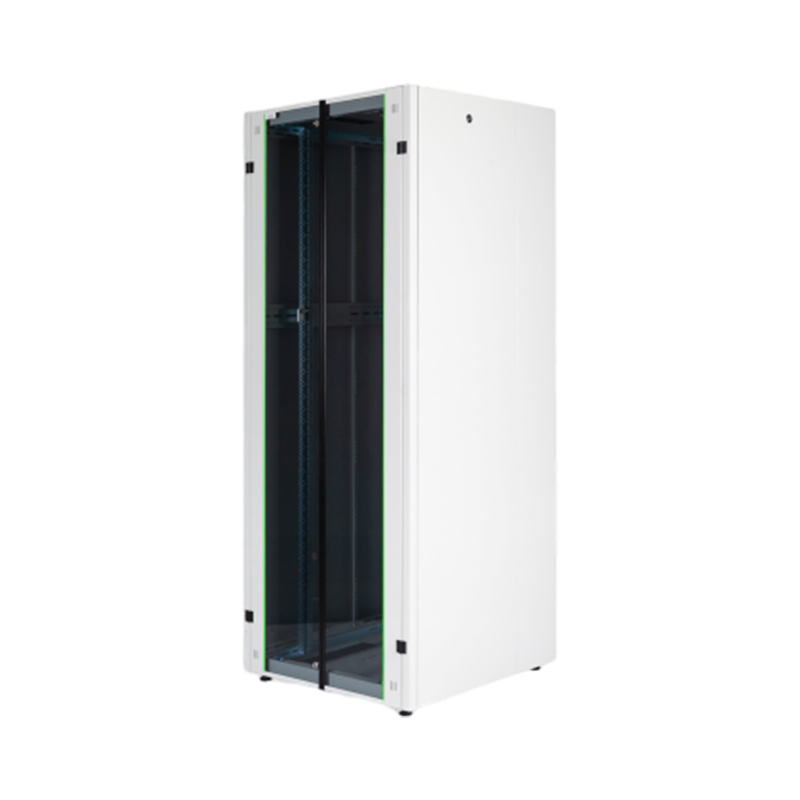
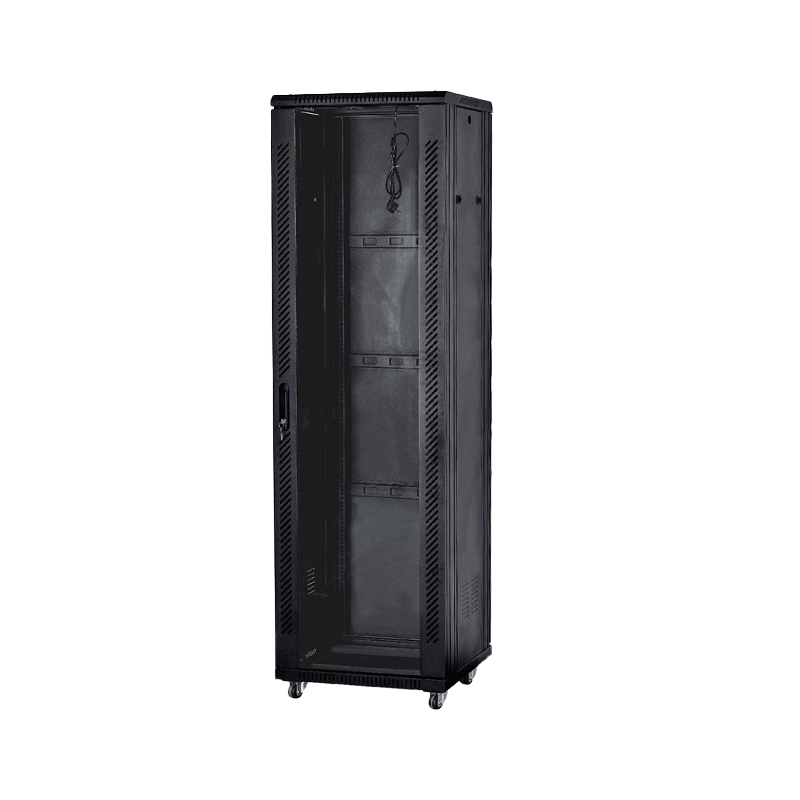
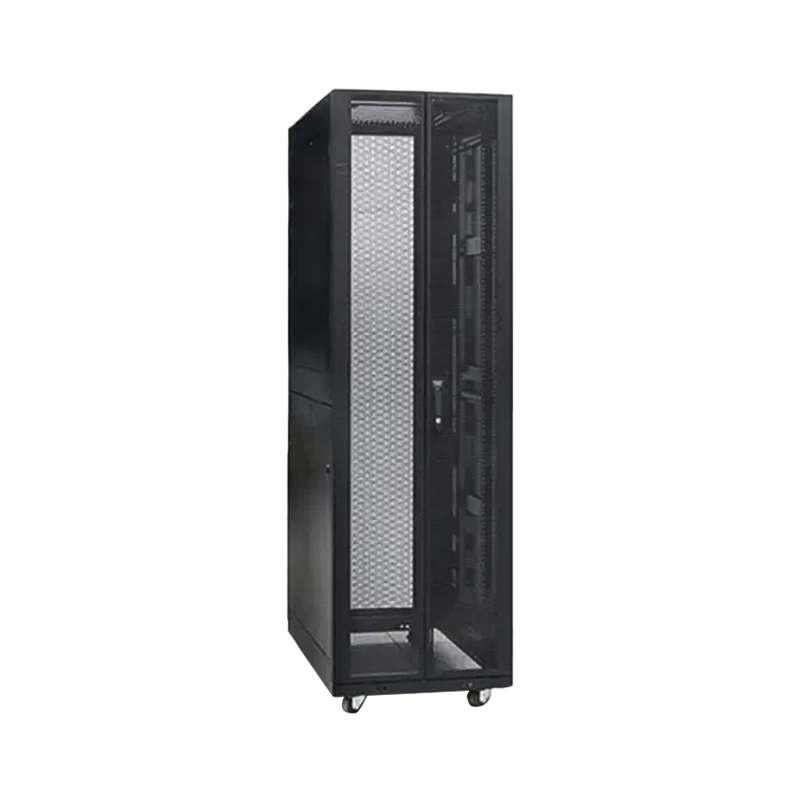
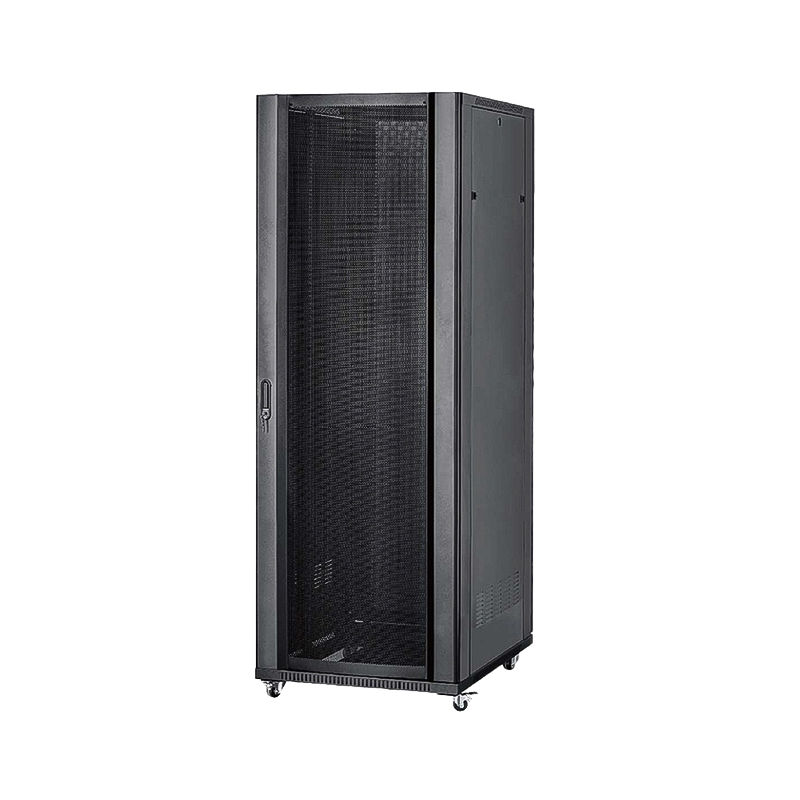
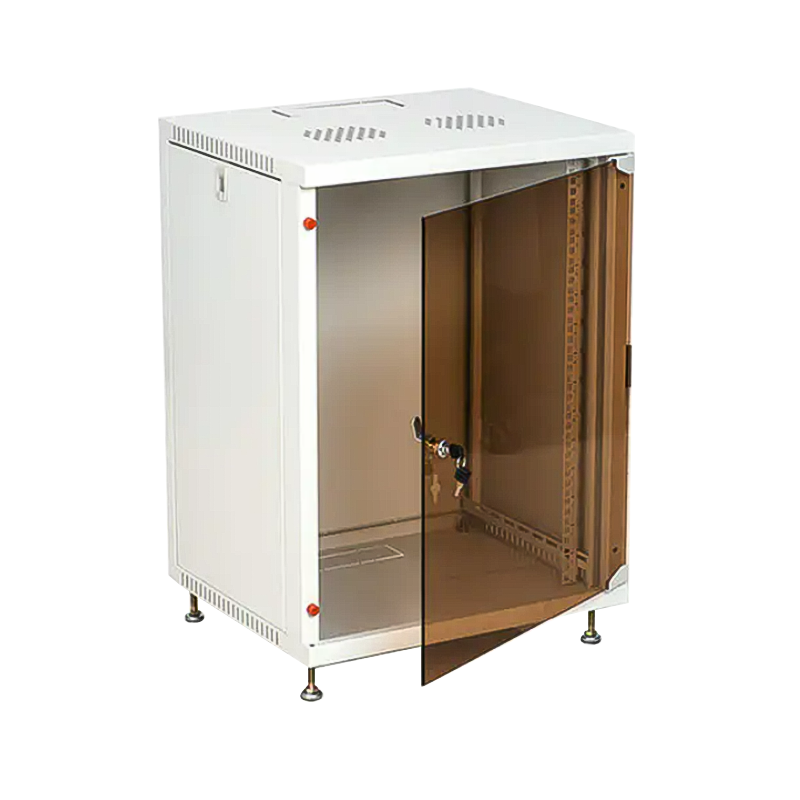
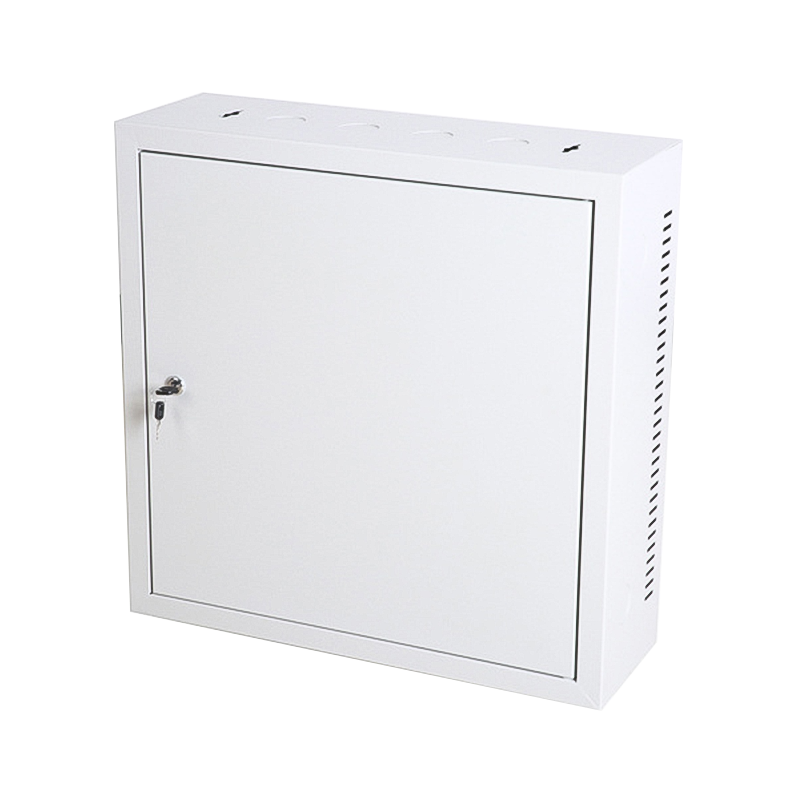
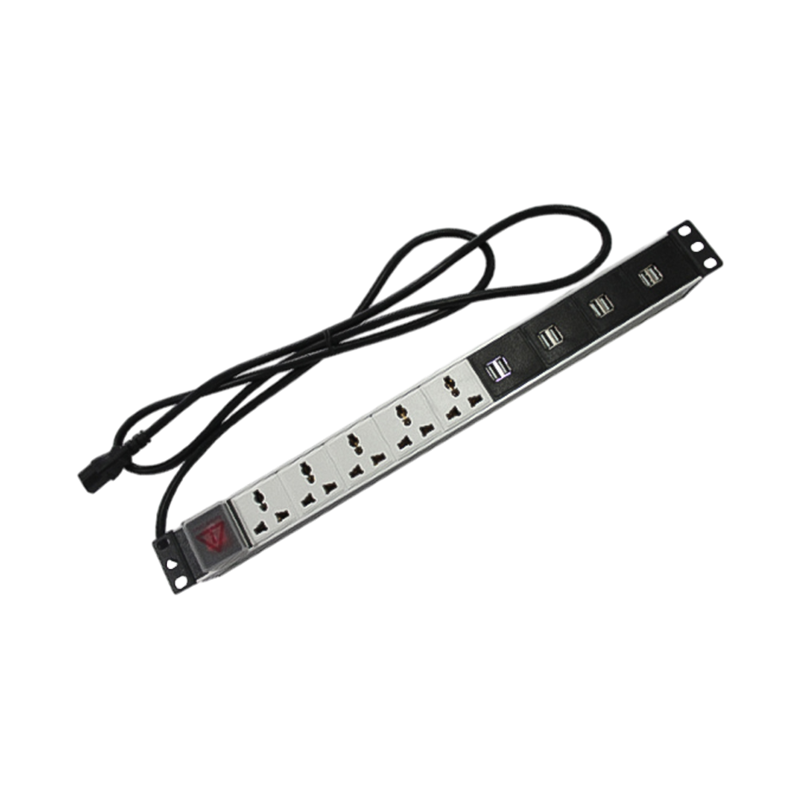

We are a company mainly engaged in the manufacturing of network cabinet , charging cart and other infrastructures.
Product Classification
Address
No.12 Fushan Road,Guanhaiwei Town,Cixi City,Ningbo,Zhejiang,China
PHONE
+86-17857397994