Five operational mistakes are responsible for up to 25% of charging cabinet efficiency loss in schools, enterprises, and public facilities — and every one of them is preventable. Whether you manage a laptop charging cabinet for a classroom, a tablet charging cabinet in a hospital, or a smart charging locker in a corporate lobby, the same patterns of misuse and misconfiguration quietly drain performance, shorten device lifespans, and increase energy waste.
This article identifies those five mistakes precisely, explains why they matter with real data, and gives you actionable fixes that restore full cabinet performance — often without any hardware investment at all.
Content
A well-designed charging cabinet is engineered to deliver consistent, safe power to multiple devices simultaneously across years of daily use. But hardware quality alone does not guarantee sustained performance. Studies of managed device programs in K–12 schools and enterprise environments show that operational and configuration errors account for 60–70% of charging system underperformance — far outweighing hardware defects.
The efficiency gap compounds over time. A cabinet operating at 80% efficiency on day one may drop to 65% by year two if underlying issues go unaddressed. That means devices arriving at users with lower charge levels, higher return rates for "dead battery" complaints, and accelerated battery degradation — all of which translate to measurable operational costs.
| Efficiency Loss Source | Estimated Contribution | Addressable Without Hardware Change |
|---|---|---|
| Thermal mismanagement | 8–10% | Yes |
| Wrong cable / connector pairing | 4–6% | Yes |
| Overcrowding and improper loading | 3–5% | Yes |
| No charging schedule / always-on mode | 4–6% | Yes — via software |
| Deferred maintenance and cleaning | 3–5% | Yes |
Heat is the single largest silent killer of charging efficiency. When internal cabinet temperatures exceed 35°C (95°F), lithium-ion batteries begin to charge less efficiently — accepting fewer milliamp-hours per cycle and throttling charge acceptance to protect cell chemistry. Above 45°C, modern devices actively reduce charge rate by 15–30% through thermal protection firmware.
In a fully loaded laptop charging cabinet with 16 or 32 slots operating in a room without adequate ventilation, internal temperatures routinely reach 40–48°C within the first hour of operation. This alone can account for 8–10% of the efficiency loss operators attribute to hardware aging.
This mistake is far more common than it appears — and more consequential. In environments with mixed-device fleets (a mix of tablets and laptops from different manufacturers, for example), cables are frequently swapped, borrowed, or replaced with generic alternatives. The result is charging sessions that complete at 30–60% of the rated charge rate because the cable cannot negotiate the correct power delivery protocol.
USB-C cables illustrate this perfectly. A USB 2.0 cable with a USB-C connector physically fits a USB-C Power Delivery port but limits charging to 5V/0.9A (4.5W) — versus the 45W or 65W the device and port are both capable of. In a 30-slot tablet charging cabinet using mismatched cables across 20 slots, the effective throughput loss can reach thousands of watt-hours per day.
Every charging cabinet has a total power budget — typically expressed in watts (e.g., 1,200W for a 32-slot laptop charging cabinet). When devices are loaded without regard to this budget, or when slots are occupied by devices much larger than the cabinet was designed for, two problems emerge simultaneously: power sharing reduces per-device charge rate, and physical airflow is blocked between devices.
In a 16-slot laptop charging cabinet rated for 16-inch laptops, forcing 17-inch devices into slots causes devices to lean against each other. This physical contact transfers heat between units and restricts the airflow channels the cabinet was designed to rely on. The combined thermal and power-sharing effect can reduce effective charge delivery by 12–18% per session.
Many organizations simply plug in a charging cabinet and leave it powered continuously — all slots live, all the time, regardless of whether devices need charging. This "set and forget" approach causes two compounding problems: it keeps batteries in the 95–100% state of charge for extended periods (which degrades lithium-ion battery chemistry faster than any other factor), and it wastes energy during hours when no charging is needed.
Research on lithium-ion battery longevity consistently shows that maintaining a battery above 80% charge continuously reduces cycle life by 20–30% compared to batteries maintained at 40–80%. In a school deploying 200 tablets managed through tablet charging cabinets, this translates to needing full battery replacements 18–24 months earlier than properly scheduled programs.
Smart charging lockers with built-in scheduling firmware address this directly. Timed charging windows ensure devices reach target charge levels just before they are needed — rather than sitting fully charged for 8–10 hours overnight.
| Environment | Recommended Charge Window | Target Charge Level | Idle Mode After Target |
|---|---|---|---|
| School (day use) | 5:00 AM – 7:30 AM | 85–90% | Power off / standby |
| Office (shift use) | 6:30 AM – 8:00 AM | 90–95% | Maintenance mode (40W) |
| Hospital (24/7 use) | Rolling 2-hr windows | 80–85% | Low-power hold |
| Library / public access | Closing time – 1 hr before open | 90% | Power off |
A charging cabinet is a high-cycle electrical system that operates in environments with significant dust, humidity variation, and physical handling. Without routine maintenance, three failure modes develop gradually and invisibly: contact resistance increases at connector points (reducing charge rate), fan or ventilation blockage worsens thermal performance, and minor wiring degradation goes undetected until a slot fails entirely.
In comparative assessments of maintained versus unmaintained charging cabinet deployments over a two-year period, maintained units delivered 93% of rated efficiency while unmaintained units dropped to 71% — a gap that widened significantly after the 18-month mark.
Each of the five mistakes above requires ongoing human attention to avoid in a conventional charging cabinet. A smart charging locker with integrated management software relocates most of that responsibility to the system itself — shifting from reactive troubleshooting to proactive management.
Key smart features that directly address the mistakes identified above include:
Avoiding the five mistakes above starts at the selection stage. Matching cabinet specifications to your actual deployment conditions is the most effective way to ensure efficiency is built in — not corrected after the fact.
Ningbo Cixi Communication Technology Co., Ltd., established in February 2024 and located in Ningbo City, Zhejiang Province, China, is a company focusing on the design, research and development, production, and trade of network cabinets and charging cabinets. As a professional OEM charging cabinet manufacturer and ODM charging cabinet company, Ningbo Cixi is committed to providing reliable, intelligent, and efficient solutions for device charging infrastructure across a wide range of environments.
The company offers one-stop services for the installation of network communication equipment and charging needs, providing comprehensive solutions for communication equipment infrastructure. Ningbo Cixi continuously pursues product transformation and upgrading — emphasizing not only safety and reliability but also intelligence, striving to deliver smarter, more convenient, and more efficient products to customers worldwide.
With an in-house design team and a passionate, innovation-driven culture, Ningbo Cixi integrates the latest technology into every product — from basic laptop charging cabinets to advanced smart charging lockers with remote monitoring and access control. Whether serving enterprise customers, educational institutions, or individual users, the company delivers quality products and after-sales services built for long-term performance.
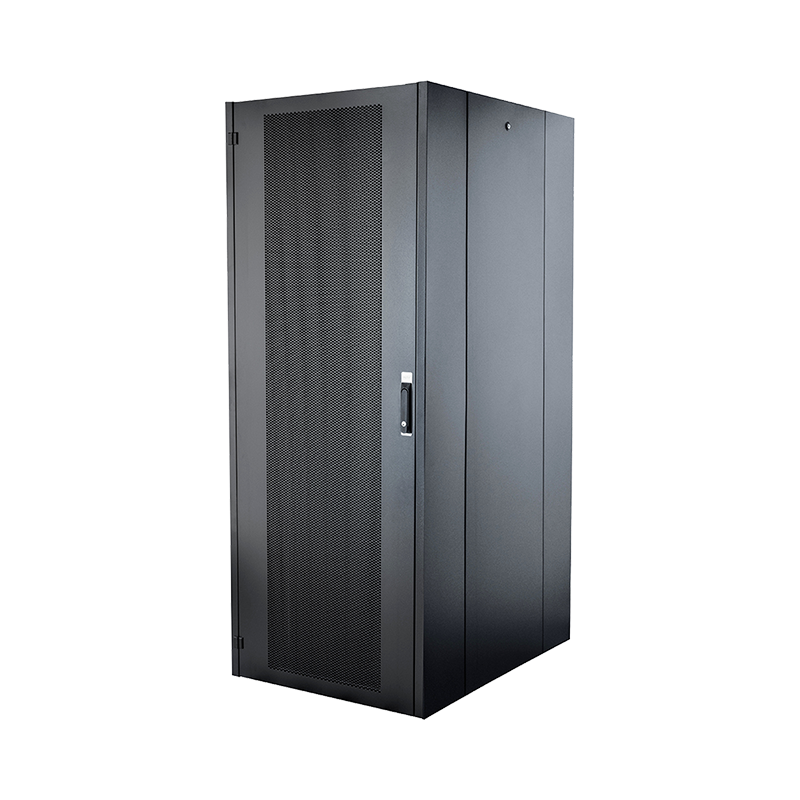
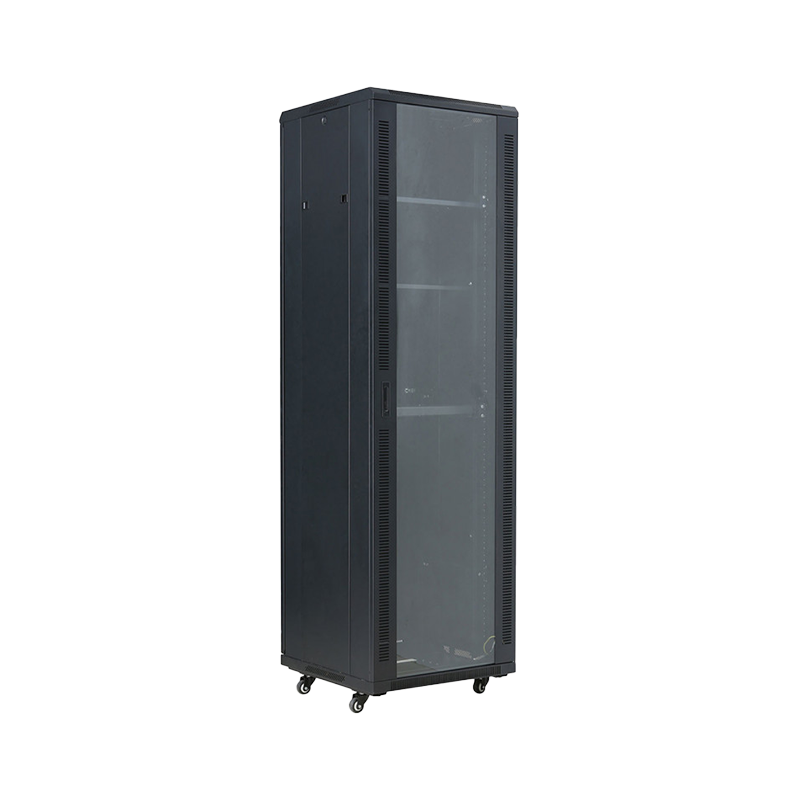
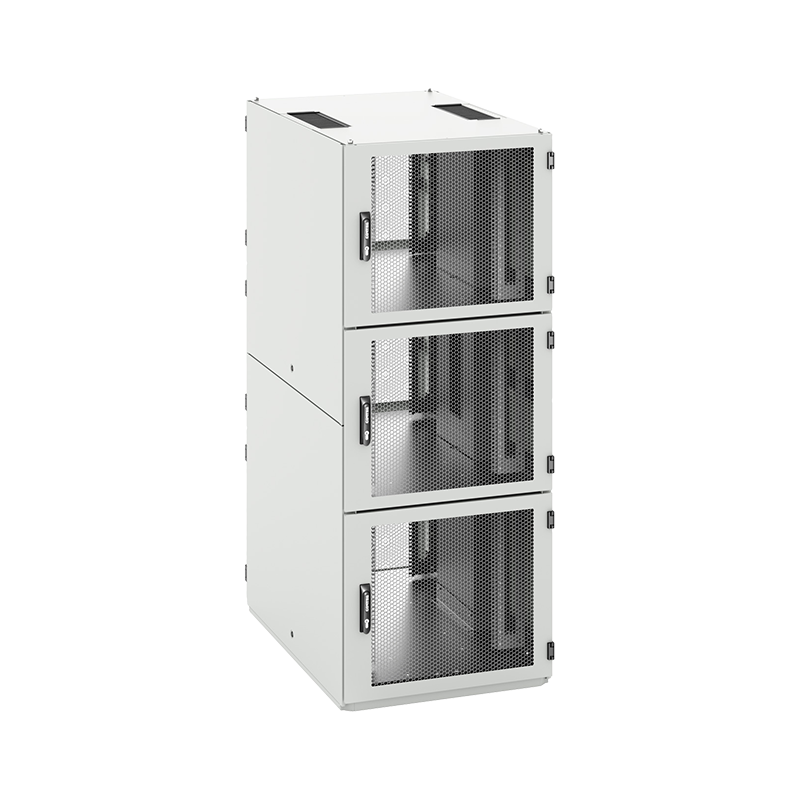
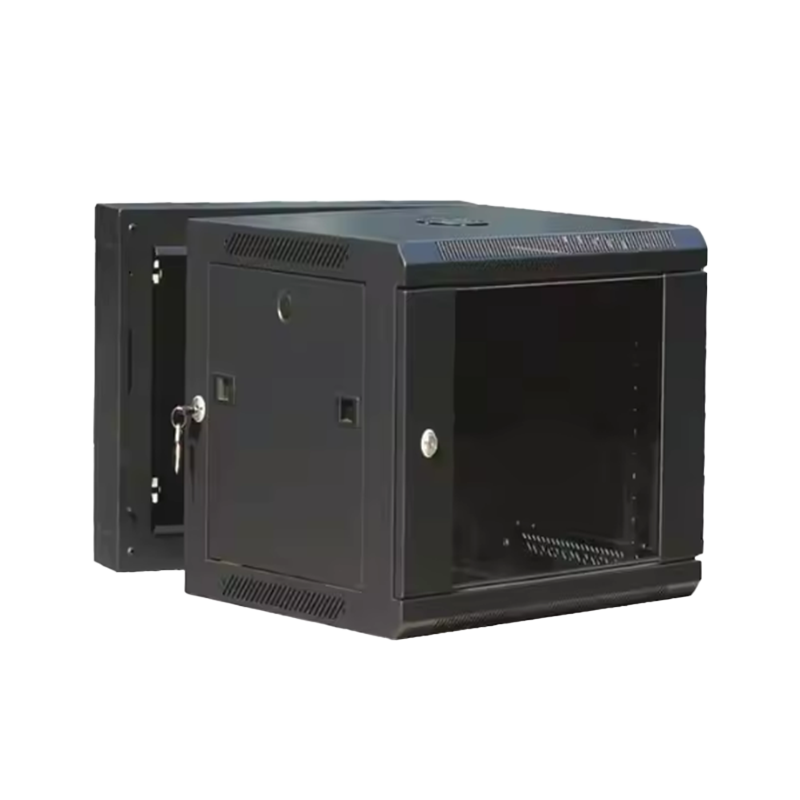
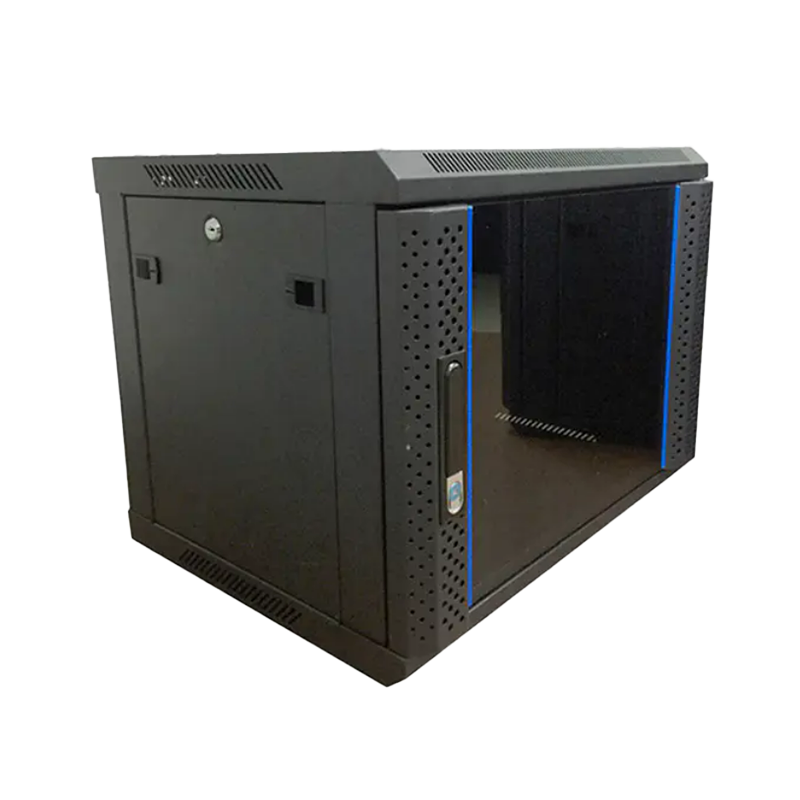
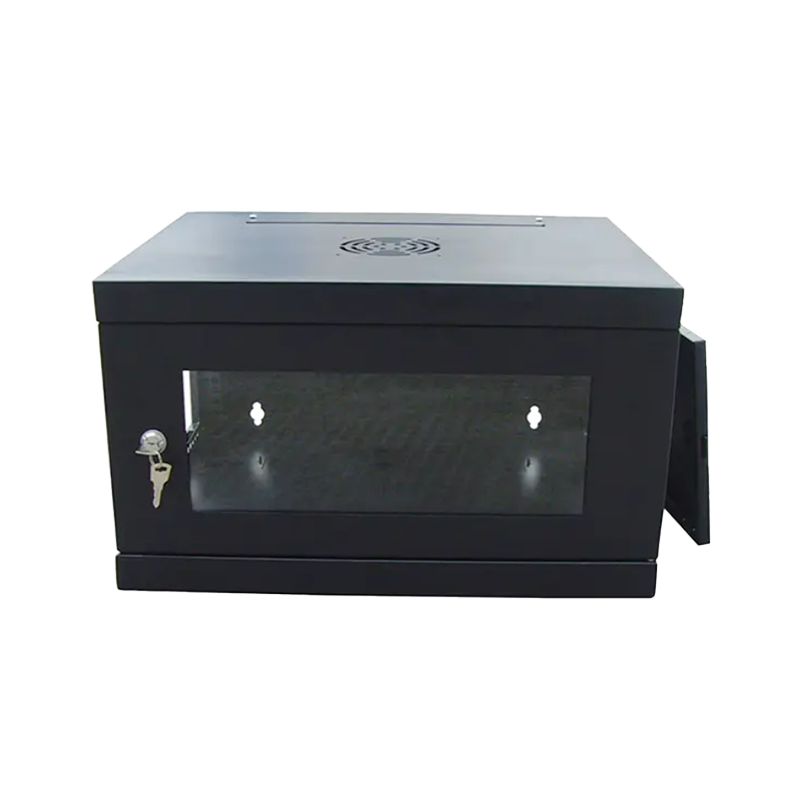
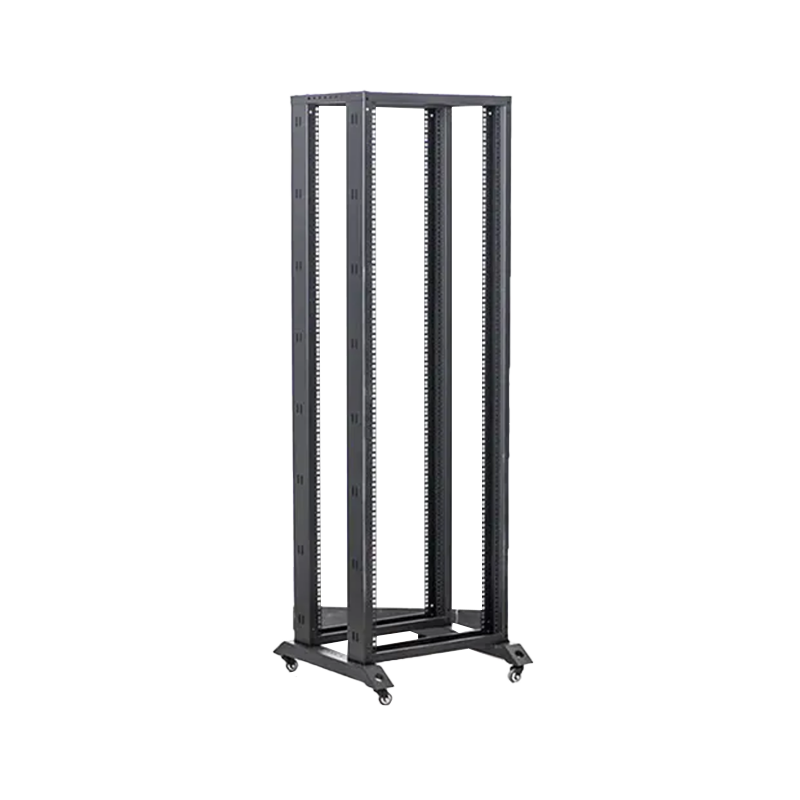
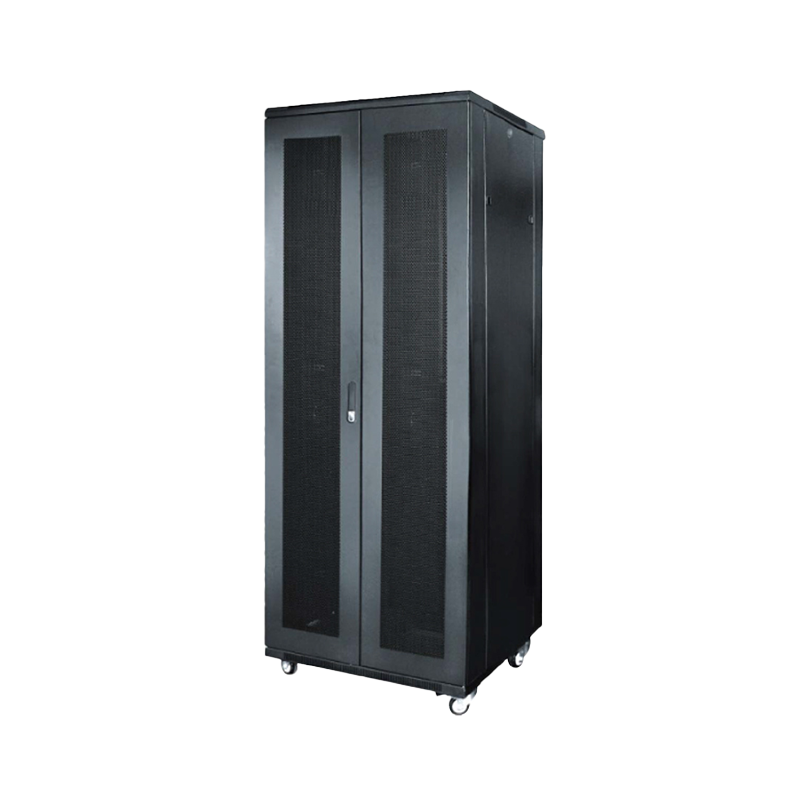
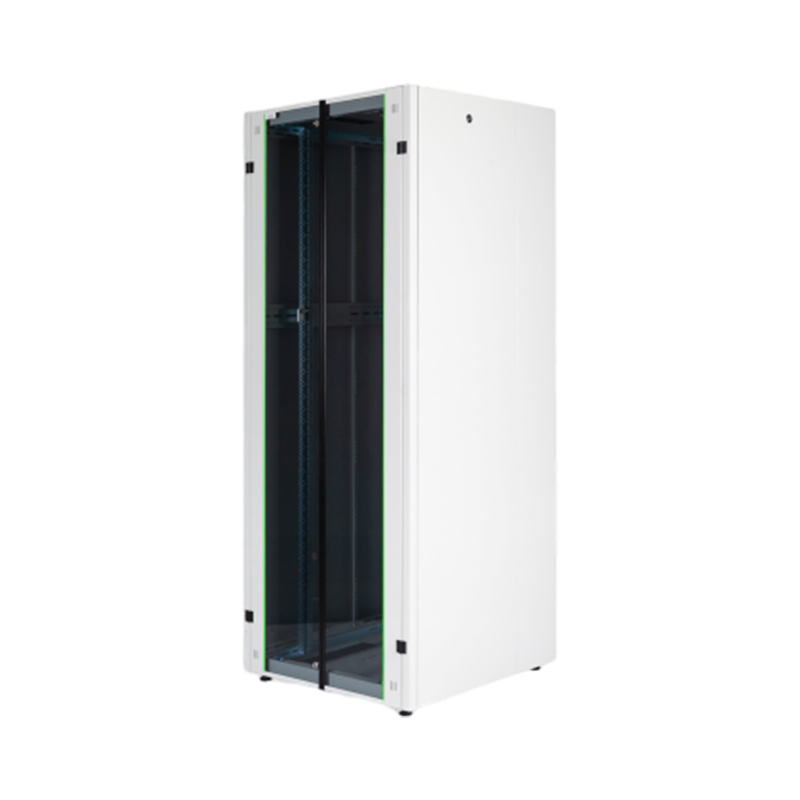
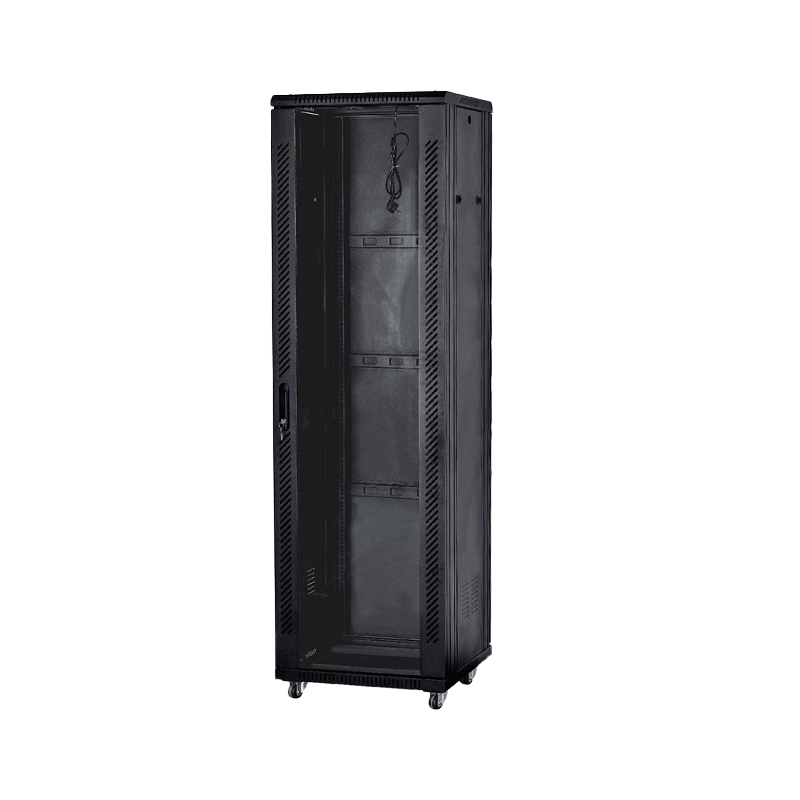
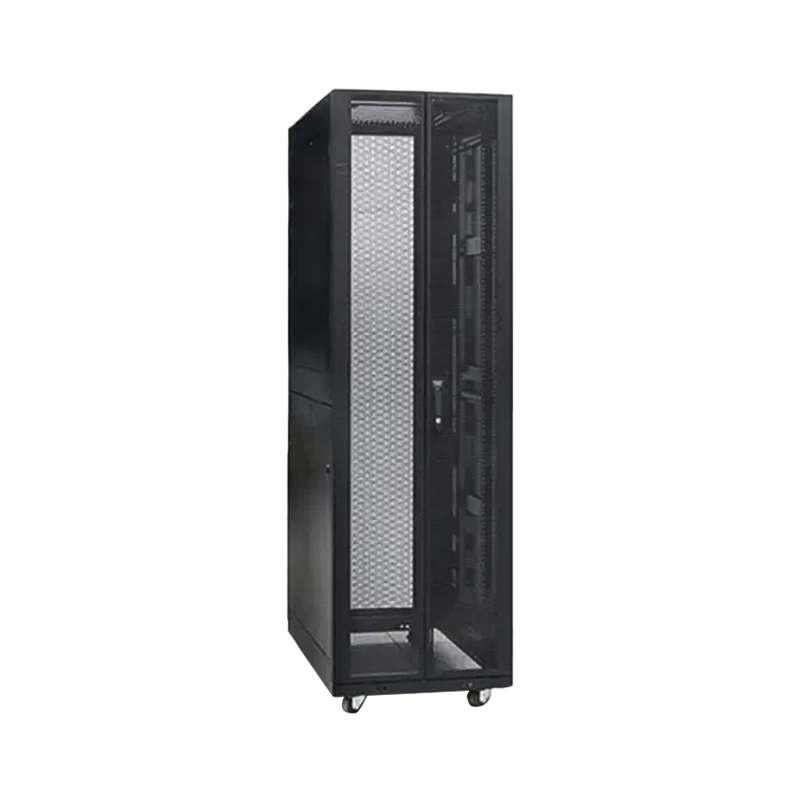
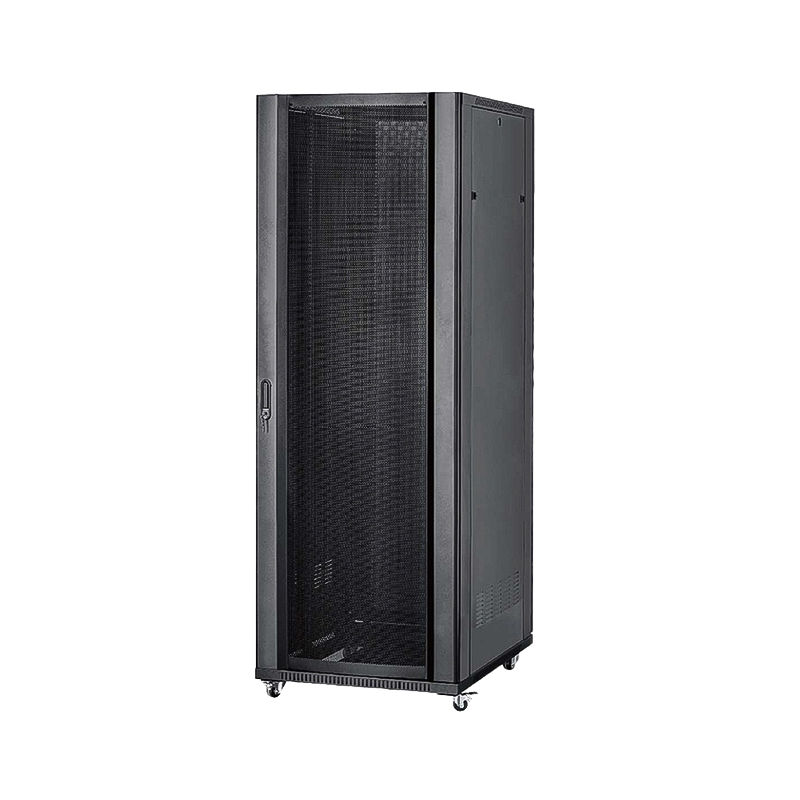
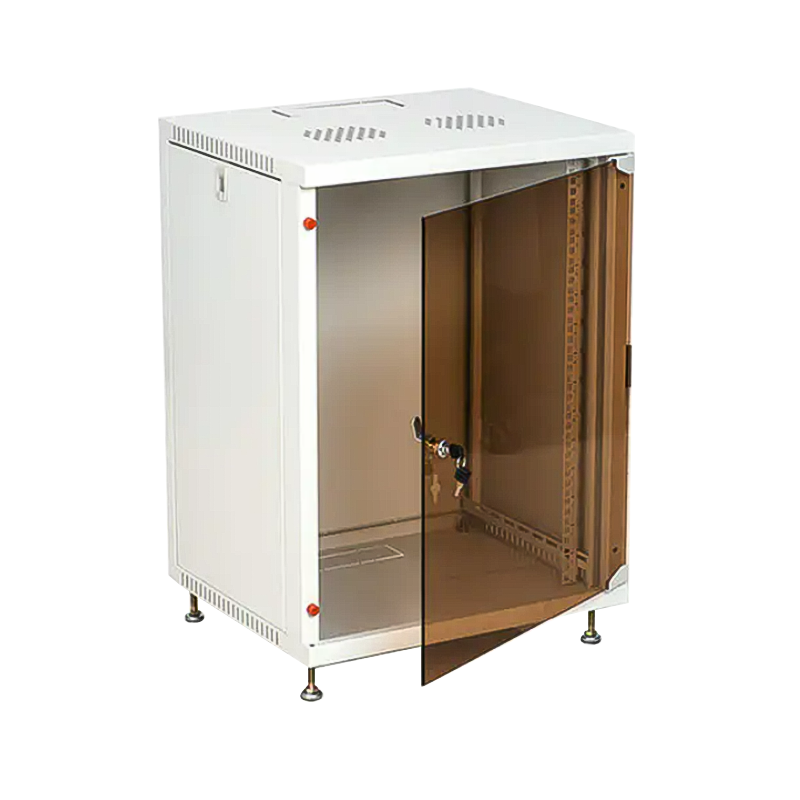
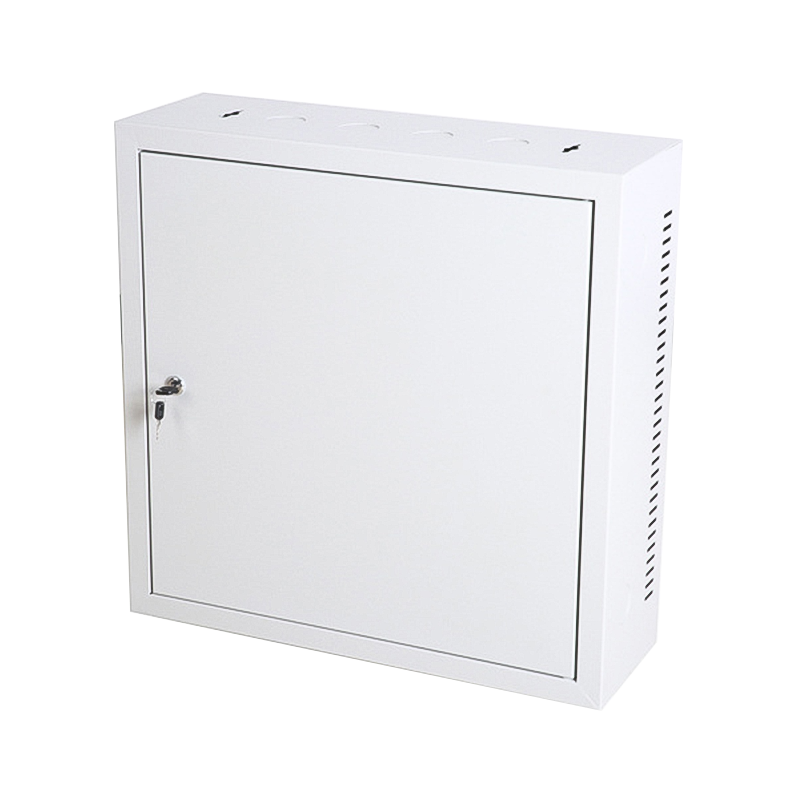
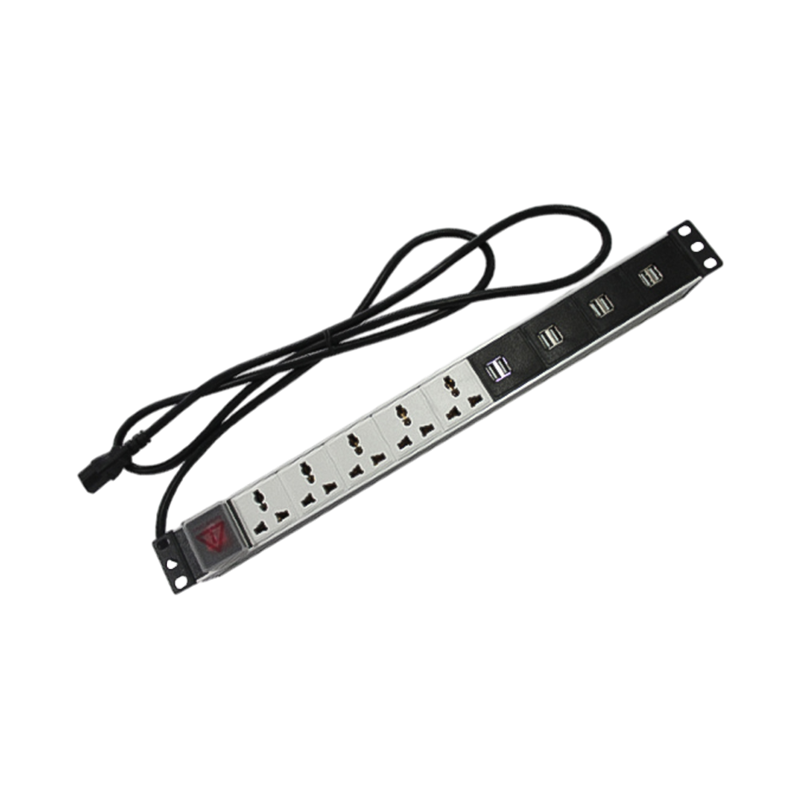

We are a company mainly engaged in the manufacturing of network cabinet , charging cart and other infrastructures.
Product Classification
Address
No.12 Fushan Road,Guanhaiwei Town,Cixi City,Ningbo,Zhejiang,China
PHONE
+86-17857397994

 English
 عربى
عربى
 Español
 русский