A wall mount network cabinet improves cable management by consolidating all network equipment and cabling into a single, enclosed, wall-fixed enclosure — eliminating floor-level clutter, enforcing structured routing paths, and making every connection immediately identifiable. Studies across enterprise IT environments show that structured cable management reduces troubleshooting time by up to 60% and lowers the risk of accidental disconnection by over 70%. This article explains exactly how that improvement works in practice, and what to look for when selecting a cabinet for your installation.
Content
Unmanaged cabling is one of the most common causes of network downtime in small and medium-sized installations. When cables are loose, unlabeled, or tangled across desks and floors, a single accidental pull can take down an entire network segment. Beyond reliability, poor cable management creates real operational costs: a technician troubleshooting an unlabeled tangle may spend 45 minutes or more tracing a single faulty run, compared to under 5 minutes in a well-structured cabinet.
Heat management is equally affected. Dense, unorganized bundles of cable restrict airflow around switches and routers. A temperature rise of just 10 °C above the rated operating range can halve the lifespan of active network equipment. A properly designed wall mount network cabinet addresses both problems simultaneously — through physical structure, integrated airflow management, and designated routing channels.
The core cable management benefit of a wall mount network cabinet comes from its physical architecture. Unlike open wall panels or desk-mounted switches, a closed cabinet provides defined entry points, internal routing channels, and mounting positions that enforce order from the moment of installation.
Quality cabinets include pre-punched or removable knockout panels on the top, bottom, and sides — typically fitted with rubber grommets. These limit cable entry to defined positions, preventing cables from entering at random angles. Grommeted entries also protect cable jackets from abrasion against metal edges, reducing insulation failure over the long term.
Horizontal and vertical cable managers — available as 1U or 2U rack-mount accessories — hold patch cables in neat rows between active equipment. D-ring hooks along the cabinet sides allow vertical runs to be bundled and secured with hook-and-loop straps, keeping them separated from power wiring. This physical separation is not just aesthetic: mixing data and power cables within the same bundle introduces electromagnetic interference that can degrade Gigabit Ethernet performance by 15–25% on long runs.
A 24-port or 48-port patch panel mounted at the top of the cabinet serves as the permanent termination point for all incoming horizontal cabling. Short, color-coded patch cables then connect the patch panel ports to switch ports below — creating a clearly readable cross-connect layer. Changing a workstation's network assignment takes seconds: unplug one patch cable and re-plug it into a different switch port, with no need to disturb any permanent cabling.
| Feature | Open-Frame Wall Panel | Basic Enclosed Cabinet | Full-Feature Wall Cabinet |
|---|---|---|---|
| Cable entry management | None | Knockouts only | Grommeted knockouts, multiple sides |
| Horizontal cable manager | No | Optional add-on | Included or integrated |
| Vertical cable routing | No | D-rings | Full vertical manager with covers |
| Airflow management | Uncontrolled | Passive vents | Fan-assisted, thermostat-controlled |
| Equipment security | None | Lockable door | Lockable door + side panels |
Cable organization and thermal management are inseparable inside a wall mount network cabinet. Neatly routed cables leave clear channels for air movement, while tangled bundles act as physical barriers that trap heat against equipment chassis.
For cabinets housing active switching equipment with a total heat dissipation above 200 W, passive venting is generally insufficient in ambient temperatures above 25 °C. A thermostat-controlled fan kit — typically drawing only 15–25 W — maintains internal temperatures within 5 °C of ambient, extending equipment lifespan and preventing thermal throttling of managed switches. Proper cable routing is what makes fan cooling effective: with cables cleared from the airflow path, a single 80 mm fan can move enough air through a 9U to 12U cabinet to keep all equipment within safe operating range.
Blanking panels — 1U inserts that fill empty rack spaces — are another underused cable management tool. They prevent warm exhaust air from recirculating back to equipment inlets, a phenomenon that can raise inlet temperatures by 8–12 °C in partially filled cabinets.
The practical value of a well-managed wall mount cabinet becomes most apparent during fault diagnosis. The chart below illustrates typical technician time spent diagnosing common network faults, comparing structured cabinet installations against unmanaged setups.
A wall mount network cabinet provides the physical structure for good cable management, but labeling makes that structure usable over time — especially as teams change and equipment is added or replaced.
Cabinet size — measured in rack units (U) — directly affects how well cables can be managed. An undersized cabinet forces cables into tight bends and leaves no room for proper routing accessories. As a general rule, plan for 30–40% more rack space than current equipment requires, reserving room for future expansion and the cable managers that make organization possible.
| Installation Scale | Typical Equipment | Recommended Cabinet Size | Cable Manager Slots Needed |
|---|---|---|---|
| Home / SOHO | Router, 8-port switch, NAS | 6U – 9U | 1–2 |
| Small Office (up to 25 users) | 24-port switch, patch panel, UPS | 9U – 12U | 2–3 |
| Medium Office (25–100 users) | 48-port switch, dual patch panel, firewall | 12U – 18U | 3–5 |
| Public / Commercial Hub | Multiple switches, APs, access control | 18U – 24U | 5+ |
Depth is equally important. Shallow cabinets (under 300 mm deep) are suitable for passive patch panels and thin switches but cannot accommodate most full-depth network appliances, which typically require 400–600 mm of depth. Always verify the depth of the deepest planned device before specifying the cabinet.
Even the best-specified wall mount network cabinet delivers poor cable management if it is installed incorrectly. The following installation factors have a direct impact on the quality of the cabling environment inside the cabinet.
The value of structured cable management compounds over time. The line chart below compares cumulative technician hours spent on cable-related tasks in a 50-user office, contrasting a wall mount network cabinet installation against an unmanaged approach over five years.
By Year 5, the structured cabinet installation in this model requires less than 16% of the cumulative technician time of the unmanaged alternative — a difference that translates directly into reduced IT labor costs and less network downtime for end users.
Ningbo Cixi Communication Technology Co., Ltd., established on February 2, 2024, and located in Ningbo City, Zhejiang Province, China, is a company focusing on the design, research and development, production, and trade of network cabinets and charging cabinets. The company is committed to providing reliable products and services by leveraging advanced equipment and manufacturing technology.
As a professional OEM Wall Mount Network Cabinet Manufacturer and ODM Wall Mount Network Cabinet Company, Ningbo Cixi offers comprehensive solutions for communication equipment infrastructure, providing one-stop services for the installation of network communication equipment and charging needs. Products are characterized by safety, reliability, intelligence, efficiency, and ease of operation.
With an in-house design team, the company provides professional OEM/ODM services across a wide range of scenarios — from network data centers and enterprise offices to public transportation hubs, commercial premises, and personal residences. As a startup company, Ningbo Cixi prioritizes technological innovation and quality management, integrating the latest technology into its products to create greater value for customers worldwide.
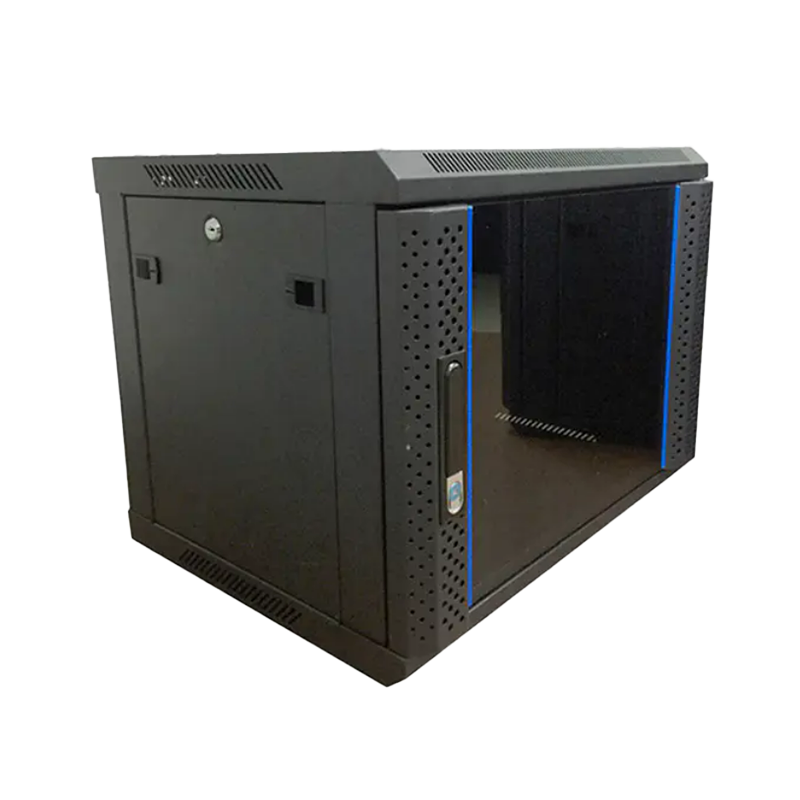
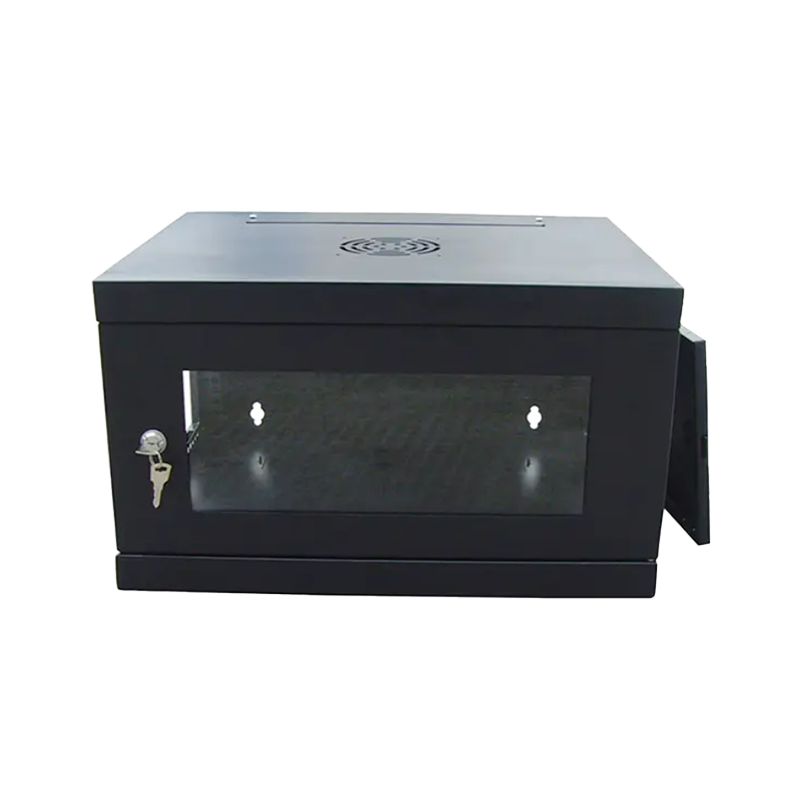
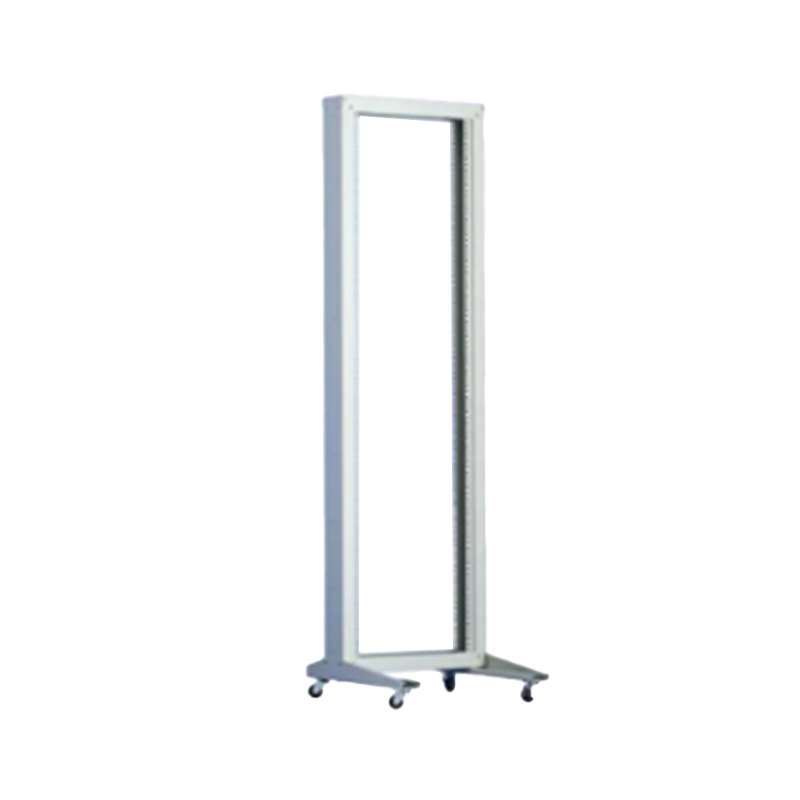
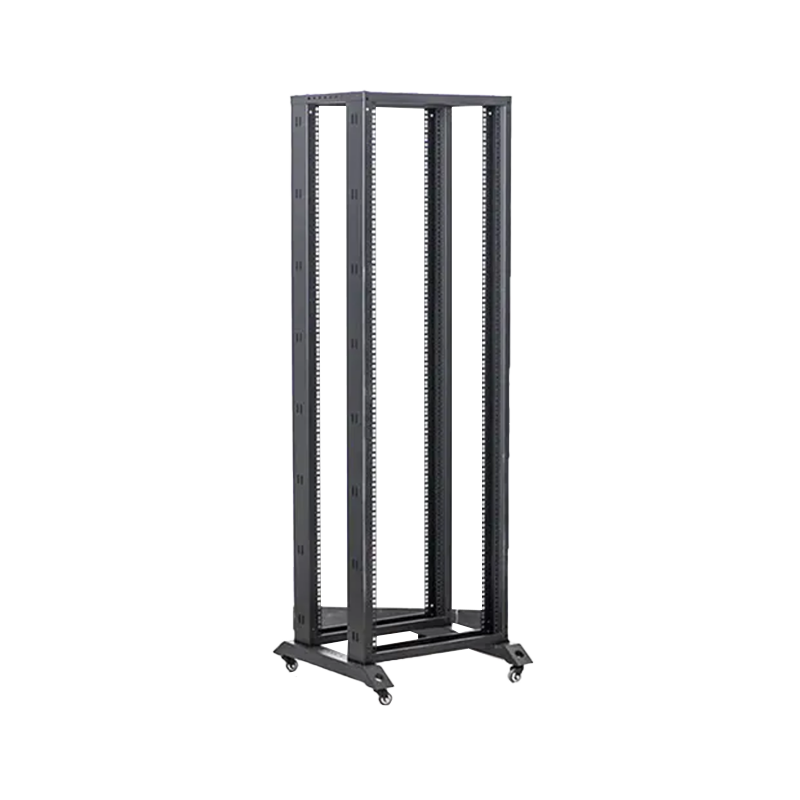
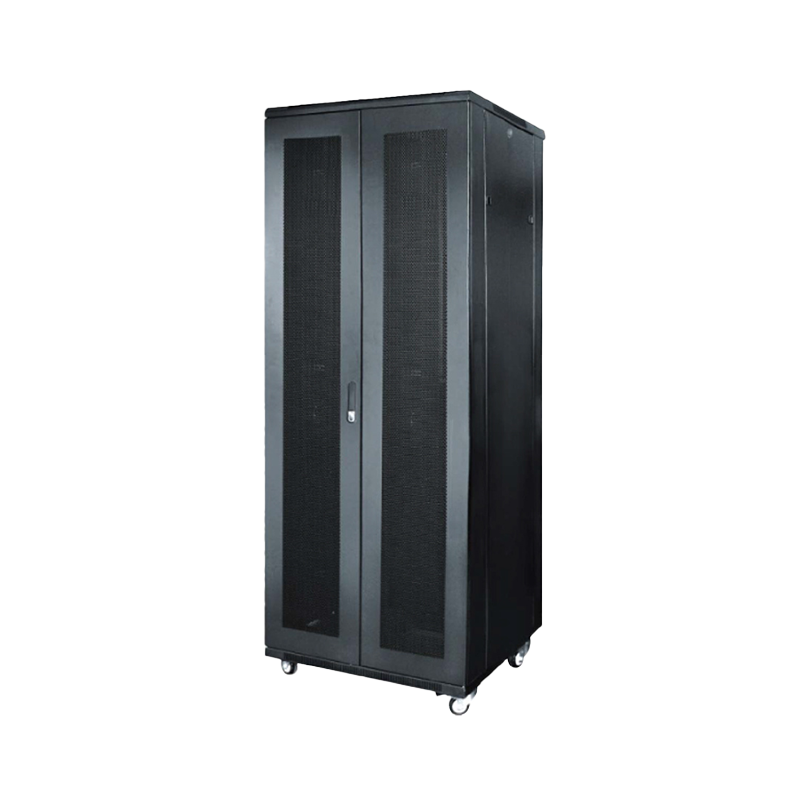
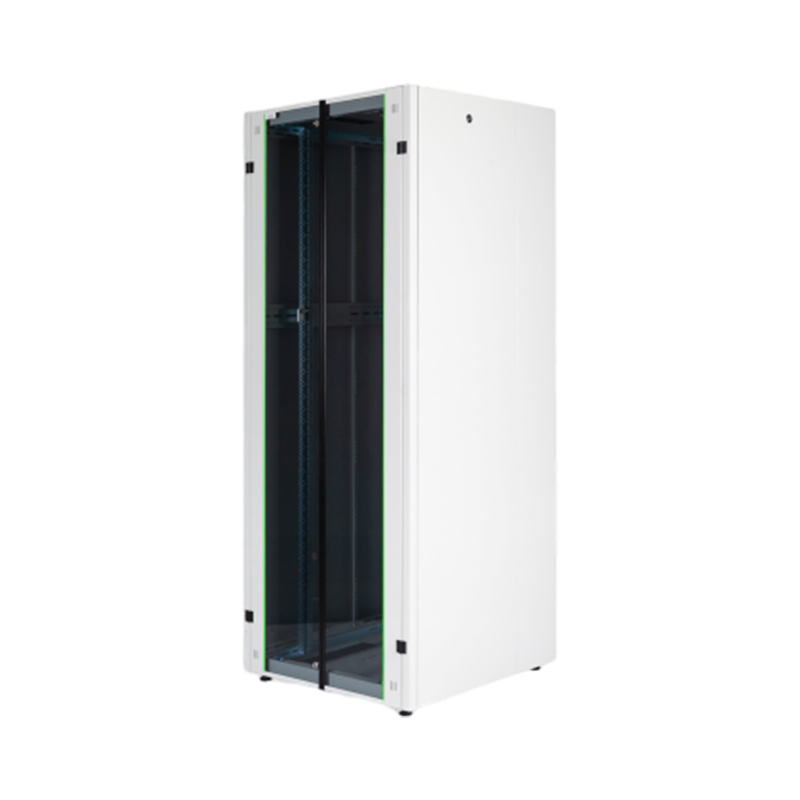
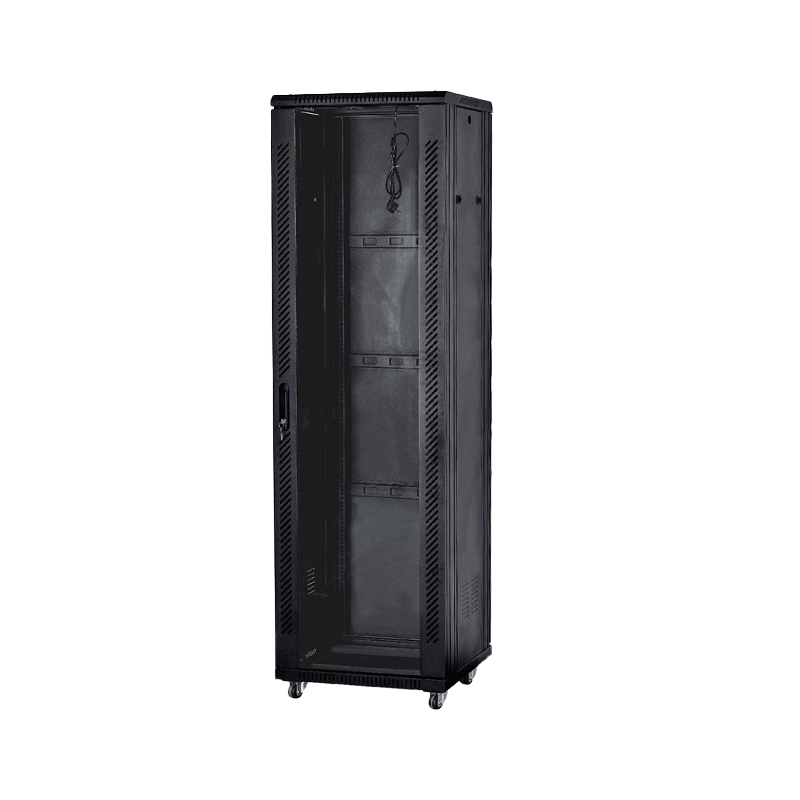
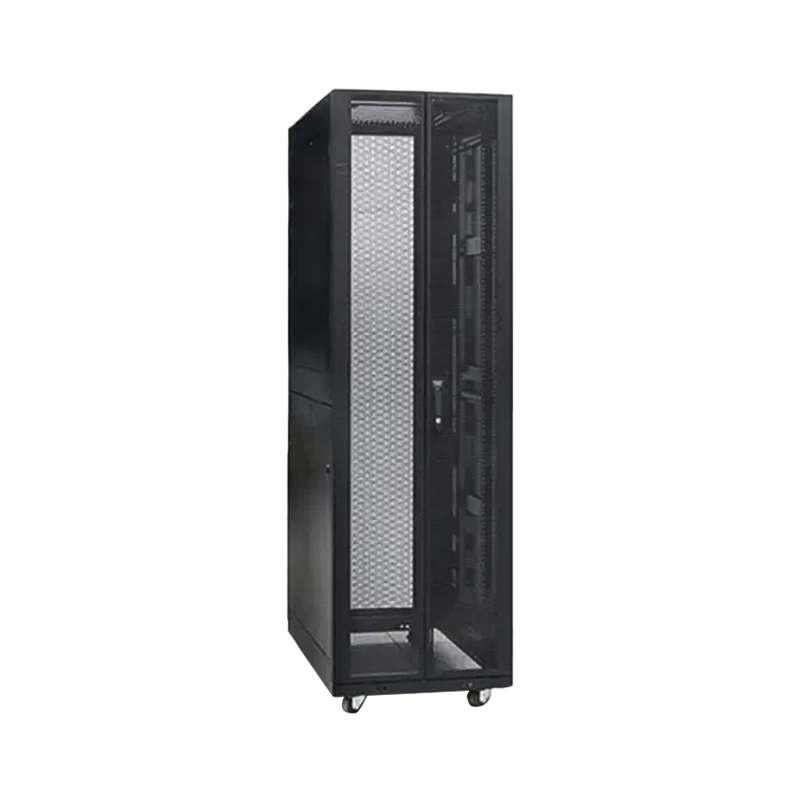
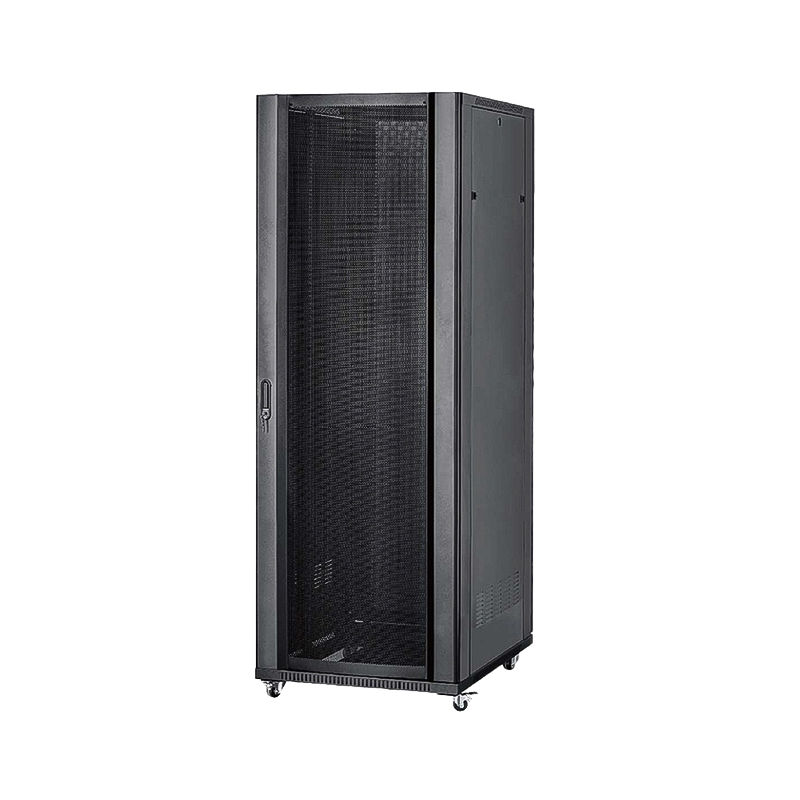
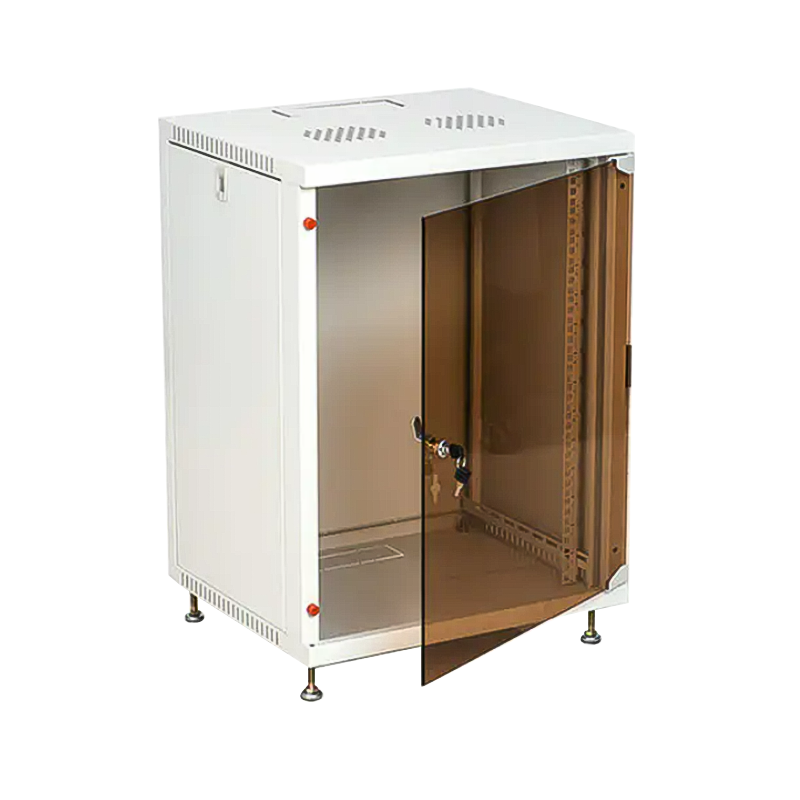
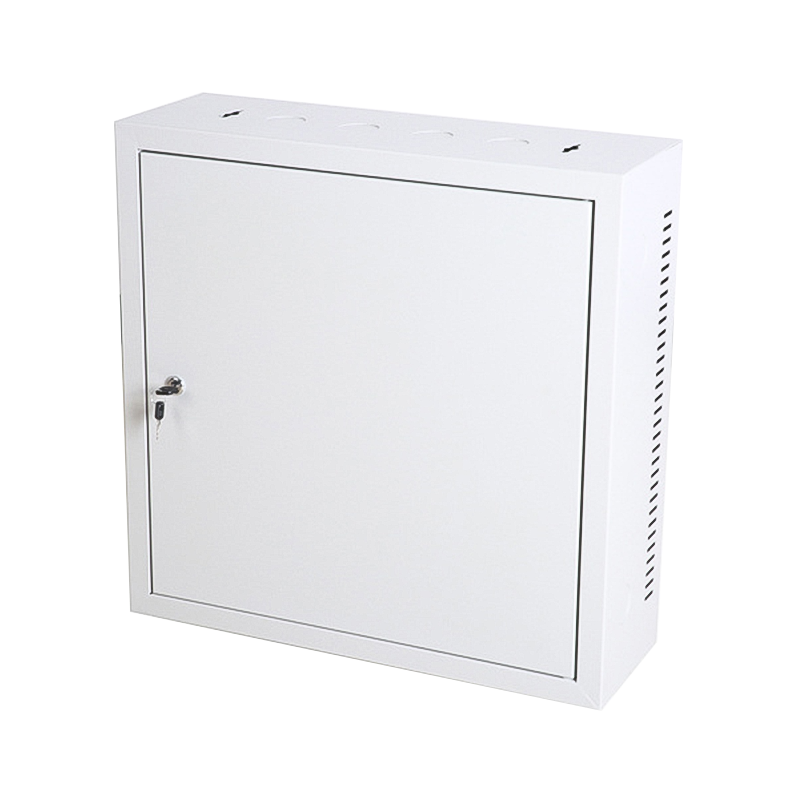
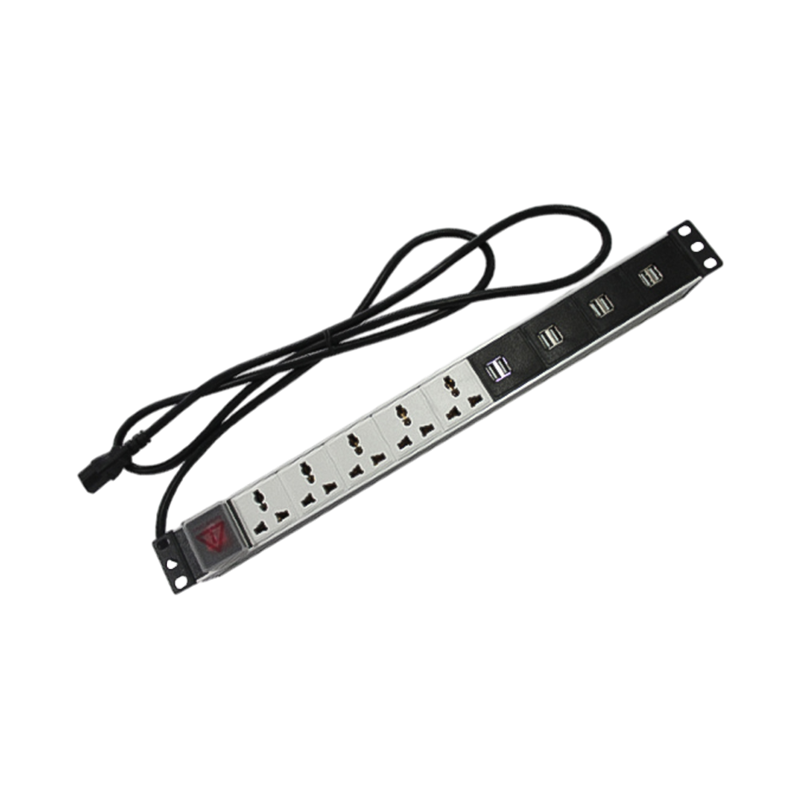

We are a company mainly engaged in the manufacturing of network cabinet , charging cart and other infrastructures.
Product Classification
Address
No.12 Fushan Road,Guanhaiwei Town,Cixi City,Ningbo,Zhejiang,China
PHONE
+86-17857397994

 English
 عربى
عربى
 Español
 русский