English
 عربى
عربى
 Español
 русский

News
Home / News / Industry News / Charging Cabinet: How to provide an efficient and safe charging solution for your devices?
A charging cabinet solves the core challenge of simultaneously charging, storing, securing, and organizing multiple devices in one centralized, safe unit. For schools managing 30-tablet classrooms, hospitals tracking 20 barcode scanners, or corporate offices deploying shared laptops, a dedicated charging cabinet reduces device downtime by up to 40%, eliminates cable sprawl, and removes the fire and electrical hazards created by daisy-chaining standard power strips. The right cabinet choice depends on device count, connector types, power requirements per slot, and the security level your environment demands — and this article gives you the data to make that decision precisely.
This guide covers how charging cabinets work, what safety features distinguish reliable units from inadequate ones, how to match cabinet capacity to your deployment, and what to look for in ventilation, power management, and locking systems across the main application environments.
Content
A charging cabinet is a purpose-engineered enclosure containing a managed power distribution system, individual charging slots or shelves, a ventilation system, and a security enclosure — all integrated into a single unit rated for continuous multi-device charging loads. Unlike power strips or multi-port USB hubs assembled informally, a charging cabinet is designed from the ground up around three operational requirements that ad-hoc solutions fail to meet at scale:
Every credible charging cabinet should include a dedicated circuit breaker on the input power feed and individual-slot or grouped-slot fuse protection. The input breaker should be rated at 125% of the cabinet's maximum continuous load — a 30-slot laptop cabinet at 65W per slot (1,950W total) requires at minimum a 20A / 2,400W circuit breaker. Surge protection rated at a minimum 1,500 joules clamping energy should be integrated into the cabinet's internal power distribution, not left to an external strip.
Passive ventilation (mesh side panels and vented rear panels) is adequate for tablet and smartphone cabinets operating at under 5W per slot average. Laptop and Chromebook cabinets operating at 30–65W per slot require active cooling — typically one or more temperature-controlled fans that activate above a threshold internal temperature (commonly 30°C). Quality cabinets include a thermal cutoff switch that disconnects all charging circuits if internal temperature exceeds a safe maximum (typically 60°C), preventing any single device malfunction from cascading.
The metal enclosure of a charging cabinet must be properly grounded to the facility electrical system. A fault current from any internal component should flow to ground, not through a user touching the cabinet. Verify that any cabinet under consideration carries UL 60950, IEC 62368-1, or CE / TUV certification — these certifications require verified grounding continuity and dielectric withstand testing, not just visual inspection of the design.
In a high-quality charging cabinet, a fault or short circuit in one device's charging slot should not affect other devices. This requires individual overcurrent protection per slot (individual fuses or polyfuses) or grouped protection in small sets of 4–6 slots. Cabinets using a single shared circuit for all slots are vulnerable to a single device fault taking the entire cabinet offline — a significant operational risk in a 30-device school deployment.
Charging cabinets are built around three primary form factors, each optimized for a different device category and deployment scale.
| Cabinet Type | Typical Slot Count | Power per Slot | Compatible Devices | Best Application | Cooling Type |
|---|---|---|---|---|---|
| Smartphone / tablet mini cabinet | 8–20 slots | 5–12W | Phones, small tablets (up to 8") | Retail, hospitality, classroom pods | Passive ventilation |
| Tablet / Chromebook cart cabinet | 16–40 slots | 12–30W | Tablets (10–14"), Chromebooks | Schools, libraries, enterprise shared fleet | Passive or low-speed fan |
| Laptop charging cabinet | 10–32 slots | 30–90W | 14–17" laptops, 2-in-1 devices | Corporate IT, higher education, testing centers | Active thermostat-controlled fans |
| Universal multi-device cabinet | 12–36 mixed slots | 5–65W (auto-detect) | Mixed device types, USB-C PD | Healthcare, logistics, mixed-fleet operations | Active fans with thermal monitoring |
| Rugged field device cabinet | 8–24 slots | 12–45W (device-specific) | Barcode scanners, tablets with cases, radios | Warehouses, manufacturing, field service | Active with sealed IP-rated enclosure option |
When calculating required cabinet capacity, add a 20–25% buffer above your current device count. Device fleets in schools and enterprises grow, and procuring a cabinet at maximum current capacity guarantees a costly replacement within 18–24 months. A 30-slot cabinet for a 24-device fleet provides operational headroom without excessive cost.
Power management strategy is one of the most important differentiators between a basic charging cabinet and a sophisticated one — and it directly affects both charging speed and electrical safety.
In simultaneous charging mode, all connected devices charge at full rated power concurrently. A 32-slot Chromebook cabinet at 30W per slot draws 960W continuously — requiring a dedicated 15A circuit (in the US) or a 10A circuit in most European installations. This approach is appropriate when devices must be fully charged within a specific window (overnight in a school setting, for example) and circuit capacity is sufficient.
Staggered charging controllers activate charging circuits in groups — typically 4–8 devices at a time — cycling through all devices in sequence. Peak power draw is reduced by 60–75%, allowing a large cabinet to operate on a standard 15A circuit that would otherwise be overloaded by simultaneous full charging. The trade-off is longer total charge time: a 32-device cabinet with 8-device groups takes approximately 4x longer to complete a full cycle than simultaneous charging. This is fully acceptable for overnight charging schedules but unsuitable for rapid turnaround between class periods or shifts.
The chart illustrates that staggered charging reduces peak demand from 960W to approximately 240W — allowing a 32-slot cabinet to operate on a standard 15A circuit with a 75% peak demand reduction. For facilities where electrical upgrades are costly or impossible, staggered charging cabinets are often the only viable deployment option for large device fleets.
Connector compatibility is the most operationally disruptive specification error in charging cabinet procurement. A cabinet installed with USB-A ports for a device fleet that transitions to USB-C requires complete re-cabling or early replacement.
For new procurements in 2024 and beyond, specifying USB-C PD ports at a minimum of 45W per slot is the most future-proof choice for any environment using tablets, Chromebooks, or laptops. USB-C PD cabinets charged older USB-A devices through passive adapters at no performance penalty.
The security specification of a charging cabinet should match the environment's accountability requirements and the value and replaceability of the devices being stored.
Master-key locking with individual slot locks is the most common configuration in K-12 education. A single master key provides teacher access to all devices, while the locked cabinet prevents unauthorized removal between classes. The operational risk is key management — a lost master key can disable access to the entire device fleet until a locksmith intervention.
Electronic keypad locks with programmable PIN codes are preferred in healthcare and corporate environments where access must be restricted to specific personnel without physical key distribution. RFID badge integration allows access to be granted and revoked without hardware changes — critical in high-turnover environments or when a device is reported missing. These systems typically log all access events with timestamps, providing an audit trail that is often required by institutional IT security policies.
Enterprise-grade charging cabinets increasingly offer network connectivity (Ethernet or Wi-Fi) that allows IT administrators to monitor charging status, battery levels, access logs, and power consumption from a central management console. For organizations managing hundreds of devices across multiple locations, this remote visibility eliminates the need for physical inspection rounds and allows proactive identification of devices that consistently fail to charge — indicating a failing battery or damaged charging cable before it becomes an operational issue.
A correctly specified charging cabinet deployed incorrectly will still underperform. These installation and operational practices ensure the cabinet delivers its designed performance over its full service life.
A standard 8-hour overnight cycle is sufficient to fully charge most tablets and Chromebooks from 20% battery if the cabinet provides the device's rated charging wattage per slot. A 12-inch tablet with a 38Wh battery charging at 18W will complete in approximately 2.5 hours at full power. Cabinets using staggered charging need to be sized so that even the last group of devices in the cycle completes before morning — for a 32-slot staggered cabinet cycling in groups of 8, the last group begins charging 3 charge cycles into the night, which is still within the 8-hour window for most tablet-class devices.
Yes, provided the cabinet carries appropriate safety certifications (UL, CE, or IEC) and is installed on a properly rated dedicated circuit. Modern device batteries include their own charge management circuits that terminate charging at 100% — the cabinet's role is to provide stable power, not to manage the charge cutoff. The cabinet's thermal cutoff and circuit protection features handle abnormal conditions. Unattended overnight charging is the primary use case for purpose-built charging cabinets and is explicitly addressed in their design and certification testing.
This depends on the cabinet's slot width and depth specification. Standard tablet charging cabinets are designed for bare devices with slot widths of approximately 14–16 mm. Rugged cases (particularly full-rubber or bumper cases) add 8–15 mm to device thickness and will not fit in standard slots. Cabinets designed for ruggedized or cased devices specify slot widths of 22–30 mm and are explicitly marketed for rugged deployment. Always verify the slot dimensions against the cased device dimensions before procurement — a mismatch discovered after installation requires purchasing a different cabinet.
A well-constructed charging cabinet with a steel or aluminum enclosure should provide 7–10 years of service in normal institutional use, with cable replacements as the primary ongoing maintenance item. The power supply and surge protection components typically carry 3–5 year manufacturer warranties in professional-grade units. The mechanical enclosure, locking hardware, and ventilation system rarely require replacement within the operational life of the cabinet. The most common reason for earlier replacement is connector obsolescence — USB-A cabinets procured in 2018 are now incompatible with USB-C-only device fleets, which underscores the value of specifying USB-C PD for new installations.
Higher-end charging cabinets do support USB-C Power Delivery at up to 65W or 90W per port, which provides full fast charging for all PD-compliant devices. Standard charging cabinets with USB-A ports deliver a fixed 5V at up to 2.4A (12W) and do not support proprietary fast charge protocols. Whether fast charging is necessary depends on the use case: for overnight charging with 8+ hours available, standard 12W charging is entirely adequate for tablets. For rapid turnaround between uses (a 30-minute class break, a shift change), USB-C PD fast charging is operationally valuable.
Wall-mounted cabinets are appropriate when the devices are always used in the same room and the cabinet location is permanent — a dedicated computer lab, a nurse station, or a retail back office. They require no floor space and cannot be tipped or rolled into doorways. Mobile charging carts are the correct choice when devices need to be distributed across multiple rooms or to different locations within a facility — a shared tablet fleet used in different classrooms on a rotating schedule, or a warehouse device fleet distributed to different staging areas by shift. Mobile carts require the destination locations to have accessible power outlets and should include wheel locks to prevent accidental movement while connected to power.
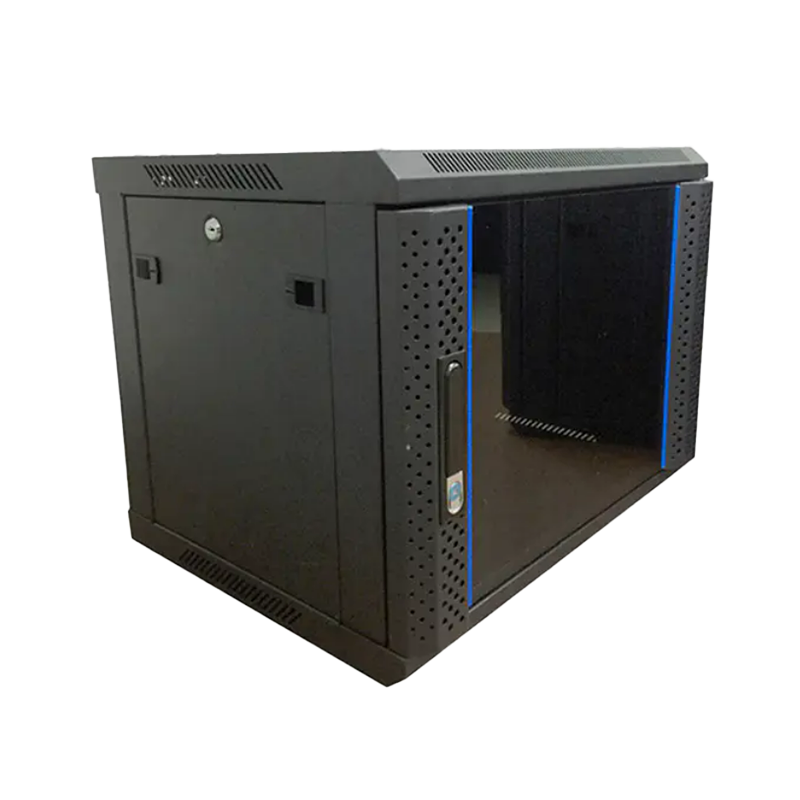
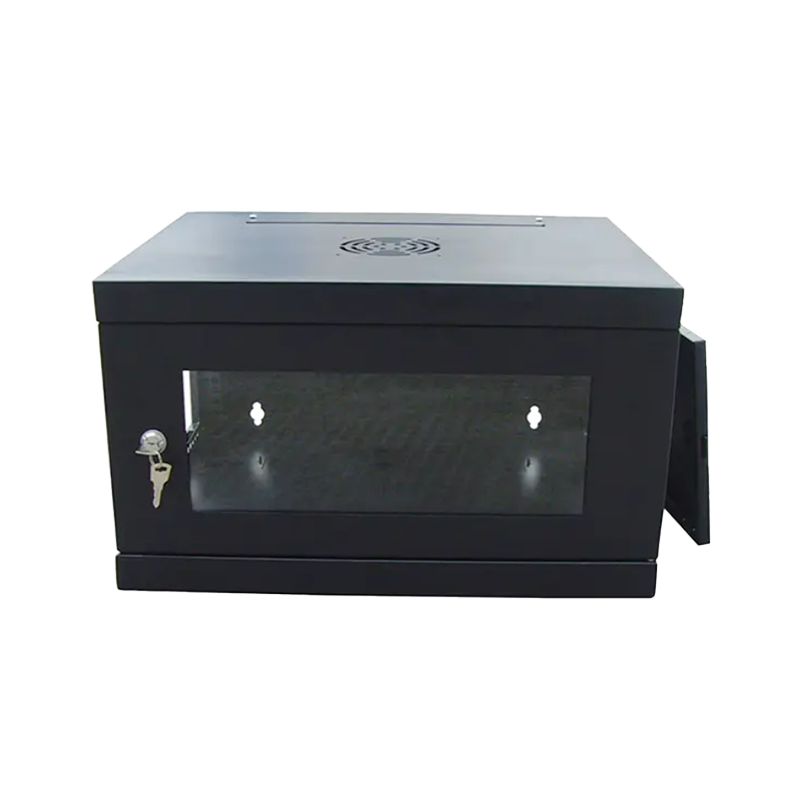
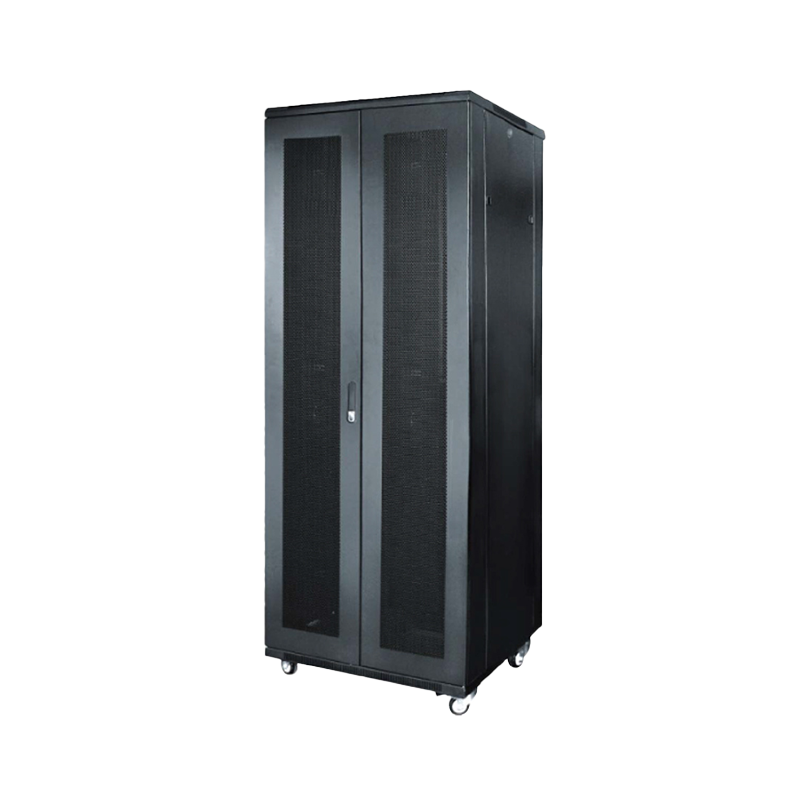
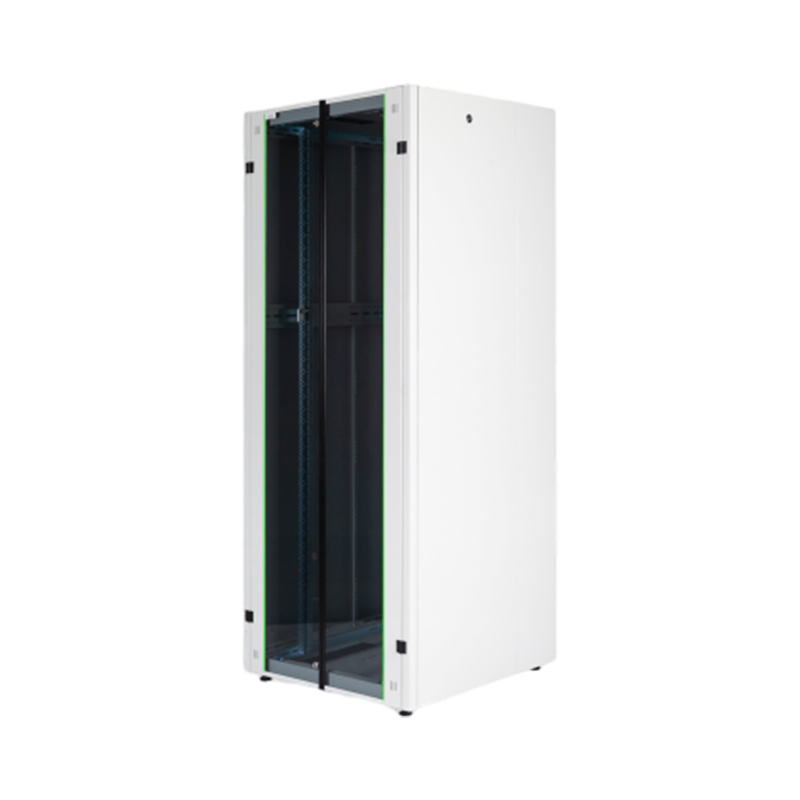
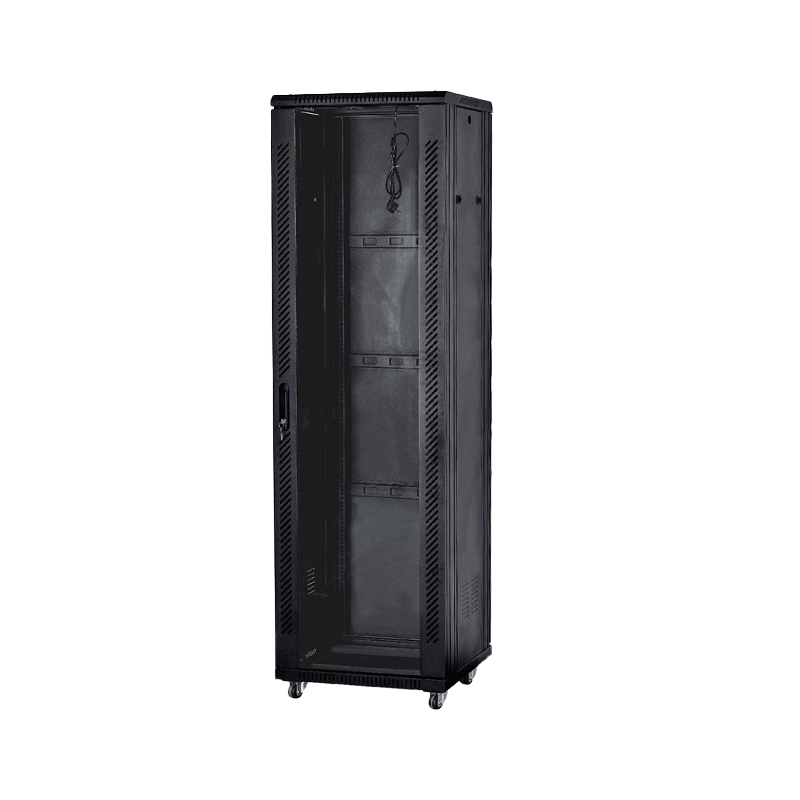
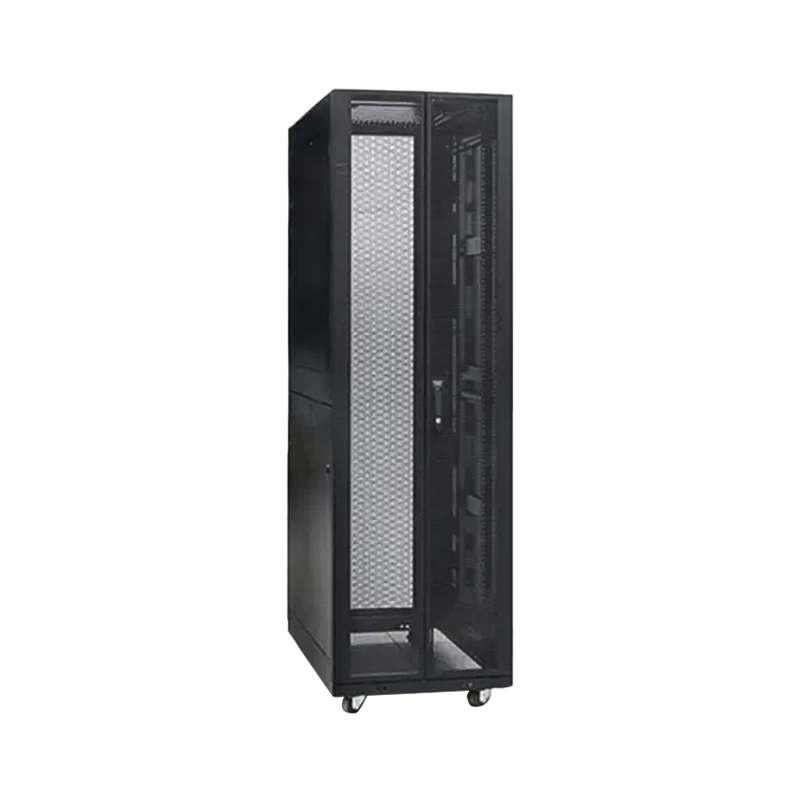
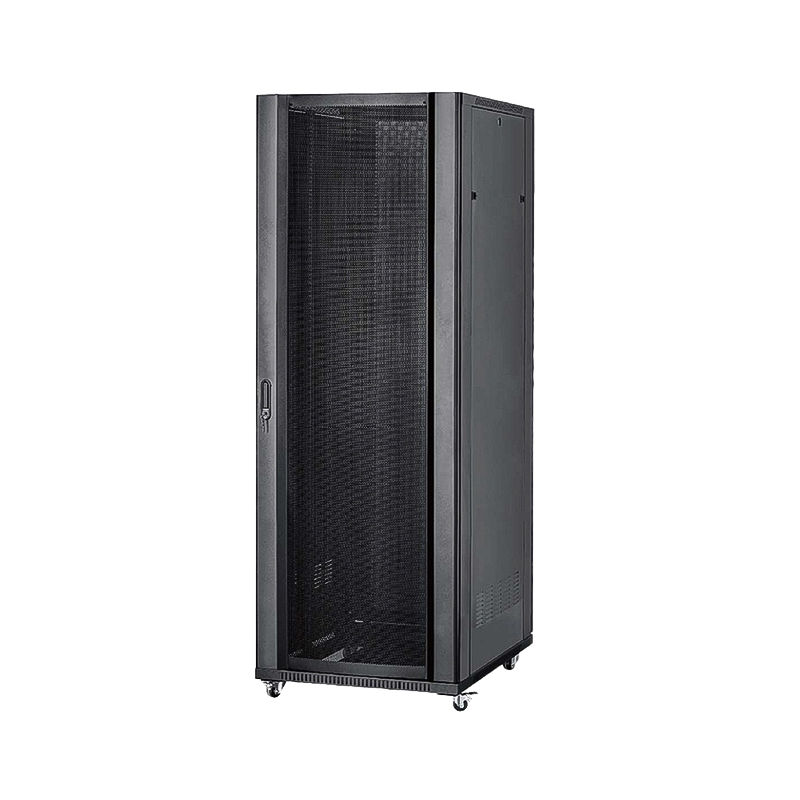
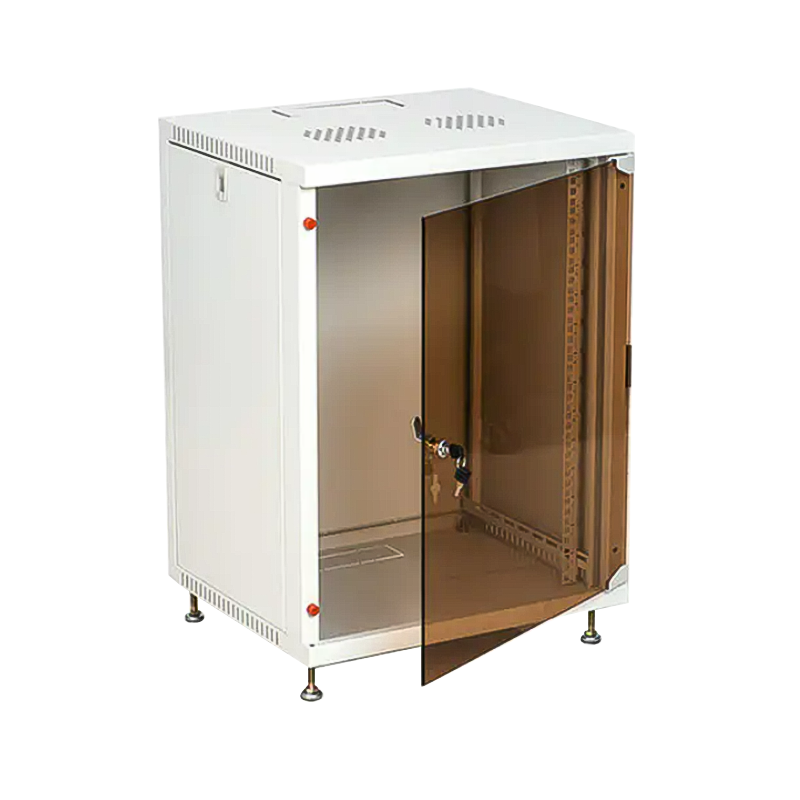
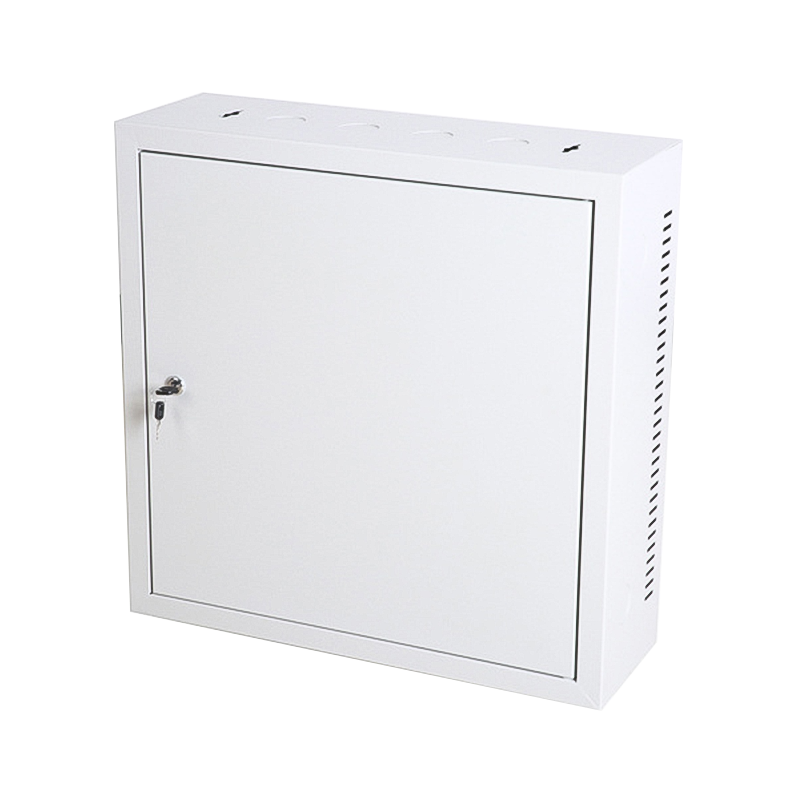
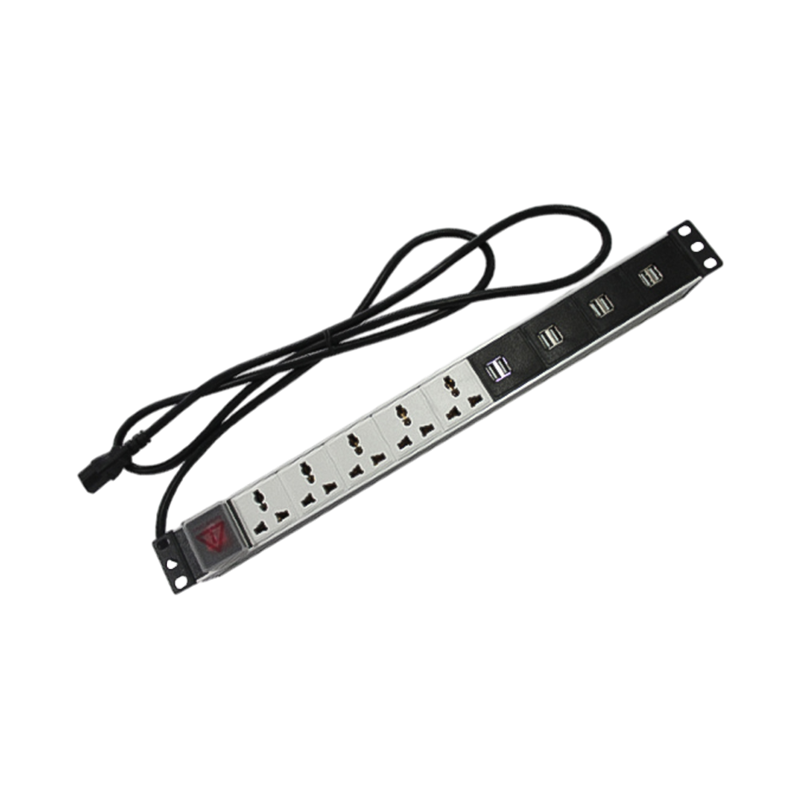

We are a company mainly engaged in the manufacturing of network cabinet , charging cart and other infrastructures.
Product Classification
Address
No.12 Fushan Road,Guanhaiwei Town,Cixi City,Ningbo,Zhejiang,China
PHONE
+86-17857397994