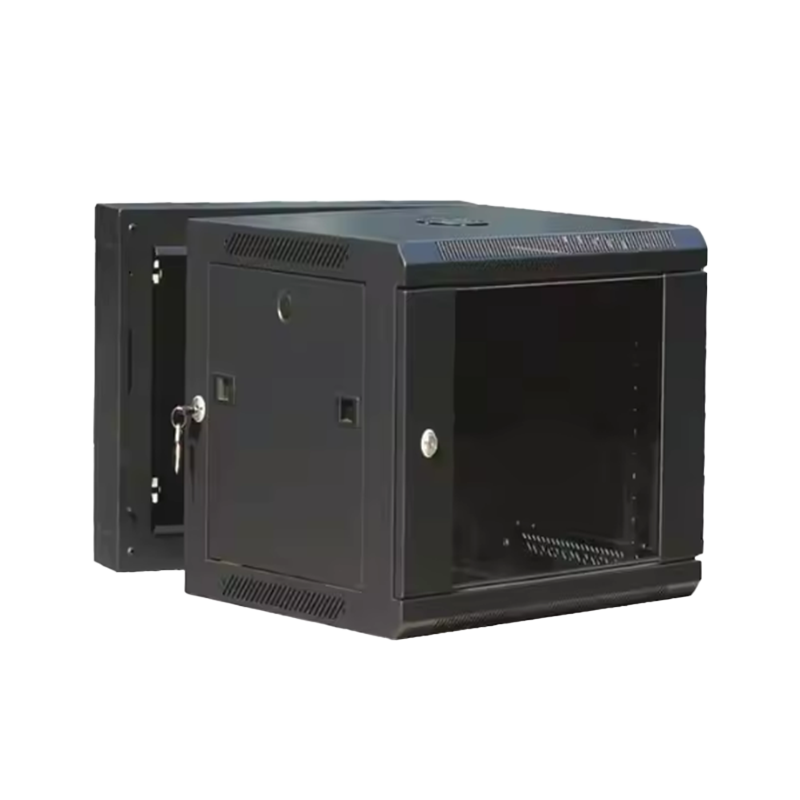
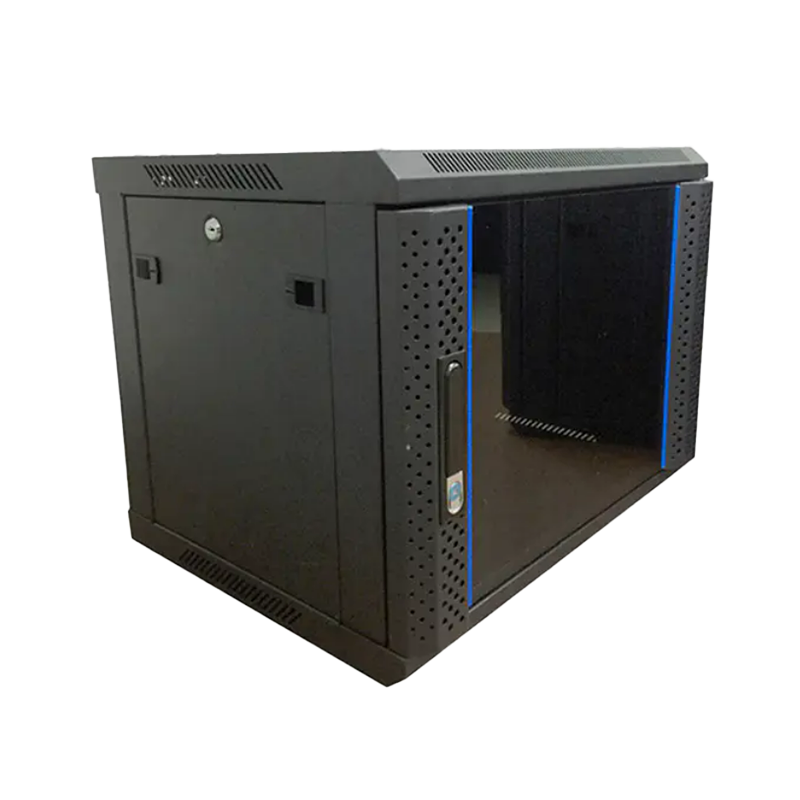
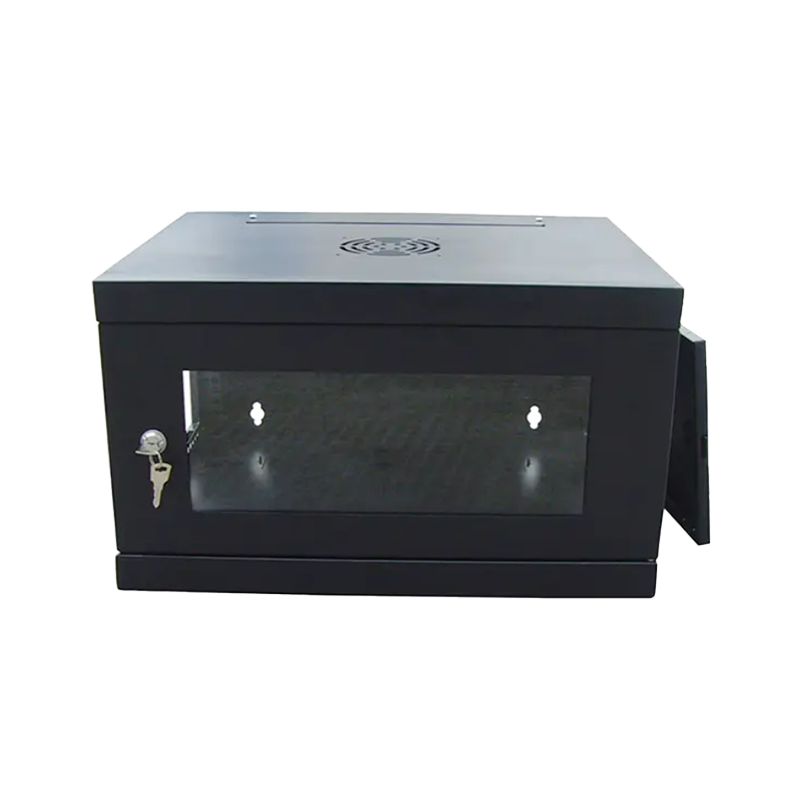
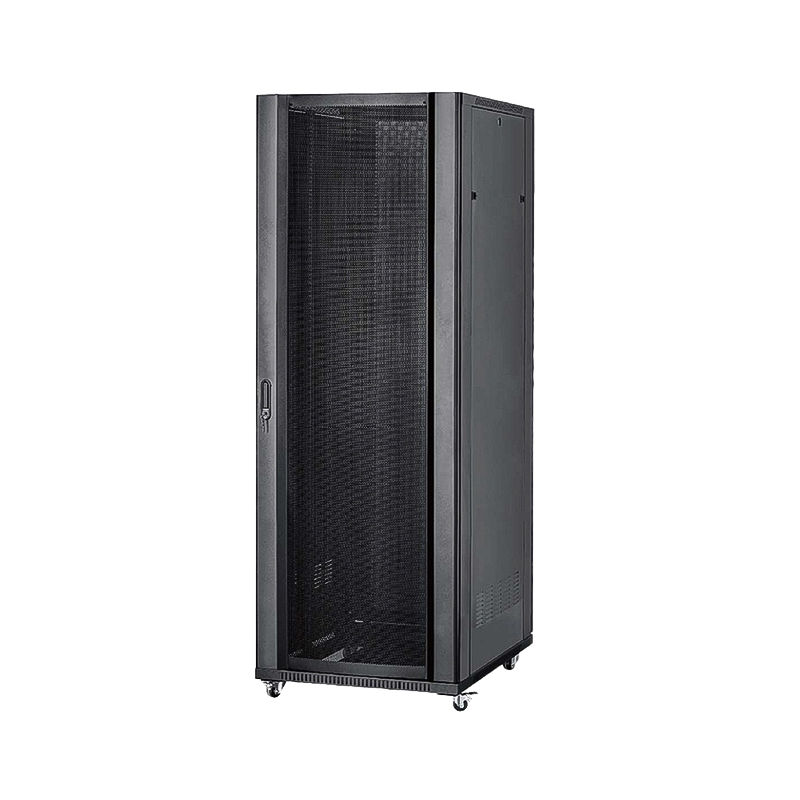
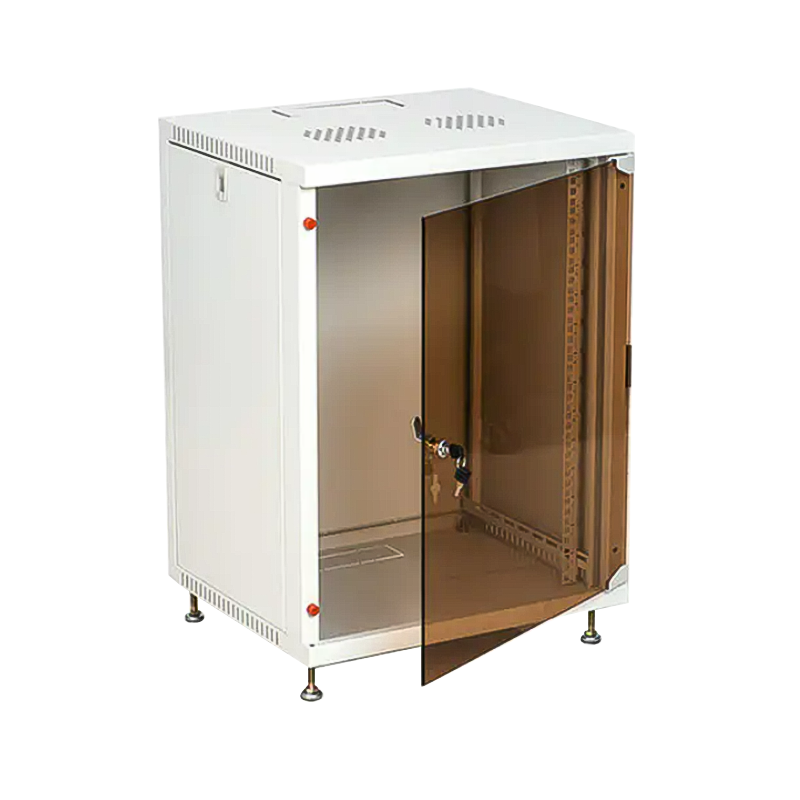
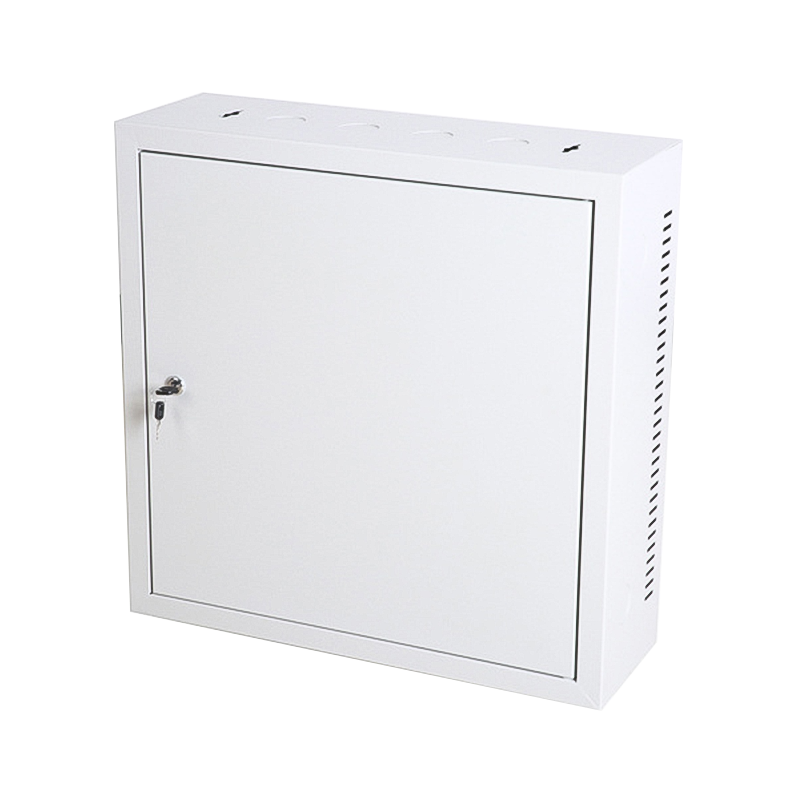
Installing a wall-mounted network cabinet requires careful attention to wall load capacity, mounting hardware selection, ventilation clearance, cable routing, and physical security — skipping any of these steps can result in equipment damage, data loss, or a serious safety hazard. Whether you are deploying a small wall-mounted server rack in a home office or a lockable wall-mounted network rack in a commercial server room, the precautions are largely the same and should be followed systematically before a single anchor bolt is drilled.
This guide covers every critical installation consideration in practical, actionable detail — with load data, clearance specifications, and configuration recommendations drawn from real-world deployment experience.
Verify Wall Structure and Load-Bearing Capacity First
The single most important precaution is confirming that the wall can safely support the combined weight of the cabinet, all installed equipment, and cabling. A fully loaded wall-mounted switch rack with patch panels, switches, and cable management can easily exceed 80–120 kg (175–265 lbs). Mounting such a load on an unsuitable wall is the leading cause of catastrophic cabinet failures.
Wall Type and Suitable Fasteners
| Wall Type |
Max. Safe Load (per anchor) |
Recommended Fastener |
Notes |
| Concrete / Brick |
150 – 250 kg |
M8/M10 Expansion Anchor |
Preferred for heavy racks |
| Concrete Block (CMU) |
80 – 130 kg |
Sleeve Anchor into solid web |
Avoid hollow cells |
| Steel Stud Drywall |
30 – 60 kg (stud-to-stud) |
Through-bolts into steel studs |
Span multiple studs with backing plate |
| Wood Stud Drywall |
40 – 80 kg (stud-to-stud) |
Lag screws into wood studs |
Use backing plate for wider racks |
Table 1: Wall type comparison — maximum safe load per anchor point and recommended fastener type for wall-mounted network cabinet installations.
For drywall installations, always use a steel or plywood backing plate spanning at least two studs to distribute the load. Never rely solely on drywall anchors (toggle bolts, snap toggles) for heavy racks — they are rated for pictures and shelves, not network equipment.
Calculate Total Equipment Weight Before Selecting Mounting Hardware
Every small wall-mounted server rack has a published maximum static load rating — commonly 60 kg, 100 kg, or 150 kg depending on the model. However, the rack's own rating is only half the equation. The mounting hardware (brackets, rails, bolts) and the wall itself must each independently support the total load with an adequate safety factor.
A practical rule is to calculate your expected full load and then select hardware rated for at least 2x that figure. For example, if your wall-mounted switch rack, switches, patch panels, and cabling total 45 kg, choose mounting hardware and a wall bracket system rated for a minimum of 90 kg.
- Weigh each piece of equipment individually before installation and add them up — do not rely on rough estimates.
- Account for future expansion: if you plan to add equipment within 2 years, include that projected weight in your calculation now.
- Include structured cabling weight — a fully dressed 24-port patch panel with Cat6 cables can add 3–5 kg beyond the panel itself.
- Use M8 or M10 grade 8.8 bolts as a minimum standard for anchoring brackets to walls — do not downsize to M6 to fit smaller holes.
Maintain Required Ventilation Clearances on All Sides
Network and server equipment generates significant heat. Without adequate airflow, internal temperatures can rise rapidly, triggering thermal shutdowns, reducing hardware lifespan, and in rare cases, causing electrical failures. Thermal-related hardware failures account for approximately 20–25% of premature network equipment failures in enclosed or improperly ventilated installations.
Figure 1: Estimated internal cabinet temperature rise (°C above ambient) at varying rear-wall clearances for a moderately loaded wall-mounted network rack.
As a minimum standard, maintain the following clearances for any wall-mounted switch rack or server rack:
- Top clearance: minimum 150 mm (6 in) — hot air exhausts upward and must have an unobstructed exit path.
- Bottom clearance: minimum 100 mm (4 in) — allows cool air intake for bottom-intake devices.
- Side clearances: minimum 100 mm (4 in) on each side for passive convection and service access.
- Rear clearance: minimum 150–200 mm (6–8 in) between the back of the cabinet and the wall surface where cabling and airflow converge.
For enclosed lockable wall-mounted network rack models, ensure the cabinet has perforated front and rear doors, or install an active cooling fan tray. Solid steel doors on a sealed cabinet with no fan will significantly increase internal temperatures under load.
Check for Hidden Utilities Before Drilling
Drilling through an electrical cable or water pipe concealed behind a wall is a serious risk that is entirely preventable. Before marking any mounting hole positions, scan the entire installation area with a multi-mode stud and utility detector capable of identifying wood/metal studs, AC wiring, and metal pipes simultaneously.
- Scan at least 300 mm (12 in) beyond the planned cabinet footprint in all directions.
- Mark all detected utilities with painter's tape before drilling any pilot holes.
- In older buildings, consider engaging a licensed electrician to verify wiring runs before drilling into partition walls.
- Never install a network cabinet directly above a water supply line or drain — condensation and minor leaks become critical hazards near powered equipment.
Ensure the Cabinet Is Mounted Level and at the Right Height
A cabinet that is not level causes uneven stress on its mounting brackets, makes equipment installation unnecessarily difficult, and can cause rack-mounted equipment to slide or shift over time. Use a spirit level or digital level to confirm the mounting surface is plumb before finalizing anchor bolt positions.
Mount height should be selected based on who will be servicing the equipment and how frequently. General guidelines:
- The bottom of the cabinet should be no lower than 600 mm (24 in) from the floor to allow comfortable access to bottom-mounted equipment without crouching.
- The top of the cabinet should ideally not exceed 1,800 mm (71 in) from the floor to allow access to upper equipment without a step stool during routine maintenance.
- For a small wall-mounted server rack used in data closets, center the cabinet at approximately 1,400–1,500 mm from the floor for ergonomic access to all U positions.
Plan Cable Entry Points and Management Before Mounting
One of the most overlooked installation precautions is cable routing. Once a lockable wall-mounted network rack is bolted to the wall and fully loaded with equipment, retrofitting cable entry points becomes extremely difficult. Plan the following before the cabinet goes up:
- Identify whether cables will enter the cabinet from the top, bottom, or rear, and confirm those paths are accessible from conduit or trunking in the wall or ceiling.
- Install cable entry brushes or grommets in any knockout holes before mounting — these are nearly impossible to fit cleanly once the cabinet is against the wall.
- Leave a minimum of 1U of empty space at the top and bottom of the rack for cable management panels or horizontal managers.
- Route power cables (IEC, C13/C15) separately from data cables along different sides of the cabinet interior to reduce electromagnetic interference (EMI).
- Label all cables with printed tags before installation — doing so retroactively inside a mounted wall rack is time-consuming and error-prone.
Grounding, Earthing, and Electrical Safety Requirements
All metal network cabinets must be properly grounded. An ungrounded rack poses a shock hazard if any internal equipment develops a fault that energizes the chassis. It also increases susceptibility to electromagnetic interference and static discharge damage to sensitive network hardware.
Grounding requirements for wall-mounted switch racks and server racks include:
- Connect the cabinet chassis to a dedicated earth point using a minimum 6 mm² green/yellow grounding conductor.
- Ensure the PDU (Power Distribution Unit) inside the rack is connected to a circuit with a properly rated RCD (Residual Current Device) or GFCI breaker.
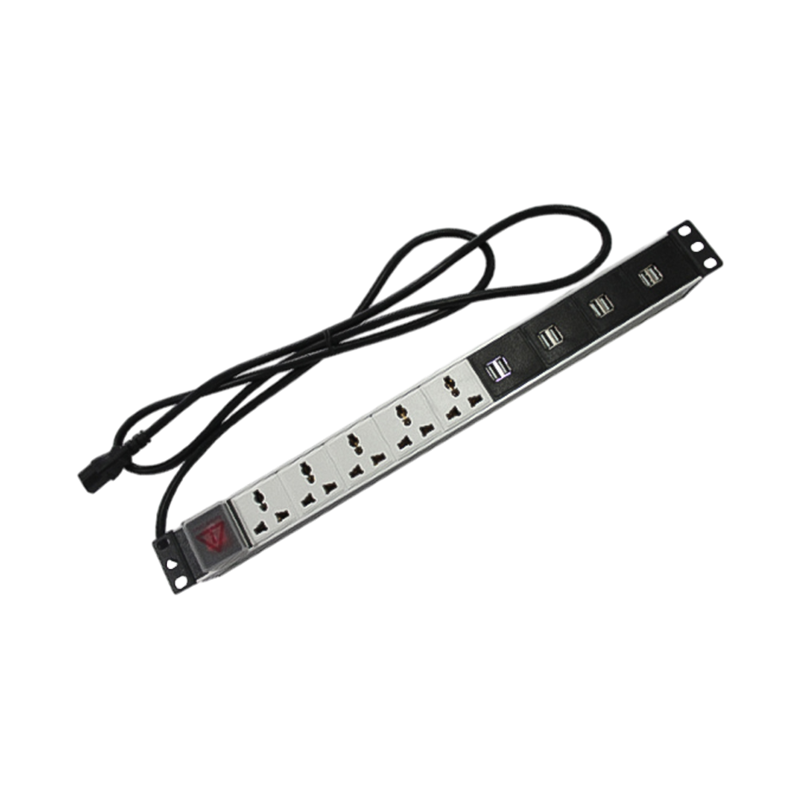
- Do not daisy-chain multiple extension leads inside the rack — use a purpose-built rack-mount PDU rated for the total load of all installed equipment.
- Verify that the wall circuit feeding the rack is on a dedicated breaker, separate from lighting or general-purpose outlet circuits, to avoid nuisance tripping.
Physical Security: Lock, Access Control, and Tamper Resistance
A lockable wall-mounted network rack provides a meaningful layer of physical security for network infrastructure. However, the lock is only effective if the installation itself is tamper-resistant. Several points deserve attention:
Figure 2: Common physical security vulnerabilities in wall-mounted network rack installations (percentage of reported incidents by cause).
- Mount the cabinet at a height where the door hinges and anchor bolt heads are not easily accessible without a tool — at or above 1,200 mm from the floor is generally sufficient.
- Use tamper-resistant (Torx or security hex) bolts for the mounting brackets to deter opportunistic removal.
- Ensure all cable entry knockouts that are not in use are sealed — open holes eliminate the security benefit of the locked door.
- For higher-security environments, consider a keyed-alike lock core replacement or a cabinet with a 3-point locking mechanism rather than a standard cam lock.
- Keep a key access log and limit key holders to authorized personnel only.
Frequently Asked Questions
Q1: Can a small wall-mounted server rack be installed on a standard drywall partition? +
Yes, but only with proper reinforcement. Standard drywall alone cannot support the weight. You must locate the wall studs (wood or steel) behind the drywall and attach a steel or 18 mm plywood backing plate spanning at least two studs. The rack is then bolted through the plate into the studs. This approach can safely support racks loaded to 60–80 kg, which covers most small wall-mounted server rack applications.
Q2: How much ventilation clearance does a wall-mounted switch rack need? +
At minimum, maintain 150 mm (6 in) above and behind the cabinet, and 100 mm (4 in) on each side and below. For enclosed lockable wall-mounted network rack models with solid doors, fit a fan tray rated for at least 1.5x the total heat output of all installed equipment to prevent thermal throttling.
Q3: What mounting bolt size should be used to install a wall-mounted network cabinet into concrete? +
For concrete walls, use M8 or M10 expansion anchors (wedge anchor or sleeve anchor type) with a minimum embedment depth of 50 mm. M8 expansion anchors in good-quality concrete have a shear load capacity of approximately 12–18 kN each — well in excess of what typical wall-mounted racks require when four or more anchor points are used.
Q4: Does a wall-mounted network rack need to be grounded if all equipment has its own power supply? +
Yes. Grounding the metal cabinet chassis is required regardless of whether individual equipment items have their own grounded power connections. An equipment fault inside any device can energize the rack frame. A dedicated 6 mm² earth conductor bonding the cabinet to the building earth provides essential protection against shock and static discharge damage.
Q5: At what height should a lockable wall-mounted network rack be installed for easy access? +
For comfortable access to all rack units without specialized equipment, position the cabinet so that the center of the rack sits between 1,400 and 1,500 mm from the finished floor. The bottom of the cabinet should be no lower than 600 mm. This range provides ergonomic access for patching, equipment swaps, and cabling for the average-height technician.
Q6: How do I prevent the wall-mounted switch rack from vibrating or making noise during operation? +
Vibration and noise typically originate from three sources: loose mounting bolts, fan resonance, and cable tension. Torque all mounting bolts to specification and re-check after 30 days of operation (initial settling is normal). Fit anti-vibration rubber grommets between the cabinet frame and the wall bracket. Ensure patch cables are not pulled taut — add slack loops with hook-and-loop ties to decouple cable vibration from the rack frame.
 English
 عربى
عربى
 Español
 русский