Content
Yes — a well-designed Charging Cabinet is safe for laptops and tablets when it meets recognized electrical safety standards and is used correctly. Modern units incorporate overcharge protection, surge suppression, thermal management, and secure locking to protect both devices and users. However, not all cabinets are built equally, and understanding which safety features matter most will help you make an informed choice.
Schools, hospitals, corporate offices, and libraries rely on Laptop Charging Storage Cabinets to simultaneously power and secure dozens of devices. When the right specifications are in place, the risk of electrical faults, overheating, or device damage is very low. The sections below break down exactly what makes a charging cabinet safe — and what warning signs to avoid.
The safety of a Multi-Device Charging Cabinet depends on a combination of electrical, thermal, and physical design elements. The following features are considered industry-standard in professionally certified units.
Heat is the primary enemy of battery longevity and a potential fire hazard. A safe Charging Cabinet addresses thermal risk through:
Beyond electrical safety, a Mobile Charging Locker Cabinet must protect devices from theft and accidental damage:
Certifications are the most reliable way to verify that a Laptop Charging Storage Cabinet has been independently tested against defined safety benchmarks. The table below summarizes the most relevant standards by region.
| Certification | Region | What It Covers |
|---|---|---|
| UL 60950 / UL 62368 | North America | Electrical safety of IT and audio/video equipment power supplies |
| CE Marking (LVD + EMC) | Europe | Low voltage directive and electromagnetic compatibility |
| RoHS Compliance | Europe / Global | Restricts hazardous substances in electrical components |
| FCC Part 15 | North America | Controls electromagnetic interference that could disrupt devices |
| GS Mark (TÜV / GS) | Germany / Europe | Product safety verification beyond minimum CE requirements |
| CCC (China Compulsory) | China | Mandatory electrical safety for products sold in China |
When evaluating a Multi-Device Charging Cabinet, always request documentation showing the specific certification number — not just a logo on the product page. Verified certifications confirm the unit has passed third-party electrical and thermal testing, which is especially important for environments such as schools and healthcare facilities where duty-of-care obligations apply.
One of the most overlooked safety factors is ensuring the cabinet's total power output is correctly matched to the devices being charged. Overloading an underpowered unit is a common cause of overheating and circuit trips.
A standard laptop requires 45–90W to charge, while a tablet typically needs 10–30W. For a 30-slot Laptop Charging Storage Cabinet fully loaded with 15-inch laptops at 65W each, the total load is 1,950W — meaning the cabinet's internal power distribution must be rated above this figure with adequate headroom (typically 20–25% safety margin).
Reference values for AC adapter rated wattage; actual draw varies by battery state and usage
A Mobile Charging Locker Cabinet labeled as "32-slot" should provide per-slot output rated for the heaviest device in your fleet. Mixed-device environments (tablets and laptops together) should use cabinets with individually adjustable or auto-sensing charging ports that deliver appropriate wattage per device rather than a fixed shared output.
Even certified Charging Cabinets can become unsafe through improper use or poor maintenance. Understanding the most frequent risk factors helps facilities managers and IT coordinators maintain a safe charging environment.
| Risk Factor | Cause | Prevention |
|---|---|---|
| Overheating | Blocked vents, no active cooling, overcrowded cabinet | Leave 5 cm clearance around cabinet; choose units with fans for 16+ devices |
| Cable damage | Pinched or frayed cables caught in doors | Use cabinets with cable management slots; inspect cables quarterly |
| Power overload | Devices with higher wattage than cabinet rating | Match cabinet wattage to device fleet; never exceed rated capacity |
| Unauthorized third-party adapters | Non-certified adapters introduced by users | Use built-in fixed cables or approved adapter sets only |
| Moisture intrusion | Placement in kitchens, labs, or near windows | Install in dry, climate-controlled indoor locations only |
A Multi-Device Charging Cabinet is not a one-size-fits-all product. Different environments have distinct requirements for capacity, security level, and port configuration.
Classrooms and library resource centers typically deploy 30–40 slot Laptop Charging Storage Cabinets to manage 1:1 Chromebook or iPad programs. Key requirements include individual locking compartments, passive or active ventilation, and compatibility with USB-C PD (Power Delivery) charging for newer devices. Many school districts require units to comply with local fire safety codes (e.g., NFPA 1 in the US).
Hospitals use Mobile Charging Locker Cabinets on wheels to move tablets and medical-grade devices between wards. In these environments, antimicrobial surface coatings and IP-rated enclosures that resist cleaning fluids are important additional safety specifications beyond standard electrical certifications.
Hot-desking environments benefit from Charging Cabinets placed in communal areas. Here, electronic keypad or RFID access control is preferred over keyed locks to allow flexible, logged access by multiple users without key management overhead.
Temporary deployments at trade shows or large retail stores use compact Mobile Charging Locker Cabinets for staff devices. Portability (castors with brakes), fast-charge capability, and tamper-evident locks are the primary selection criteria for these high-turnover environments.
Illustrative adoption estimates based on industry deployment surveys; education leads due to 1:1 device programs
A certified Charging Cabinet remains safe only with routine maintenance. The following schedule covers the key inspection tasks for facilities responsible for multi-device deployments.
A properly certified Charging Cabinet with overcharge protection will not damage batteries. Units equipped with smart charging circuits stop or reduce current once a device reaches full charge, preventing the heat and voltage stress that cause long-term battery degradation. Avoid cabinets that deliver unregulated, constant current regardless of charge state.
This depends on the cabinet's total power rating and the wattage of each device. A 2,000W-rated cabinet can safely charge approximately 30 tablets at 45W each (with a 25% safety margin). Always calculate the combined peak load of all devices before selecting a cabinet, and choose a unit with a rated capacity at least 20% above that figure.
Yes, provided the cabinet has overcharge protection, a thermal cutoff, and functioning ventilation. Most certified Laptop Charging Storage Cabinets are designed for overnight use in schools and offices. It is still good practice to verify that the cabinet's internal temperature has stabilized before leaving it unattended for extended periods, and to ensure the room has functioning smoke detection.
A Charging Cabinet typically stores multiple devices in open or divided shelves behind one or two lockable doors, managed by a single administrator. A Mobile Charging Locker Cabinet provides individual locked compartments per device, allowing each user to secure and charge their own device independently — similar to a gym locker. Lockers offer greater per-user accountability, while cabinets are simpler for bulk fleet management.
Yes. Multi-Device Charging Cabinets with universal USB-C Power Delivery (PD) ports or auto-sensing adapters can handle a mix of laptops and tablets simultaneously. Each port negotiates the correct voltage and current for the connected device. Avoid fixed-wattage cabinets for mixed fleets, as they may under-charge high-power laptops or over-stress tablet charging circuits.
For schools in North America, look for UL 62368-1 certification and FCC compliance. In Europe, CE marking (covering the Low Voltage Directive and EMC Directive) is mandatory. Additionally, confirm the unit meets any local fire code requirements — in the US, some districts reference NFPA 1 guidelines for charging storage. Always request the actual certification report, not just a logo, to confirm authenticity.
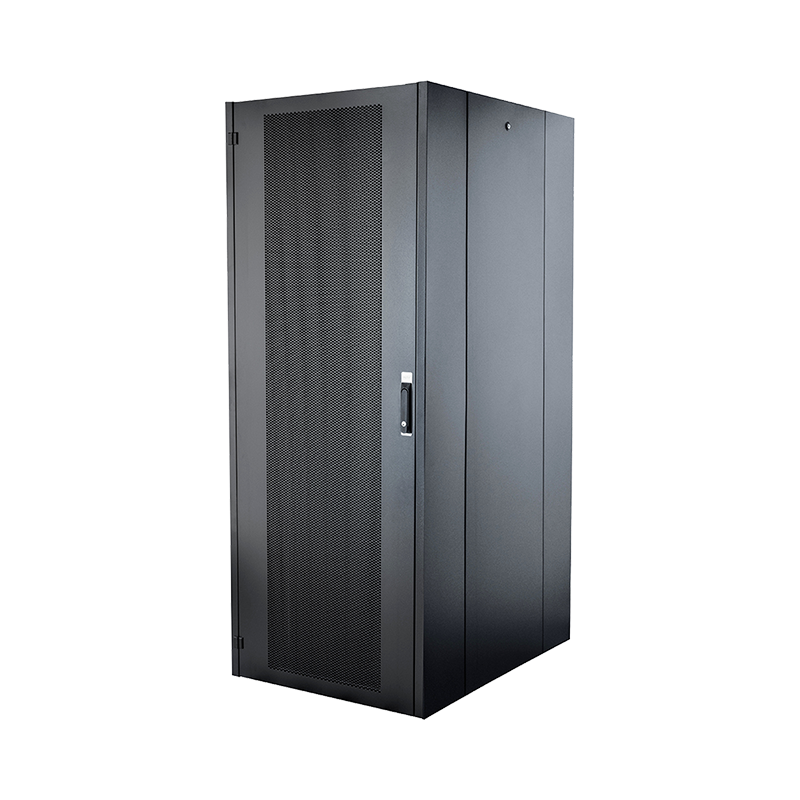
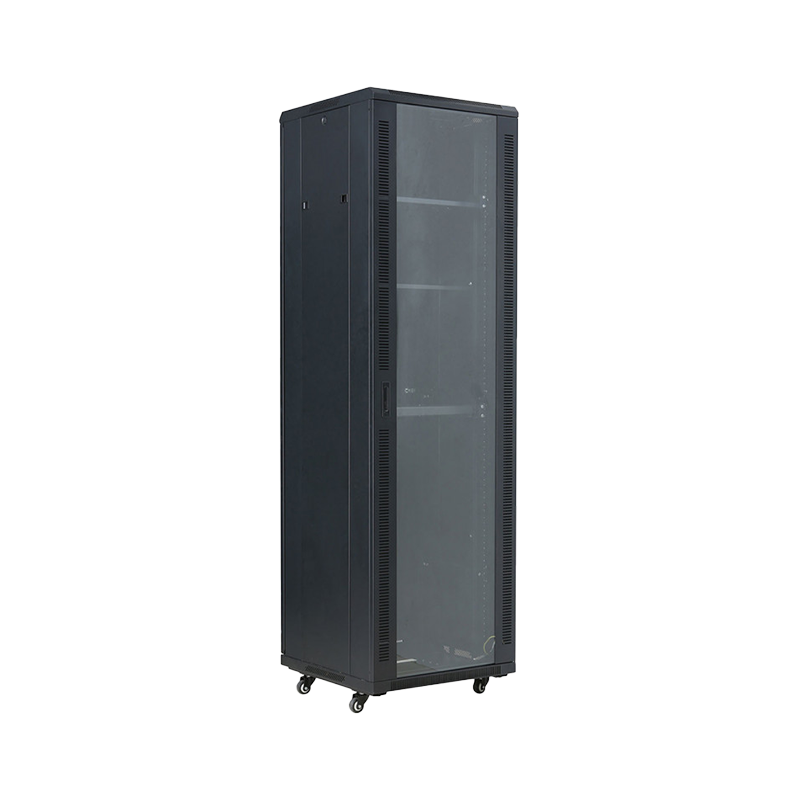
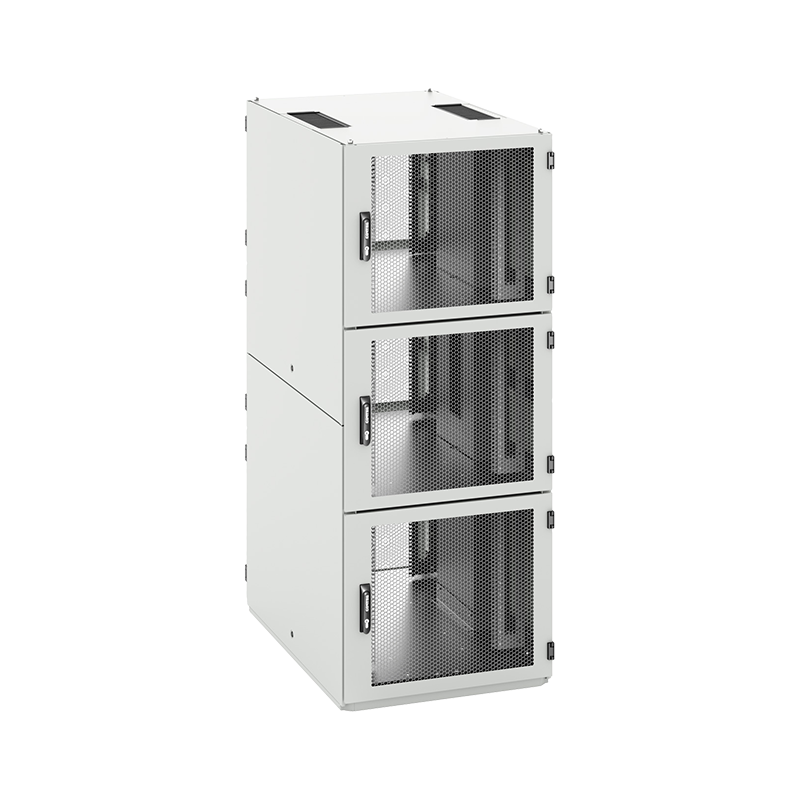
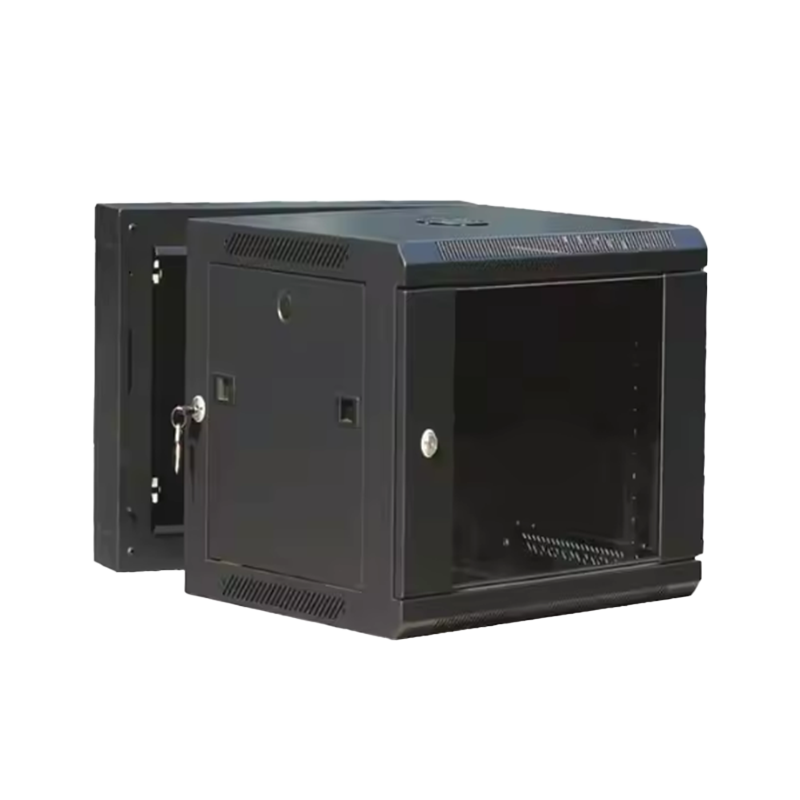
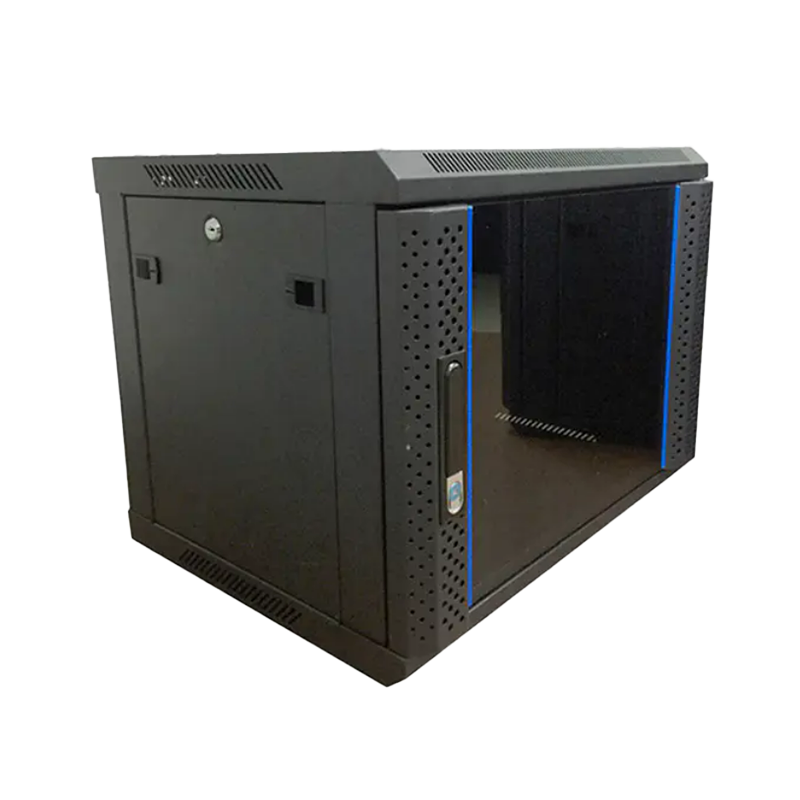
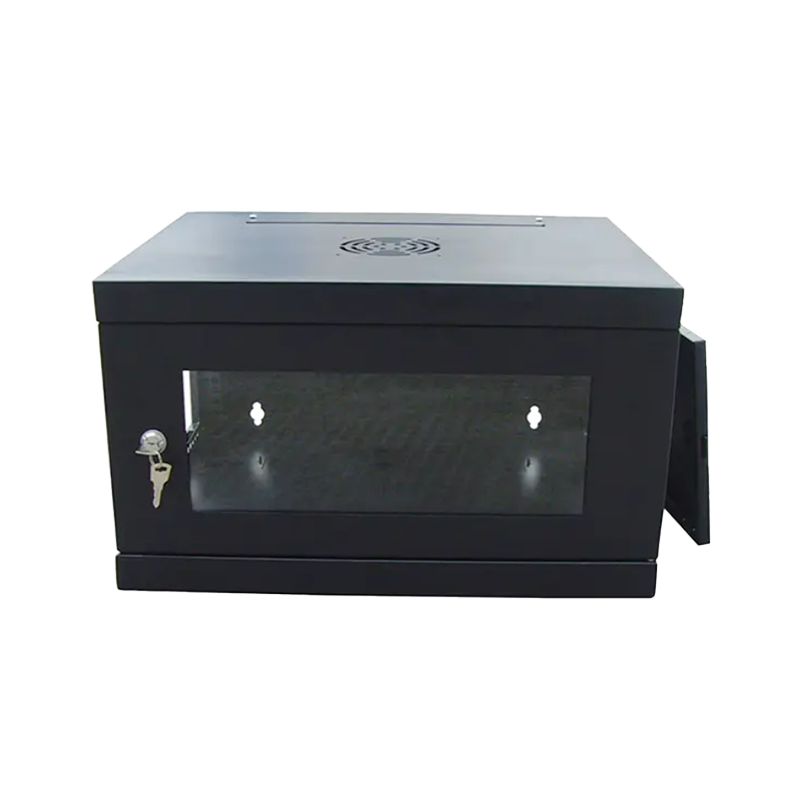
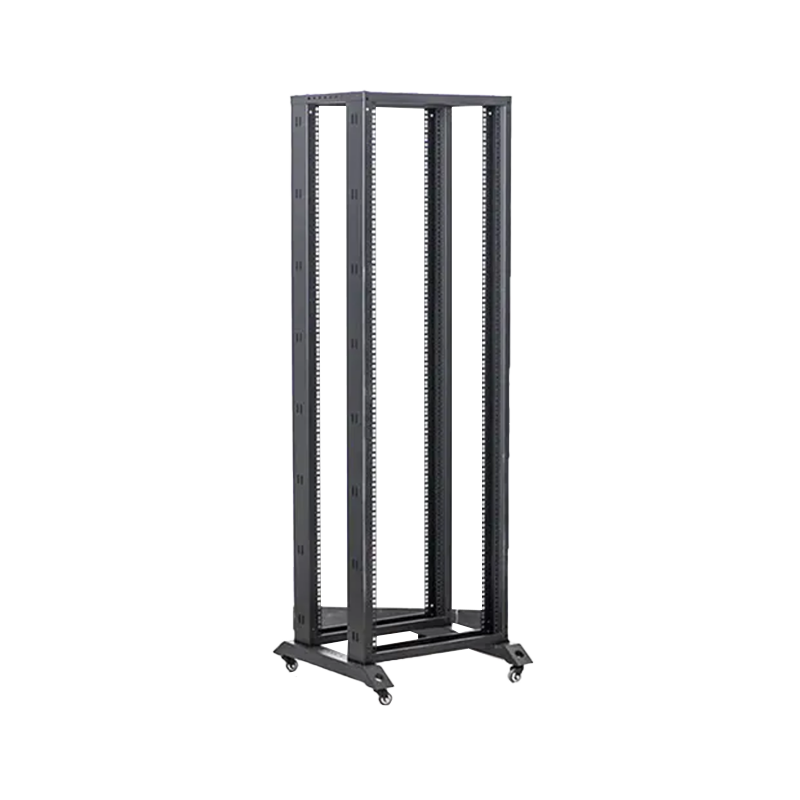
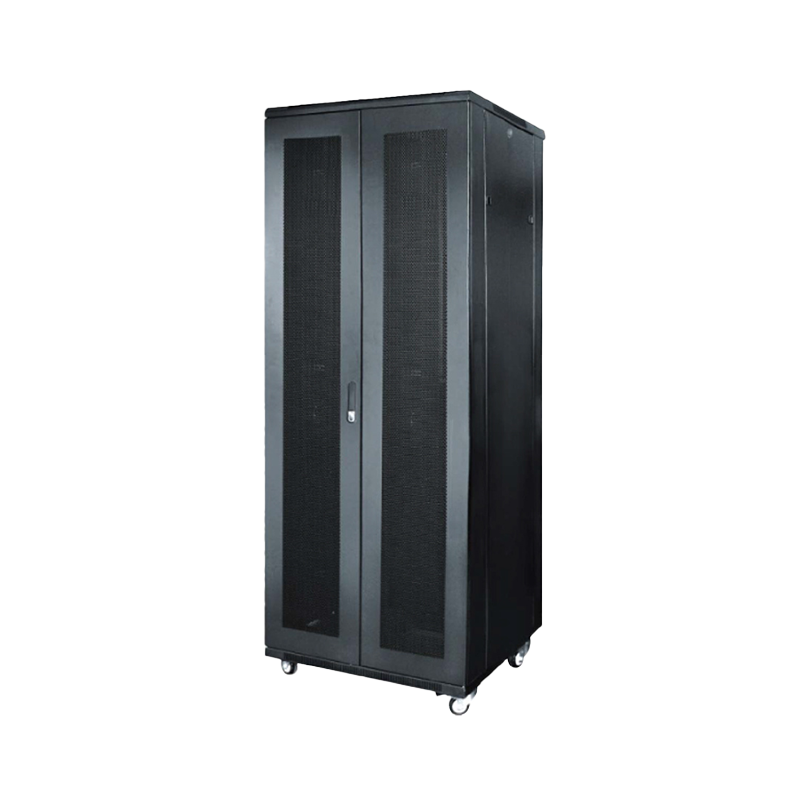
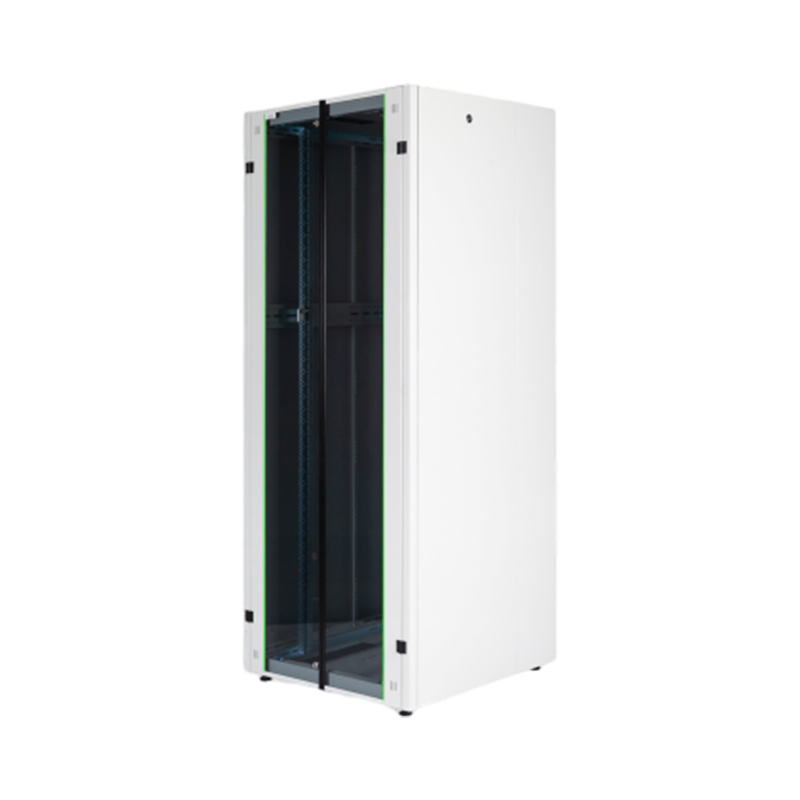
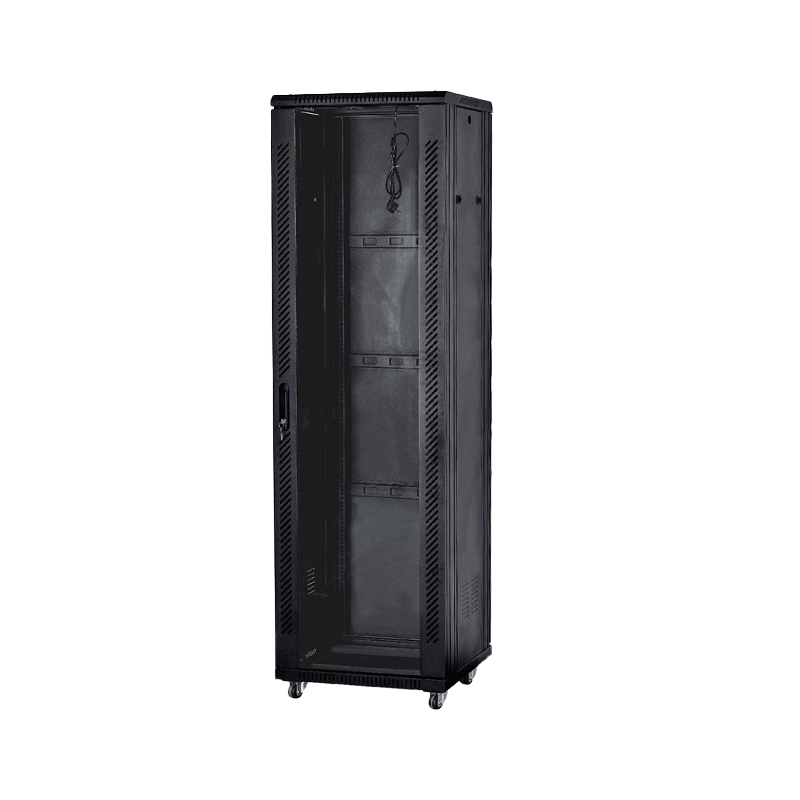
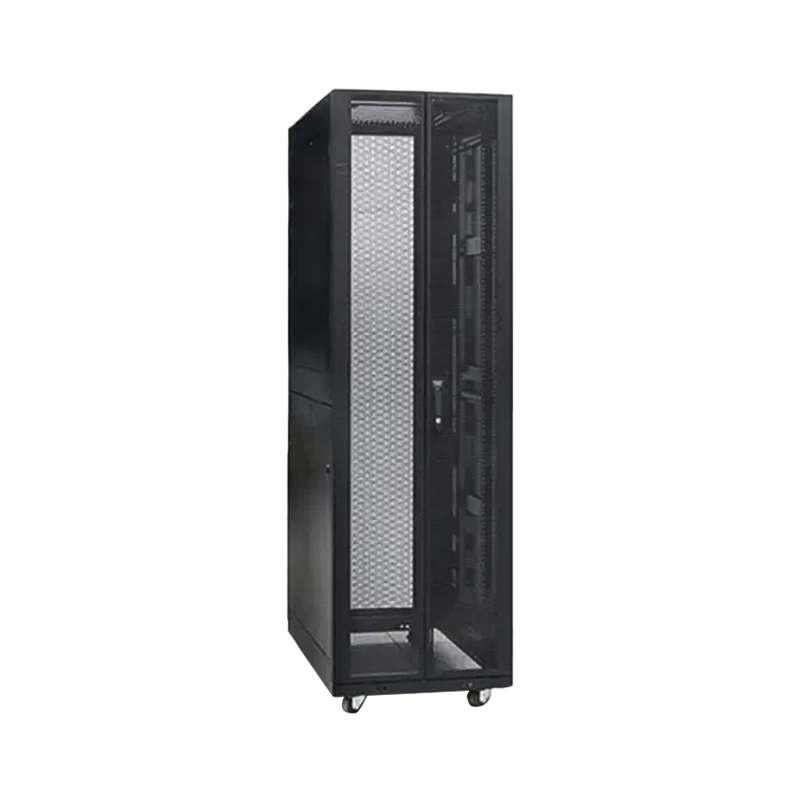
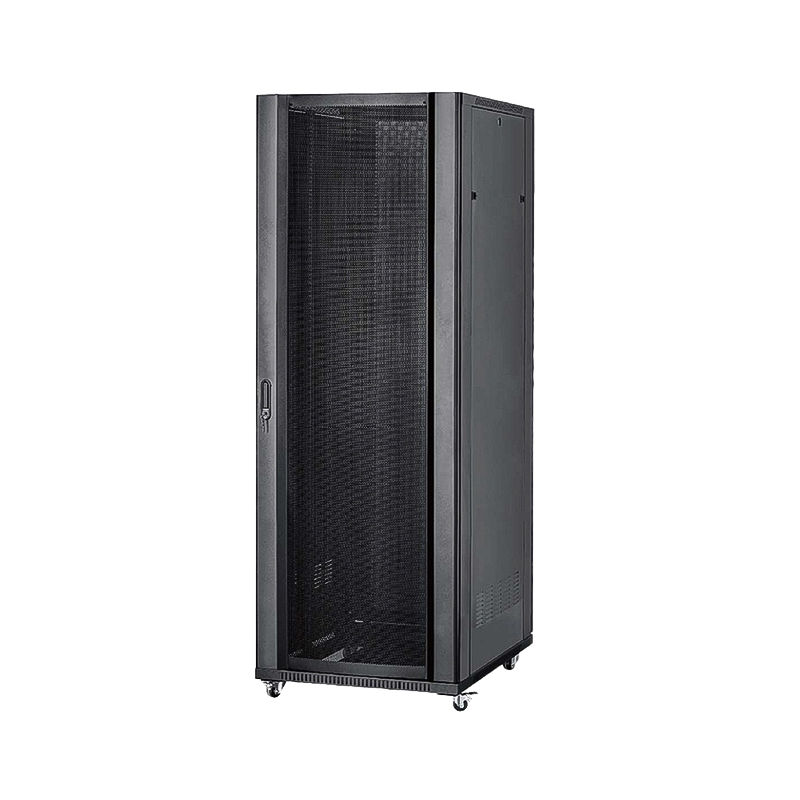
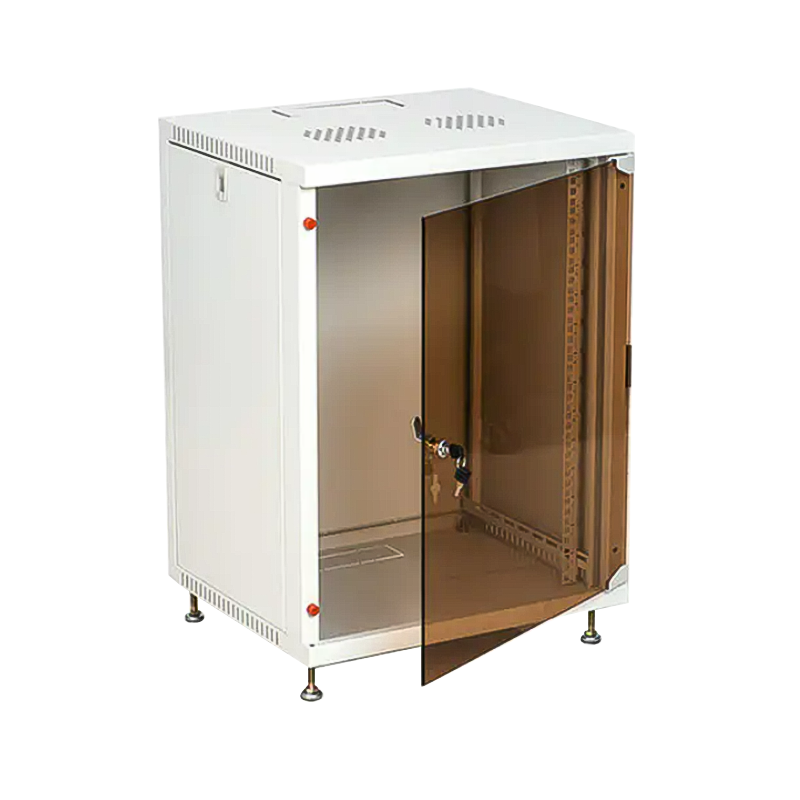
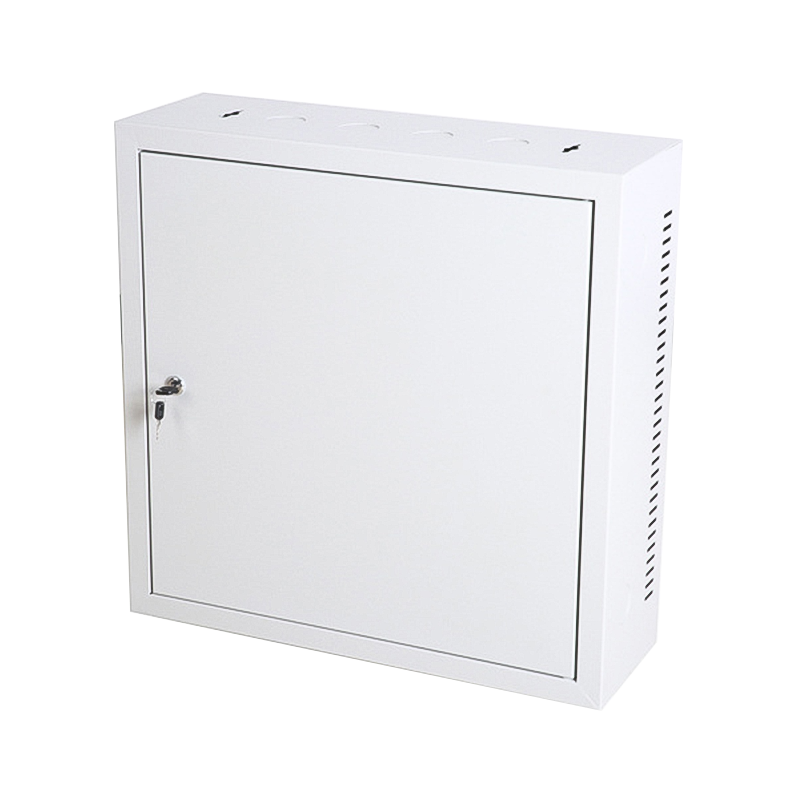
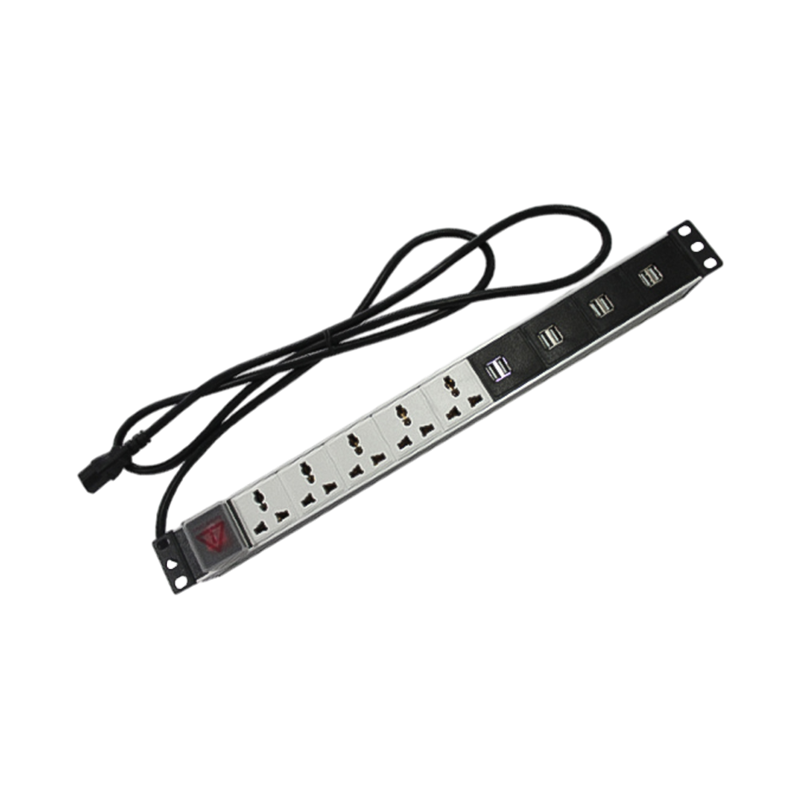

We are a company mainly engaged in the manufacturing of network cabinet , charging cart and other infrastructures.
Product Classification
Address
No.12 Fushan Road,Guanhaiwei Town,Cixi City,Ningbo,Zhejiang,China
PHONE
+86-17857397994

 English
 عربى
عربى
 Español
 русский