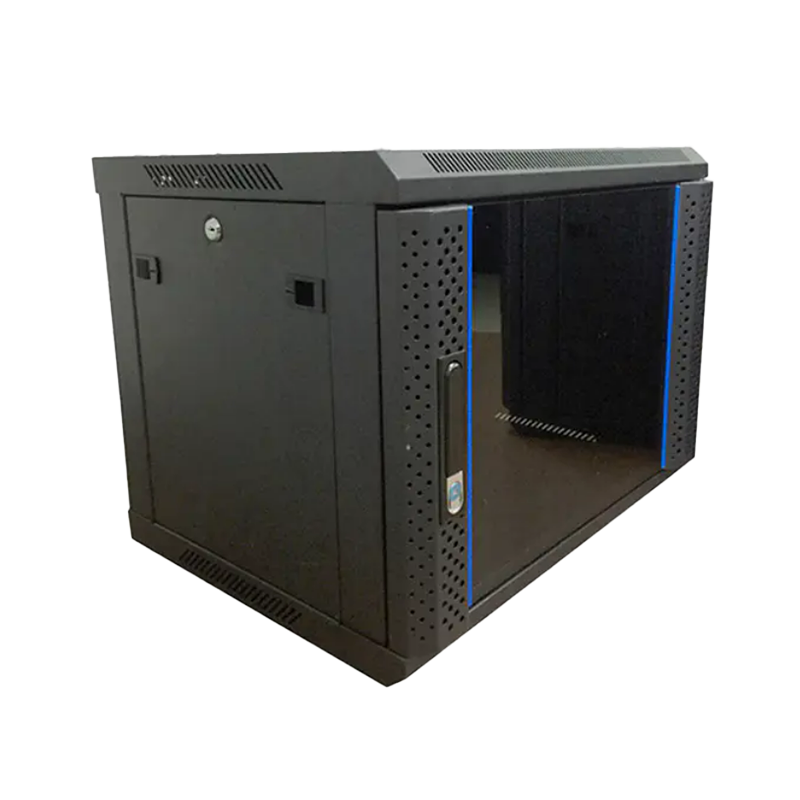
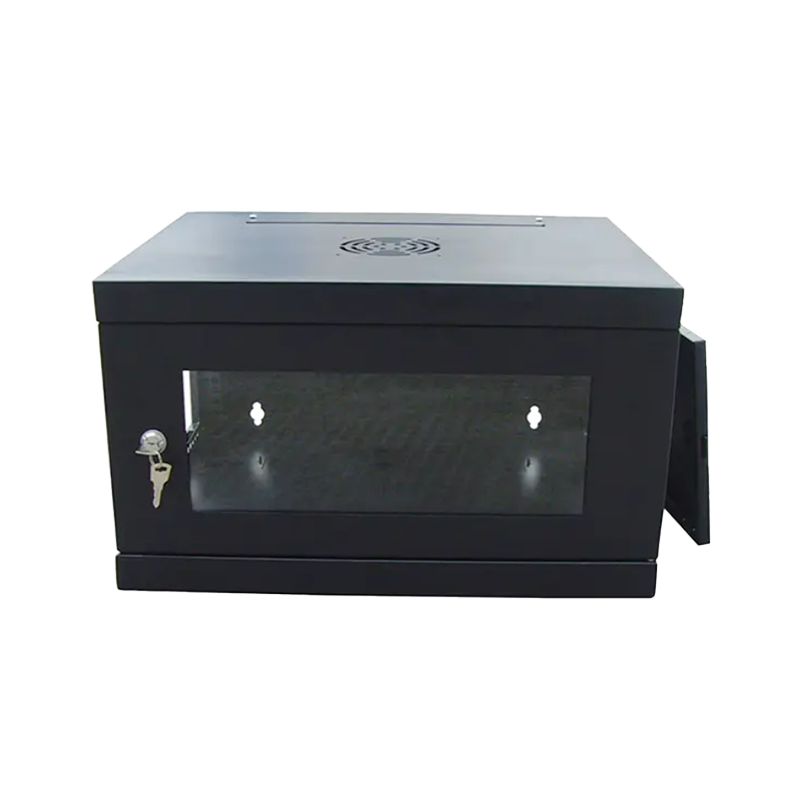
The most important features to look for in a wall mount network cabinet are: adequate rack unit (U) capacity for your equipment, a sturdy steel construction with a verified load rating, effective ventilation design, secure locking access, and dimensions compatible with your wall space and mounting surface. Beyond these fundamentals, factors such as cable management provisions, swing-out or fixed frame design, depth clearance for patch panels and switches, and IP-rated enclosure options will determine whether the cabinet serves your environment reliably for years. This guide breaks down each critical feature with specific data and practical guidance so you can select the right wall mount server rack cabinet for your installation.
Content
Rack unit capacity is the first specification to confirm. One rack unit (1U) equals 44.45 mm (1.75 inches) of usable vertical mounting space. Wall mount network cabinets are commonly available in 6U, 9U, 12U, 15U, and 18U configurations, with larger 24U and 27U wall-mount enclosures available for heavier installations.
A practical planning rule: never fill a cabinet beyond 70–80% of its rated U capacity. Leaving headroom allows for future equipment additions, improves airflow, and prevents thermal buildup. For a typical small office deployment with a patch panel (1U), a managed switch (1U), a UPS (2U), and a router (1U), a 9U or 12U small wall mount network enclosure provides the right balance of capacity and footprint.
| Cabinet Size | Typical Use Case | Approx. External Height | Recommended Max. Load |
|---|---|---|---|
| 6U | Home / small office, AV equipment | ~370 mm | 30–50 kg |
| 9U | SMB LAN closet, structured cabling | ~530 mm | 50–80 kg |
| 12U | Office network hub, edge computing | ~700 mm | 60–100 kg |
| 18U | Branch office IDF, public venue network | ~1,000 mm | 80–150 kg |
A wall mount server rack cabinet carries both its own weight and the weight of all installed equipment — and transfers that load entirely to the wall and its mounting hardware. This makes construction quality a safety-critical specification, not just a quality preference.
Quality wall mount network cabinets are fabricated from cold-rolled steel (CRS) with a thickness of 1.2 mm to 2.0 mm. Panels thinner than 1.2 mm flex under load and can compromise rack rail alignment, causing equipment to seat incorrectly. For heavy installations exceeding 60 kg of equipment, specify a cabinet with 1.5 mm or thicker steel throughout the frame and side panels.
The standard finish for indoor wall mount cabinets is powder coating, which provides a hard, impact-resistant surface and protects against mild humidity. For telecom rooms with higher moisture levels or light industrial environments, look for cabinets with an additional phosphate pretreatment before powder coating, or consider stainless steel construction for demanding conditions.
The wall bracket and fastener system must be rated to handle the cabinet's maximum load with a safety factor. Reputable manufacturers specify the required wall anchor type (toggle bolts, concrete anchors, or through-bolts) and the minimum wall construction (drywall with studs, concrete block, or reinforced concrete) needed to achieve the cabinet's stated load rating. Always verify that your wall structure matches the installation requirements before mounting.
Cabinet depth is the specification most commonly overlooked during procurement — and the most frequent cause of equipment fit problems on installation day. Wall mount network cabinets are available in depths ranging from 250 mm to 600 mm; the right choice depends on the deepest piece of equipment you need to install.
As a practical rule: add at least 50 mm to the depth of your deepest equipment to allow for rear cable routing and airflow behind the unit.
Network equipment generates significant heat. A 24-port managed PoE switch typically dissipates 30–80 W; a small rack UPS may add another 20–40 W. In an enclosed wall mount network cabinet without adequate ventilation, internal temperatures can exceed safe operating thresholds within minutes of powering up under full load.
Typical Heat Dissipation by Rack Equipment Type (Watts)
Figure 1: Indicative heat output of common rack-mounted equipment in a wall mount network cabinet
Effective ventilation features to look for include:
One of the most practical design distinctions in wall mount server rack cabinets is whether the rack frame swings out from the wall (swing-out design) or is fixed in a static enclosure.
Swing-out cabinets allow the entire rack frame — with all installed equipment — to pivot away from the wall on a hinge, typically swinging 90 to 180 degrees. This provides unrestricted access to the rear of all equipment, which is where most cable connections, power inputs, and diagnostic ports are located. For installations in tight spaces where there is insufficient room in front of the cabinet to reach around equipment, a swing-out design is a significant operational advantage.
Fixed-frame wall mount network cabinets have a static rack rail assembly inside a four-sided enclosure, accessed via a front door and, on larger units, a removable rear panel. They offer greater rigidity and are better suited for heavier loads (above 80 kg) where the mechanical stress of a swing-out hinge would be impractical. Fixed enclosures also tend to offer better security, as the entire enclosure can be locked from all sides.
Network equipment in a wall mount cabinet often represents a critical security boundary — a compromised switch or router can expose an entire network. Physical security features to evaluate include:
Poor cable management inside a wall mount network cabinet creates multiple problems: it restricts airflow, makes troubleshooting difficult, and risks accidental disconnection during maintenance. Evaluate these cable management features before purchasing:
| Environment | Recommended Cabinet Type | Key Features to Prioritize | Typical U Size |
|---|---|---|---|
| Home / residential | Small wall mount network enclosure | Compact depth, quiet fans, aesthetic finish | 6U–9U |
| Small / medium office | Wall mount network cabinet (swing-out) | Swing-out access, cable management, key lock | 9U–15U |
| Public venue / transport hub | Wall mount server rack cabinet (fixed, secure) | Multi-point lock, tamper-resistant fasteners, IP rating | 12U–18U |
| Industrial / outdoor shelter | IP54+ rated wall mount enclosure | IP-rated sealing, stainless steel, integrated thermostat fans | 9U–18U |
| Data center IDF closet | Deep wall mount server rack cabinet | 600 mm depth, active cooling, high load rating (100+ kg) | 18U–27U |
A wall mount server rack cabinet used in professional or commercial installations should comply with recognized standards. Key certifications and standards to confirm include:
Ningbo Cixi Communication Technology Co., Ltd. was established on February 2, 2024, and is located in Ningbo City, Zhejiang Province, China. The company focuses on the design, research and development, production, and trade of network cabinets and charging cabinets, committed to providing good services and products by leveraging advanced equipment and manufacturing technology.
As a professional OEM Wall Mount Network Cabinet Manufacturer and ODM Wall Mount Network Cabinet Company, Ningbo Cixi offers comprehensive solutions for communication equipment infrastructure, providing one-stop services for the installation of network communication equipment and charging needs. Products are characterized by safety, reliability, intelligence, efficiency, and ease of operation.
With an in-house design team, the company provides professional OEM and ODM services to meet various needs across network data centers, enterprise offices, public transportation hubs, commercial premises, and personal residences. As a startup company, Ningbo Cixi prioritizes technological innovation and quality management — integrating the latest technology into every product to create greater value for enterprise customers and individual users alike.
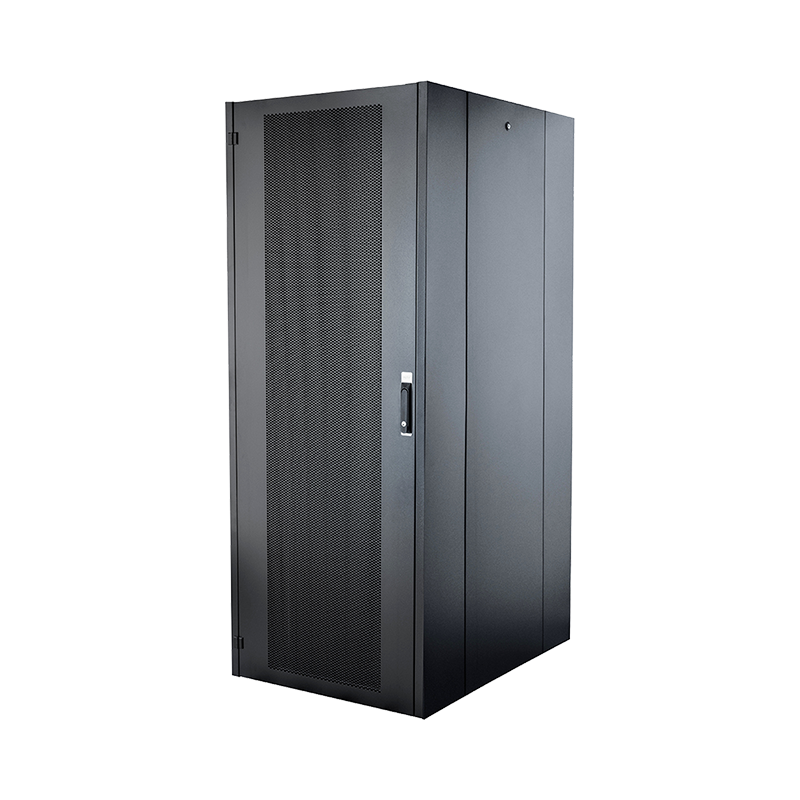
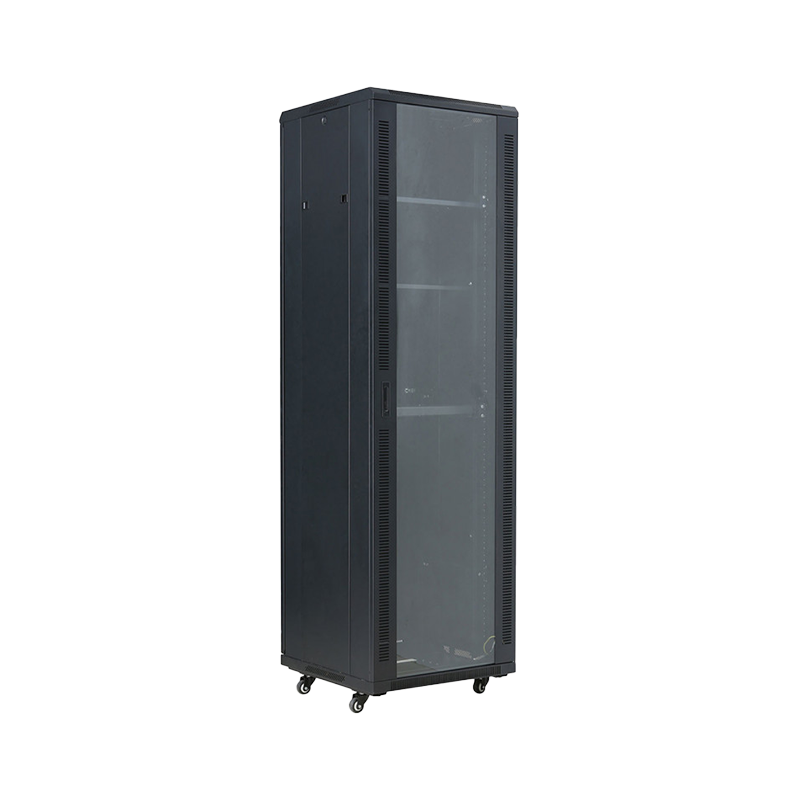
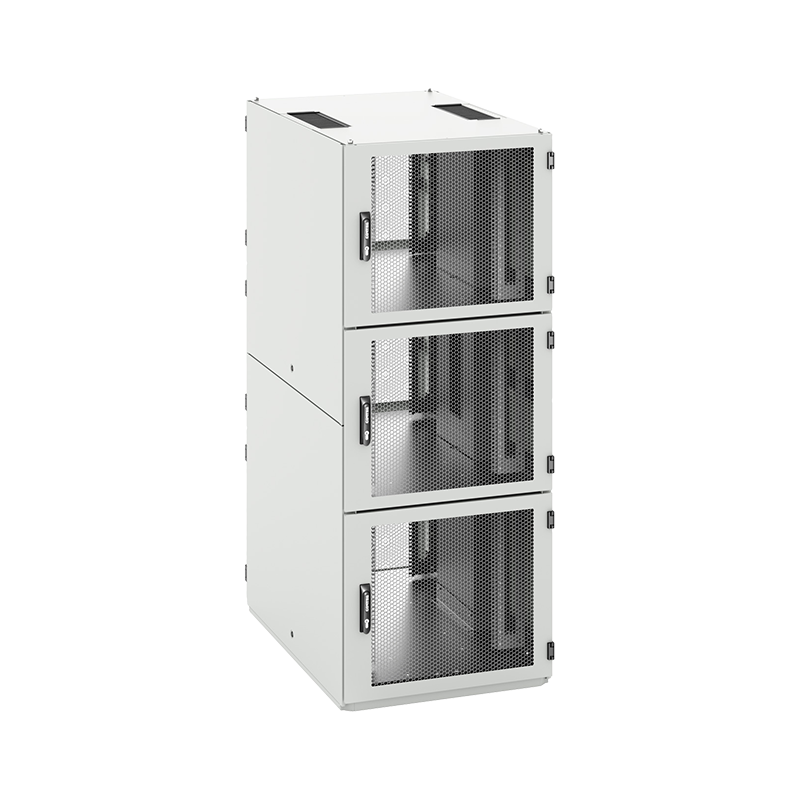
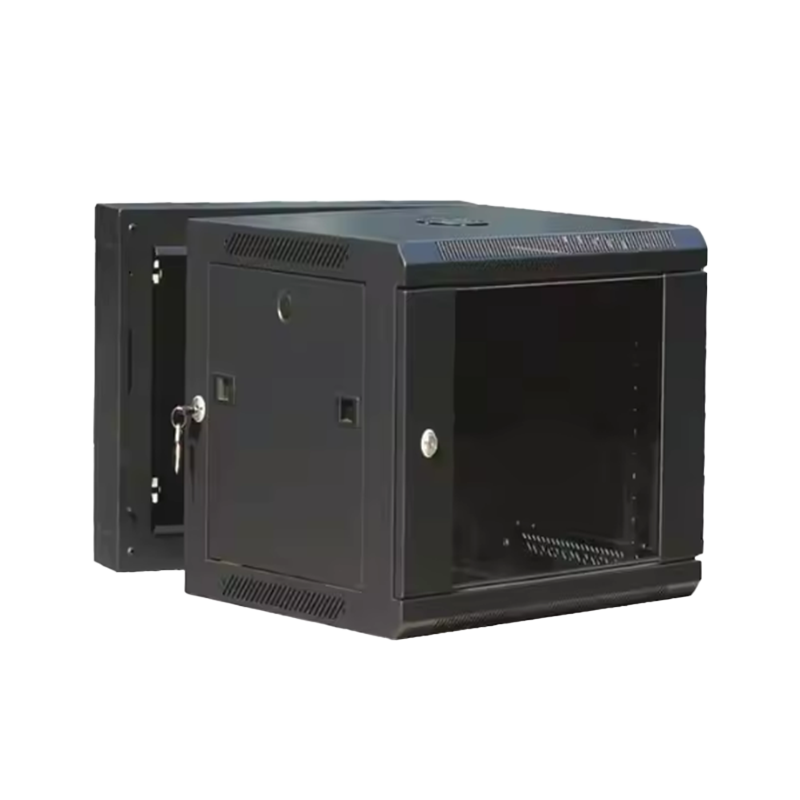
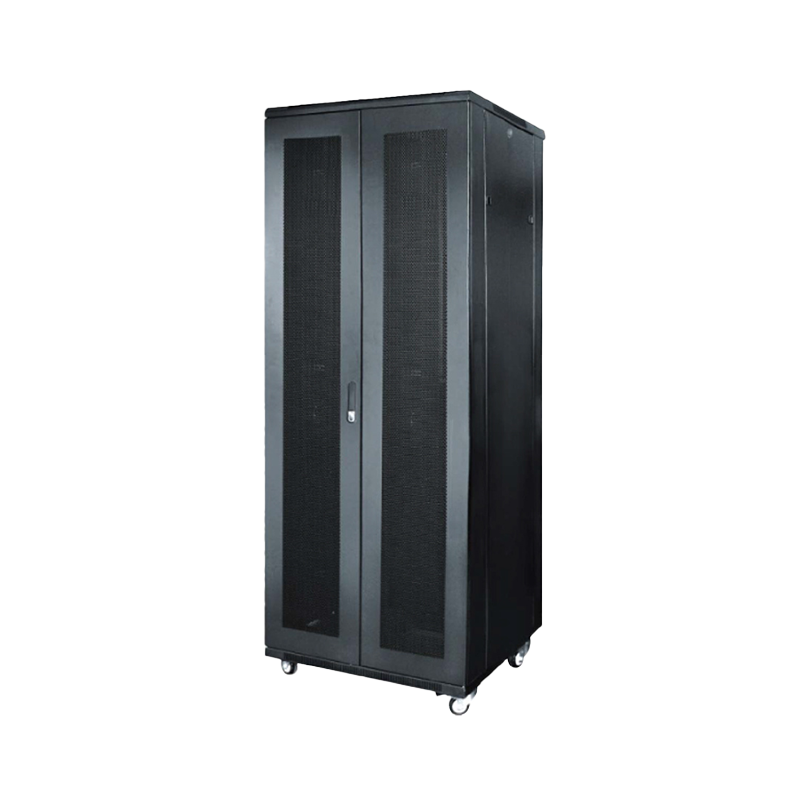
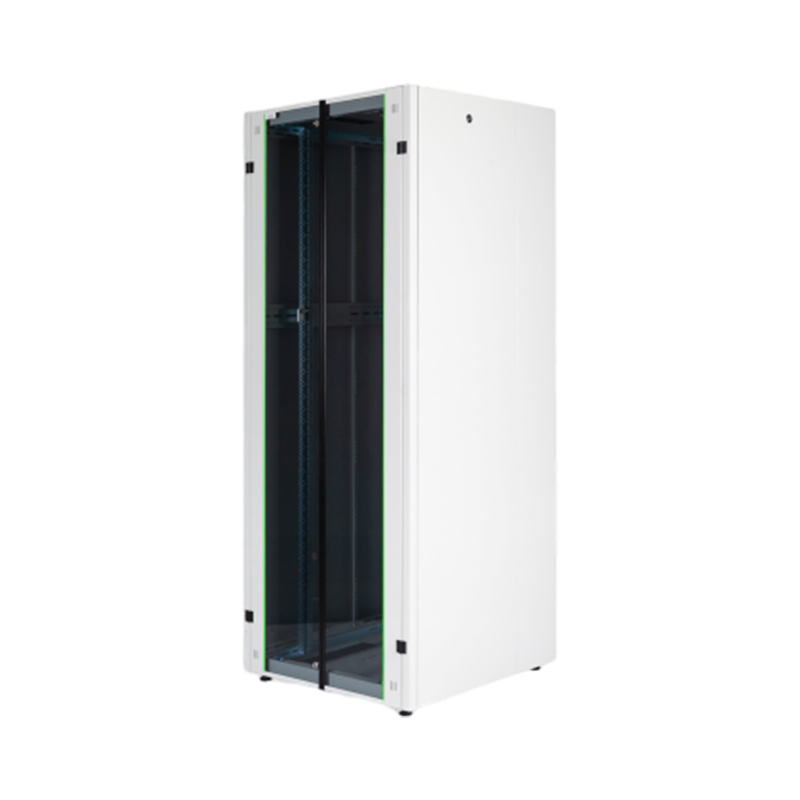
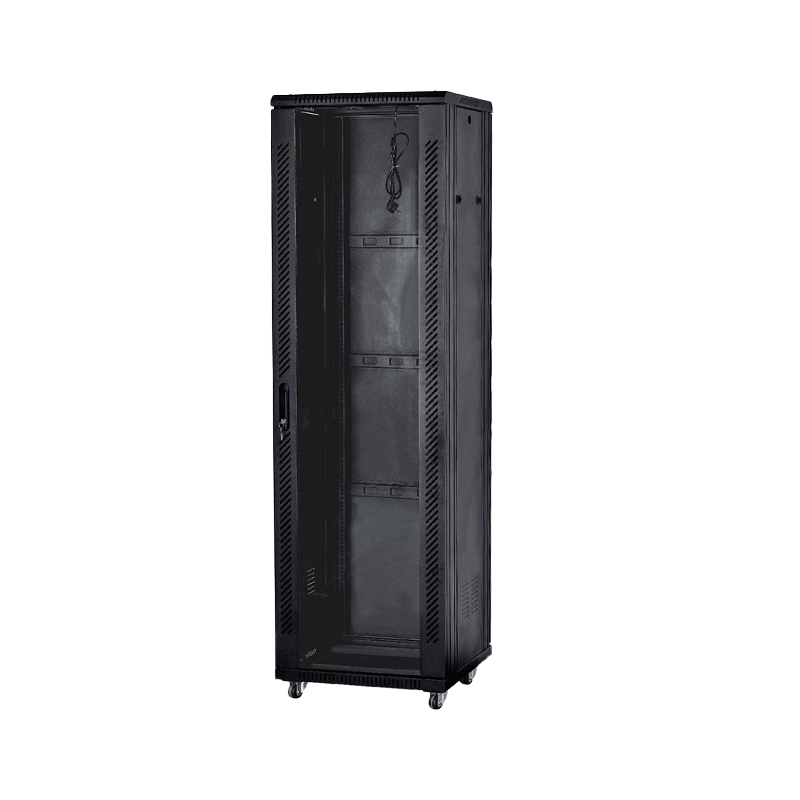
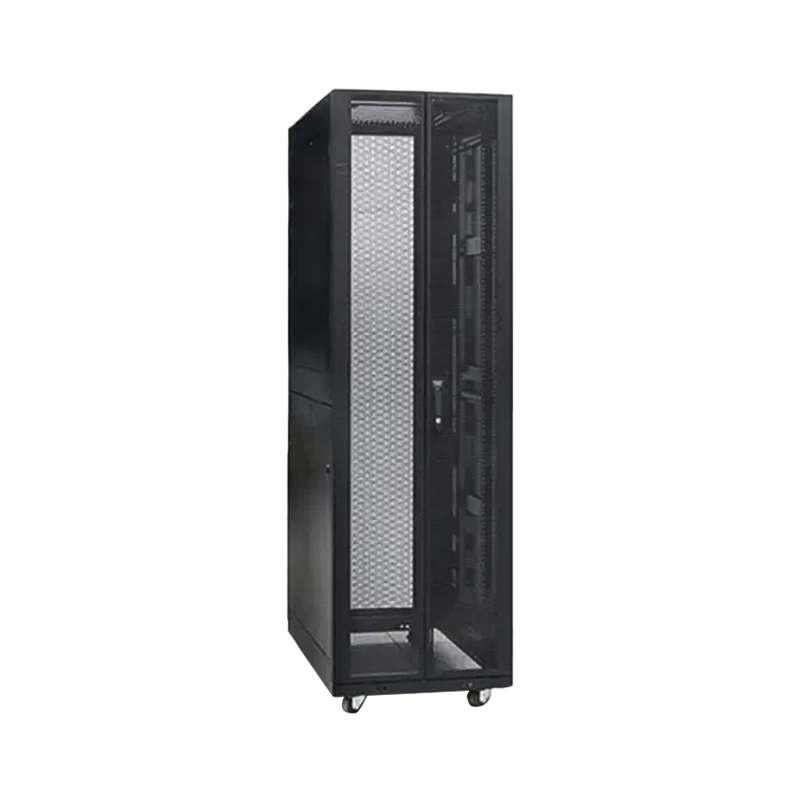
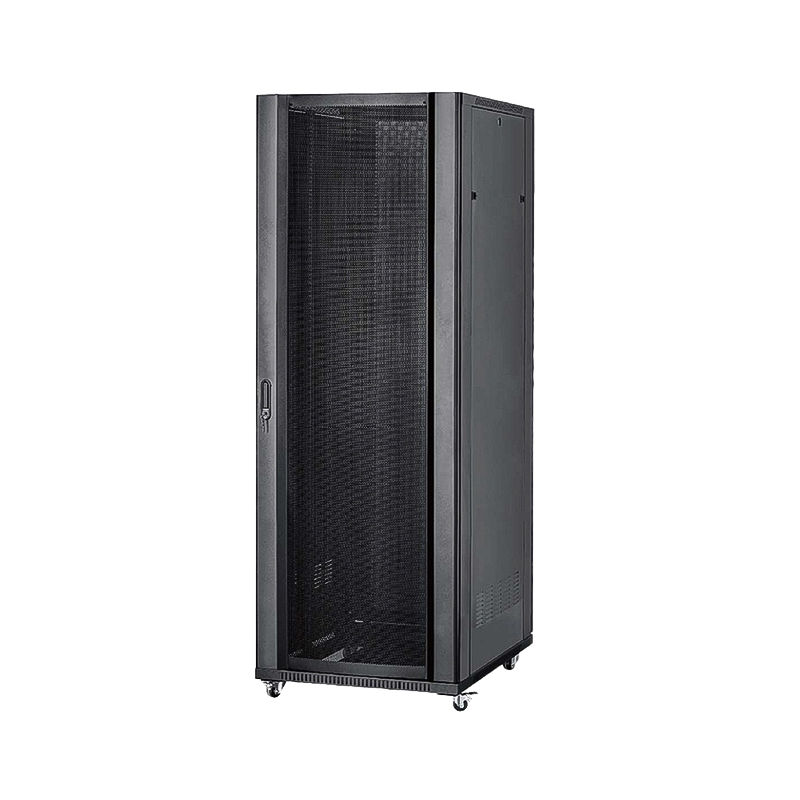
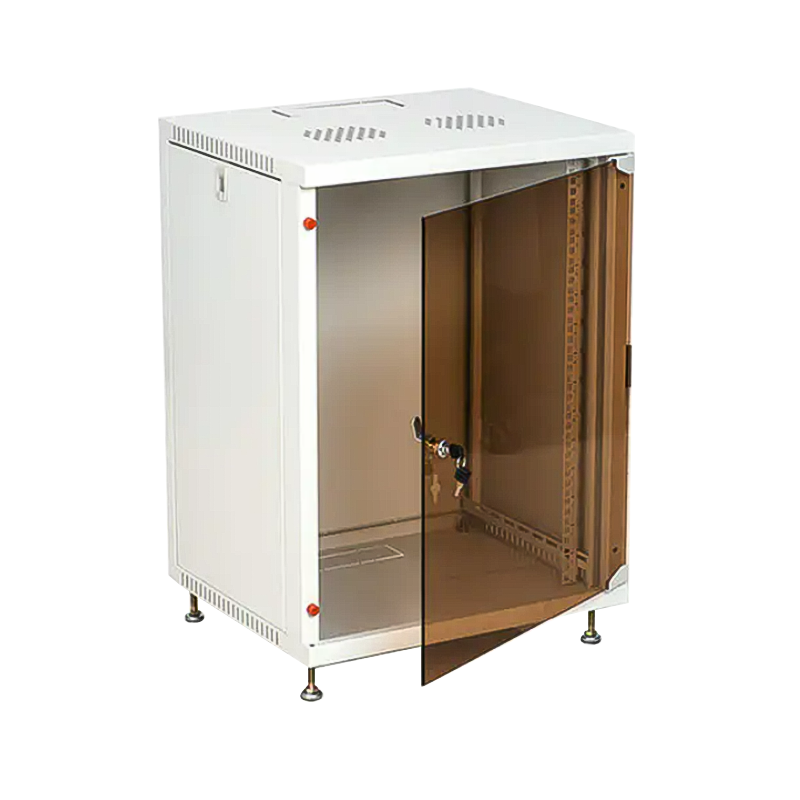
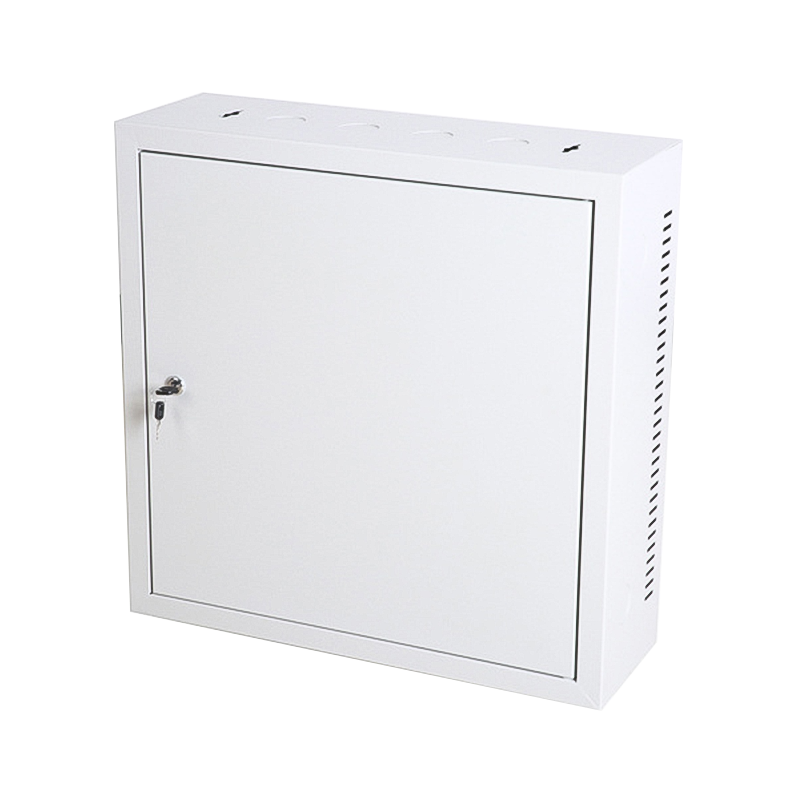
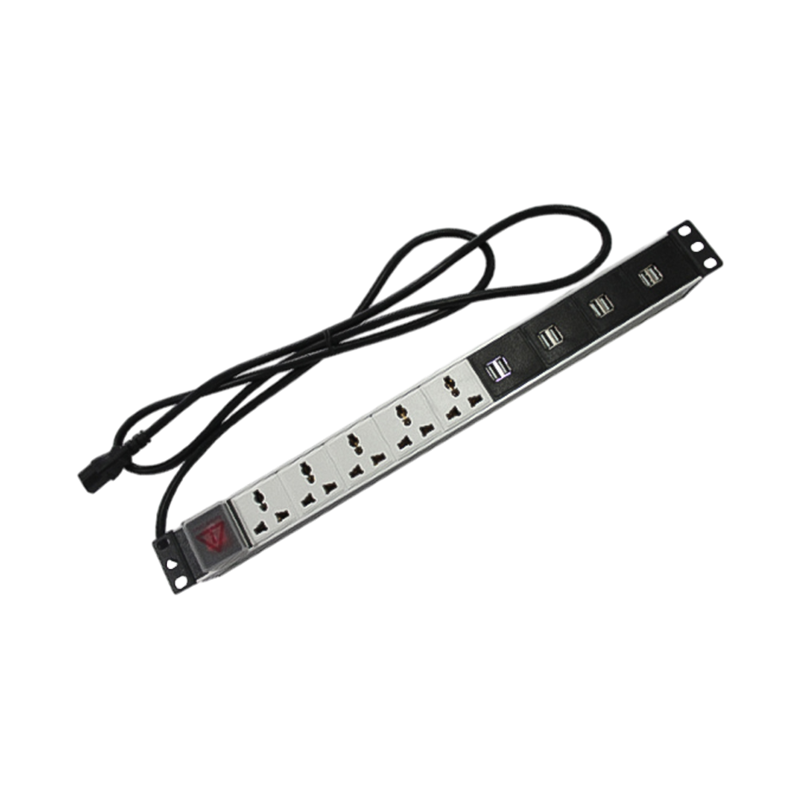

We are a company mainly engaged in the manufacturing of network cabinet , charging cart and other infrastructures.
Product Classification
Address
No.12 Fushan Road,Guanhaiwei Town,Cixi City,Ningbo,Zhejiang,China
PHONE
+86-17857397994

 English
 عربى
عربى
 Español
 русский