The most direct answer is this: choose a charging cabinet based on five linked factors — verified safety features such as individual circuit protection, a slot capacity matched to the actual device fleet size, ventilation design that supports heat dissipation during simultaneous charging, organized cable management, and whether the manufacturer can support OEM or ODM adjustments for a specific device mix. Getting these factors right generally matters more than any single cosmetic feature. The sections below walk through each factor with data, comparisons, and practical checkpoints for buyers evaluating a Charging Cabinet for schools, offices, or public-facing spaces.
This guide is written from the perspective of Ningbo Cixi Communication Technology Co., Ltd., a Ningbo-based company focused on the design, research and development, production, and trade of network cabinets and charging cabinets. The intent is to give IT administrators, facility managers, and procurement teams a practical, non-promotional reference for sourcing charging cabinet solutions.
Content
Buyers comparing a Smart Charging Cabinet against a basic storage unit generally move past appearance and check a set of operational details first. The checklist below covers the points most commonly reviewed before a purchase decision.
A supplier that can address each of these points with specific design details, rather than general marketing language, is generally easier to work with across a multi-unit deployment.
A charging cabinet is a lockable enclosure built to store and charge multiple mobile devices, such as laptops, tablets, and Chromebooks, from a single central power connection. Inside, each compartment typically connects to a shared power distribution system through individual outlets or charging ports, which allows devices to charge independently without users needing to manage separate cables and wall outlets.
A secure charging system generally includes multifunctional outlets, cable management features, and layout designed so that cords remain organized rather than tangled across compartments. This structure supports charging multiple devices simultaneously while keeping each unit physically separated and, in most designs, individually secured behind a lockable door.
Ventilation is one of the more important design elements in a charging cabinet, since multiple devices charging at once generate heat that needs a path to dissipate. Cabinets with vents, gaps, or built-in fans generally manage this heat load more effectively than fully sealed enclosures. Circuit protection, including individual breakers or surge protection per compartment, is designed to isolate a fault to a single slot rather than affecting the entire unit, which is a key consideration for facilities charging a large device fleet overnight.
Capacity selection is usually the first specification decision buyers make, since an undersized cabinet leads to overflow charging on open outlets while an oversized one adds unnecessary footprint. Based on general procurement patterns across schools and offices, mid-range slot counts see the most consistent selection for a Charging Cabinet for Schools or general office device fleet.
The 24 to 32 slot range shows the largest share in this pattern, generally reflecting classroom-sized or department-sized device groups. Smaller 8 to 16 slot units tend to suit individual offices or small meeting rooms, while units above 40 slots are typically selected by facilities consolidating multiple classrooms or floors into a single charging station. Buyers are generally advised to size a cabinet slightly above current device counts rather than at exact capacity, since device fleets tend to grow rather than shrink over a multi-year deployment.
A well-designed Laptop Charging Cabinet or Tablet Charging Cabinet generally needs compartment dimensions and port types matched to the specific device category being stored, since laptops, tablets, and Chromebooks differ in physical size and charging connector type. Mixed-device environments often require adjustable compartment dividers or a range of outlet types within the same unit.
Laptops make up the largest share in this pattern, generally because enterprise offices and higher-grade classrooms tend to deploy them in higher volumes than other device categories. A Chromebook Charging Cabinet follows closely behind, driven largely by school district device programs. The mixed and other category, while smallest, still represents a meaningful share and generally signals a need for compartment flexibility rather than a single fixed device profile.
| Device Type | Typical Setting | Key Compartment Consideration |
|---|---|---|
| Laptops | Enterprise offices, data centers | Larger slot depth and width |
| Tablets | Public transportation hubs, retail | Compact slot with secure locking |
| Chromebooks | Schools, 1:1 device programs | High slot count, durable build |
| Mixed / Other | Shared or multi-department spaces | Adjustable dividers, multiple port types |
Adoption of charging cabinets has generally trended upward as more schools and workplaces expand device-per-person programs, moving away from shared devices toward individually assigned laptops, tablets, or Chromebooks. This shift increases the practical need for centralized, secure charging infrastructure rather than relying on scattered wall outlets and extension cords.
The steady upward trend suggests that buyers planning a multi-year rollout should consider a manufacturer's ability to scale supply alongside current capacity, rather than sourcing a single batch without a longer-term plan. A Lockable Charging Cabinet program that starts small but is expected to expand across additional rooms or floors generally benefits from working with a supplier that can support repeat orders with consistent build quality.
Safety evaluation generally covers more than a single spec line. The radar chart below compares six dimensions commonly weighed when assessing a Secure Charging Cabinet, with a more balanced shape indicating a more consistent overall design rather than strength concentrated in just one area.
Safety protection and cable management generally carry the most direct weight in daily operation, since both affect how reliably a cabinet handles simultaneous multi-device charging without overheating or cord damage. Storage capacity and build quality matter more for long-term durability, particularly in schools or transit hubs where cabinets see frequent daily use. Smart monitoring, including status indicators or network-connected reporting, is increasingly requested by IT teams that want visibility into charging status across a large device fleet without checking each compartment manually.
Charging cabinets and charging carts serve a similar core purpose but differ in placement and mobility. A cabinet is typically a stationary or wall-mounted unit designed for a fixed location, often with a higher compartment count suited to a permanent classroom or office setup. A cart is generally mobile, built with wheels so it can move between rooms, which suits schools sharing a device set across multiple classrooms throughout the day.
| Factor | Charging Cabinet | Charging Cart |
|---|---|---|
| Mobility | Stationary or wall-mounted | Wheeled, moves between rooms |
| Typical Capacity | Moderate to high slot counts | Moderate slot counts |
| Best suited for | Fixed rooms or dedicated charging stations | Shared devices across multiple rooms |
| Security | Often fully lockable enclosure | Lockable, with added mobility exposure |
Ningbo Cixi Communication Technology Co., Ltd. focuses on the design, research and development, production, and trade of network cabinets and charging cabinets, offering one-stop services for the installation of network communication equipment and charging needs. As a professional OEM Charging Cabinet Manufacturer and ODM Charging Cabinet company, the business works with an in-house design team to support various needs across network data centers, enterprise offices, public transportation hubs, commercial premises, and personal residences.
The company emphasizes product safety alongside product intelligence, aiming to combine reliable charging infrastructure with more convenient, efficient features for customers. Its products are designed around safety, reliability, intelligence, efficiency, and ease of operation, which reflects a broader shift in the category toward cabinets that do more than simply hold and power devices.
| Q1. What is a charging cabinet? It is a lockable enclosure designed to store and charge multiple mobile devices, such as laptops, tablets, or Chromebooks, from a single centralized power connection. |
Q2. How does a charging cabinet work? Each compartment connects to a shared power distribution system through individual outlets or ports, allowing devices to charge separately while stored securely inside the cabinet. |
| Q3. Are charging cabinets safe? Cabinets built with individual circuit protection, ventilation, and organized cable management are generally designed to reduce common risks associated with multi-device charging. |
Q4. Can charging cabinets prevent battery fires? Safety features such as circuit protection and ventilation are designed to reduce certain risks tied to unattended charging, though device condition and usage also affect overall risk. |
| Q5. What devices can be charged in a charging cabinet? Common devices include laptops, tablets, and Chromebooks, with many cabinets supporting mixed device types through adjustable compartments and varied port options. |
Q6. How many devices can a charging cabinet charge at once? Capacity generally ranges from around 8 slots for small offices up to 40 or more slots for classroom or department-wide deployments. |
| Q7. What is the difference between a charging cabinet and a charging cart? A cabinet is typically stationary or wall-mounted for a fixed location, while a cart is wheeled and designed to move between rooms. |
Q8. Are charging cabinets ventilated? Most cabinet designs include vents, gaps, or fans to help dissipate heat generated during simultaneous charging of multiple devices. |
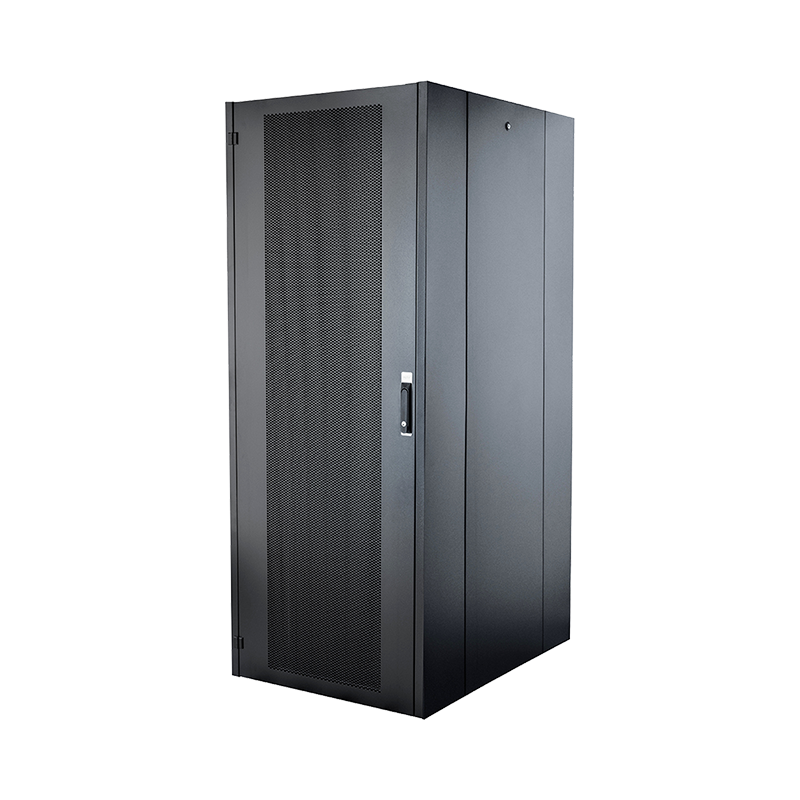
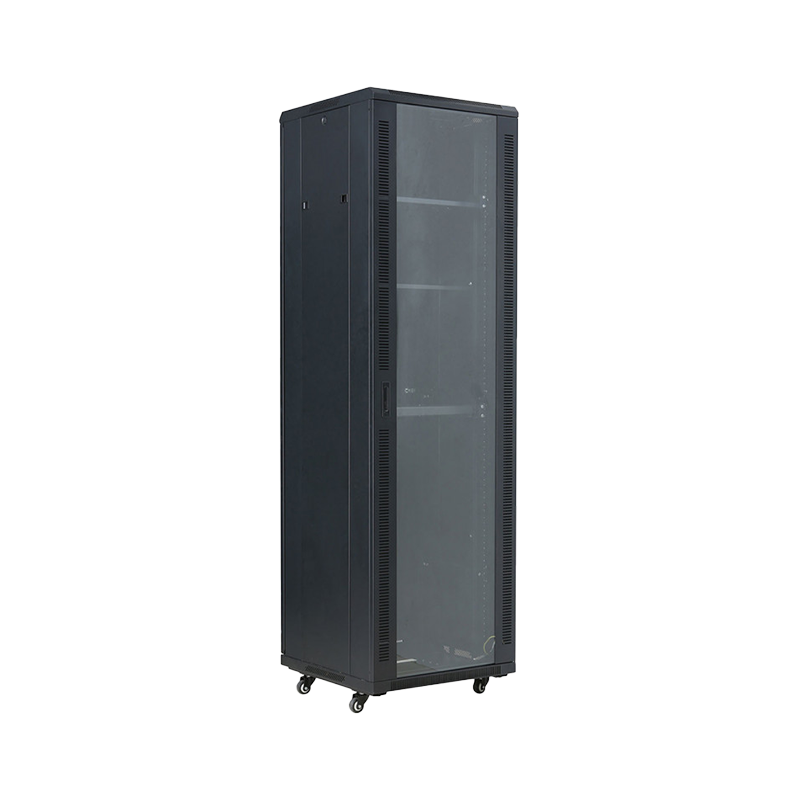
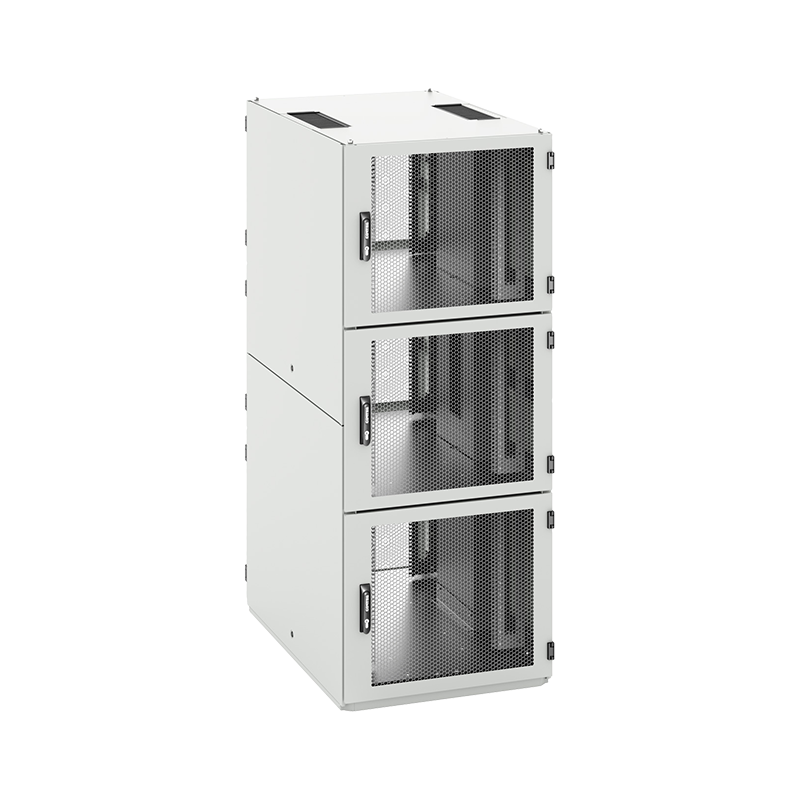
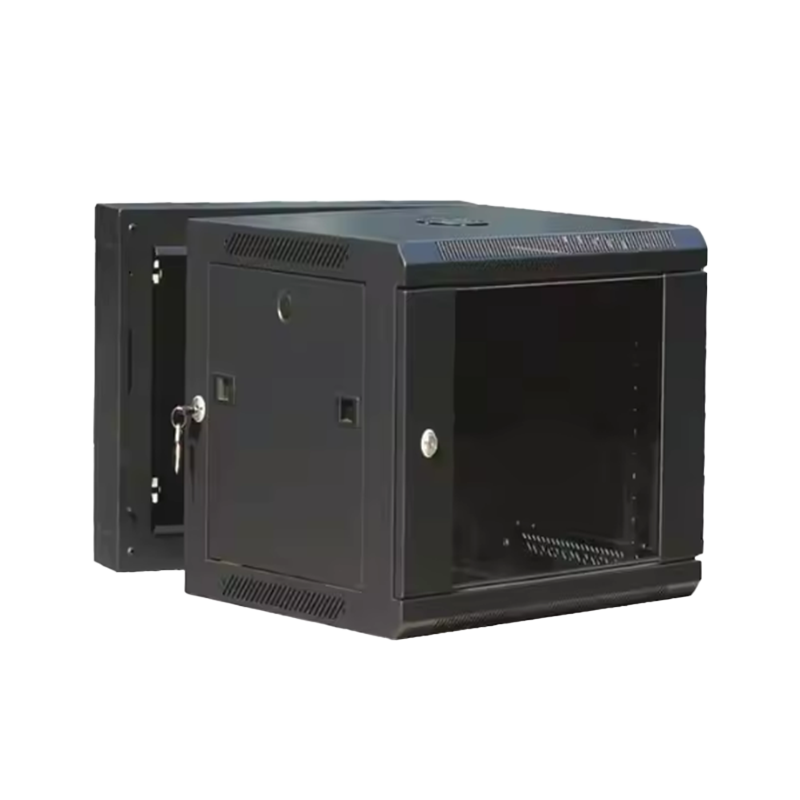
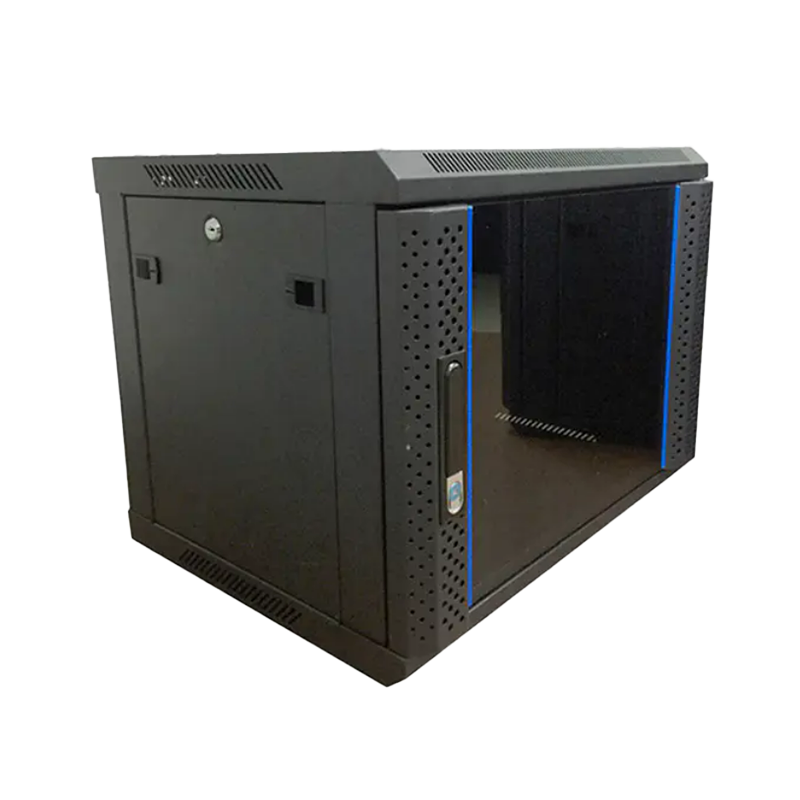
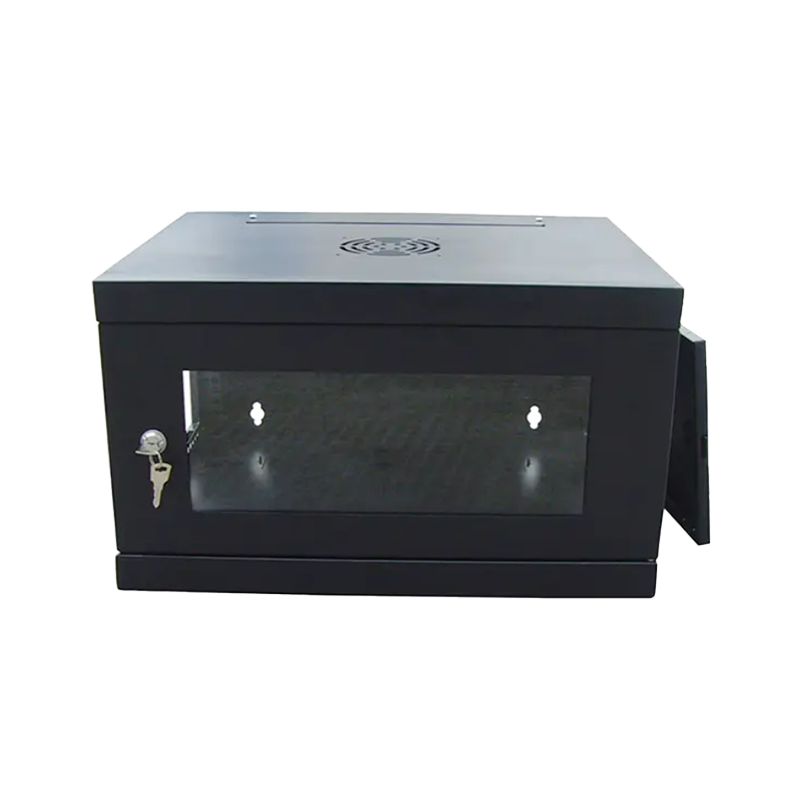
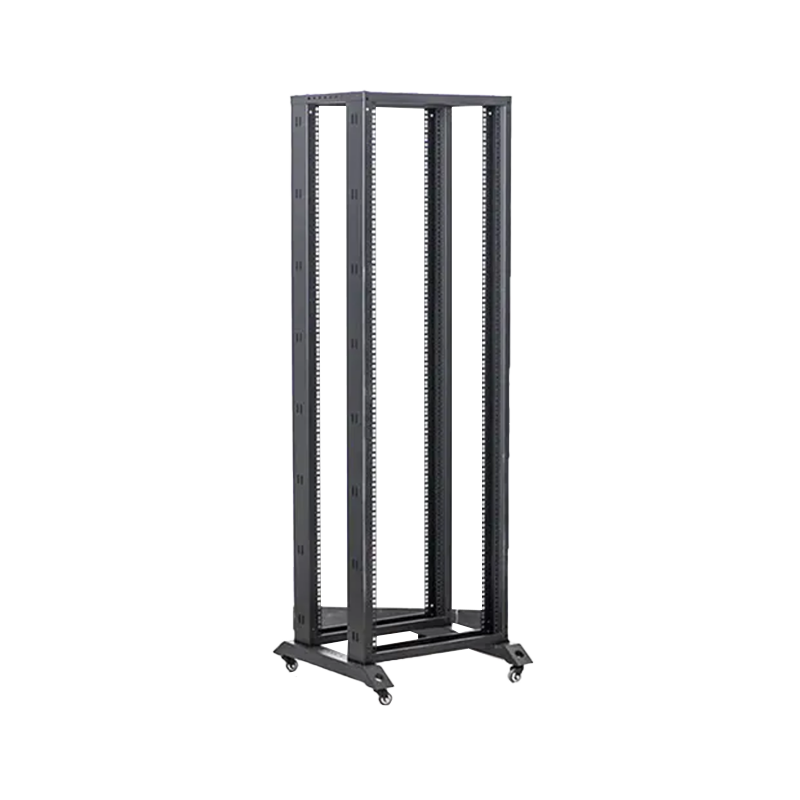
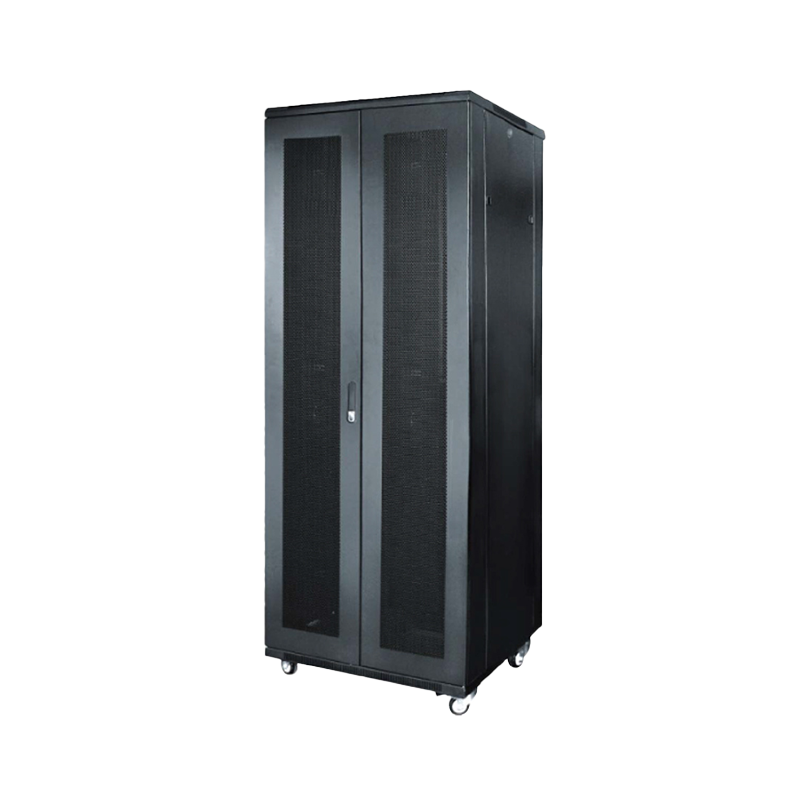
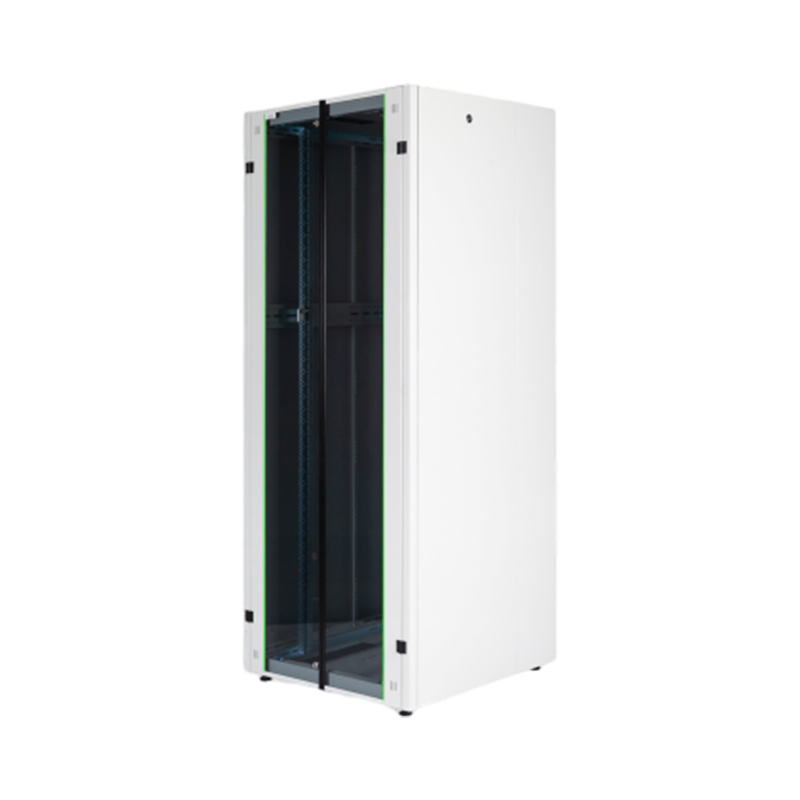
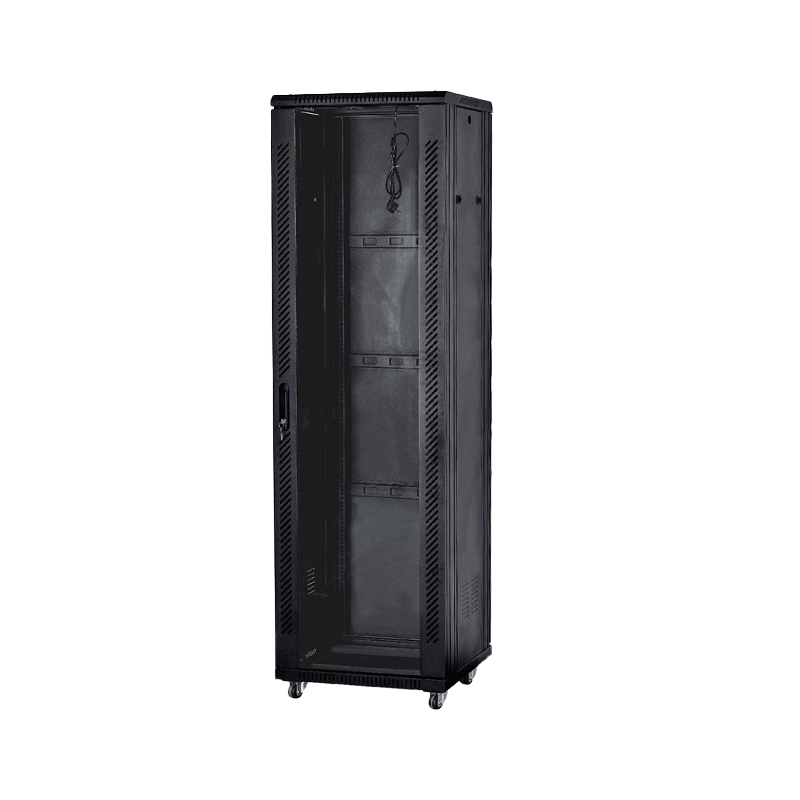
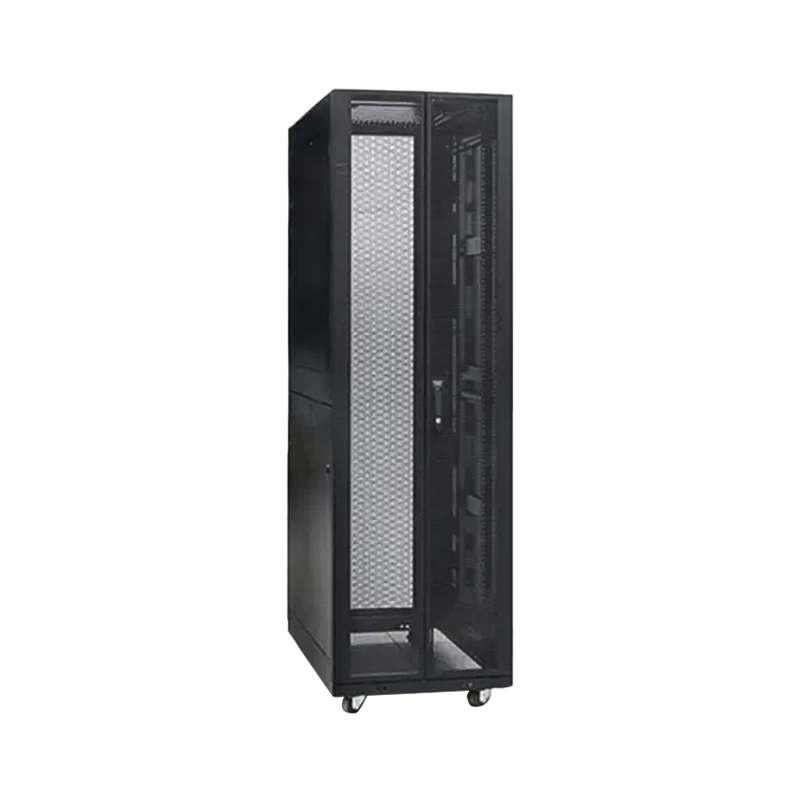
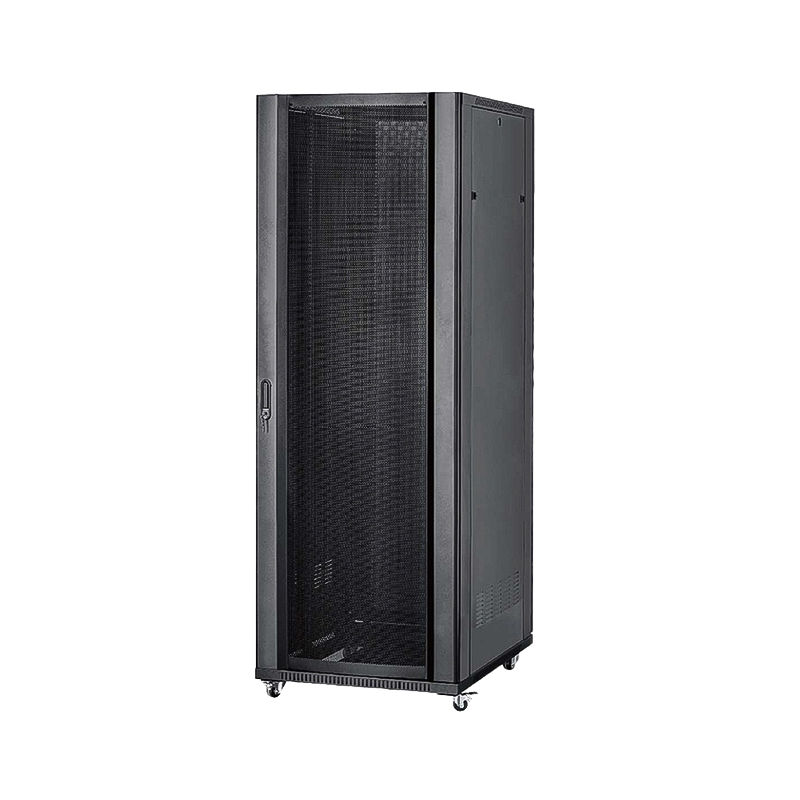
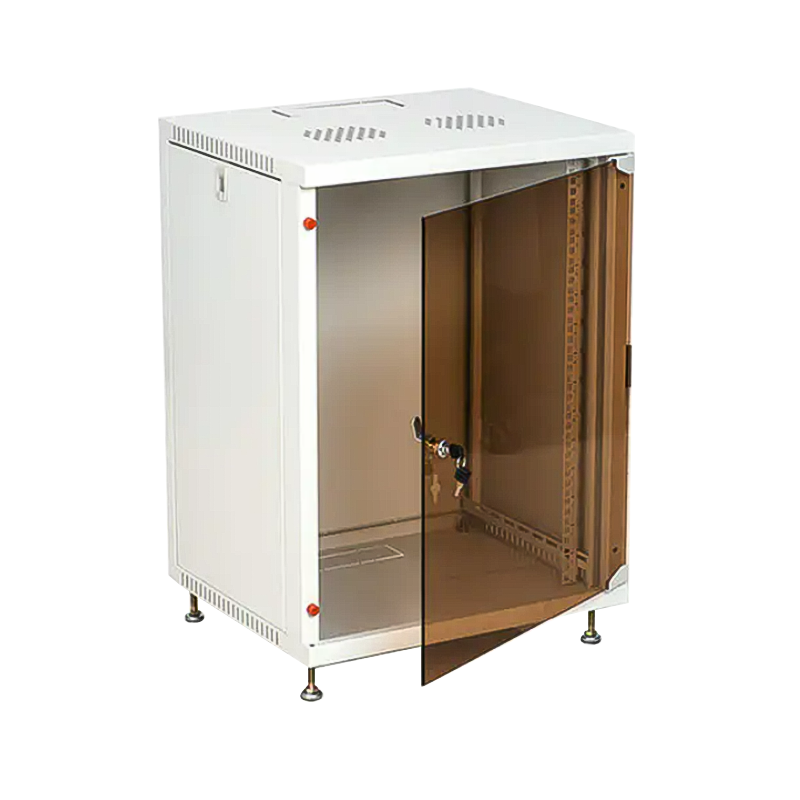
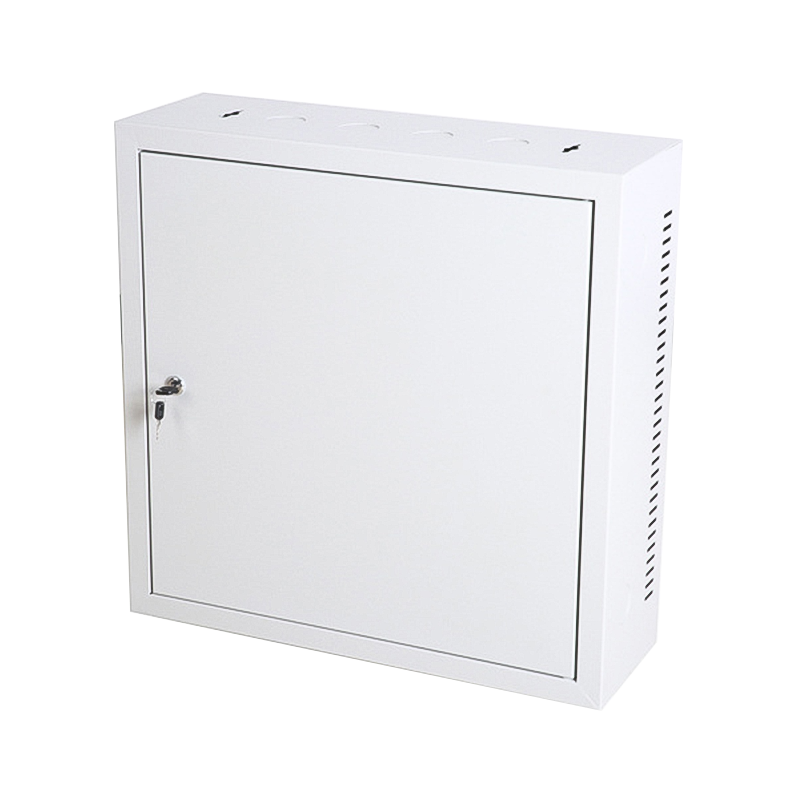
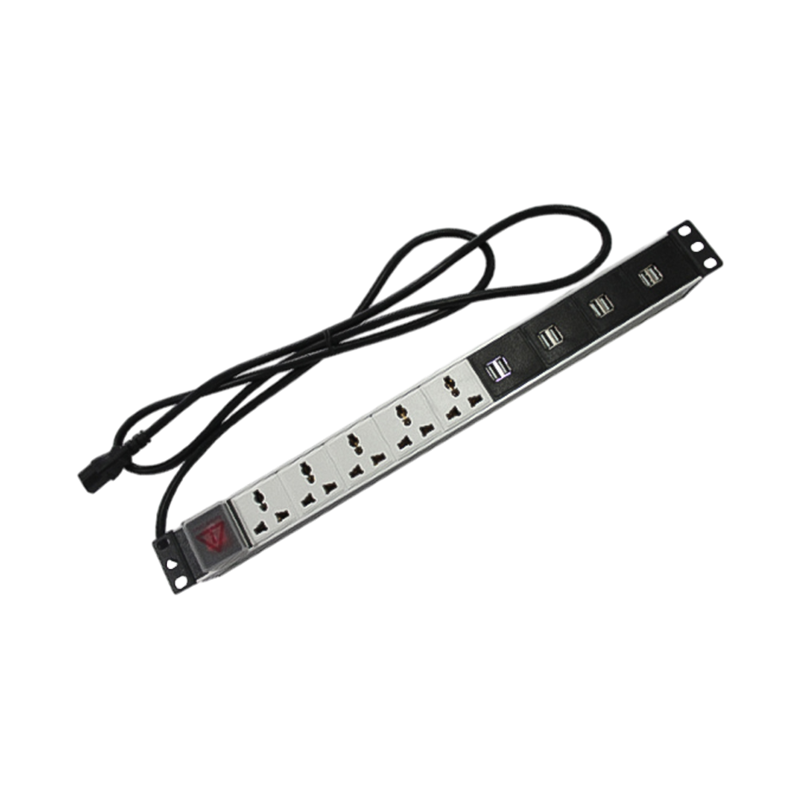

We are a company mainly engaged in the manufacturing of network cabinet , charging cart and other infrastructures.
Product Classification
Address
No.12 Fushan Road,Guanhaiwei Town,Cixi City,Ningbo,Zhejiang,China
PHONE
+86-17857397994

 English
 عربى
عربى
 Español
 русский