Choosing the right size wall mount rack is one of the most critical decisions when planning a network installation. For most small offices or home networks, a 6U to 12U wall mount network cabinet is the ideal starting point, while larger enterprise environments typically require 12U to 24U. The correct size depends on your current equipment inventory, expected growth, cable management needs, and the structural capacity of your wall.
This guide walks you through every factor that influences your decision — from understanding rack unit measurements to matching cabinet depth with your deepest equipment — so you can select a wall mount network rack that fits both your space and your infrastructure.
| Environment | Recommended Size | Typical Equipment |
|---|---|---|
| Home / SOHO | 6U – 9U | Patch panel, switch, router |
| Small Office (10–50 users) | 12U – 18U | Switch, firewall, NVR, UPS |
| Medium Enterprise (50–200 users) | 18U – 24U | Multiple switches, servers, UPS, cable management |
| Public Infrastructure / IDF Closet | 24U+ | Full rack equipment, redundant power, patch fields |
Content
A rack unit (U or RU) is the standard height measurement for rack-mounted equipment. One rack unit equals 1.75 inches (44.45 mm). Every piece of rack-mountable equipment — switches, patch panels, routers, UPS units — is sold with a U rating that tells you how much vertical space it occupies. A 1U switch takes up 1.75 inches; a 2U server takes 3.5 inches.
Wall mount network cabinets are available from as small as 2U for minimal telecom applications up to 42U for full-sized server environments, though the most popular wall rack cabinet sizes for commercial use fall between 6U and 24U. Understanding this unit system is non-negotiable before purchasing any wall mount server cabinet, because once the cabinet is mounted, replacing it with a larger one involves significant rework.
This chart illustrates how many rack units common network devices consume. Most basic devices occupy 1U, while power-intensive devices like UPS units or NVRs typically require 2U. When planning your wall mount network cabinet, always account for every device in your current and near-future inventory. Leaving at least 20–30% empty space for future expansion and airflow is widely recommended by network infrastructure professionals.
A wall mount network rack is defined by three dimensions. Height (expressed in U) is the most-discussed, but width and depth are equally critical for ensuring your equipment fits and your wall can support the installation.
Wall mount server cabinets typically range from 6U to 24U in commercial applications. The choice hinges directly on how many rack-unit devices you need to install now, plus a growth buffer. Industry guidance suggests adding at least 30% headroom. For example, if your current equipment sums to 10U, select a 15U wall rack cabinet minimum.
The industry-standard internal width for rack equipment is 19 inches (482.6 mm), defined by the EIA-310 standard. Most commercial-grade wall mount network cabinets conform to this standard. Some compact variants use a 10-inch internal width for smaller switches or fiber patch panels, which is common in European telecom deployments.
Depth is where many buyers make mistakes. Shallow cabinets (200–400 mm) suit passive equipment like patch panels and small switches. Deep cabinets (450–600 mm) are necessary for active equipment including firewalls, NVRs, and rack-mount UPS units. Always measure the depth of your deepest device before selecting a cabinet, and add at least 50 mm for cable routing behind the equipment.
This column chart compares the depth requirements of typical network and server equipment. Passive components like patch panels need as little as 200mm of cabinet depth, while rack servers can demand 700mm or more. Selecting a wall mount server cabinet that is too shallow for your deepest device is one of the most common and costly sizing errors in network deployments. Always plan for your most demanding component, not the average.
Before contacting any wall mount network cabinet manufacturer or network cabinet supplier, conduct a U-count audit. This is a simple inventory exercise:
For example: a small office with a 1U patch panel, 1U PoE switch, 1U firewall, and 2U UPS totals 5U. Adding 30% gives 6.5U — so a 9U wall mount network cabinet is the appropriate choice, giving you 3.5U of headroom for growth.
This line chart illustrates a typical growth trajectory for a small office network over four years. Starting at 5U, equipment additions — new switches for expanding teams, IP cameras, VoIP gateways — push usage past 12U by Year 3. Purchasing a 12U wall rack cabinet at installation would leave the network team scrambling for space within two years. Selecting a 15U or 18U cabinet from the outset avoids a costly mid-lifecycle replacement.
Wall mount network cabinets are only as safe as the wall they are installed on. The structural capacity of your wall determines the maximum cabinet size and equipment load that can be safely supported. Most commercial wall mount cabinets are rated for 60–150 kg of total load, but the wall itself — particularly drywall-only construction — may limit you to much less without additional reinforcement.
Always consult a structural engineer or certified installer for installations exceeding 50 kg total load. Professional rack cabinet factory suppliers like Ningbo Cixi Communication Technology Co., Ltd. provide load rating certifications for each product, which your installer will need for compliance documentation.
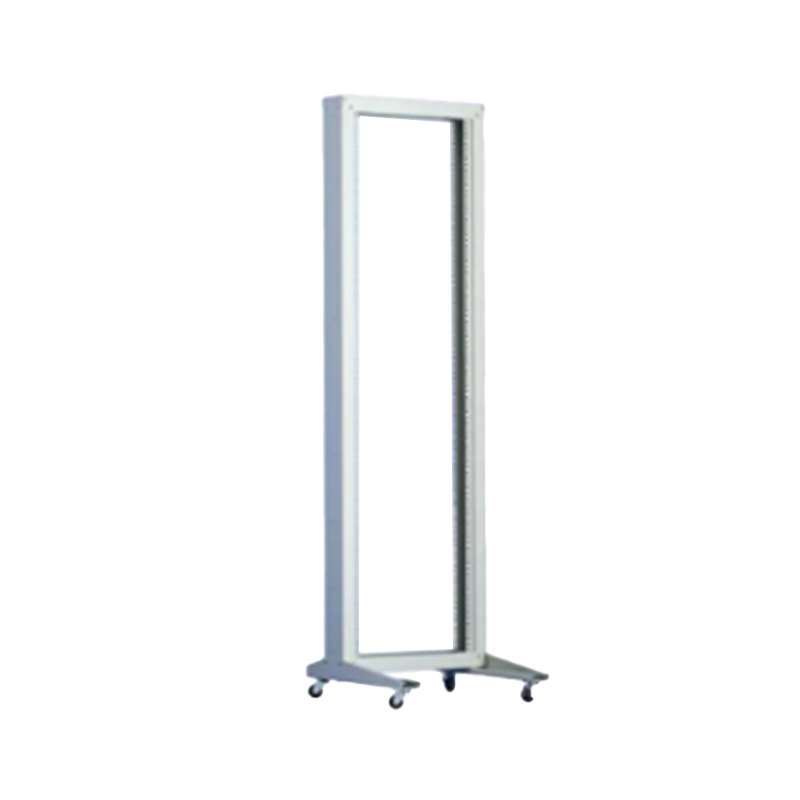
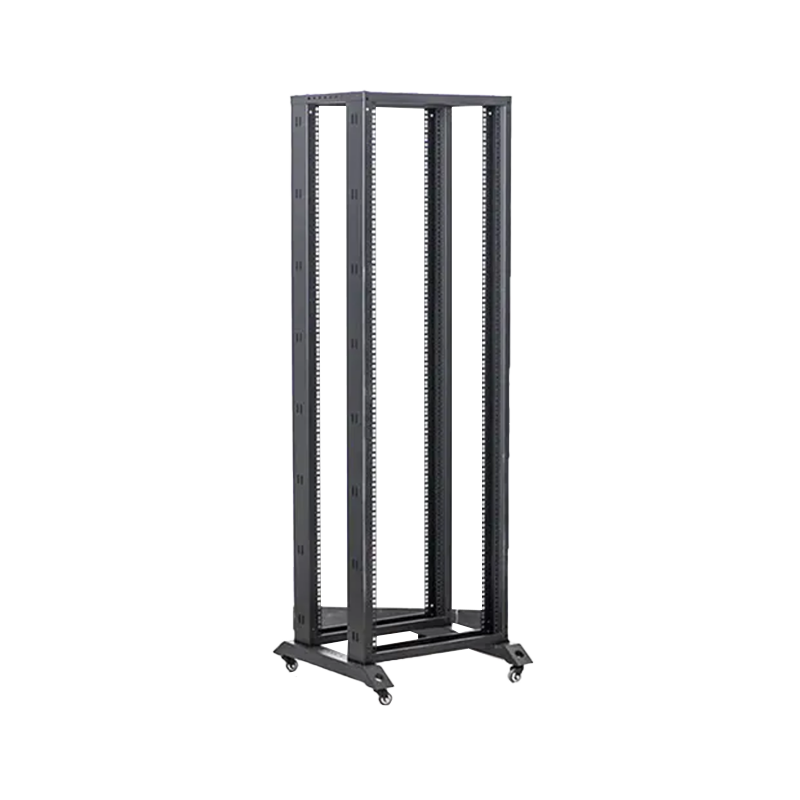
Not all wall mount network cabinets are alike. Open-frame wall mounts, enclosed cabinets with front doors, and dual-door cabinets with front and rear access each suit different deployment scenarios. Understanding the trade-offs prevents mismatches between your environment and your enclosure type.
This radar chart contrasts an enclosed dual-door wall mount network cabinet with an open-frame wall mount across six performance dimensions. Enclosed cabinets with front and rear doors excel at security and dust protection, making them the preferred choice for public areas, retail environments, and locations where unauthorized access is a risk. Open-frame wall mounts score higher on ventilation and cable accessibility, making them popular in secured server rooms or IDF closets where physical security is maintained by the room itself. Neither is universally superior — the right choice depends on your specific deployment context.
| Cabinet Type | Best Use Case | Door Config | Security Level |
|---|---|---|---|
| Open Frame | Secured server rooms, IDF closets | None | Low (room-level only) |
| Single Front Door | Offices, general areas with limited access | Front door + lockable | Medium |
| Dual Door (Front + Rear) | Public transport hubs, retail, healthcare | Front + rear doors | High |
| Glass-Door Enclosed | Executive offices, showrooms | Tempered glass front | Medium (visible interior) |
Heat is the primary enemy of network equipment longevity. Inside an enclosed wall mount server cabinet, active equipment like PoE switches and firewalls generate substantial heat that must be dissipated to maintain stable operation. The Arrhenius equation, widely applied in electronics reliability engineering, indicates that every 10°C rise in operating temperature can halve the lifespan of electronic components (Source: JEDEC JESD91A, Reliability Test Method Standard).
For enclosed cabinets with more than 3U of active powered equipment, integrated ventilation fans are highly advisable. Fan cooling capacity is measured in CFM (cubic feet per minute) or m³/h. A 9U enclosed cabinet with a single managed switch and firewall typically requires a minimum of 1–2 x 120mm fans providing at least 50 CFM total airflow. Larger deployments with 18U or more of active equipment should consider thermostat-controlled fan systems.
As a professional China network cabinet manufacturer, Ningbo Cixi Communication Technology Co., Ltd. designs cabinets with pre-punched ventilation openings and optional fan trays to support diverse thermal requirements across different use cases.
Standard off-the-shelf wall mount cabinets cover the majority of use cases, but organizations with unique spatial constraints, branding requirements, or specialized equipment profiles may benefit from custom wall cabinet solutions through an OEM network cabinet program.
Common customization requests include:
As a dedicated wall mount network cabinet manufacturer offering OEM/ODM services, Ningbo Cixi Communication Technology Co., Ltd. works directly with enterprise customers, systems integrators, and distributors to develop tailored solutions. The company's in-house design team based in Ningbo, Zhejiang Province, China, can accommodate modifications to standard cabinet configurations with shorter lead times than importing from distant suppliers.
This bar chart reflects the most commonly requested customizations from enterprise buyers working with an OEM network cabinet supplier. Custom color finishes top the list because facilities managers increasingly want infrastructure that matches interior design standards rather than standing out as eyesores. Non-standard depth customization is the second most common request, driven by the growing prevalence of built-in wall niches and below-ceiling cable management channels in modern commercial construction. Working with a flexible network cabinet supplier that offers genuine engineering support — not just color swaps — is essential for complex deployment environments.
Correct mounting hardware is critical for safe wall mount network cabinet installation. The mounting pattern, bolt size, and wall anchor type must be matched to the cabinet weight, wall material, and local building codes. Most professional-grade wall mount cabinets use a four-point mounting pattern with 400mm × 400mm or 600mm × 600mm hole spacing to distribute load across multiple structural anchors.
| Wall Type | Recommended Anchor | Max Load per Point | Notes |
|---|---|---|---|
| Concrete | M8 chemical anchor | 120 kg+ | Highest reliability; preferred for 18U+ |
| Brick / Masonry | M8 expansion bolt | 80–100 kg | Avoid mortar joints |
| Steel Stud Drywall | M6 self-tapping to stud | 40–60 kg | Must hit stud flange; use backing plate for 12U+ |
| Wood Stud Drywall | M6 lag screw to stud | 50–70 kg | Minimum 3 stud connections for 12U |
Not every network deployment is best served by a wall mount solution. Understanding when a wall mount network rack outperforms a floor-standing cabinet — and vice versa — prevents costly mismatches between product and environment.
According to a 2023 survey by the Structured Cabling Technology Group, 68% of commercial SME network deployments (1–200 employees) use wall mount cabinets as the primary network enclosure, while floor-standing cabinets dominate in data center and enterprise MDF environments. (Source: Structured Cabling Technology Group, 2023 SME Network Infrastructure Survey)
Q1: What is a wall mount network cabinet?
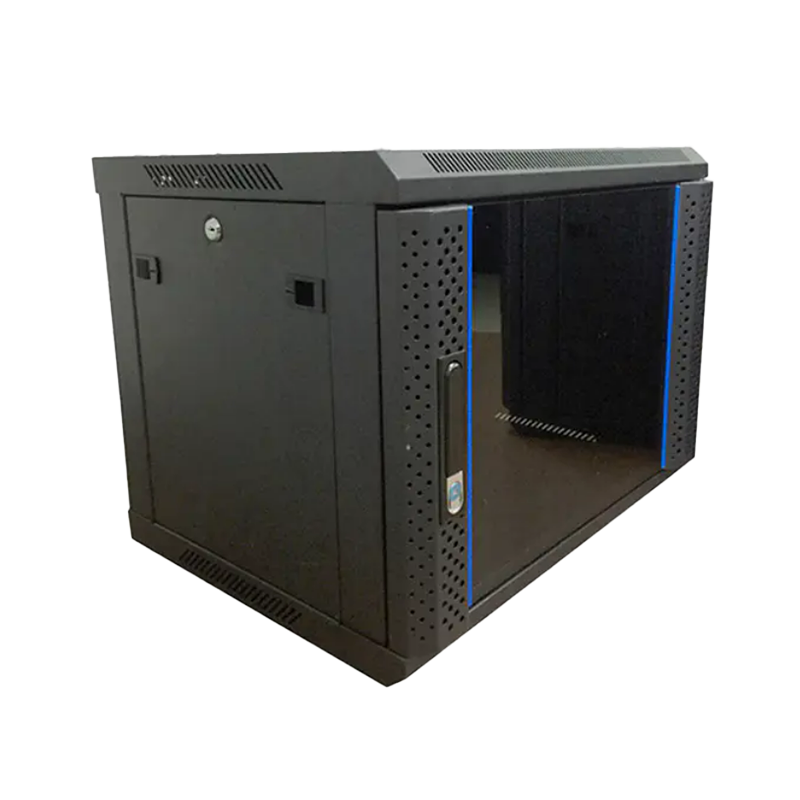
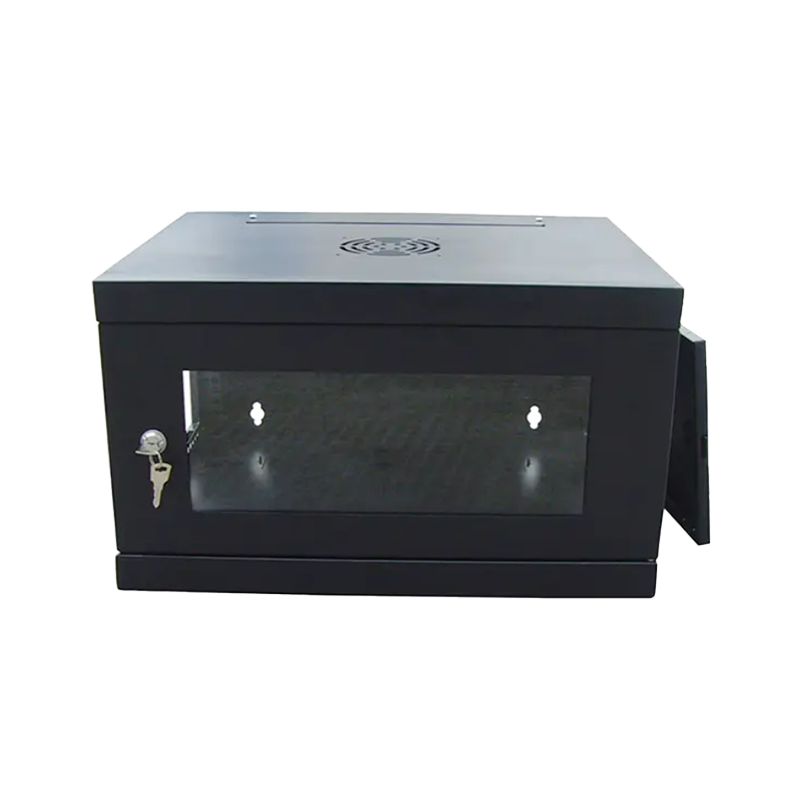
A wall mount network cabinet is a compact metal enclosure designed to house network equipment such as switches, patch panels, routers, and UPS units. It is fixed directly to a wall rather than standing on a floor, saving valuable space. Cabinets typically feature lockable doors and ventilation openings, and may come with front door, rear door, or dual-door configurations to suit different access and security requirements.
Q2: What equipment can be installed in a wall mount cabinet?
Most standard 19-inch rack-mountable devices can be installed, including managed and unmanaged switches, patch panels, fiber distribution frames, firewalls, routers, NVR/DVR units, UPS units, KVM switches, and cable management panels. Equipment must fit within the cabinet's internal width (typically 19 inches) and depth, and the total weight must not exceed the cabinet's load rating.
Q3: How do I choose the right wall mount cabinet size?
Start by listing all rack-mountable equipment and summing their U heights. Add 1U–2U per cable management panel, then multiply the total by 1.3 to add a 30% growth buffer. Round up to the nearest standard U size (6U, 9U, 12U, 15U, 18U, 24U). Also confirm the cabinet's internal depth is at least 50mm deeper than your deepest device to allow for cable routing behind the equipment.
Q4: Do wall mount cabinets need cooling fans?
It depends on the equipment installed. Passive equipment like patch panels generates minimal heat and typically requires only ventilation openings. However, if you are mounting active powered devices such as managed switches, firewalls, or UPS units inside an enclosed cabinet, integrated cooling fans are strongly advisable. For loads of 4 or more active devices, thermostat-controlled fan systems help maintain safe operating temperatures and extend equipment life.
Q5: How much weight can a wall mount cabinet support?
Wall mount network cabinets are typically rated for 60–150 kg of equipment load, depending on the cabinet model and build quality. However, the actual safe load is ultimately limited by the wall type and mounting hardware. Concrete and masonry walls with M8 chemical anchors can support the cabinet's full rated load, while drywall-only walls without stud access may limit safe load to 20–30 kg. Always refer to the cabinet's official load certificate and verify installation with a structural professional for heavy deployments.
Q6: Can I get a custom-size wall mount network cabinet?
Yes. Many professional wall mount network cabinet manufacturers including Ningbo Cixi Communication Technology Co., Ltd. offer OEM and ODM services for non-standard depths, custom colors, branding panels, and special entry cutouts. Custom solutions are well-suited for built-in wall niches, branded deployments in retail or healthcare, and industrial or outdoor environments requiring IP-rated enclosures. Lead times vary by modification complexity.
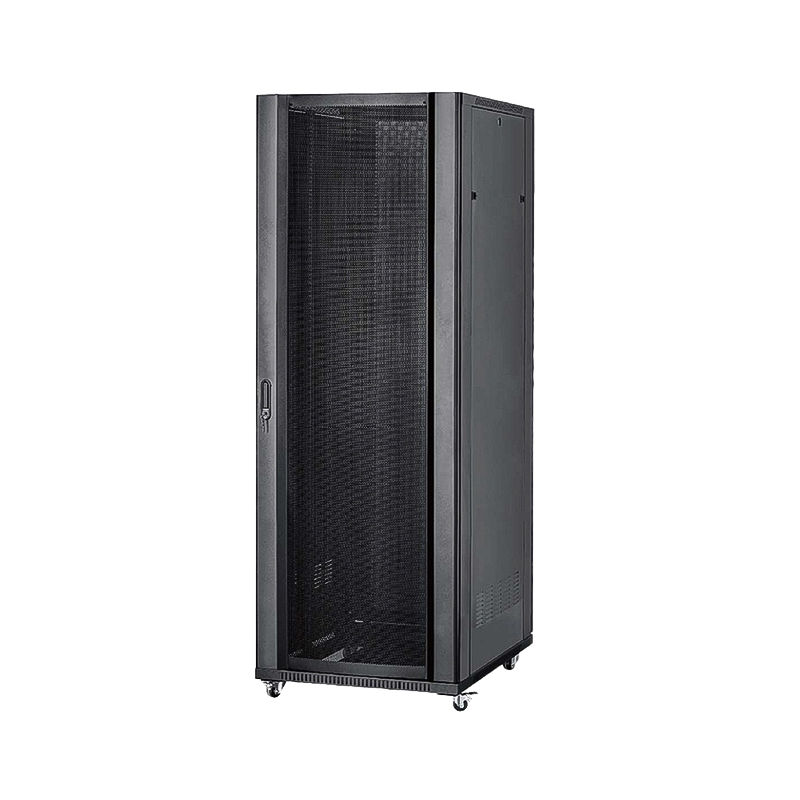
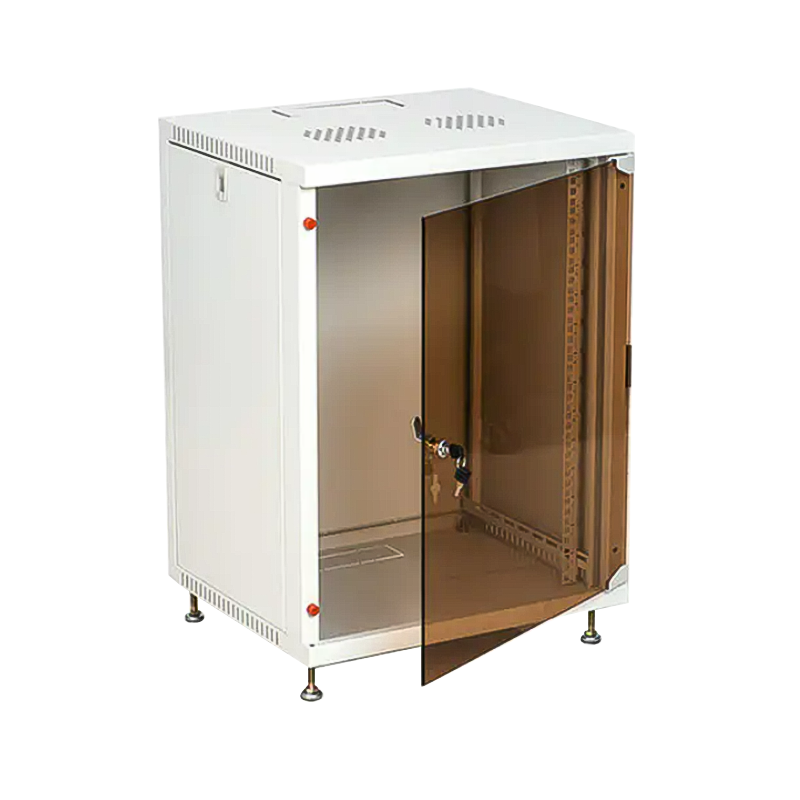
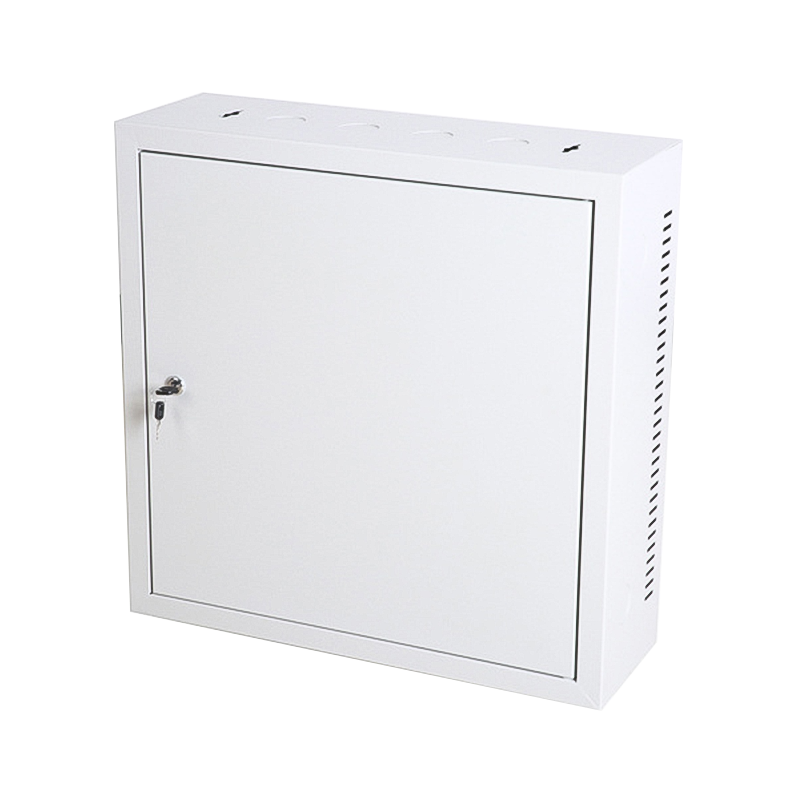
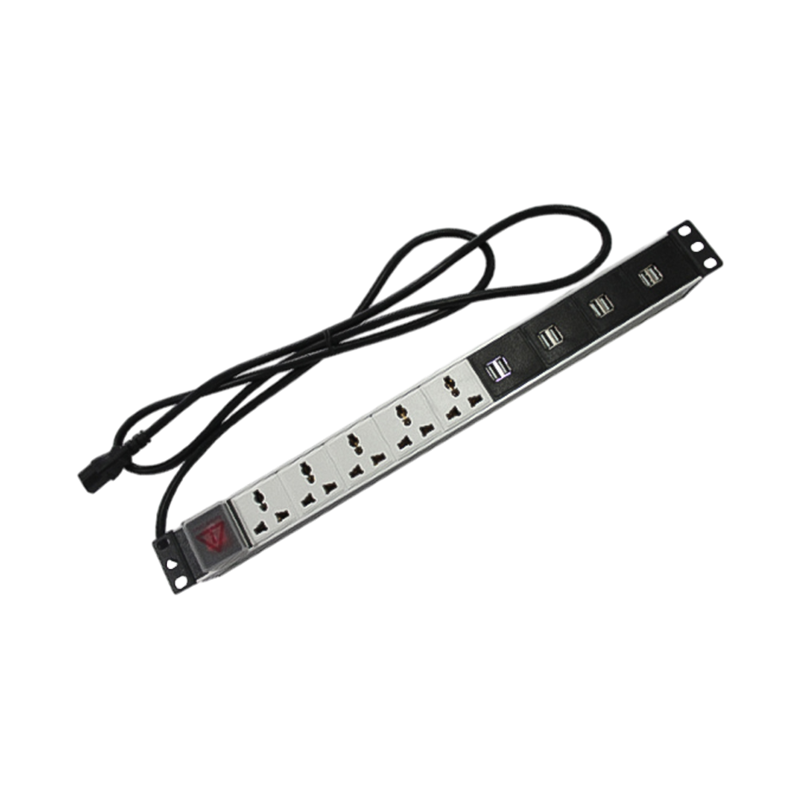

We are a company mainly engaged in the manufacturing of network cabinet , charging cart and other infrastructures.
Product Classification
Address
No.12 Fushan Road,Guanhaiwei Town,Cixi City,Ningbo,Zhejiang,China
PHONE
+86-17857397994

 English
 عربى
عربى
 Español
 русский