A wall mount network cabinet is the most space-efficient solution for housing networking equipment in environments where floor space is limited — including enterprise offices, retail spaces, server closets, public transport hubs, and residential setups. Unlike traditional floor-standing racks, wall-mounted enclosures keep switches, patch panels, routers, and UPS units organized, protected, and accessible without occupying valuable floor real estate. If you need a compact, secure, and scalable enclosure for your network gear, a wall mount cabinet is almost always the right starting point.
This guide covers everything you need to make an informed purchasing decision: how to choose the right cabinet size, the differences between product types, a direct comparison of network cabinet vs server rack configurations, and a breakdown of the most common use cases and product lines available today.
Content
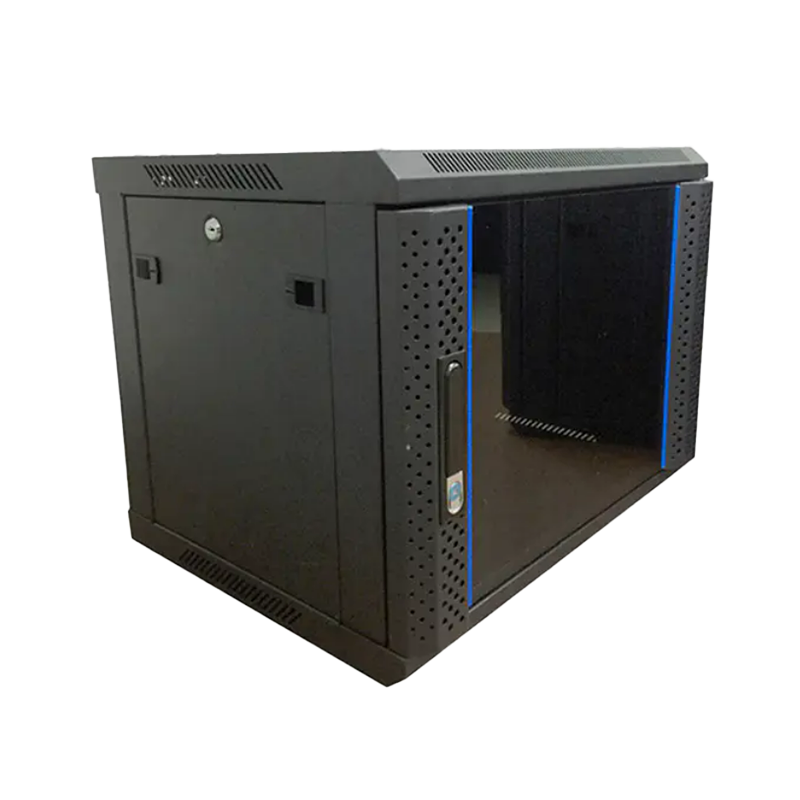
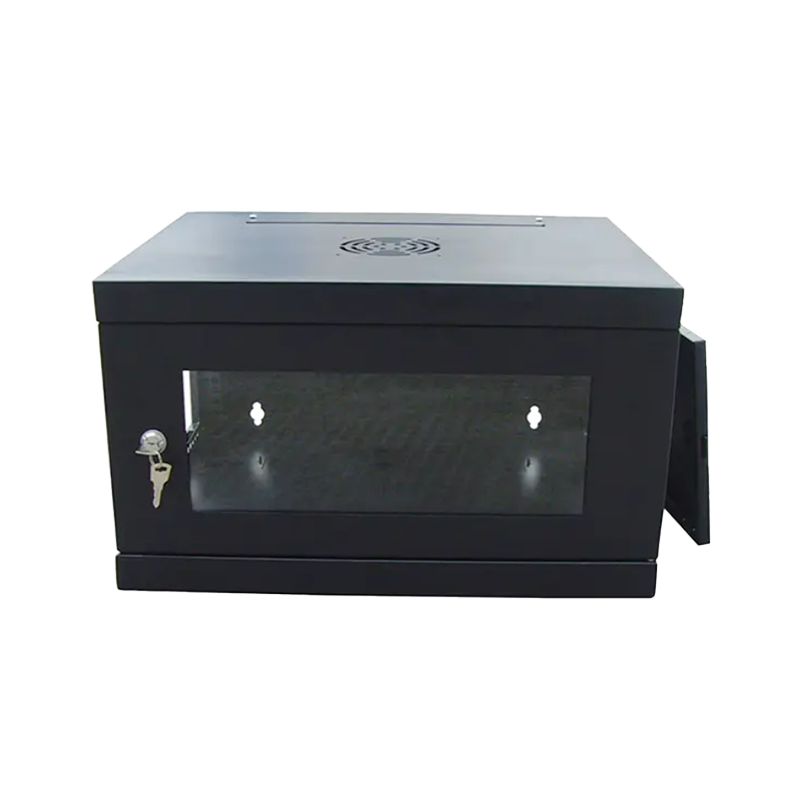
A wall mount network cabinet is an enclosed, wall-mounted housing unit designed to store, protect, and organize network communication equipment. It typically features a lockable front door (and in many configurations a rear door as well), mounting rails compatible with standard 19-inch rack equipment, and ventilation provisions for thermal management. The enclosure mounts directly to a structural wall surface using heavy-duty brackets, keeping the unit elevated off the floor and within reach for maintenance.
The purpose of a network cabinet extends beyond simple storage. It provides physical security against unauthorized access, protects sensitive electronics from dust and accidental contact, supports cable management to reduce signal interference, and ensures that all connected devices operate within appropriate thermal conditions. In environments ranging from small offices to edge computing deployments, the cabinet is the first layer of physical infrastructure security.
Wall-mounted variants offer a particularly strong value proposition for edge computing cabinet deployments, where low-latency processing nodes must be positioned close to end users — in branch offices, retail checkouts, factory floors, or building lobbies — without the footprint of a full-size data center rack.
One of the most common questions buyers ask is: what is the difference between a network cabinet vs server rack? While the terms are sometimes used interchangeably, they refer to distinct product categories with different design priorities, enclosure types, and target environments.
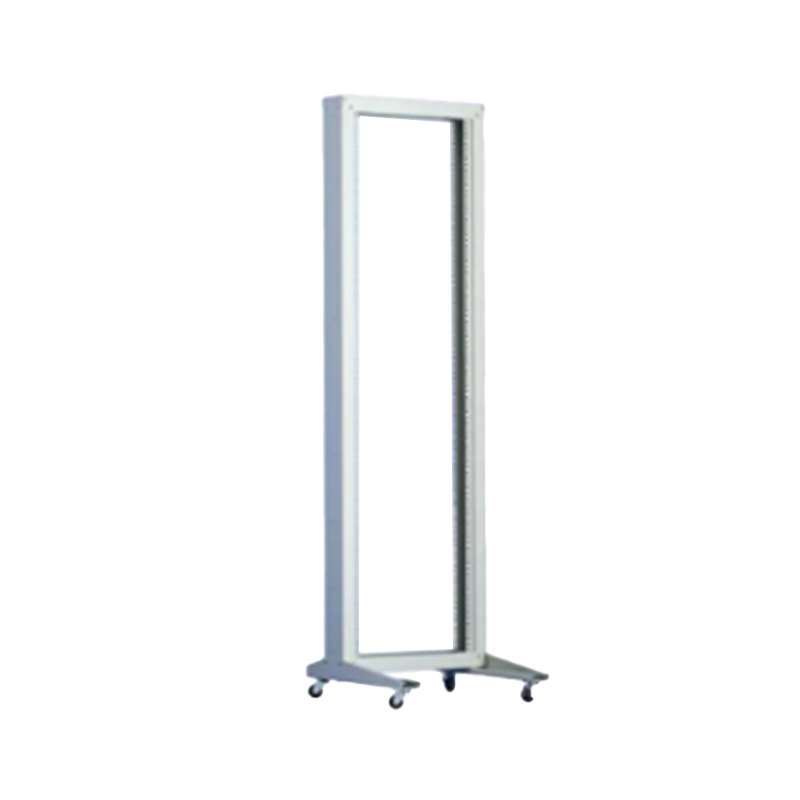
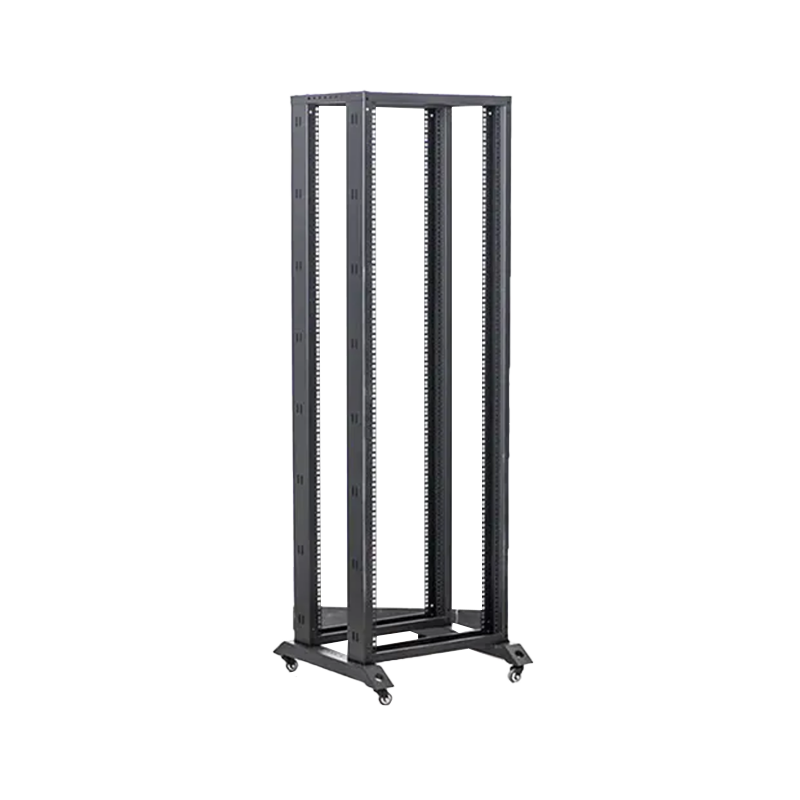
A server rack is an open or semi-open frame structure primarily designed to house high-density server equipment in data center environments. It prioritizes maximum airflow, front-to-back cooling efficiency, and cable management for dense cabling. Server racks are typically 42U or taller, floor-standing, and located in temperature-controlled rooms with restricted access. A network cabinet, by contrast, is a fully enclosed unit with solid or perforated doors, designed to house lighter networking equipment (switches, patch panels, routers, fiber equipment) in office or field environments where dust control, physical security, and space efficiency matter more than extreme airflow.
Fig. 1 — Radar comparison of wall mount network cabinets versus open server racks across six key attributes. Network cabinets excel in space efficiency, physical security, dust protection, and installation ease — making them the preferred choice for office and edge deployments. Server racks outperform in raw airflow and scalability, which is why they dominate in purpose-built data center environments. Selecting the right product type depends on your environment's primary constraints.
| Attribute | Wall Mount Network Cabinet | Open Server Rack |
|---|---|---|
| Mounting Type | Wall-mounted | Floor-standing |
| Enclosure Type | Fully enclosed with door(s) | Open frame or partial panels |
| Typical U Size | 4U – 18U | 24U – 48U+ |
| Physical Security | Lockable door(s), high | Requires separate enclosure |
| Dust/Debris Protection | High (enclosed) | Low (open frame) |
| Best Environment | Office, retail, edge, residential | Dedicated data center room |
Understanding how to choose a network cabinet requires evaluating six interdependent parameters: rack unit capacity, mounting depth, door configuration, load rating, thermal management, and security requirements. Getting these wrong leads to under-specified enclosures that can't accommodate future equipment additions, or over-specified units that waste space and budget.
One rack unit (1U) equals 44.45 mm (1.75 inches) of vertical mounting space. Wall cabinets typically range from 4U to 18U, though some swing-out models accommodate up to 22U. As a rule of thumb, select a cabinet with at least 30% more capacity than your current equipment requires to allow for future expansion without replacing the enclosure. A 12U cabinet housing 8U of equipment today leaves room for a 1U UPS and an additional 1U switch without a forklift change.
Cabinet depth determines which equipment fits inside. Shallow cabinets (300–350 mm deep) suit patch panels and passive components. Mid-depth cabinets (400–500 mm) handle standard switches and access points. Deep cabinets (550–600 mm+) are needed for small routers, UPS units, or 1U servers. Always measure your deepest device including cable bend radius before specifying cabinet depth.
Wall cabinets are available with front-door-only, rear-door-only, or dual-door configurations. Dual-door models allow front access to equipment and rear access for cable management simultaneously. For installations in high-traffic areas, a lockable network cabinet with a keyed or combination front door is a minimum security requirement. Glass-fronted doors allow LED status monitoring without unlocking the unit — a useful feature in unmanned network rooms.
Wall-mounted cabinets require structural support from studs, masonry anchors, or reinforced wall backing. Check the cabinet's maximum static load rating — typically ranging from 30 kg to 100 kg for wall-mount models — against the combined weight of all equipment plus cable management accessories. Never install a loaded cabinet on a single layer of drywall without stud support or a wall reinforcement plate.
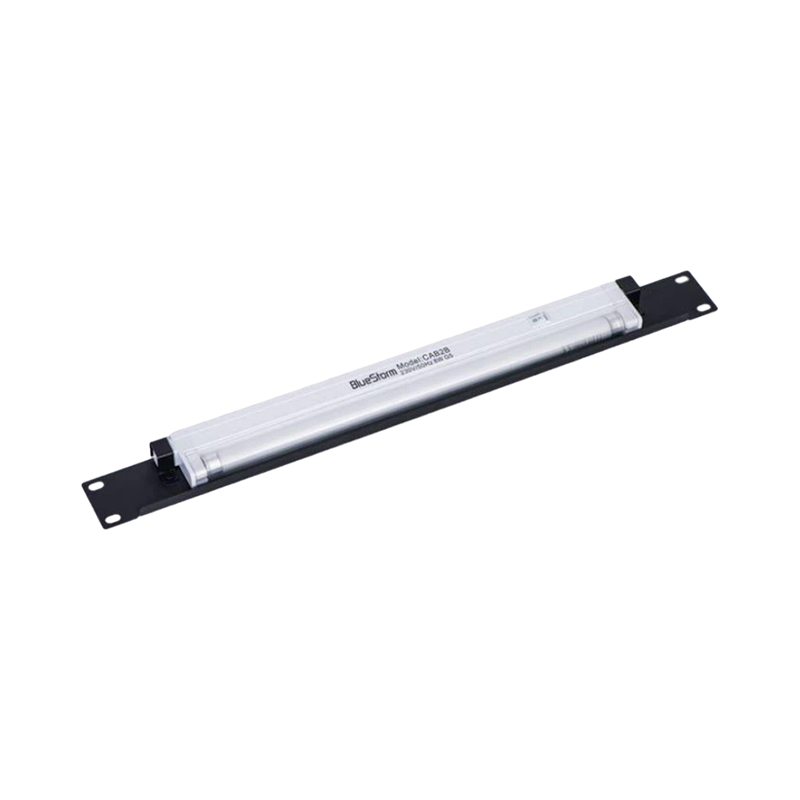
Enclosed wall cabinets trap heat generated by active equipment. Perforated door panels, top-mounted ventilation openings, and optional fan tray mounting positions are standard thermal management provisions. For cabinets containing multiple active devices, installing a 1U fan tray (typically 2–4 fans at 80 mm) can reduce internal temperatures by 8–15°C compared to passive ventilation only, extending equipment lifespan significantly.
Wall cabinets are available pre-assembled (ready to mount out of the box) or as flat-pack units requiring on-site assembly. Pre-assembled units save installation time but are bulkier to ship. Flat-pack or disassembled units reduce shipping volume and are easier to maneuver through narrow corridors and stairwells — a practical advantage in renovated buildings. Swing-out cabinet designs (hinged on one side) allow the entire cabinet body to swing away from the wall, dramatically simplifying rear cable access without requiring removal from the wall.
Fig. 2 — Horizontal bar chart showing the most frequently cited buyer priorities when selecting a wall mount network cabinet, based on industry survey data from network infrastructure procurement studies. Physical security leads at 88%, reflecting the reality that wall cabinets are often deployed in semi-public or unsupervised spaces. U capacity and installation ease follow closely, underscoring that practical logistics matter as much as technical specifications. Thermal management, while ranked fifth, becomes the dominant concern once a cabinet contains more than three active devices simultaneously.
Understanding standard network cabinet sizes is foundational to accurate procurement. The "U" (rack unit) measurement is the universal standard for vertical mounting space, and all 19-inch rack-compatible equipment conforms to this system. The internal width of the equipment mounting area is always 19 inches (482.6 mm) regardless of cabinet external width, which typically ranges from 520 mm to 600 mm to accommodate side panels, cable management, and mounting rails.
Fig. 3 — Column chart illustrating the relationship between common wall mount cabinet U sizes and their typical deployment contexts. 4U and 6U units are most common in residential and very small office environments, while 9U–12U represents the sweet spot for SMB branch offices and enterprise edge locations. 18U wall-mounted enclosures are increasingly specified for Intermediate Distribution Frame (IDF) closets where a full floor cabinet would be impractical. The 30% capacity headroom rule applies across all sizes.
| Cabinet Size | External Height (approx.) | Typical Depth | Best For |
|---|---|---|---|
| 4U | ~265 mm | 300–350 mm | Home, small retail |
| 6U | ~355 mm | 350–450 mm | Small office, classroom |
| 9U | ~500 mm | 400–500 mm | SMB, branch office |
| 12U | ~620 mm | 450–550 mm | Enterprise edge, IDF |
| 18U | ~890 mm | 500–600 mm | Dept. closet, IDF room |
The wall mount cabinet market includes several distinct product categories, each optimized for different scenarios. Choosing the right product type — not just the right size — is critical to long-term satisfaction. Below is a structured overview of the main product types available and the environments where each performs best.
The swing mount dual section wall rack is one of the most installation-friendly designs available. Its hinged body swings away from the wall on one side, providing full 180-degree rear access without dismounting the unit. The dual section design separates the main equipment bay from a secondary panel section, allowing structured cabling and passive components (patch panels, cable managers) to be physically segregated from active equipment. This is particularly valuable in telecom closets and IDF rooms where multiple technicians may work simultaneously. Available in both factory-assembled form (easiest installation, best for single-floor delivery) and disassembled flat-pack (for multi-story buildings or tight access routes).
The single section wall-mounted network cabinet is the most widely deployed configuration globally, offering a balanced combination of simplicity, security, and equipment capacity. It features a standard front door (glass or solid), integrated mounting rails, and optional side panels for additional cable access. Available assembled for fast deployment or as a disassembled unit for logistics efficiency. The single section format is the go-to choice for standard network cabinet sizes from 6U to 18U, serving offices, retail stores, educational facilities, and light industrial applications. Its straightforward installation profile makes it compatible with a wide range of wall types and mounting hardware systems.
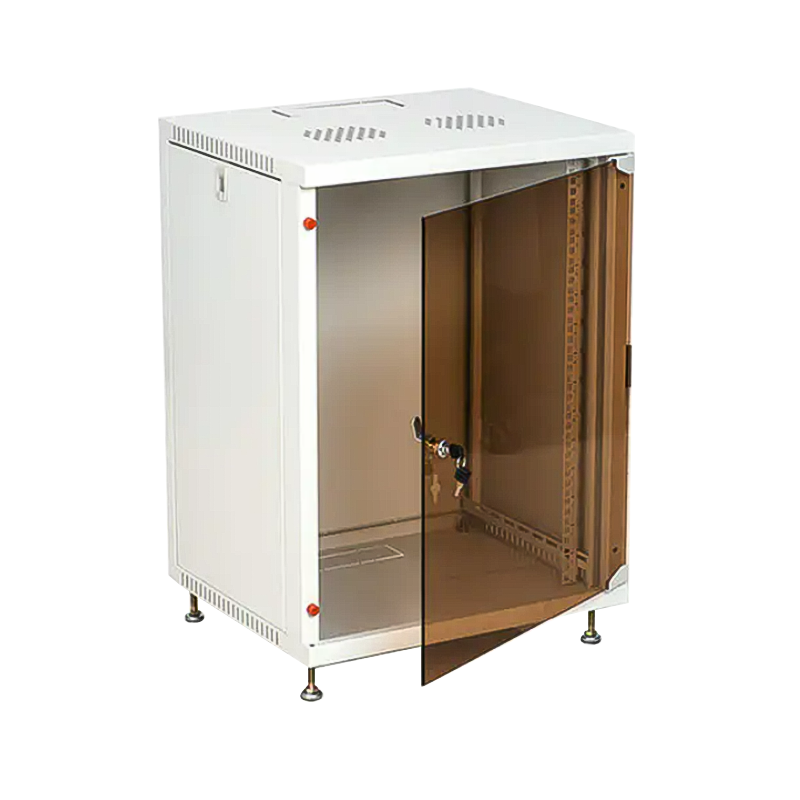
Designed for cost-conscious deployments that still require professional aesthetics and basic security, the economy network cabinet with tempered glass door offers a compelling value proposition. The tempered glass front panel allows visual inspection of equipment LED status indicators without unlocking the cabinet — a significant operational benefit in shared office spaces and light commercial environments. Tempered glass provides 4–5x the impact resistance of standard float glass and fractures into small, blunt fragments for safety compliance. This model is well-suited for small wall mount stock cabinet applications in offices, lobbies, and reception areas where appearance matters.
The economy wall mount cabinet prioritizes functional reliability at reduced material cost through optimized sheet steel thickness and simplified door hardware. It retains all essential features — 19-inch mounting rails, ventilation openings, locking front door, and standard wall bracket mounting — while reducing non-essential complexity. This model is ideal for high-volume deployments such as multi-site retail rollouts, school network upgrades, or residential developer installations where cost-per-unit efficiency is a primary procurement driver. Despite the economy positioning, steel gauge and load ratings remain within standard industry parameters.
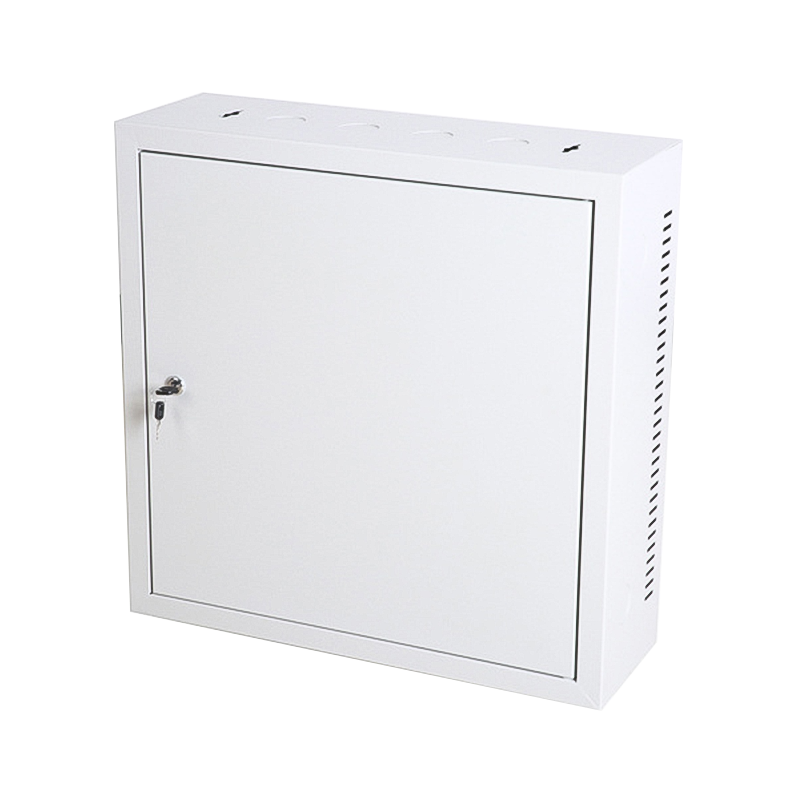
The small wall mount stock cabinet is a compact, immediately available enclosure designed for minimal-footprint deployments. Typically ranging from 4U to 9U, these cabinets are pre-stocked for fast delivery and suit residential networking, small retail POS systems, hospitality back-office closets, and any environment where a standard 12U–18U unit would be physically excessive. Despite their compact size, they fully comply with 19-inch rack equipment standards and are compatible with standard cable management accessories. Their low-profile form factor makes them easy to mount in utility rooms, behind reception desks, or inside furniture installations.
Fig. 4 — Indexed adoption growth (2020=100) for three primary wall mount cabinet product categories through 2025. Swing mount designs show the steepest growth trajectory, driven by demand for easier rear cable access in increasingly dense edge computing deployments. Single section cabinets maintain strong, steady growth as the standard workhorse for office and branch applications. Economy glass-door units show accelerated growth from 2022 onward, reflecting rising demand in commercial interiors where aesthetics and visibility are valued alongside functional protection.
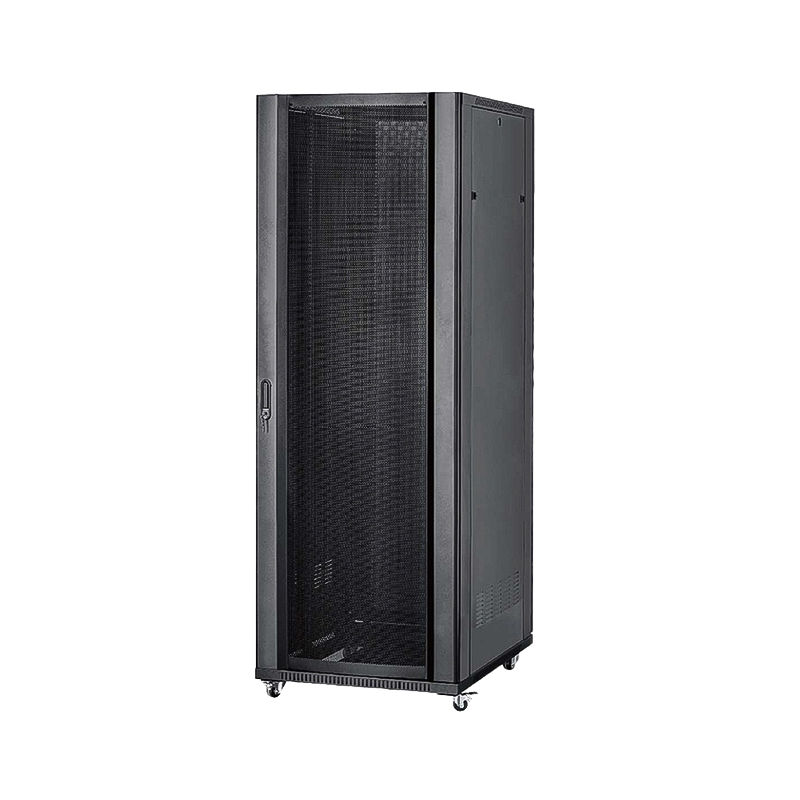
A 42U network cabinet represents the traditional full-height floor-standing enclosure used in server rooms and data centers. At 42U of equipment space (approximately 2,000 mm tall externally), it can house a full complement of servers, storage arrays, high-density switches, power distribution units, and cable management — making it the backbone of centralized IT infrastructure.
However, a 42U cabinet requires a dedicated, accessible floor space footprint of roughly 600 mm × 1,000 mm plus service clearance, a structural floor capable of supporting 500–800 kg loaded weight, and a managed cooling environment. These requirements make it impractical for the vast majority of distributed and edge networking locations. The decision between a 42U floor cabinet and a wall-mount unit typically comes down to: how many rack units of active equipment do you need, and do you have a dedicated server room? If the answer to the second question is no, a wall mount cabinet is almost certainly the more appropriate solution.
Fig. 5 — Suitability comparison between wall mount and 42U floor cabinets across five deployment types. Wall mount solutions score highly in home, office, branch, and edge environments, while 42U floor cabinets dominate only in dedicated data center contexts. The enterprise edge segment shows meaningful overlap, suggesting that hybrid deployments — combining wall mount units at the edge with floor cabinets at the core — are increasingly common in distributed enterprise network architectures.
For system integrators, telecommunications providers, enterprise IT teams, and infrastructure contractors, off-the-shelf products sometimes fall short of specific dimensional, aesthetic, or functional requirements. Custom network cabinet manufacturing and OEM network cabinet services allow buyers to specify exactly what they need — from non-standard U heights and depths, to custom RAL color finishes, branded door panels, custom cable entry knockouts, and integrated PDU or fan tray mounting.
When evaluating an OEM wall mount network cabinet supplier, key criteria include: minimum order quantity flexibility, design-to-production lead time, in-house tooling and stamping capabilities, surface treatment options (powder coat, galvanized, brushed stainless), compliance with international standards (IEC 60297, EIA-310, EN 50173), and the ability to provide UL/CE/RoHS documentation for regulated markets.
Ningbo Cixi Communication Technology Co., Ltd., as a professional network cabinet manufacturer with in-house design capability, provides OEM and ODM services for wall mount cabinets across a wide range of configurations. With advanced manufacturing equipment and a dedicated technical team, the company supports projects ranging from small prototype runs to large-volume production orders — making it a suitable partner for both startup integrators and established enterprise procurement teams.
For AI server rack cabinet and edge computing applications, where thermal density requirements are higher and rack geometry may differ from traditional IT equipment, custom manufacturing is particularly valuable. Specialized cable management provisions, front-to-back airflow optimization for GPU-dense equipment, and custom mounting rail configurations can all be specified through an OEM engagement, ensuring that the enclosure is matched precisely to the thermal and mechanical requirements of next-generation compute hardware.
Ningbo Cixi Communication Technology Co., Ltd. is a professional enterprise focused on the design, research and development, production, and trade of network cabinets and charging cabinets, located in Ningbo City, Zhejiang Province, China. As a dedicated OEM wall mount network cabinet manufacturer and ODM supplier, the company provides comprehensive one-stop solutions for communication equipment infrastructure — covering both network communication equipment enclosures and charging cabinet systems.
With a passionate and innovative team, Ningbo Cixi integrates the latest technology into its product design, serving customers across network data centers, enterprise offices, public transportation hubs, commercial premises, and residential environments. The company's products are characterized by safety, reliability, intelligence, and ease of operation — qualities embedded in every stage of product development and quality control.
Whether you are sourcing standard lockable network cabinet solutions for a multi-site rollout, developing a custom enclosure for an edge computing deployment, or seeking an OEM partner for branded product development, Ningbo Cixi Communication Technology is committed to delivering quality products and responsive service to customers worldwide.
Q1: What is a network cabinet?
A network cabinet is an enclosed, lockable housing unit designed to store, protect, and organize network equipment such as switches, patch panels, routers, and UPS units. It typically features 19-inch mounting rails, ventilation provisions, and front/rear door access, and can be wall-mounted or floor-standing depending on the installation environment.
Q2: What is the purpose of a network cabinet?
Network cabinets serve four primary purposes: physical security (preventing unauthorized access), environmental protection (dust and debris shielding), cable management (reducing interference and improving airflow), and organized equipment access for maintenance. In shared or public environments, the lockable enclosure is the first layer of physical IT security.
Q3: Network cabinet vs server rack — what is the difference?
A network cabinet is a fully enclosed unit with doors and dust protection, designed for office and edge environments housing lighter networking equipment. A server rack is an open or semi-open frame optimized for maximum airflow in data centers housing high-density servers. The key differences are enclosure type, environment suitability, and thermal management approach.
Q4: How do I choose a network cabinet?
Choose based on six factors: required U capacity (add 30% headroom), mounting depth (match your deepest device), door configuration (single vs dual, glass vs solid), load rating vs equipment weight, thermal management provisions, and assembly type (pre-assembled vs flat-pack). Wall mount cabinets suit most office and edge deployments up to 18U.
Q5: What equipment goes inside a network cabinet?
Common equipment includes network switches (managed and unmanaged), patch panels, cable managers, fiber distribution units, routers, wireless LAN controllers, small UPS units, KVM switches, and 1U fan trays. The specific equipment mix determines the required U capacity, mounting depth, and thermal management configuration for the cabinet.
Q6: Can I get a custom or OEM wall mount cabinet?
Yes. OEM and custom network cabinet manufacturing is available for buyers needing non-standard dimensions, custom finishes, branded panels, or specialized cable entry configurations. When engaging an OEM supplier, verify their in-house tooling, lead times, compliance documentation (CE, RoHS), and minimum order flexibility to ensure the engagement meets your project requirements.
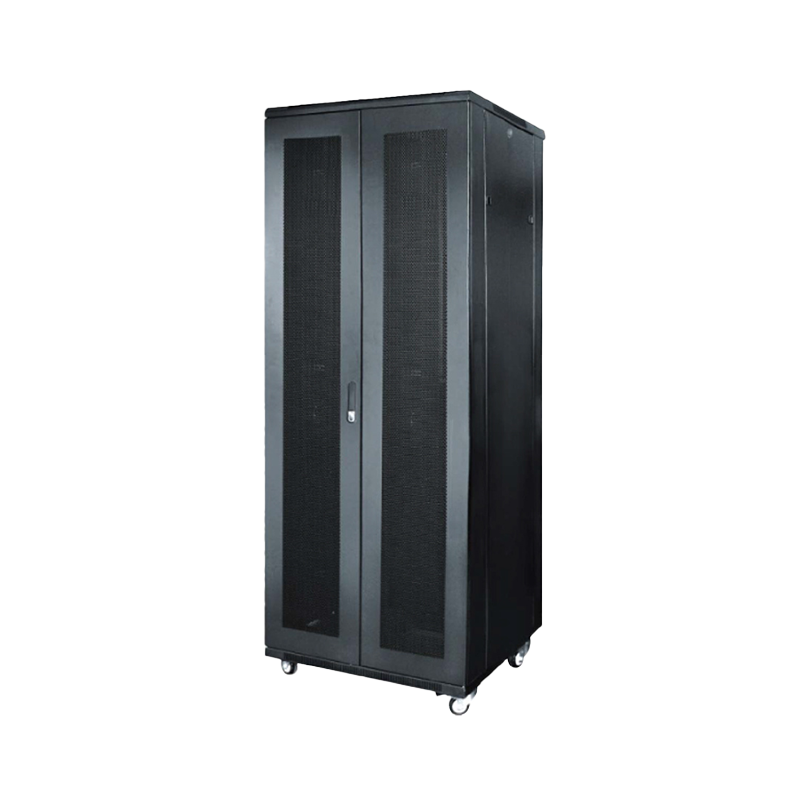
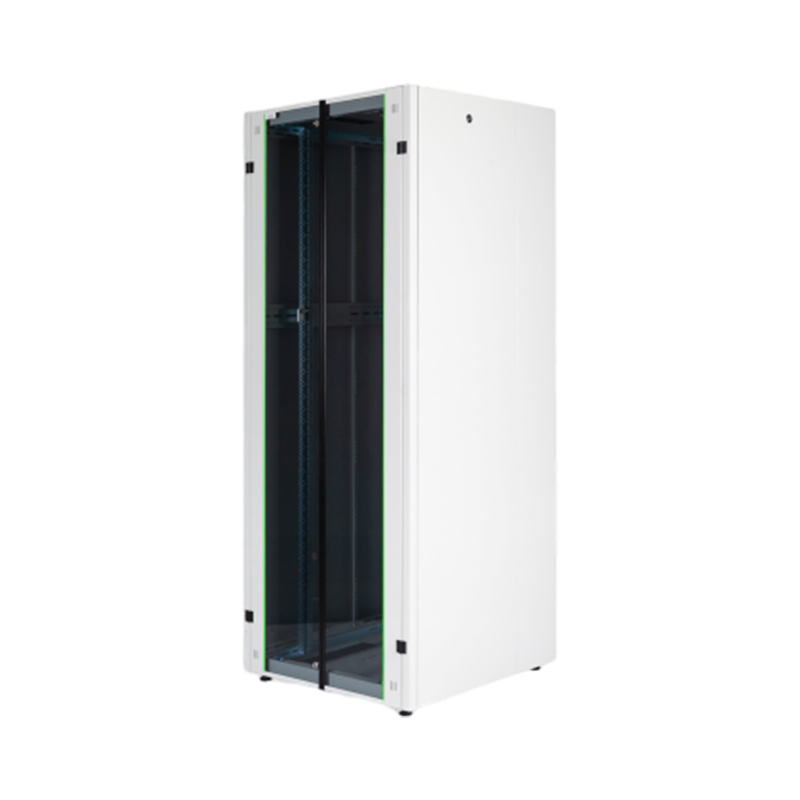
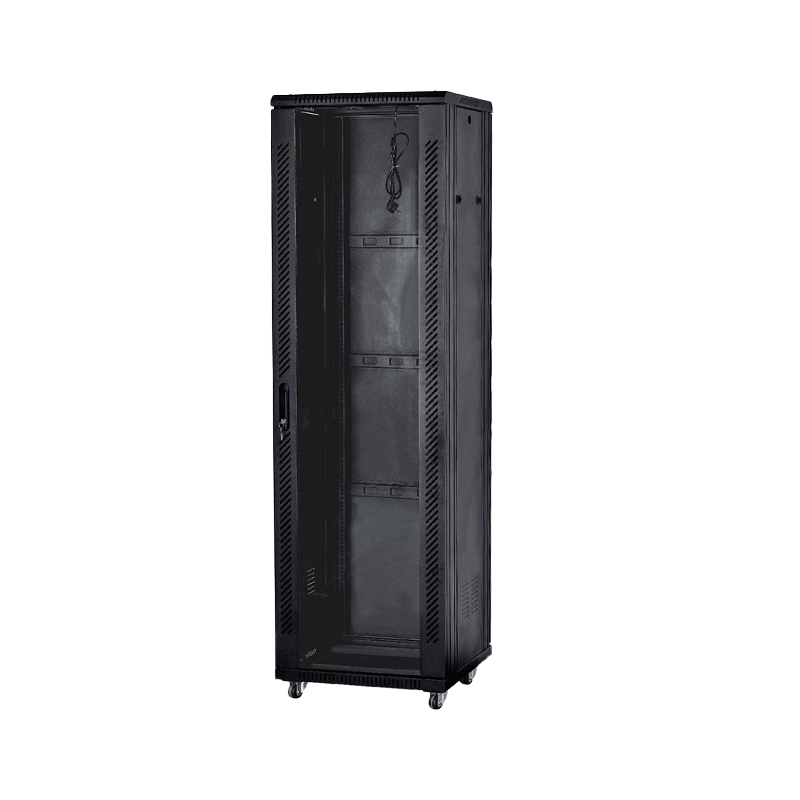
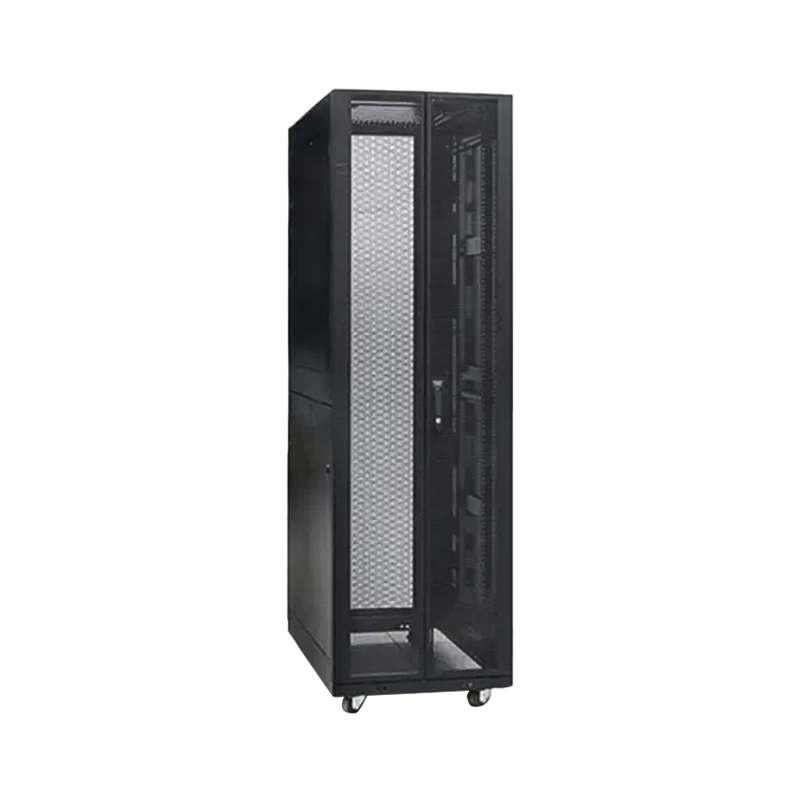

We are a company mainly engaged in the manufacturing of network cabinet , charging cart and other infrastructures.
Product Classification
Address
No.12 Fushan Road,Guanhaiwei Town,Cixi City,Ningbo,Zhejiang,China
PHONE
+86-17857397994

 English
 عربى
عربى
 Español
 русский