Content
A charging cabinet can store and charge a wide range of mobile devices at the same time, including laptops, tablets, Chromebooks, smartphones, and other USB-powered equipment such as handheld scanners or two-way radios. Most cabinets are built with individual compartments or slots, each connected to a centralized power distribution system, so multiple devices can charge safely without a tangle of loose cords or overloaded wall outlets.
For schools, offices, and transportation hubs searching for a Device Charging Cabinet solution, the short answer is that almost any device with a USB, USB-C, or standard power adapter can be accommodated, as long as the cabinet's compartment size and outlet type match the device. The sections below explain how this works in practice, how capacity scales with cabinet size, and what features matter most when comparing a Laptop Charging Cabinet to a Tablet Charging Cabinet.
The most frequently stored devices fall into four broad categories: laptops, tablets, Chromebooks, and smartphones. Each device type has a different physical footprint and power requirement, which is why a Charging Storage Cabinet is typically designed with adjustable dividers or modular slot configurations rather than a single fixed layout. The horizontal bar chart below shows a typical slot allocation pattern based on device size, with smaller devices such as phones fitting into a larger number of compartments within the same cabinet footprint.
As shown above, a standard cabinet footprint can typically hold around 16 laptops, 32 tablets, or up to 48 smartphones, depending on internal slot configuration. Mixed-device environments often choose a cabinet with adjustable dividers so the same unit can serve laptops one term and tablets the next, without purchasing new furniture. This flexibility is one reason adjustable-slot designs have become a common request from schools and shared workspaces.
Inside a charging cabinet, each compartment is wired to a central power strip or distribution board, which is connected to a single main power input. This design means a facility only needs one wall outlet per cabinet rather than one outlet per device, which significantly reduces cable clutter and the risk of tripping hazards in classrooms or office aisles. Many cabinets also include surge protection and circuit breakers, so a fault in one device does not affect charging for the rest of the unit.
The line chart below illustrates a representative charging curve for a tablet placed in a cabinet compartment, showing how battery percentage typically increases over a two-hour charging session. Charging is usually fastest in the first 30 to 60 minutes, then gradually slows as the battery approaches full capacity, which is normal behavior for most lithium-ion batteries and is not specific to any single device brand.
This pattern shows why scheduling matters in shared environments: if devices are placed in the cabinet at the end of a school day, most units will reach a high charge level well before the next morning, even accounting for the slower charging rate near full capacity. Facilities that need devices ready by a specific time can use this curve as a planning reference when deciding how early to begin overnight charging cycles.
Charging cabinets are generally offered in a range of sizes, often described by the number of compartments or slots, such as 16-slot, 24-slot, 32-slot, and 40-slot configurations. The right size depends on the number of devices that need to be charged at once, as well as available floor space. The column chart below compares device capacity across four common cabinet sizes, which can help facilities estimate how many cabinets are needed for a classroom set, a department, or a shared device pool.
A 40-slot cabinet can support twice as many devices as a 16-slot unit within roughly the same footprint width, since cabinets in this range are generally designed with stacked rows of compartments rather than a wider base. For a typical classroom set of around 30 devices, a 32-slot cabinet often provides enough headroom for occasional spare units, while larger device pools in shared computer labs may be better served by multiple smaller cabinets distributed across the room for easier access.
| Cabinet Size | Approx. Device Capacity | Common Setting |
|---|---|---|
| 16-Slot | Up to 16 laptops | Small classrooms, meeting rooms |
| 24-Slot | Up to 24 tablets or laptops | Mid-size classrooms, offices |
| 32-Slot | Up to 32 tablets or Chromebooks | Classroom device carts, libraries |
| 40-Slot | Up to 40 phones or small tablets | Transportation hubs, large offices |
Although both are built around the same core idea of centralized charging, a Laptop Charging Cabinet and a Tablet Charging Cabinet differ in several design details. Laptops require larger compartments and stronger ventilation due to their size and heat output during charging, while tablets are smaller and can be charged in tighter slots, often with vertical or angled storage to maximize the number of units per cabinet.
The radar chart below compares six design factors across these two cabinet types. Laptop cabinets tend to score higher on compartment size and ventilation, since laptops are bulkier and generate more heat, while tablet cabinets often score slightly higher on portability because the overall unit can be made more compact. Cable management and power distribution are generally similar across both types, since both rely on the same centralized wiring principle.
In practice, many facilities that handle a mix of laptops and tablets choose a cabinet with adjustable interior dividers, which allows the same unit to function as either type depending on current needs. This is particularly useful for schools that rotate device fleets between grade levels, since it avoids the need to purchase separate cabinets for each device category.
A USB Charging Cabinet is built around the fact that most modern tablets, phones, and many laptops now charge through USB-C or USB-A ports rather than proprietary connectors. This makes a USB-based charging cabinet useful for environments with mixed device brands, since the same compartment can often serve different devices simply by swapping the charging cable. Multifunctional outlets that combine standard power sockets with USB ports give facilities flexibility to support both older laptops with traditional power adapters and newer devices that rely entirely on USB-C charging.
A Charging Cabinet For Schools typically needs to balance several requirements at once: device capacity, ease of use for students and staff, durability for daily handling, and security to prevent loss or unauthorized access. Schools often store Chromebooks or tablets in carts or cabinets overnight, then distribute fully charged devices to classrooms each morning, which makes overnight charging speed and reliable power distribution especially important.
Beyond charging, many school environments also value cabinets with clearly labeled compartments, since this helps students return devices to the correct slot and makes it easier for staff to quickly identify if a device is missing. Durable construction, rounded edges, and stable bases are also commonly requested features in school settings where cabinets may be moved between rooms or used by younger students.
A Smart Charging Cabinet typically adds monitoring or control features on top of the basic charging function, such as indicator lights that show charging status per compartment, or circuit-level protection that isolates a fault to a single slot rather than the entire unit. These features help staff quickly identify which devices are fully charged and which compartments may need attention, without having to open and check each device individually.
A Secure Charging Cabinet focuses on physical protection, generally through lockable doors, reinforced frames, and sometimes individual compartment locks for higher-security environments such as shared offices or public facilities. Combining smart monitoring with secure locking is increasingly common in settings where devices represent a significant shared asset, such as enterprise offices, public transportation hubs, and commercial premises that issue devices to staff or visitors on a daily basis.
| Feature Focus | Typical Benefit | Best Suited For |
|---|---|---|
| Smart Monitoring | Per-slot status visibility | Schools, IT departments |
| Secure Locking | Loss and theft prevention | Offices, public facilities |
| Adjustable Dividers | Supports mixed device sizes | Shared device pools |
| Cable Management | Reduced cable wear and tangling | High-rotation environments |
When sourcing from a Charging Cabinet Manufacturer, facilities often look for the ability to customize compartment count, outlet type, and overall dimensions to fit specific rooms or device fleets. A manufacturer with an in-house design team can typically adapt slot configurations for laptops, tablets, or mixed devices, and adjust outlet combinations to match USB-C, USB-A, and standard power requirements.
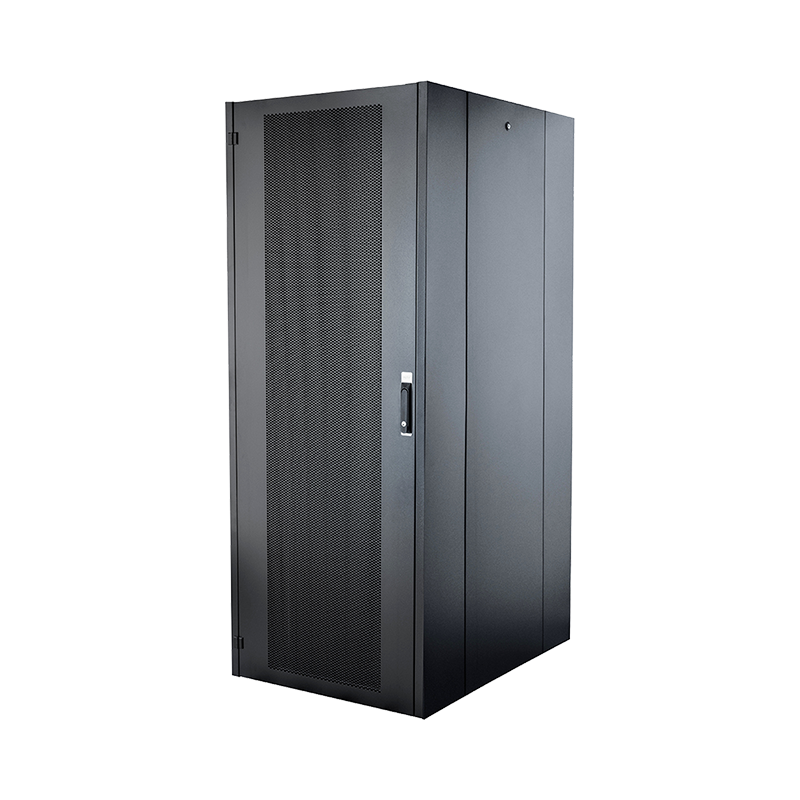
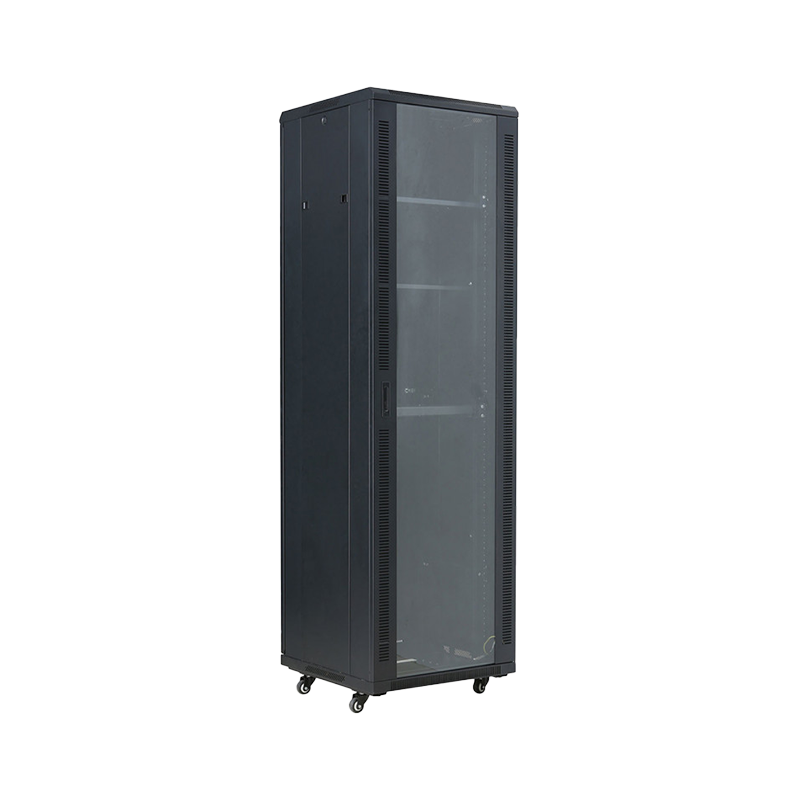
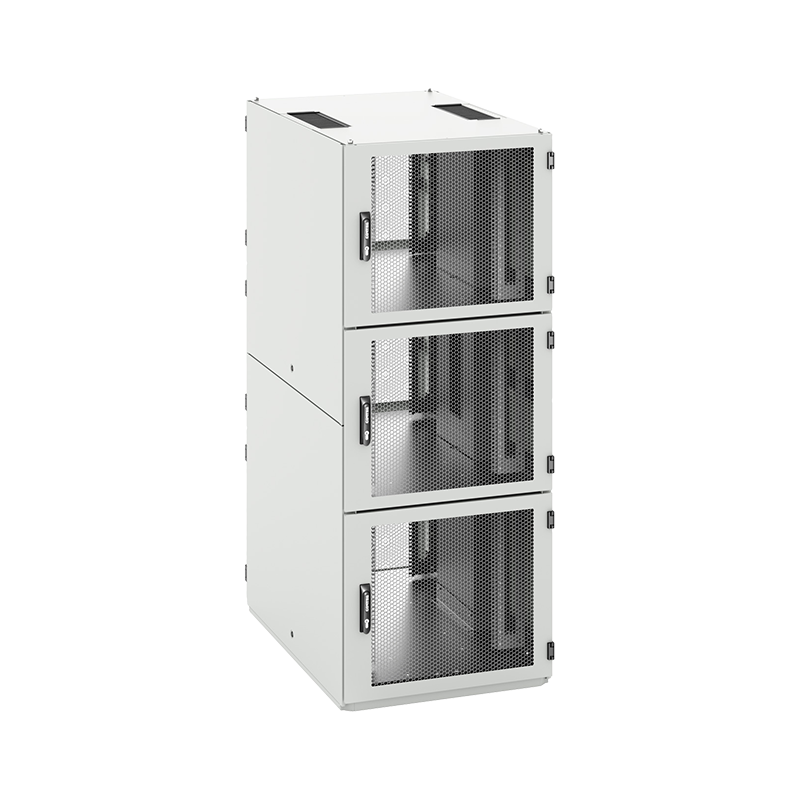
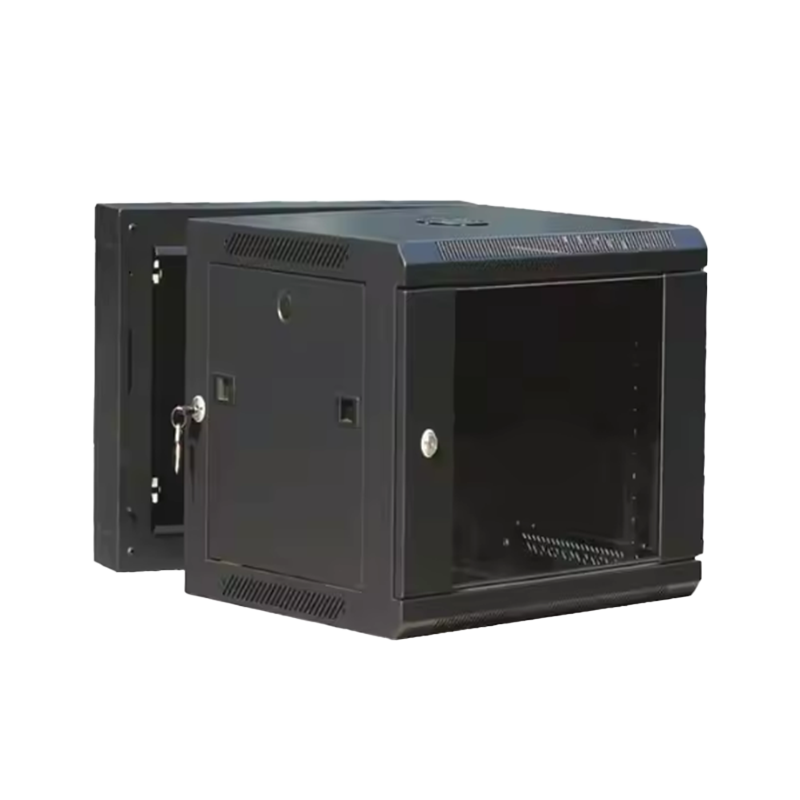
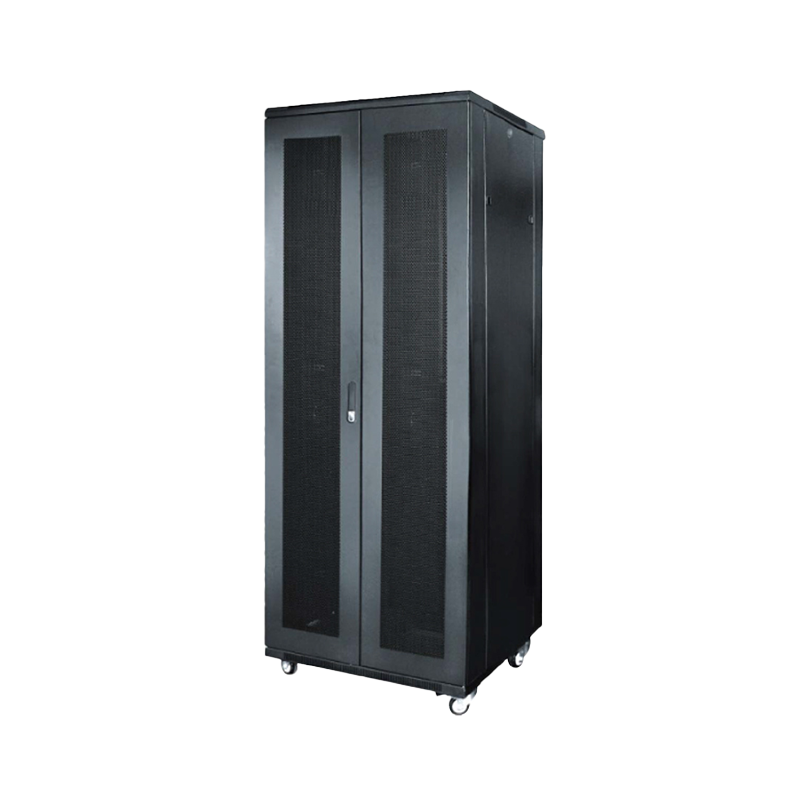
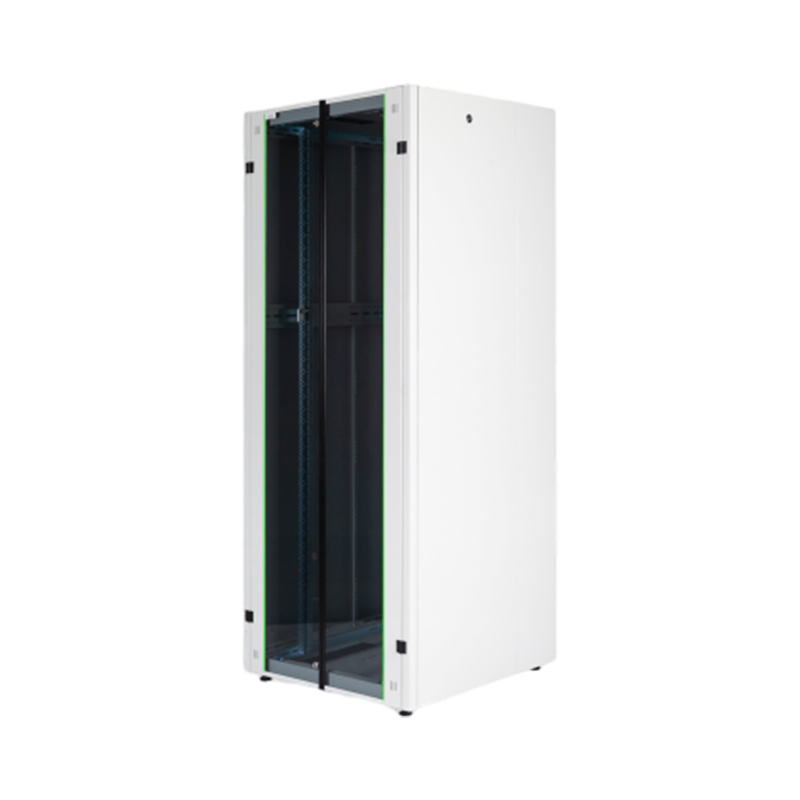
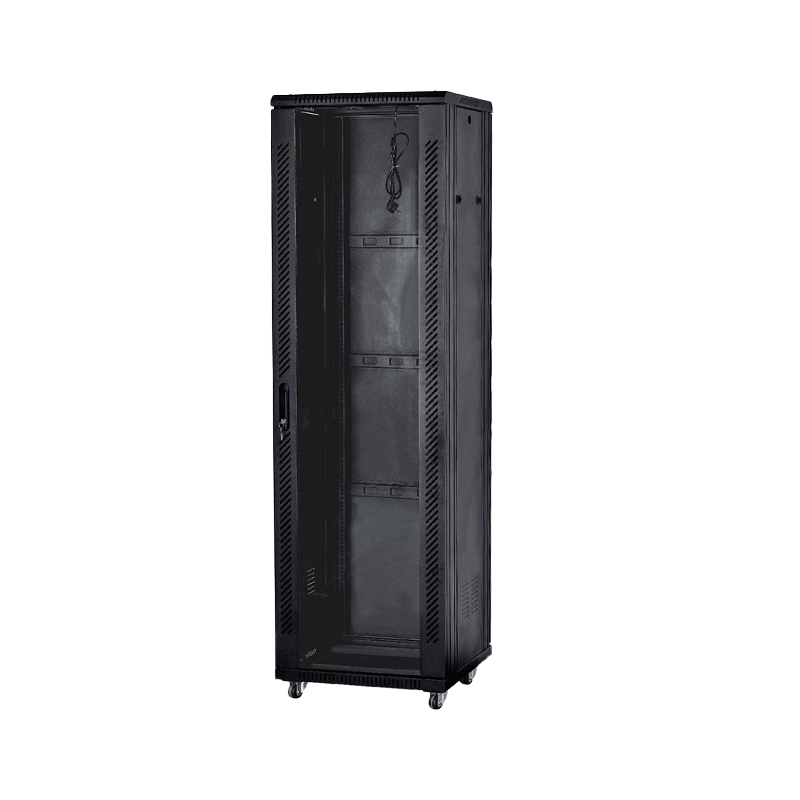
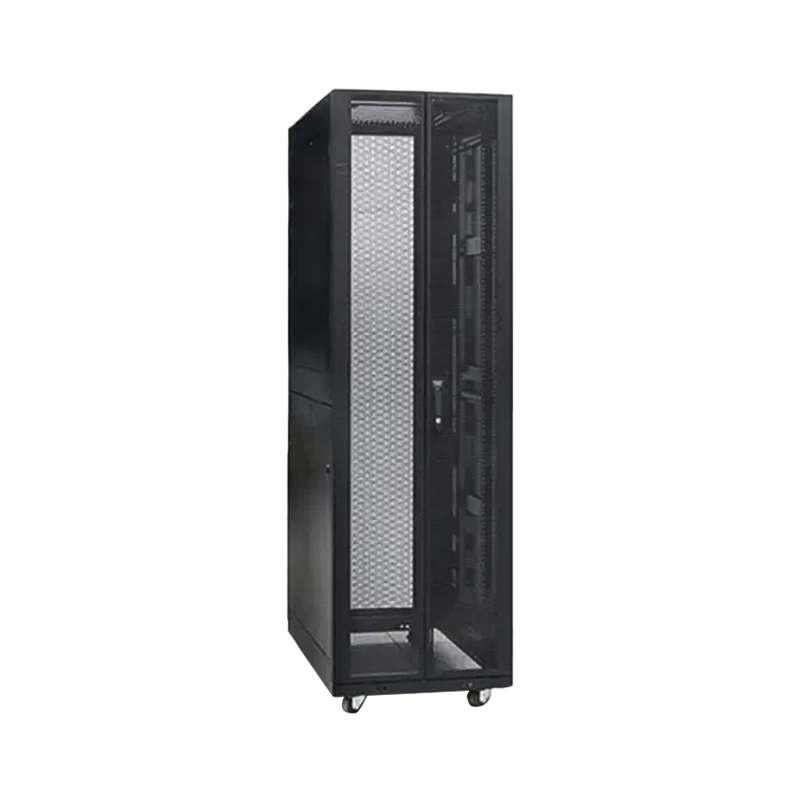
Ningbo Cixi Communication Technology Co., Ltd., based in Ningbo City, Zhejiang Province, China, focuses on the design, research and development, production, and trade of network cabinets and charging cabinets. The company provides one-stop services for the installation of network communication equipment and charging needs, and offers OEM and ODM services for customers across network data centers, enterprise offices, public transportation hubs, commercial premises, and personal residences. This range of experience allows the company to support charging cabinet projects that need to fit into broader communication infrastructure, as well as standalone charging storage applications.
For facilities evaluating an OEM Charging Cabinet Manufacturer or ODM Charging Cabinet partner, it is often useful to confirm whether the manufacturer can support custom compartment sizing, multiple outlet configurations, and cable management features, since these details have the biggest impact on day-to-day usability once the cabinet is installed.
Q1: What is a charging cabinet?A charging cabinet is a piece of furniture or equipment with multiple compartments, each wired to a central power source, designed to store and charge devices such as laptops, tablets, and phones at the same time. |
Q2: How does a charging cabinet work?Devices are placed into individual compartments and connected to built-in outlets or USB ports. A single main power input distributes electricity to all compartments through internal wiring, often with surge protection and circuit-level safeguards. |
Q3: Why use a charging cabinet instead of charging carts?Charging cabinets are typically stationary and can offer more compartments per square foot than mobile carts. They also tend to provide better cable organization and can be installed in a fixed location with a single dedicated power connection. |
Q4: Are charging cabinets safe?Charging cabinets are generally designed with surge protection, circuit breakers, and ventilation to manage heat from multiple charging devices. Following the manufacturer's load guidelines for each compartment supports safe daily operation. |
Q5: Can one cabinet charge both laptops and tablets?Yes, many cabinets feature adjustable dividers and mixed outlet types, allowing the same unit to accommodate laptops, tablets, and other devices depending on current needs. |
Q6: Do charging cabinets support USB-C devices?Many USB charging cabinets include USB-C and USB-A ports alongside standard power outlets, which supports newer devices that charge exclusively through USB-C cables. |
Q7: How many devices can a single cabinet hold?Capacity depends on cabinet size and slot configuration, with common options ranging from around 16 slots for laptops up to 40 or more slots for smaller tablets and phones. |
Q8: Can charging cabinets be customized for specific spaces?Yes, manufacturers offering OEM and ODM services can often adjust dimensions, compartment count, and outlet configurations to fit specific rooms, device fleets, or infrastructure requirements. |
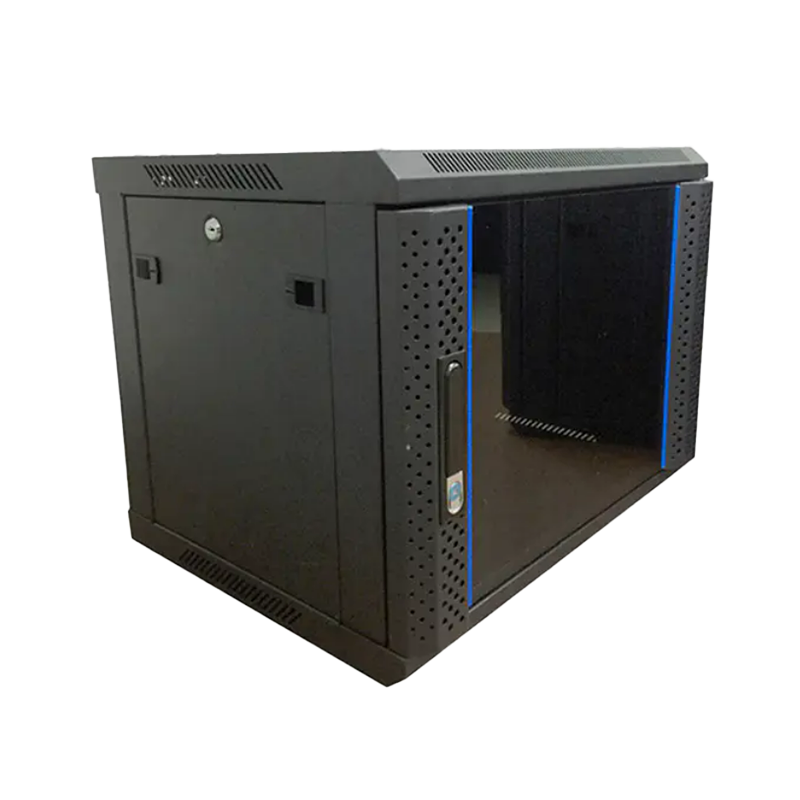
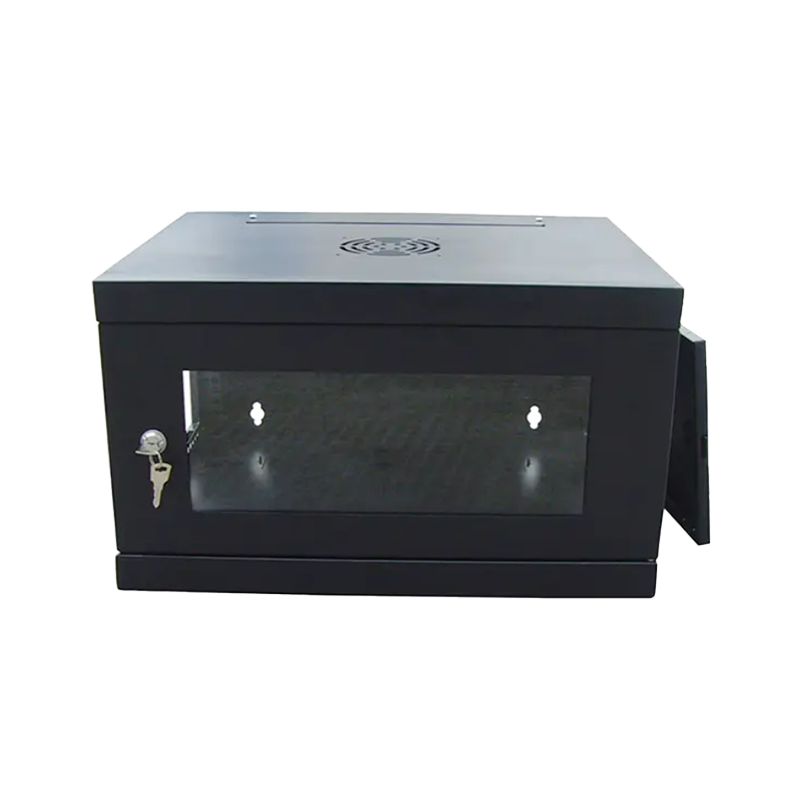
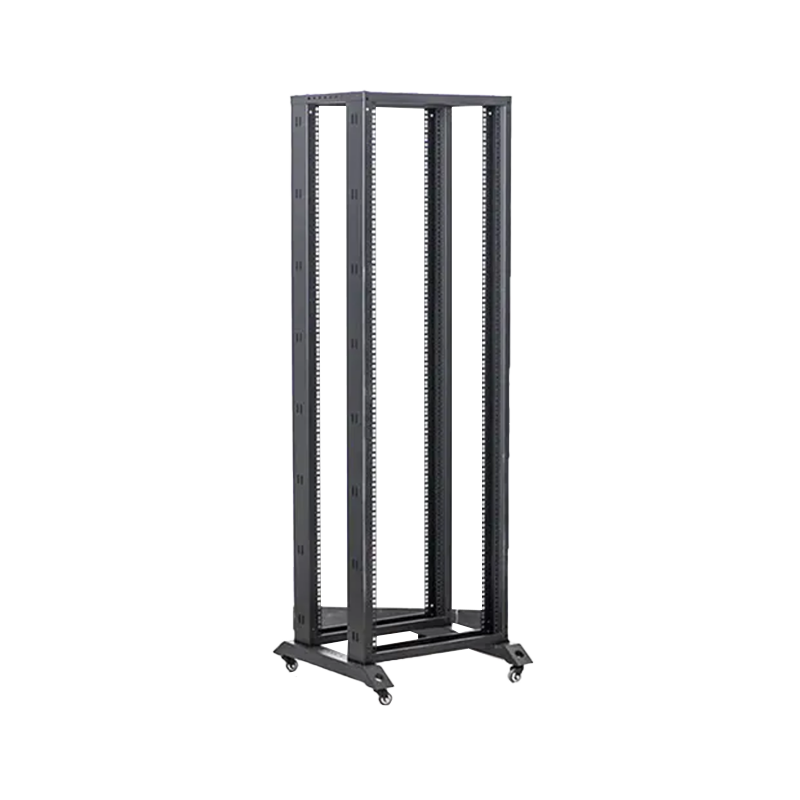
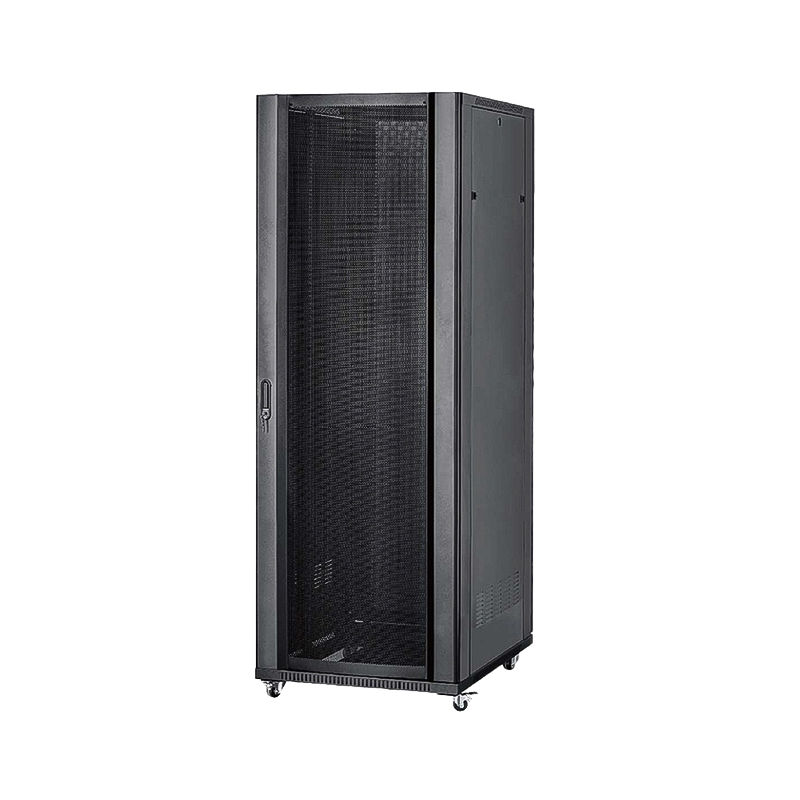
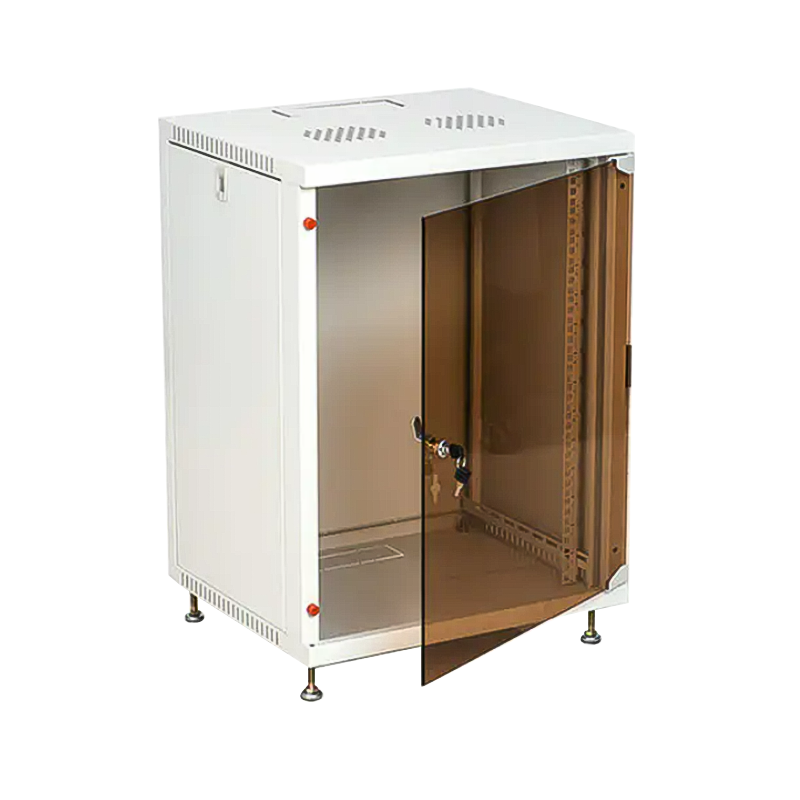
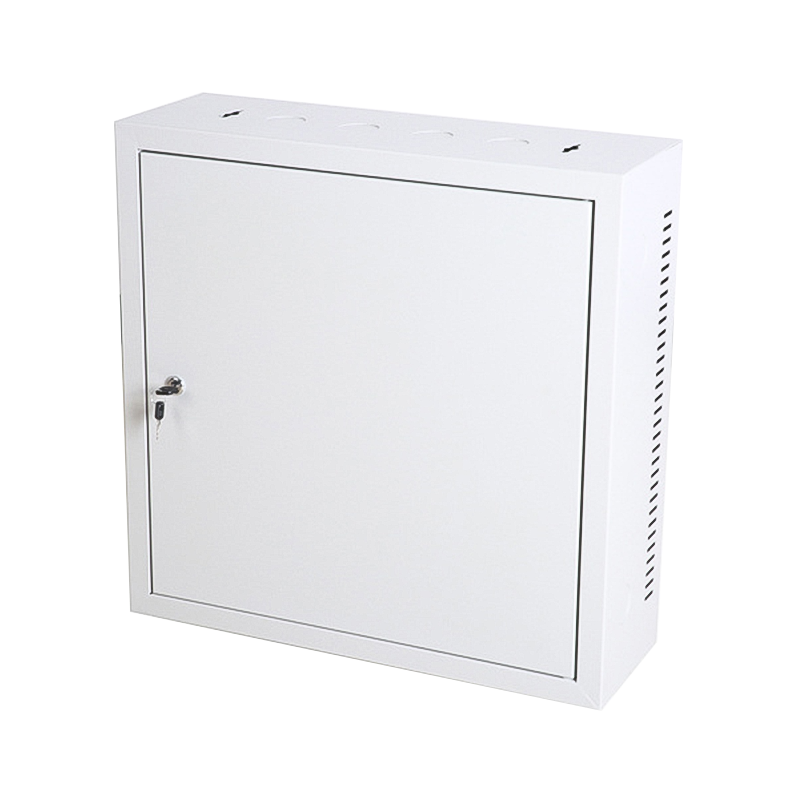
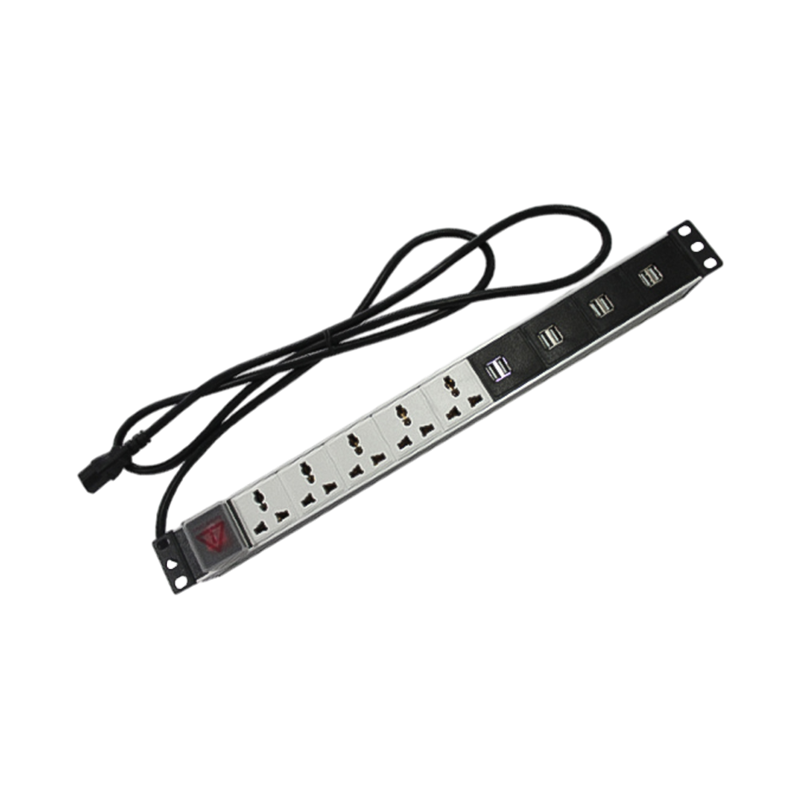

We are a company mainly engaged in the manufacturing of network cabinet , charging cart and other infrastructures.
Product Classification
Address
No.12 Fushan Road,Guanhaiwei Town,Cixi City,Ningbo,Zhejiang,China
PHONE
+86-17857397994

 English
 عربى
عربى
 Español
 русский