Installing a wall mount network cabinet is one of the most practical decisions you can make when organizing network infrastructure for a home, small business, or office environment. The short answer: choose the right cabinet size (measured in rack units), mount it securely to wall studs, and follow a logical cable management plan from the start. This guide walks you through every step — from selecting the right 19 inch wall mount network cabinet to final cable dressing — so even first-time installers can achieve professional results.
Whether you are deploying a wall mount network cabinet 6U for a home office or a wall mount network cabinet 9U for a small business server room, the installation principles remain consistent. Understanding load ratings, ventilation needs, and cable routing before you purchase saves time, money, and frustration down the line.
Content
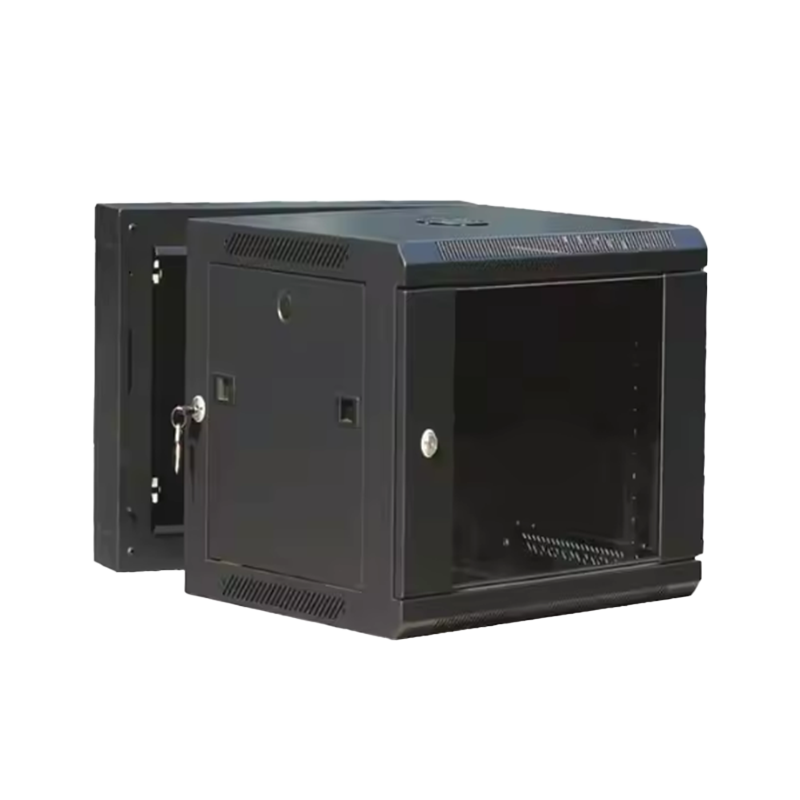
A wall mount network cabinet is an enclosed, rack-style enclosure fixed directly to a wall surface, designed to house networking equipment such as switches, patch panels, routers, fiber optic splice trays, and small servers. Unlike floor-standing racks, wall-mounted units save floor space and keep equipment elevated — reducing dust accumulation and accidental physical contact.
The 19 inch wall mount network cabinet is the industry standard, accommodating virtually all modern rack-mountable equipment. Units are measured in rack units (U), where 1U equals 1.75 inches (44.45 mm) of vertical mounting space. A small wall mount network cabinet in the 6U–9U range is sufficient for most home and small-business deployments, while larger offices may require 12U–18U enclosures.
Key benefits of wall-mounted enclosures over open-frame or floor racks include improved security with a lockable wall mount network cabinet, better cable organization through built-in network cabinet with cable management features, and reduced physical footprint — critical when space is limited. For businesses, a wall mounted server cabinet for office use also presents a tidier, more professional appearance to clients and visitors.
This comparison chart illustrates how wall mount network cabinets outperform traditional floor racks across five critical evaluation dimensions. Wall-mounted units score particularly high in space saving and security, making them the preferred choice for offices and home environments where floor area is limited. The cable management advantage is also significant: integrated routing channels in quality enclosures drastically reduce clutter compared to open floor racks, which often require additional accessories to achieve similar results.
Cabinet size selection is the most consequential pre-installation decision. Undersizing forces future equipment relocation; oversizing wastes wall space and budget. As a practical rule, always plan for at least 30% additional rack unit headroom beyond your current equipment list to accommodate future expansion.
| Cabinet Size | Rack Units | Typical Height | Best For | Max Equipment |
|---|---|---|---|---|
| 6U | 6 | ~300mm | Home network, SOHO | Switch + Patch Panel + Router |
| 9U | 9 | ~450mm | Small business, branch office | Switch + NAS + UPS + Panels |
| 12U | 12 | ~600mm | Medium office, retail | Full server + switching stack |
| 18U | 18 | ~900mm | Large office, enterprise edge | Multiple servers + dense patching |
The wall mount network cabinet 6U is the most popular choice for residential deployments: it accommodates a 24-port patch panel, a managed switch, and a modem/router while remaining compact enough to fit in a closet or utility room. Step up to a wall mount network cabinet 9U when you need to add a small NAS unit, an IP-PBX, or a battery backup (UPS) to the mix. For a network cabinet for small business with 10–50 employees, a 12U or 15U cabinet typically provides the right balance of capacity and manageability.
Depth is equally important. Standard wall-mount cabinets offer depths from 300mm to 600mm. Shallow 300–400mm units suit patch panels and switches; deeper 500–600mm enclosures are needed if you plan to house 1U or 2U servers. Always check the depth of your deepest piece of equipment and add at least 50mm for cable bend radius behind it.
This horizontal bar chart reflects deployment preference data across residential, commercial, and enterprise wall mount network cabinet installations. The 6U home network cabinet dominates adoption at 78%, driven by the explosion of smart home devices and remote work infrastructure. The 9U small business segment follows at 63%, reflecting growing demand for structured IT infrastructure even in compact office environments. Custom OEM and ODM solutions — sourced from specialized manufacturers — represent a growing niche as businesses seek tailored dimensions and branding.
Not all enclosures are equal. Understanding which features matter for your specific environment prevents costly rework after installation. Below are the features that professional network installers consistently prioritize when specifying a rack mount network enclosure wall mounted.
Heat is the primary enemy of network hardware reliability. A ventilated network cabinet wall mount with perforated side panels and top vents allows passive convective airflow, which is adequate for low-density deployments with switches and patch panels. However, if your cabinet will house active servers, dense PoE switches, or UPS units that generate significant heat, a wall mount network cabinet with fan is strongly recommended. Thermostat-controlled fans that activate only when internal temperatures exceed a threshold (typically 35°C / 95°F) are preferable, as they reduce noise and extend fan lifespan.
Practical tip: Measure your equipment's BTU/hr output from product datasheets. A 24-port managed PoE switch may generate 80–120W of heat; a small 1U server can add another 150–300W. When combined heat load exceeds 200W in a confined space, active cooling becomes necessary.
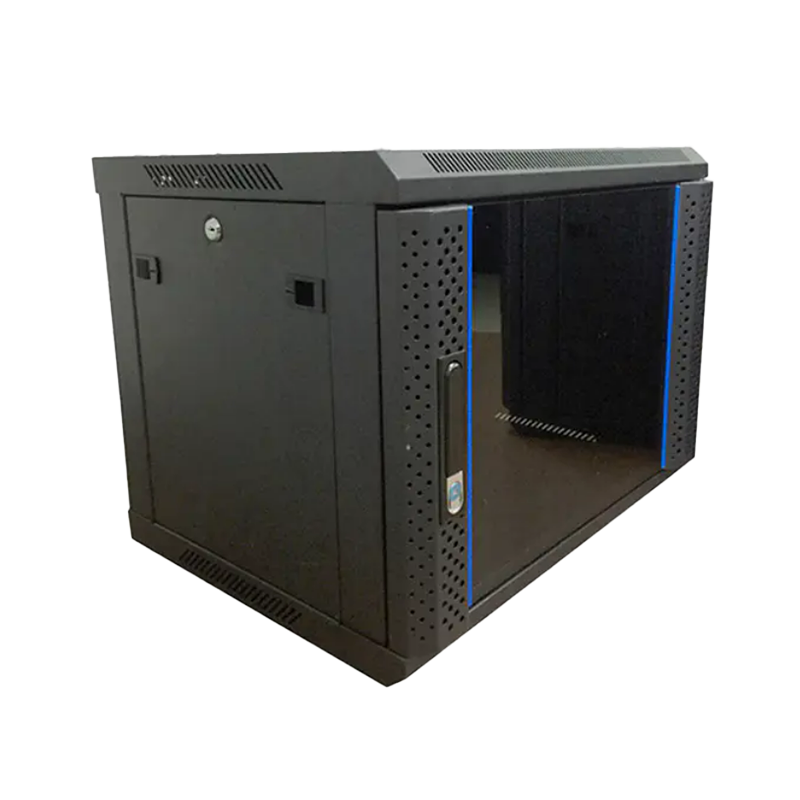
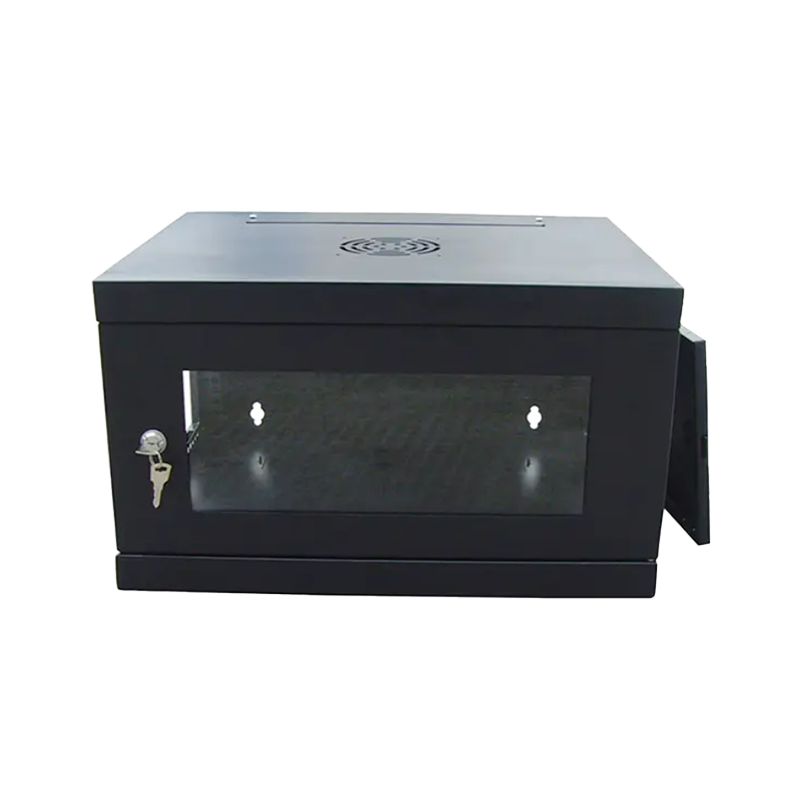
The front door serves dual purposes: physical security and visual accessibility. A wall mount network cabinet with glass door provides a clear view of equipment status LEDs and indicator lights without opening the cabinet — a significant convenience during troubleshooting. Tempered glass doors are preferred over acrylic for durability and scratch resistance.
For environments where unauthorized access is a concern — server rooms shared with non-IT staff, retail floors, or educational facilities — a lockable wall mount network cabinet with a keyed cylinder lock or an electronic lock is advisable. High-quality enclosures use 3-point locking mechanisms that engage the door frame at top, middle, and bottom simultaneously, making prying attacks considerably more difficult.
A steel wall mount network cabinet constructed from cold-rolled steel (CRS) with a minimum thickness of 1.2mm provides the structural rigidity needed to safely support 30–80kg of equipment. Steel cabinets are also more resistant to physical impact, electromagnetic interference (EMI) shielding, and fire compared to aluminum or polycarbonate alternatives. Look for a powder-coat finish in RAL 7035 (light gray) or equivalent, which resists corrosion and is easy to clean.
The radar chart above compares premium-grade and standard wall mount network cabinets across six performance dimensions. Premium enclosures — typically those manufactured under OEM/ODM agreements with advanced engineering — demonstrate a notably larger coverage area, especially in build quality and security. The gap in cable management capability is particularly evident: premium cabinets include integrated vertical and horizontal cable management accessories that are absent or rudimentary in entry-level units. For long-term deployments in professional environments, investing in a premium-grade IT network cabinet wall mount solution pays dividends in reduced maintenance time and improved equipment longevity.
The installation process can be completed in a single afternoon by one person with basic tools, or more quickly with two people for the wall-mounting step. Follow this sequence carefully — skipping steps is the primary cause of installation errors that require costly rework.
Before ordering equipment, visit the intended installation location with a stud finder, a laser level, and a tape measure. Identify:
Critical safety note: A fully loaded steel wall mount network cabinet can weigh 60–100kg. Mounting into drywall alone — without studs or masonry anchors — is a serious structural hazard. Always verify load capacity before proceeding.
Using the cabinet's mounting template (or the cabinet itself as a guide), mark drill points on the wall. Use a laser level to confirm all marks are perfectly horizontal before drilling. For wood-stud installations, use 5/16 inch (8mm) lag screws driven at least 50mm into each stud. For concrete or masonry, use M8 expansion anchors rated for at least twice the expected load per anchor point. Drill holes, vacuum out debris, and insert anchors.
With a second person holding the cabinet against the wall, align it with the anchor points and hand-tighten all bolts before final torquing. Use a spirit level on the top surface of the cabinet to confirm it is perfectly level before tightening fully. An out-of-level cabinet places uneven stress on mounting hardware and can cause rack equipment to slide or bind over time.
Tighten bolts in a cross pattern — never tighten sequentially around the perimeter — to distribute load evenly. Apply thread-locking compound (e.g., Loctite Blue 243) to prevent vibration-induced loosening, especially in environments with HVAC vibration or mechanical equipment nearby.
Equipment should always be installed from bottom to top in a wall-mount cabinet. Heavy items (UPS, patch panels) go low to keep the center of gravity down and reduce torque on the wall mounting points. Patch panels go directly above the UPS, followed by switches, routers, and fiber equipment near the top. This sequence also follows cable routing logic: patch panel cables drop naturally to equipment below rather than requiring long upward runs.
Professional cable management is what separates a functioning installation from a maintainable one. In a cabinet equipped with a network cabinet with cable management system, use horizontal cable managers between equipment units to route patch cables, and vertical cable managers on the sides for trunk and power cables. Follow these practices:
Thermal management is one of the most underestimated aspects of network cabinet installation. Studies from data center infrastructure research indicate that every 10°C rise in operating temperature above 25°C can reduce semiconductor component lifespan by up to 50%. While wall mount cabinets are not full data center environments, the same thermal physics apply.
A well-designed ventilated network cabinet wall mount achieves effective cooling through three principles: airflow separation (cold air enters from the bottom front, exits from the top rear), blanking panels to prevent hot air recirculation in empty rack spaces, and temperature monitoring via a built-in thermometer or simple probe connected to your network management system.
This line chart demonstrates the dramatic thermal difference between ventilation configurations as equipment load increases from 0% to 100%. Cabinets with no ventilation reach dangerous temperatures above 55°C at full load — a condition that will cause switch CPUs to throttle and trigger thermal shutdown. Passive ventilation through perforated panels reduces peak temperature by approximately 10–15°C, a meaningful improvement. Active fan-assisted cooling — available in the wall mount network cabinet with fan configuration — provides the most linear and controlled thermal curve, maintaining internal temperatures within the 35–45°C safe operating range even under heavy continuous load. This data strongly supports choosing a fan-equipped enclosure for any deployment housing equipment generating more than 150W of combined heat.
To make the installation process tangible, consider a realistic scenario: a home office with 6 wired workstations, a network-attached storage device, wireless access points, a VoIP system, and a fiber broadband connection. This is exactly the kind of deployment where a quality home network rack cabinet transforms a tangle of cables into a clean, professional infrastructure.
| Rack Position | Equipment | Size | Purpose |
|---|---|---|---|
| U1–U2 | UPS / PDU | 2U | Power backup and surge protection |
| U3 | 24-Port Cat6 Patch Panel | 1U | Structured cabling termination |
| U4 | Cable Management Bar | 1U | Horizontal cable routing |
| U5 | 24-Port PoE Managed Switch | 1U | Network switching and PoE delivery |
| U6 | Router / Firewall | 1U | WAN routing and security |
| U7–U8 | NAS Storage Unit | 2U | Centralized file storage and backup |
| U9 | Blanking Panel | 1U | Airflow management / future expansion |
This 9U layout uses every rack unit efficiently while leaving one slot open for future growth. The entire installation fits in a 450mm-tall enclosure that can be mounted in a utility closet, laundry room, or dedicated home office wall — invisible to guests but fully accessible to the homeowner. The addition of a glass-front door allows monitoring of equipment status without opening the cabinet, while a cylinder lock keeps the contents secured from curious family members.
The demand for structured network infrastructure — including wall mount enclosures — has grown substantially in recent years, driven by remote work adoption, smart office deployments, and the proliferation of IoT devices in both residential and commercial settings. Understanding market momentum helps justify the investment in quality infrastructure now rather than retrofitting later.
The column chart above tracks indexed deployment growth from 2020 to 2024 across two primary market segments. The home network rack cabinet segment has experienced exceptional compound growth, nearly tripling in deployment volume over four years — a trend directly attributable to the remote work revolution and increasing household network complexity. The small business segment has followed a similarly steep trajectory, rising sharply from 2022 as businesses formalized previously ad-hoc network infrastructure. These figures underscore the strategic importance of choosing scalable, quality enclosures: businesses that invest in expandable 9U or 12U cabinets today avoid the disruption and expense of complete infrastructure replacements as their needs grow.
Standard catalog cabinets meet the needs of most deployments. However, specialized environments — healthcare facilities requiring anti-bacterial coatings, industrial settings needing IP54 or IP55 ingress protection ratings, or branded retail installations requiring custom colors — benefit from working with a dedicated OEM network cabinet factory or custom network cabinet solutions provider.
Ningbo Cixi Communication Technology Co., Ltd. was established on February 2, 2024, and operates from Ningbo City, Zhejiang Province, China. As a focused wall mount network cabinet supplier and professional network cabinet manufacturer, the company offers comprehensive OEM and ODM services that allow clients to specify dimensions, load ratings, ventilation configurations, door types, and surface finishes entirely according to their project requirements. With in-house design engineers and advanced manufacturing equipment, custom enclosures can be developed for network data centers, enterprise offices, public transportation hubs, commercial premises, and residential installations.
For businesses evaluating wholesale network cabinets, working with an ODM partner provides several advantages over purchasing generic stock products: consistent quality control across large orders, the ability to add proprietary features (custom cable entry brushes, integrated cable management, branded door inserts), and technical support from engineers who understand the product from the inside out. The OEM pathway also allows channel partners and system integrators to market cabinets under their own brand, strengthening their product portfolio without the capital expenditure of establishing their own manufacturing capacity.
Whether you require a single unit for a home office or a rack mount network enclosure wall mounted solution across dozens of retail locations, partnering with a manufacturer that prioritizes both quality and responsiveness is the foundation of a successful infrastructure deployment.
Even experienced IT professionals occasionally make preventable installation errors. The following mistakes account for the vast majority of post-installation rework calls and service tickets.
A wall-mount cabinet rated for 60kg static load must be mounted into surfaces capable of supporting that load — plus a safety factor. Drywall anchors typically support 10–25kg each; wood studs with proper lag screws can handle 70–150kg per fastener. For a loaded 9U cabinet, you need a minimum of four properly-installed fastener points, and each should be rated for at least 25kg. Never exceed 70% of the combined rated anchor load under real-world conditions.
A cabinet loaded with equipment before wall mounting is significantly heavier and harder to maneuver safely. Always mount the empty cabinet first, verify it is level and secure, and then install equipment. This sequence also allows easier access to the rear mounting rails before cables obstruct them.
Excess cable slack coiled behind equipment is one of the most common causes of airflow restriction in wall-mount enclosures. In a shallow 300mm cabinet, a single 10-foot patch cable coiled behind a switch can occupy 40% of the available depth. Always use purpose-cut cables or cable management loops, never loose coils.
A steel wall mount network cabinet acts as an electromagnetic shield — but only if it is properly grounded. Connect the cabinet's grounding lug to a verified earth ground using a minimum 6AWG green ground wire. Improper grounding can result in static discharge damaging sensitive equipment, especially in low-humidity environments. Verify ground continuity with a multimeter before powering up equipment.
The following questions are among the most commonly asked by first-time buyers and installers of wall mount network cabinets.
Q1: What is a wall mount network cabinet?
A wall mount network cabinet is a steel or aluminum enclosure fixed to a wall surface, designed to house rack-mountable networking equipment such as switches, patch panels, routers, and small servers in a secure and organized manner. It uses the standard 19-inch rack format and is measured in rack units (U).
Q2: What is a network cabinet used for?
Network cabinets centralize and protect networking hardware, reducing cable clutter, protecting equipment from dust and accidental contact, providing physical security through lockable doors, and improving the overall maintainability and appearance of IT infrastructure in offices, retail locations, and homes.
Q3: What size network cabinet do I need?
Count the rack units your current equipment requires and add at least 30% headroom for future expansion. A 6U cabinet suits home networks with a switch and patch panel; a 9U unit works for small businesses adding a NAS or UPS; 12U and above is appropriate for larger offices. Always consider cabinet depth as well — servers need 500mm or more.
Q4: How much weight can a wall mount network cabinet hold?
Most quality steel wall mount network cabinets are rated for 30–100kg of equipment load, depending on size and construction. However, the actual weight the installation can hold depends primarily on the wall structure and mounting method — always verify that anchor points support at least twice the intended load as a safety margin.
Q5: Are wall mount cabinets secure?
Yes — a lockable wall mount network cabinet with a keyed cylinder or electronic lock provides effective physical security against unauthorized access. High-quality enclosures use multi-point locking mechanisms and reinforced steel construction that resists tampering. For maximum security in sensitive environments, choose cabinets with 3-point door locking and concealed hinge pins.
Q6: Do I need a fan in my wall mount network cabinet?
For low-density passive equipment (patch panels, basic unmanaged switches), passive ventilation through perforated panels is often adequate. If your cabinet will house PoE switches, NAS units, or any equipment generating over 150W of combined heat, a wall mount network cabinet with fan is strongly recommended to maintain safe operating temperatures and protect equipment longevity.
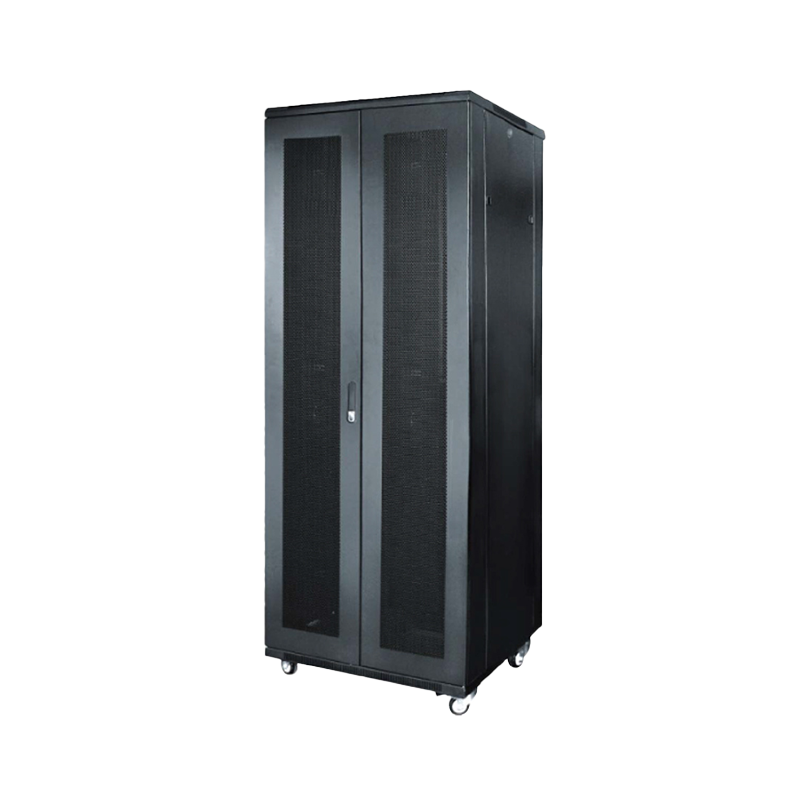
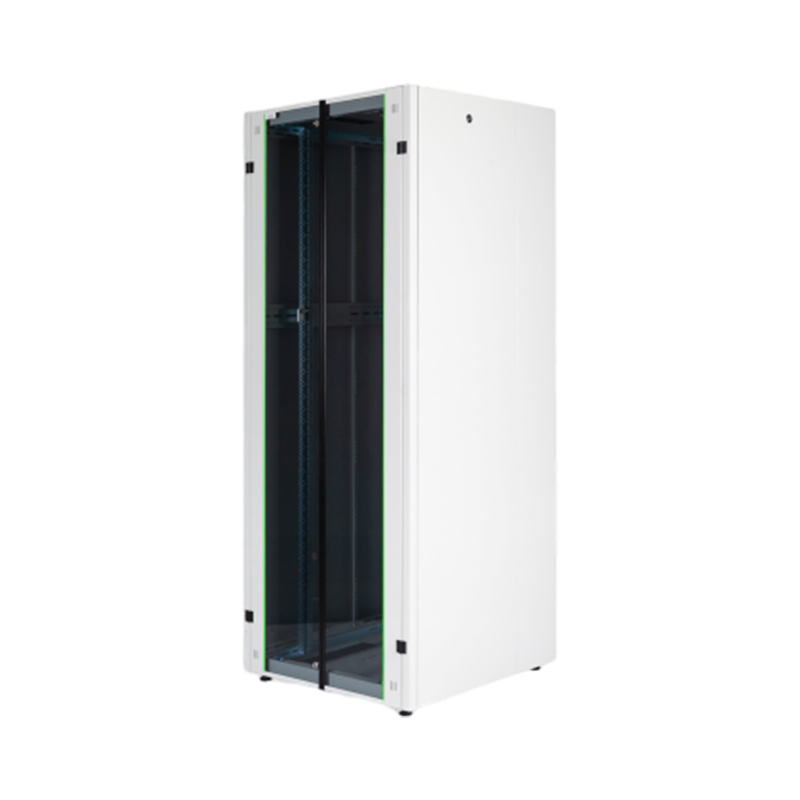
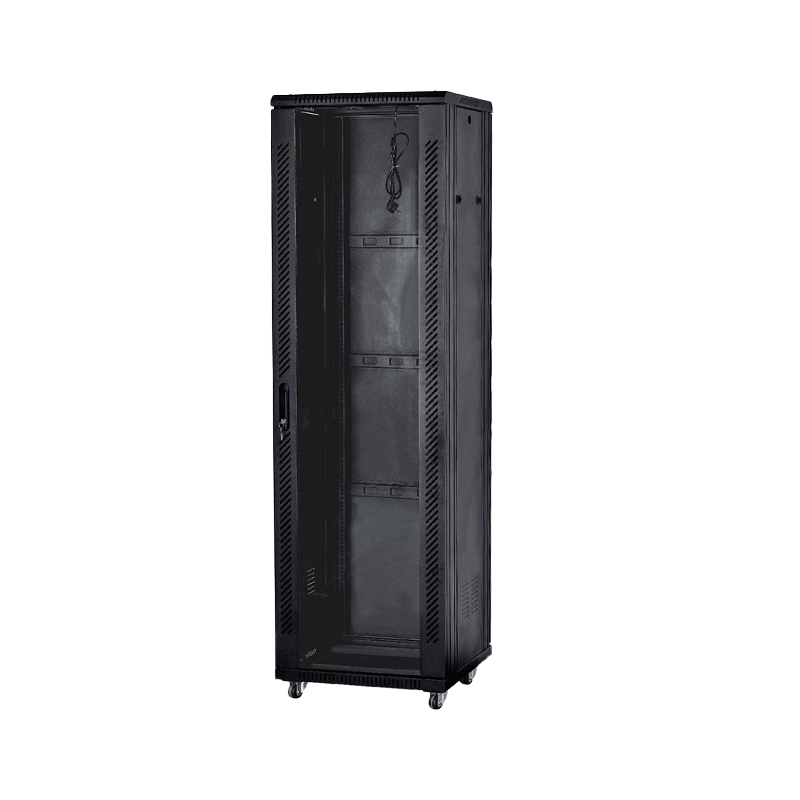
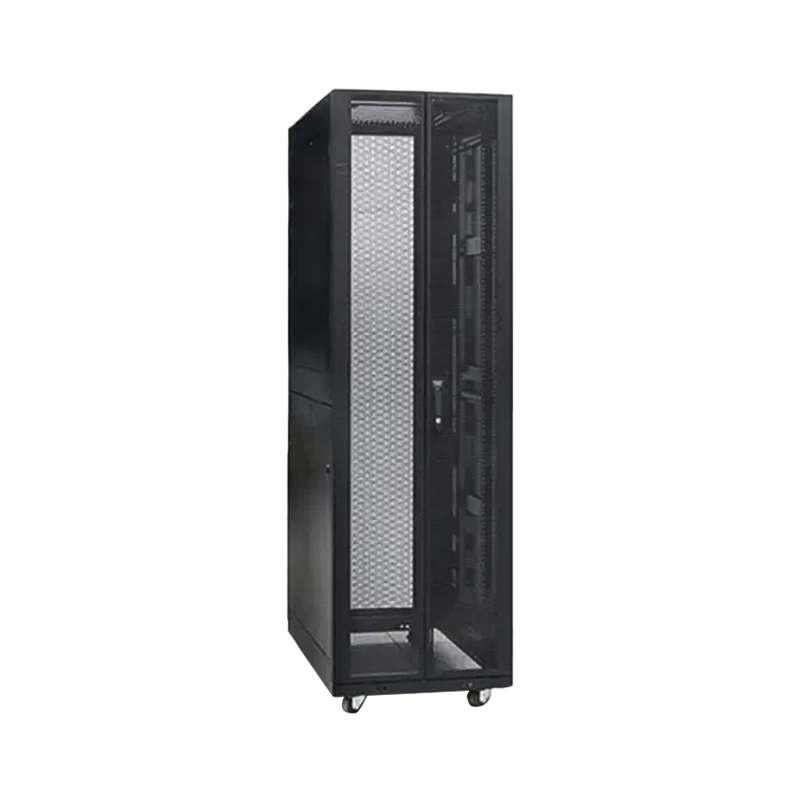
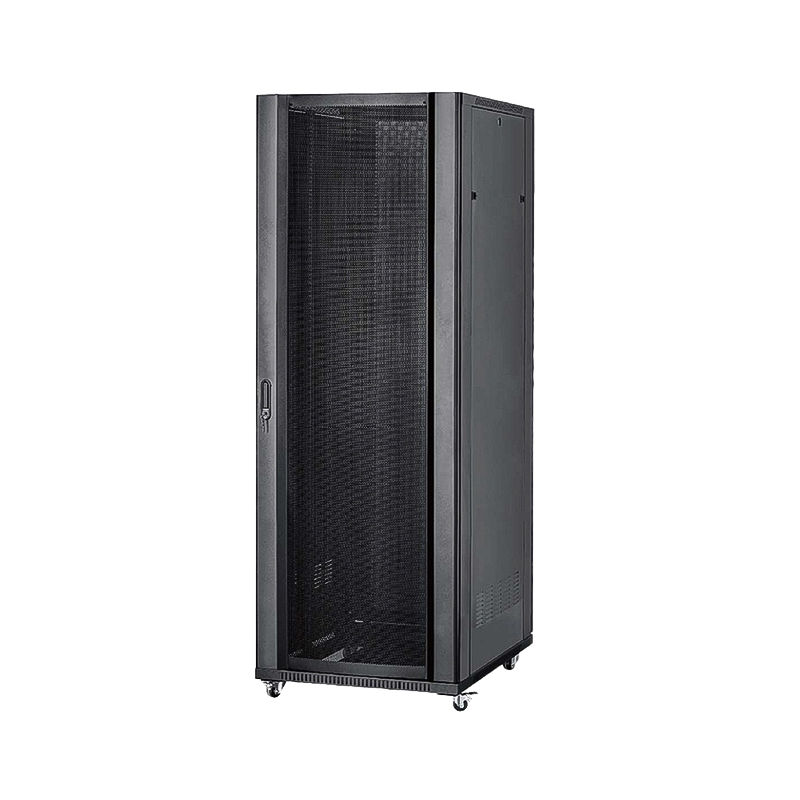
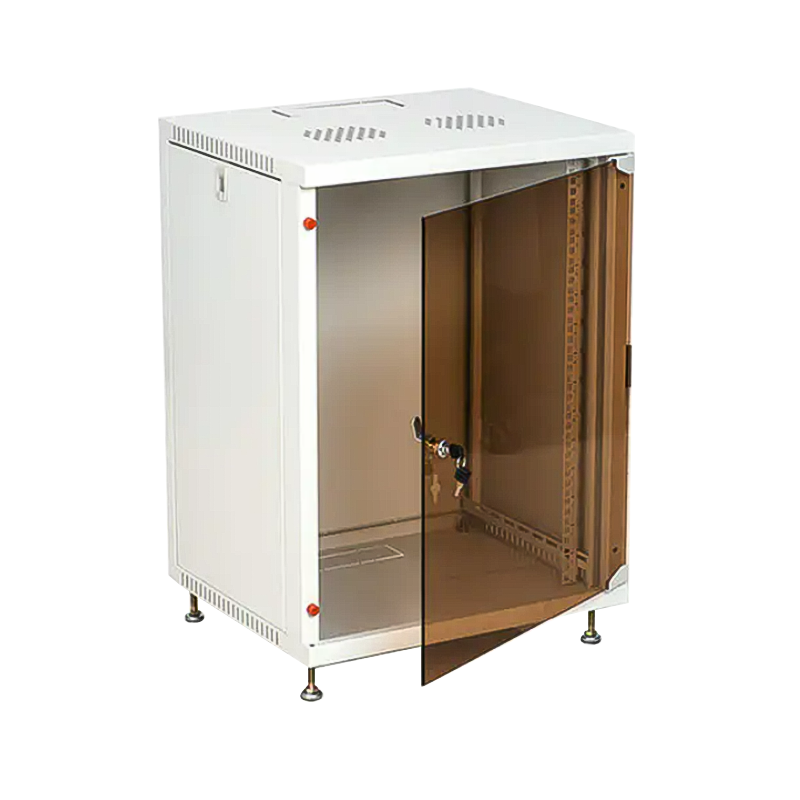
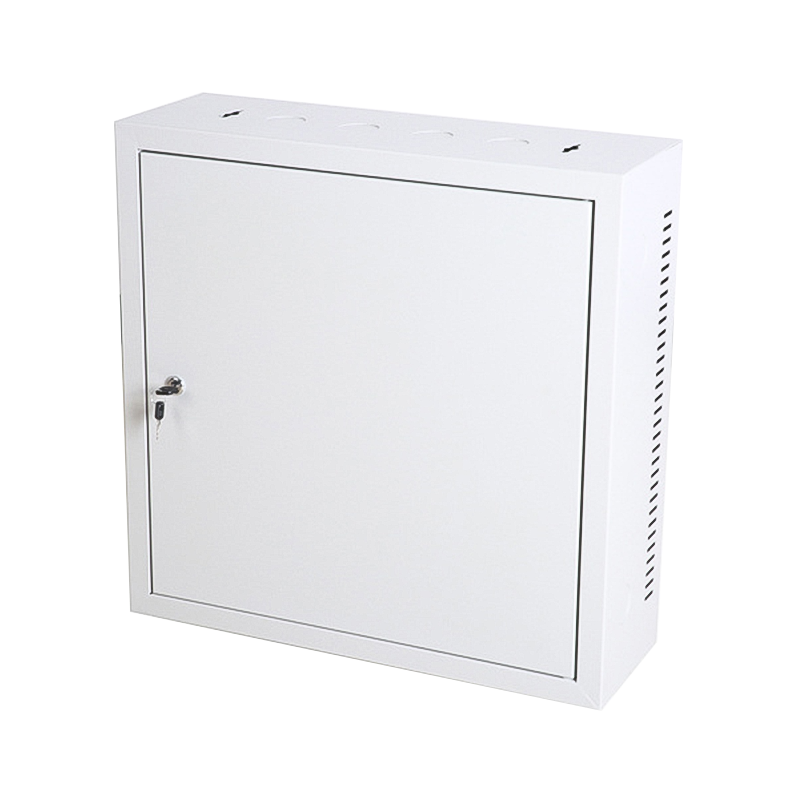
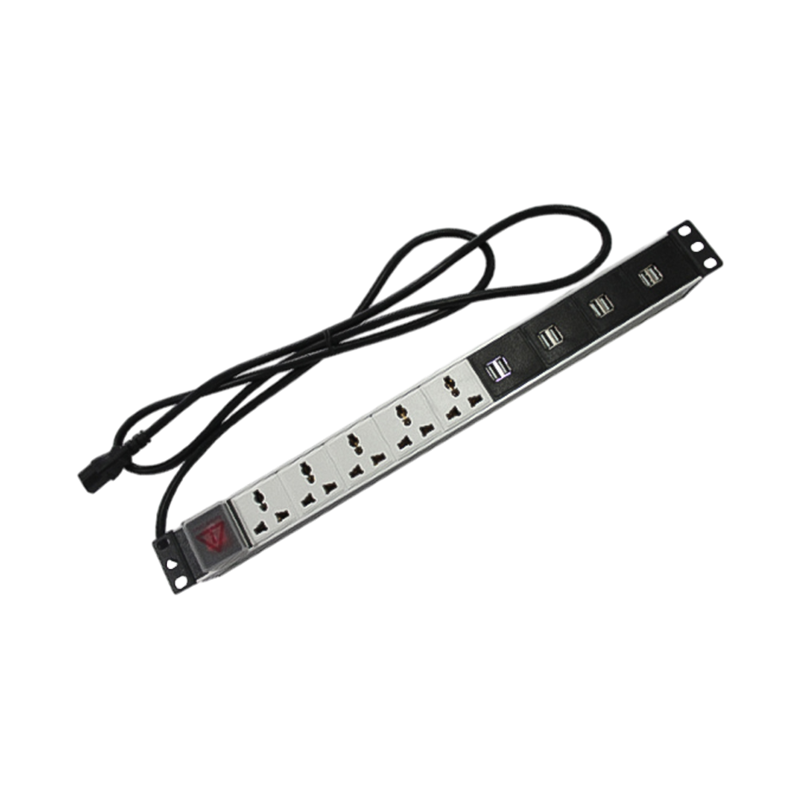

We are a company mainly engaged in the manufacturing of network cabinet , charging cart and other infrastructures.
Product Classification
Address
No.12 Fushan Road,Guanhaiwei Town,Cixi City,Ningbo,Zhejiang,China
PHONE
+86-17857397994

 English
 عربى
عربى
 Español
 русский