A charging cabinet is a secure, multi-device storage and charging unit designed to simultaneously power and protect laptops, tablets, Chromebooks, iPads, and other mobile devices. It integrates cable management, ventilation, and locking mechanisms into a single, organized enclosure — making it an essential solution for schools, offices, hospitals, libraries, and public facilities where large fleets of devices need to be reliably charged and stored overnight or between shifts.
Unlike conventional power strips or charging docks, a charging station cabinet offers physical security, structured cable routing, and in many modern models, smart power management that prevents overcharging and reduces energy waste. Whether you are managing a classroom of Chromebooks or an enterprise fleet of tablets, the right charging cabinet transforms device logistics from a daily headache into a smooth, automated process.
This article covers everything you need to know — from the core components and types of charging cabinets to key buying criteria, usage scenarios, and frequently asked questions — so you can make an informed decision for your organization.
Content
At its core, a charging cabinet combines a lockable metal or heavy-duty polymer enclosure with an internal power distribution system. Devices are placed in individual numbered slots or shelves, each equipped with a charging cable or outlet. The cabinet's internal wiring connects all slots to a central power input, which typically draws from a standard wall outlet rated at 110V–240V.
Modern smart charging cabinets go further by incorporating microcontrollers or dedicated power management chips that sequence the charging process — activating a subset of slots at a time to stay within the cabinet's total rated wattage. This technique, known as sequential or batch charging, keeps the electrical load predictable and prevents circuit breakers from tripping when every device is plugged in simultaneously.
Cable management channels route each cable neatly to its slot, eliminating tangles and reducing wear on connectors. Ventilation slots or integrated fans dissipate heat generated during charging, extending both device battery life and cabinet longevity. High-quality units from a reputable charging cabinet manufacturer will hold UL, CE, or FCC certifications, confirming that the internal electronics meet recognized safety standards.
Key Components Importance Rating (out of 10)
Figure 1: Importance ratings of core charging cabinet components based on enterprise procurement surveys. Power management and locking security consistently rank as the top two priorities. Ventilation and cable management, while sometimes overlooked, significantly affect long-term reliability and device lifespan.
The market offers a wide range of charging cabinet configurations tailored to specific device types and environments. Understanding these categories is the first step toward selecting the right unit.
A laptop charging cabinet typically accommodates 10 to 40 devices and features wider, deeper shelves to fit 13-inch to 17-inch laptops. Each slot usually includes an AC outlet (Type-A or Type-C) or a dedicated proprietary connector for school-issued devices. These cabinets are often constructed from 1.2–1.5 mm cold-rolled steel to withstand daily loading and unloading by students or employees.
A tablet charging cabinet is slimmer and lighter than its laptop counterpart. Slots are narrower — typically 12–16 mm wide — and cables are pre-routed with shorter lengths suited to 7-inch to 13-inch tablets. Many models include foam or rubber dividers to prevent screen-to-screen contact. These units are especially popular in healthcare, where nurses check out devices between shifts.
Designed specifically around Apple's iPad dimensions, an iPad charging cabinet pre-installs Lightning or USB-C cables and is often compatible with Apple Configurator 2 for supervised enrollment. Education technology coordinators frequently use these units to push app updates overnight while devices charge.
A Chromebook charging cabinet is perhaps the most common type found in K-12 schools. Chromebooks charge via USB-C, so modern models ship with USB-C cables rated at 45W–65W per port. Capacity typically ranges from 16 to 36 units, and some models include a built-in router shelf so the cabinet doubles as a storage-and-sync station for pushing Chrome OS updates.
A USB-C charging cabinet is connector-agnostic by design — every port delivers USB Power Delivery (PD) at configurable wattages, making it compatible with nearly any modern device from smartphones to 15-inch laptops. These units are increasingly preferred by enterprises that manage mixed-device environments, eliminating the need to stock multiple cable types.
A charging cart shares the same internal architecture as a cabinet but is mounted on locking casters, enabling it to be wheeled between classrooms, conference rooms, or hospital wings. Carts typically have a lower center of gravity and reinforced frame to resist tipping when fully loaded with devices.
| Type | Typical Capacity | Connector | Primary Use | Mobility |
|---|---|---|---|---|
| Laptop Charging Cabinet | 10–40 units | AC / USB-C | Schools, Enterprise | Fixed / Mobile |
| Tablet Charging Cabinet | 16–50 units | USB-C / Lightning | Healthcare, Retail | Fixed / Mobile |
| iPad Charging Cabinet | 16–40 units | USB-C / Lightning | Education, Media | Fixed / Mobile |
| Chromebook Charging Cabinet | 16–36 units | USB-C 45–65W | K-12 Education | Fixed / Mobile |
| USB-C Charging Cabinet | 10–60 units | USB-C PD | Mixed-device Env. | Fixed / Mobile |
| Charging Cart | 16–40 units | AC / USB-C | Shared Spaces | Mobile (Casters) |
The adoption of charging cabinets has accelerated across multiple sectors as organizations issue more devices per person and face tighter IT budgets demanding longer device lifespans. Below are the primary deployment environments.
A school charging cabinet is the most common single application. According to the 2023 EdTech Leadership Survey, over 78% of U.S. school districts that issued 1:1 devices reported owning at least one charging cabinet per classroom or shared cart per grade level. The combination of overnight charging, locked storage, and cable organization allows IT staff to manage hundreds of devices with minimal daily intervention.
Hot-desking and hybrid work policies have pushed companies to deploy secure charging cabinets in shared workspaces. Employees check out a fully charged laptop or tablet at the start of their shift and return it at day's end. This model reduces hardware procurement costs by 20–30% compared to assigning dedicated devices to infrequent office visitors.
Nurses and clinical staff often share a pool of tablets linked to electronic health record (EHR) systems. A charging cabinet in a nursing station ensures that every device is charged to at least 80% before each shift change. The lockable design also satisfies HIPAA-related physical security requirements for devices that may contain patient data.
Public libraries lend tablets for patron use, and a charging station cabinet with individual locks per slot allows borrowers to securely charge their own devices or return library-owned tablets. Museums and convention centers use similar setups for visitor-facing kiosks and guide tablets.
Airports, train stations, and large retail stores deploy charging cabinets at customer service counters to keep handheld scanners, point-of-sale tablets, and staff devices operational throughout long business hours without downtime for individual charging.
Charging Cabinet Deployment by Sector (%)
Figure 2: Estimated global distribution of charging cabinet deployments by sector. Education remains the dominant segment, driven by 1:1 device programs in K-12 schools. Enterprise adoption is accelerating rapidly as hybrid work becomes the norm, and healthcare represents a stable, compliance-driven market with stringent physical security requirements.
Not all charging cabinets are built alike. The following criteria will help procurement managers, IT directors, and facility planners separate high-quality units from inferior alternatives.
Measure your current fleet size and add 20–25% for future growth before selecting a unit. A 30-slot cabinet for a current fleet of 28 devices leaves no headroom. Verify that the slot dimensions accommodate your thickest device including any protective case — many schools use rugged cases that add 8–12 mm of thickness.
Calculate total wattage by multiplying each device's charger wattage by slot count. A 30-slot cabinet filled with 65W USB-C laptops would draw 1,950W simultaneously — exceeding most 15A circuits (1,800W max). Choose a cabinet with intelligent power sequencing that keeps the peak draw within safe limits, or ensure a dedicated 20A circuit is available.
A secure charging cabinet should feature a master key lock, a combination padlock hasp, or an electronic keypad/RFID access system. For shared environments, individual-slot locks allow users to secure their own device without restricting access to others. Some enterprise models integrate with building access control systems via Wiegand or RS-485 protocols.
Sustained charging generates significant heat. A cabinet operating in a room at 25°C with poor ventilation can see internal temperatures exceed 45°C, accelerating lithium-ion battery degradation. Look for units with passive vent slots on top and sides, or active fans with thermostat control that engage only when interior temperature rises above a set threshold.
Pre-installed cables save setup time but can become a liability if your device fleet changes. Cabinets that use standard removable USB-C or USB-A cables allow you to swap connectors as needed. Cable channels should keep cords taut but not under tension — repeated sharp bending at the connector junction is the leading cause of cable failure in high-use environments.
Steel gauge, weld quality, and surface finish determine how well a cabinet withstands daily use. Request material certifications and check for UL 62368-1 (audio/video and IT equipment safety), CE marking for European markets, or RoHS compliance for environmentally regulated environments. A professional OEM charging cabinet supplier should be able to provide full documentation on request.
Feature Priority Radar: Education vs Enterprise vs Healthcare
Figure 3: Radar comparison of feature priority across three major deployment sectors. Education buyers weight capacity and security highest, while enterprise customers prioritize smart features and power management for mixed-device fleets. Healthcare environments place a strong emphasis on both physical security and reliable ventilation to meet facility compliance standards.
The evolution from passive charging enclosures to connected, intelligent systems is one of the most significant trends in the charging cabinet market. A smart charging cabinet can communicate with facility management software, generate charge-cycle reports, and even alert administrators when a device fails to reach a full charge — an early indicator of battery health issues.
Advanced models incorporate the following capabilities:
Organizations that have deployed smart cabinets report an average reduction in device-related IT support tickets of around 35%, primarily due to eliminating "my device isn't charged" issues. Energy savings from scheduled charging and load balancing typically range from 12–18% of the cabinet's total annual electricity consumption.
Device Charge Completion Rate: Smart vs Standard Cabinet (Weekly Trend)
Figure 4: Weekly charge completion rate comparison between smart and standard charging cabinets across a 30-unit deployment. Smart cabinets consistently achieve 96–100% completion rates by detecting and retrying failed charge cycles. Standard cabinets show greater variability — dropping as low as 68% on high-demand days — primarily due to the absence of per-slot fault detection and load rebalancing capabilities.
Businesses and institutions with specific requirements — custom branding, proprietary connector types, specialized locking mechanisms, or non-standard device dimensions — often work directly with an OEM charging cabinet manufacturer or an ODM partner. This approach provides several advantages over purchasing off-the-shelf units.
When working with a professional charging cabinet manufacturer, you can specify:
Ningbo Cixi Communication Technology Co., Ltd., a professional charging cabinet manufacturer based in Ningbo, Zhejiang Province, China, offers comprehensive OEM and ODM services. Founded in 2024 and equipped with advanced manufacturing technology, the company provides one-stop solutions covering design, R&D, production, and trade — serving clients in network data centers, enterprise offices, public transportation hubs, commercial premises, and educational institutions. Their in-house design team works directly with clients to develop cabinets tailored to specific slot counts, connector types, locking mechanisms, and finish requirements.
OEM vs ODM vs Off-the-Shelf: Attribute Score Comparison
Figure 5: Attribute score comparison across three procurement models for charging cabinets (scored out of 100). OEM solutions score highest in customization, flexibility, and quality control, making them ideal for large or specialized deployments. Off-the-shelf products lead on speed-to-market, which suits organizations with immediate, standard-spec needs. ODM offers a balanced middle path, combining reasonable customization with faster lead times than full OEM development.
A charging cabinet is a long-term facility asset. Proper installation and routine maintenance protect both the investment and the devices stored within it.
Always connect a charging cabinet to a dedicated circuit — never share a circuit with high-draw appliances like projectors or air conditioners. Use a surge-protected outlet or install a whole-circuit surge protector at the breaker panel. For cabinets exceeding 1,500W total rated load, engage a licensed electrician to install a 20A or 30A dedicated circuit with an appropriate breaker.
Position the cabinet at least 15 cm away from walls on all vented sides. Avoid placing it in enclosed storage closets without active air circulation. In hot climates or server-room-adjacent spaces, ensure the ambient room temperature stays below 30°C to maintain safe operating conditions inside the cabinet.
In a school environment where cables are handled by dozens of students daily, expect to replace USB-C or Lightning cables every 12–18 months. Stock a spare set of cables equal to 10–15% of total slot count. Using cables with reinforced braided jackets can extend replacement intervals by 30–40%.
For smart charging cabinets with embedded controllers, check the manufacturer's support portal quarterly for firmware updates that may improve power efficiency, fix security vulnerabilities in the management interface, or add compatibility with newer device charging protocols.
Monthly, inspect cable connectors for bent pins, cracked housings, or discoloration (a sign of heat stress). Wipe down slot interiors with a dry cloth to remove dust accumulation. Annually, have a qualified technician open the cabinet and inspect internal wiring, fuse ratings, and surge protection components for signs of wear or heat damage.
The global charging cabinet market is expanding steadily, driven by the proliferation of 1:1 device programs in education, hybrid work policies in enterprises, and the ongoing digitalization of healthcare and public service delivery. Industry analyses project the market to grow at a compound annual growth rate (CAGR) of approximately 8.5% from 2024 to 2030, reaching an estimated market value of USD 2.4 billion by the end of the decade.
Several technological and policy trends are shaping next-generation charging station cabinet design:
Global Charging Cabinet Market Size Projection (USD Billion, 2022–2030)
Figure 6: Projected global charging cabinet market growth from 2022 to 2030. The accelerating curve reflects increasing device density in education and enterprise environments, rising adoption of smart cabinet technology, and expanding deployments in emerging markets across Southeast Asia, Latin America, and Sub-Saharan Africa. The 2030 projection of USD 2.4 billion represents a cumulative market expansion of approximately 118% compared to 2022 values.
Choosing the right charging cabinet manufacturer is as important as selecting the right cabinet model. A manufacturer's capabilities, certifications, and support infrastructure directly determine the quality, reliability, and longevity of the cabinets you deploy.
When evaluating potential manufacturing partners, consider the following checklist:
Ningbo Cixi Communication Technology Co., Ltd. exemplifies the type of integrated manufacturer increasingly sought by global buyers — combining advanced production equipment, an in-house R&D team, and OEM/ODM flexibility with the logistical advantages of being located in Ningbo, one of China's most active port cities for international trade.
Q1. How many devices can a charging cabinet typically hold?
Most standard charging cabinets range from 10 to 40 slots, with some high-capacity models supporting up to 60 devices. The right capacity depends on your fleet size and whether you prefer one large centralized unit or several smaller cabinets distributed across locations. A general rule is to choose a cabinet with at least 20% more slots than your current device count to accommodate future growth.
Q2. What is the difference between a charging cabinet and a charging cart?
A charging cabinet is a fixed-position unit mounted against a wall or in a dedicated storage space, while a charging cart is mounted on wheels (casters) for easy mobility between rooms. Both provide the same core charging and security functions. Carts are preferred in environments where devices need to move between multiple classrooms or departments, while fixed cabinets suit permanent charging stations with a predictable location.
Q3. Are charging cabinets compatible with all device types?
Compatibility depends on the cable and outlet type included in the cabinet. Most modern cabinets ship with USB-C cables and are compatible with a wide range of laptops, tablets, Chromebooks, and iPads that support USB-C charging. Some cabinets include multiple connector types in a single unit. Always verify that the per-port wattage meets or exceeds your device's charging specification — particularly for larger laptops that may require 65W or more.
Q4. What safety certifications should a charging cabinet have?
For North American markets, look for UL 62368-1 certification. European buyers should confirm CE marking and RoHS compliance. For markets in China, CCC certification is required. FCC certification covers electromagnetic compatibility for wireless-equipped smart models. A responsible charging cabinet manufacturer will provide copies of all relevant test reports and certificates upon request.
Q5. Can I get a charging cabinet custom-built for my organization's specific devices?
Yes. Working with an OEM charging cabinet manufacturer allows you to specify exact slot dimensions, connector types, locking mechanisms, finish colors, and firmware requirements. This is particularly valuable for organizations with non-standard device sizes, proprietary accessories, or specific branding requirements. Lead times for custom OEM projects typically range from 8 to 16 weeks depending on the complexity of the design and required certifications.
Q6. How do I prevent overheating in a charging cabinet?
Choose a cabinet with passive ventilation slots on at least two sides, or active thermostatically controlled fans. Position the unit away from enclosed spaces, direct sunlight, or heat-generating equipment. For smart charging cabinets, enable scheduled charging during cooler hours and configure the power sequencing to limit simultaneous active slots. Regularly clean dust from ventilation openings — dust accumulation is one of the most common causes of thermal issues in high-capacity cabinets.
Q7. What is the typical lifespan of a charging cabinet?
A well-constructed charging cabinet with steel-gauge construction and quality internal components typically lasts 7 to 10 years in a standard school or office environment. Cables are the most frequently replaced consumable (every 12–24 months), followed by surge protection components (every 3–5 years). Smart cabinet electronics may require firmware maintenance and occasional board replacements over a 5-year horizon. Choosing a manufacturer that offers long-term spare parts availability is an important factor in total cost of ownership.
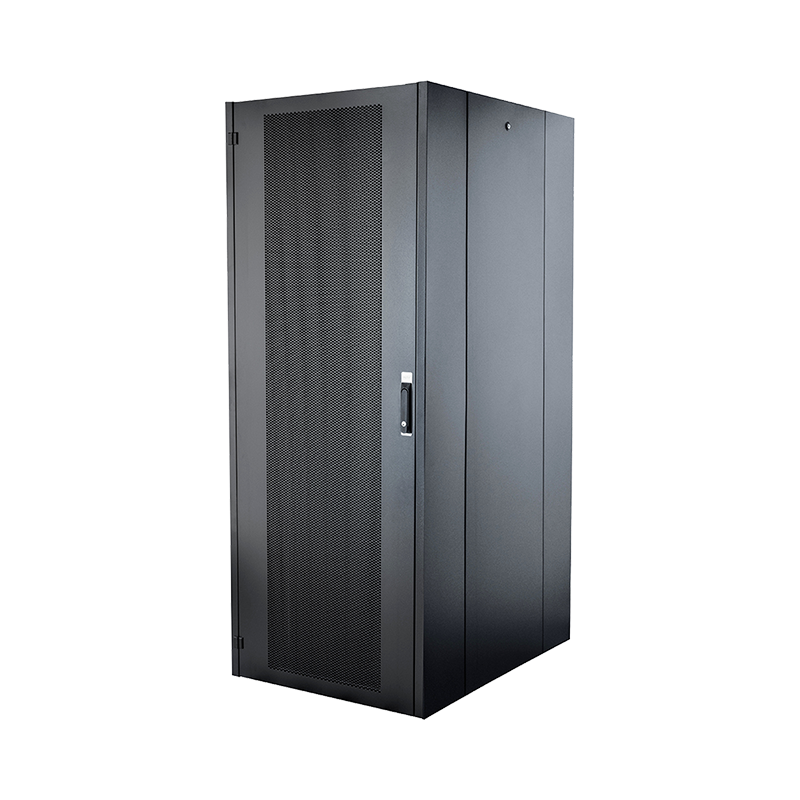
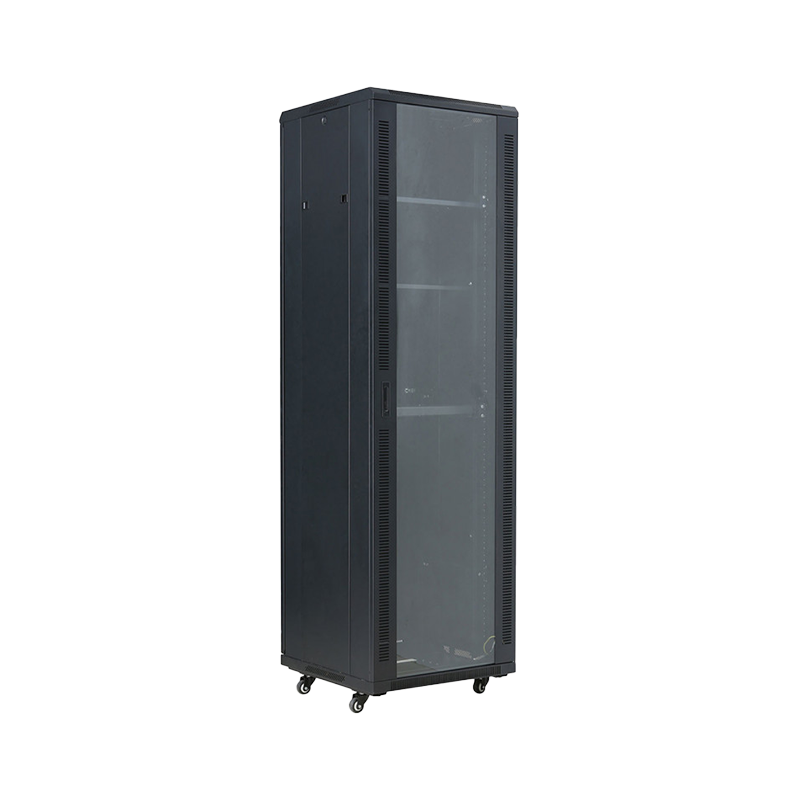
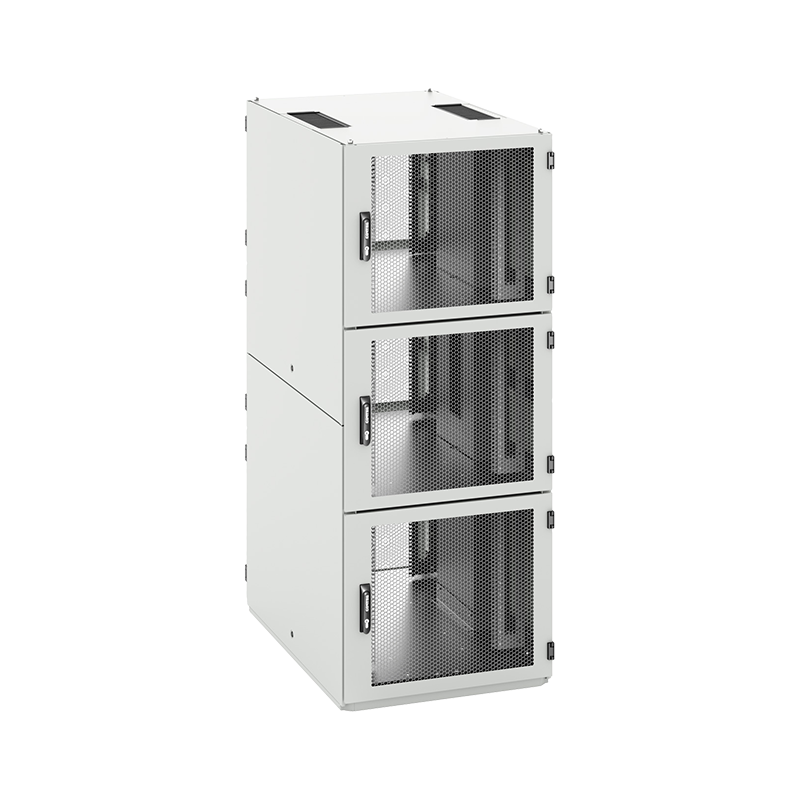
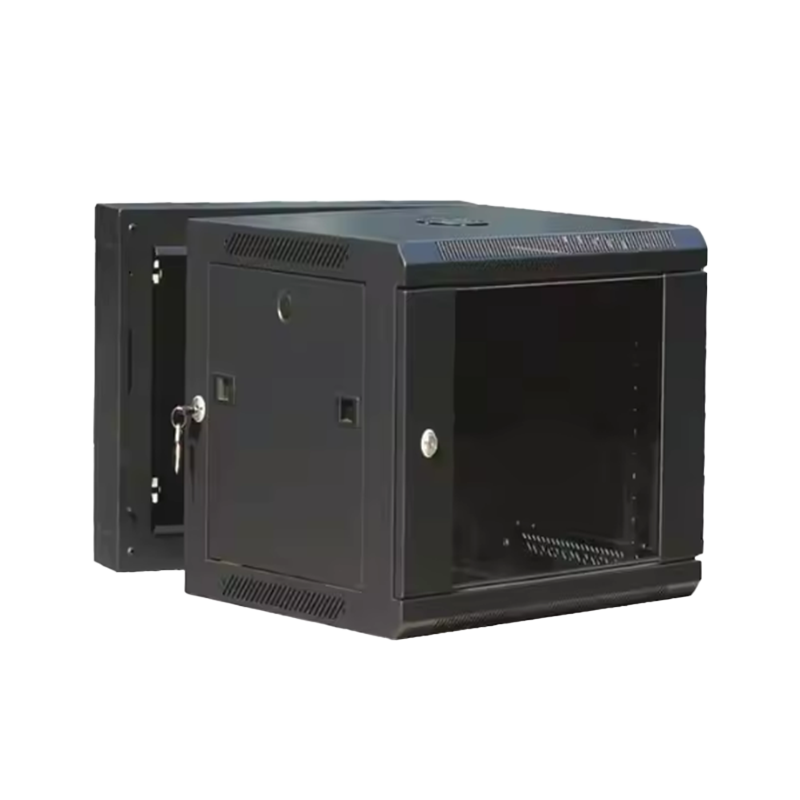
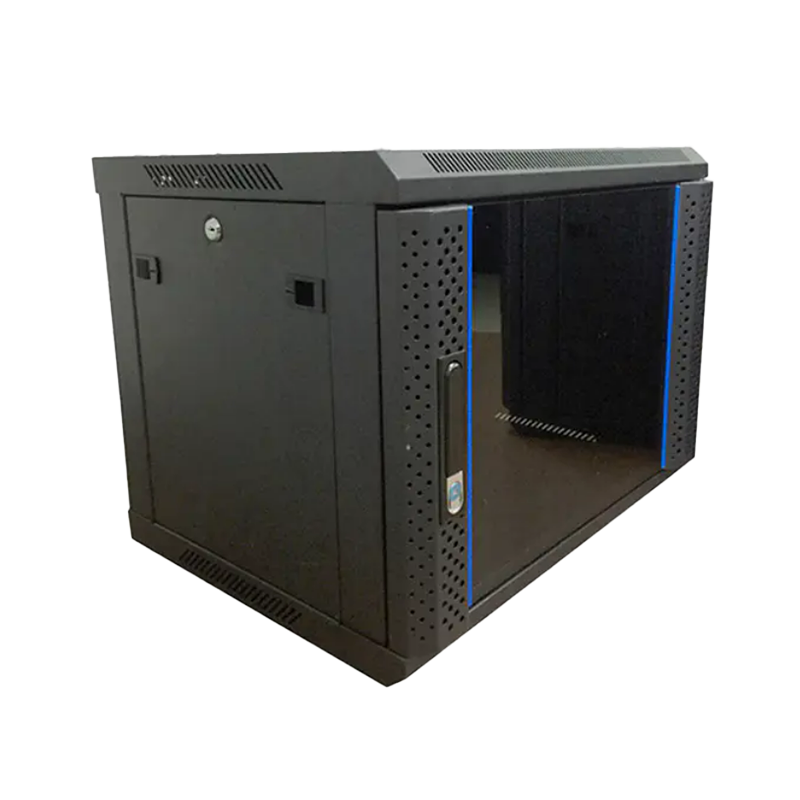
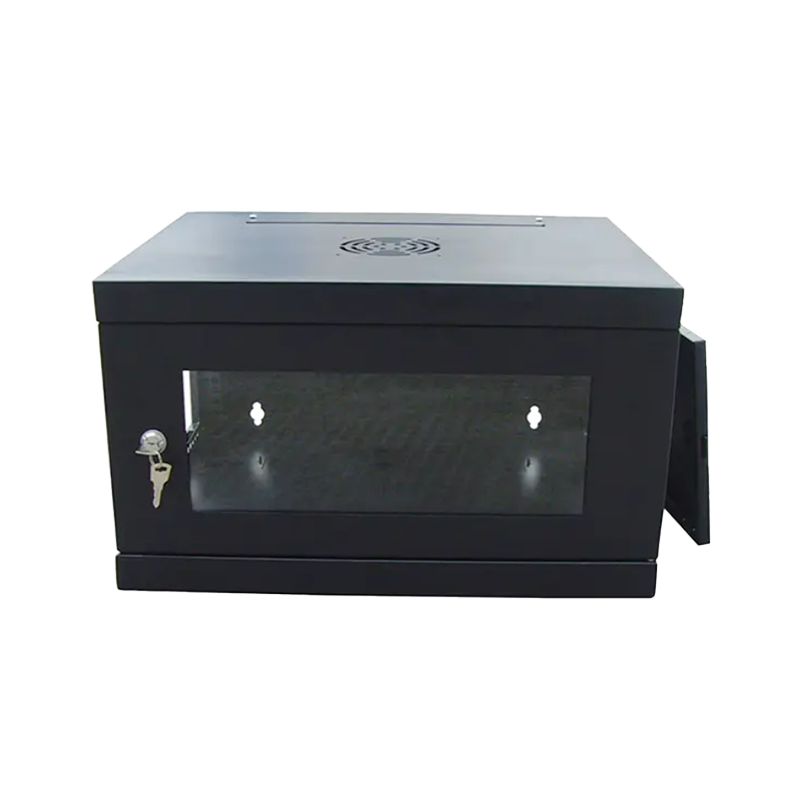
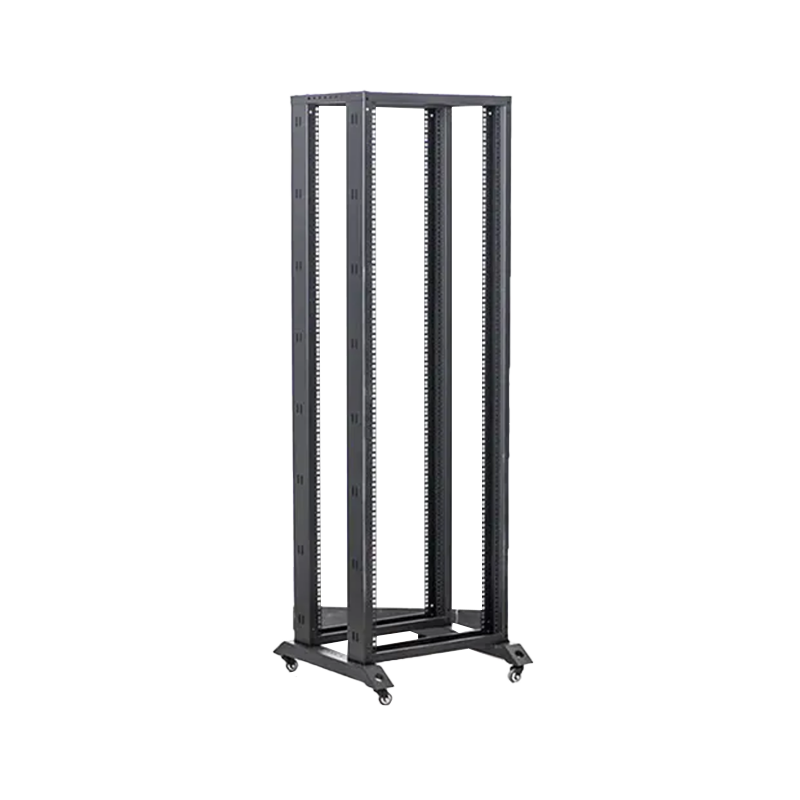
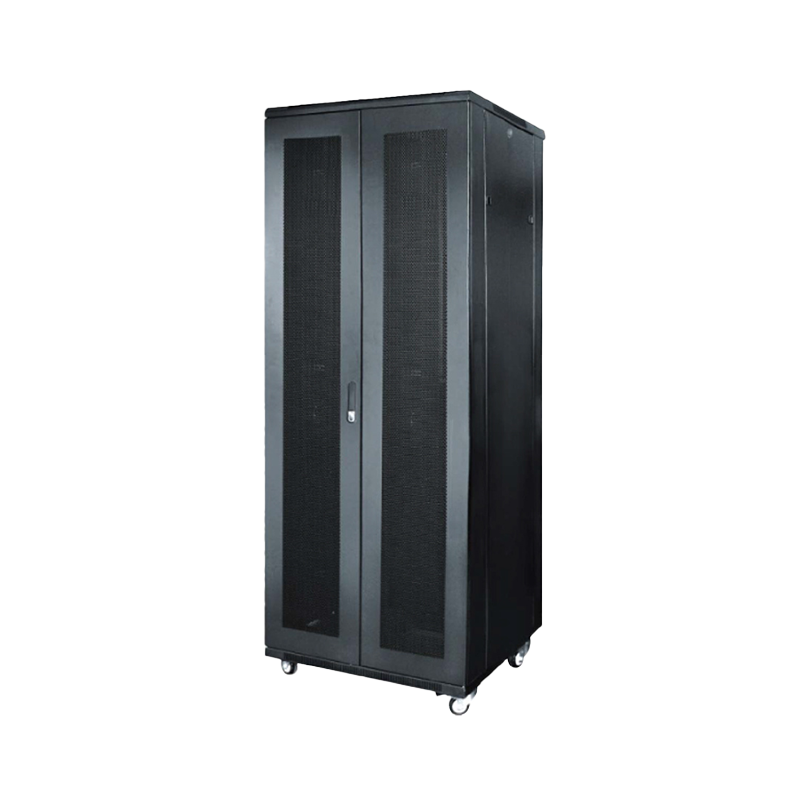
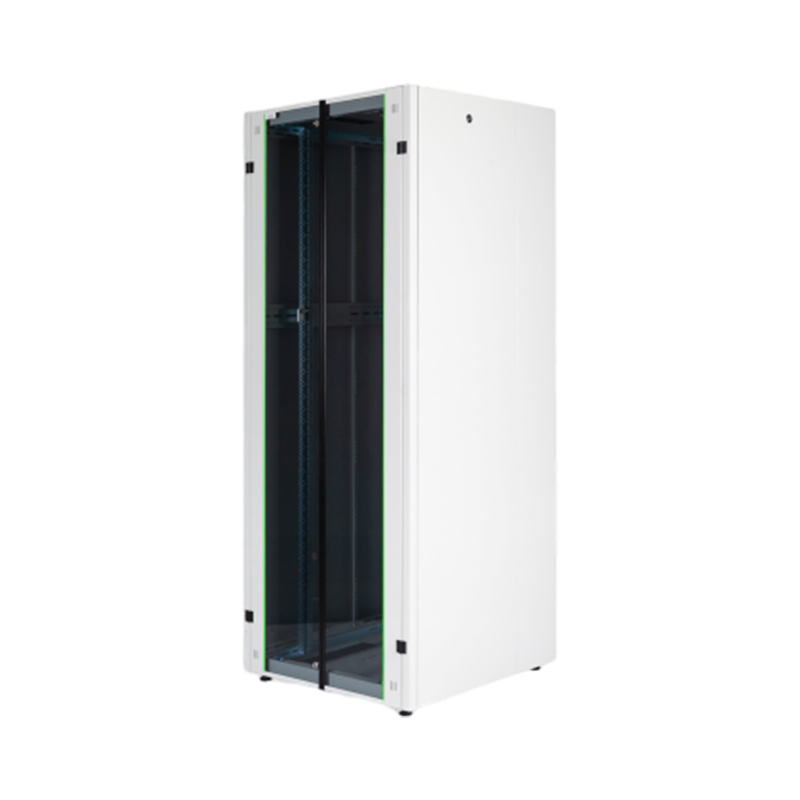
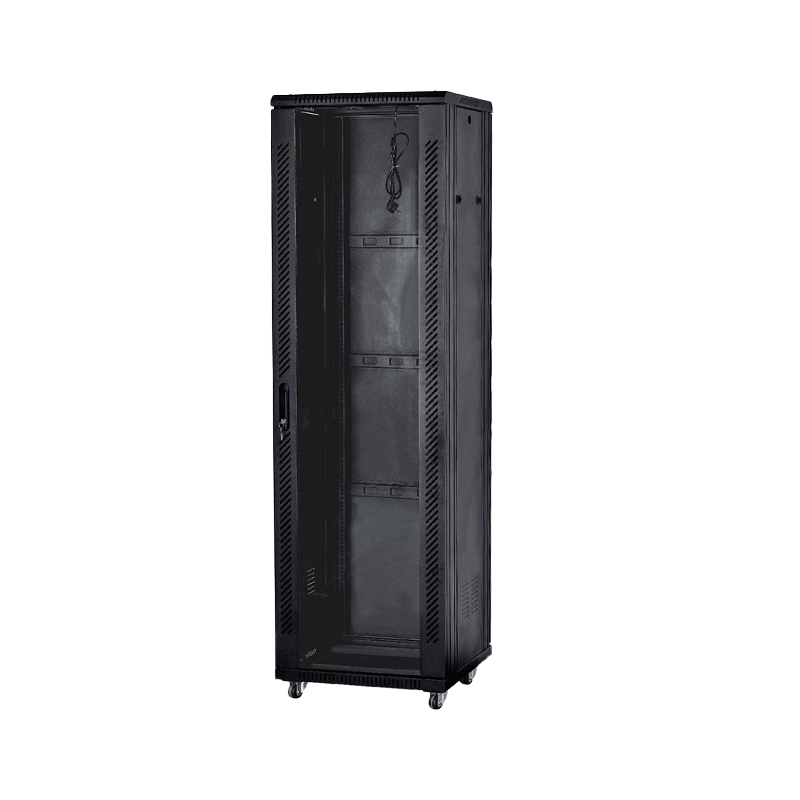
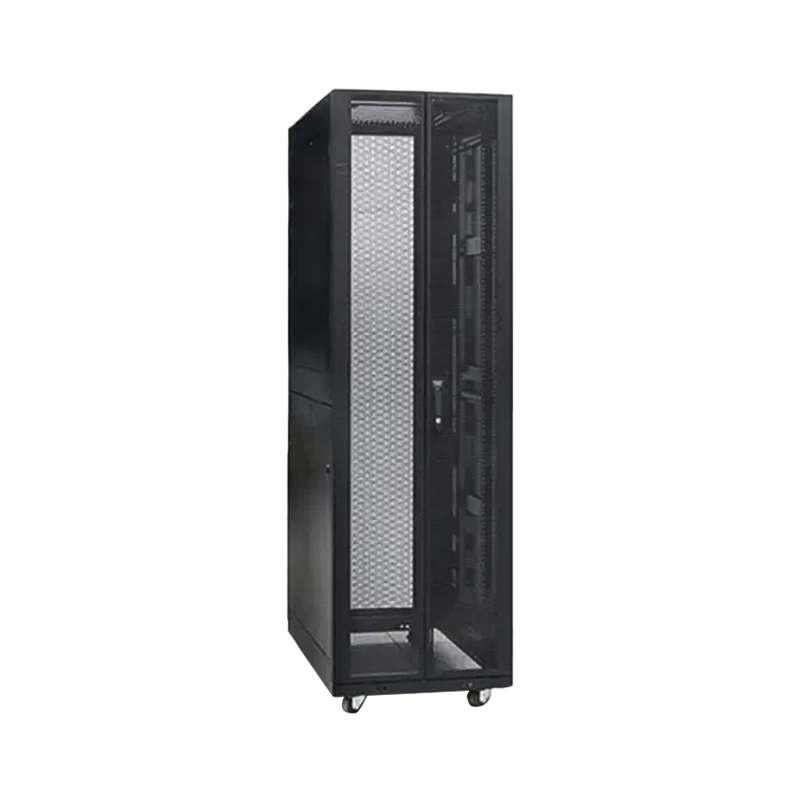
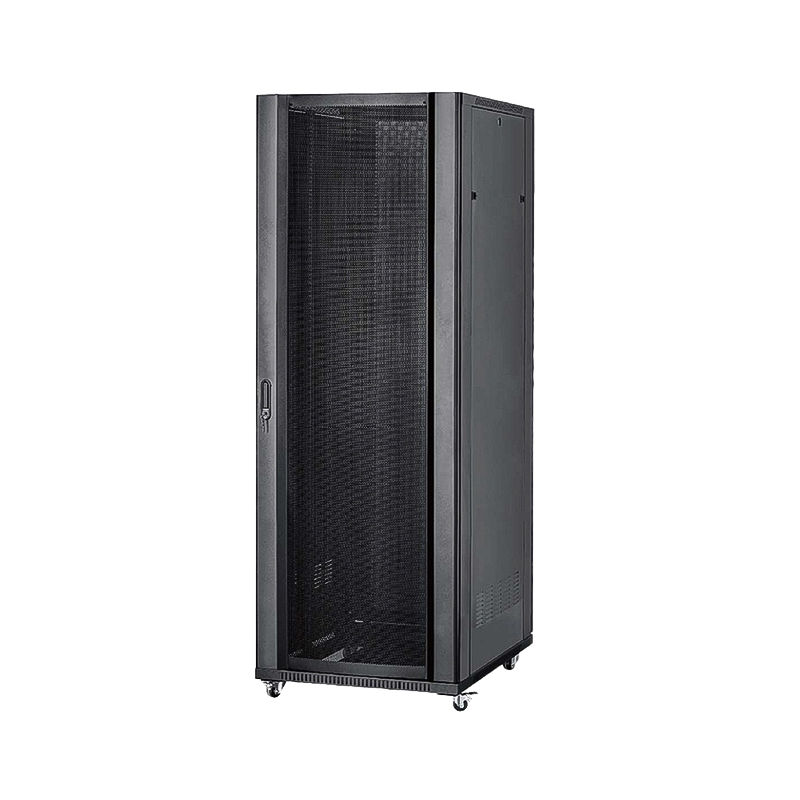
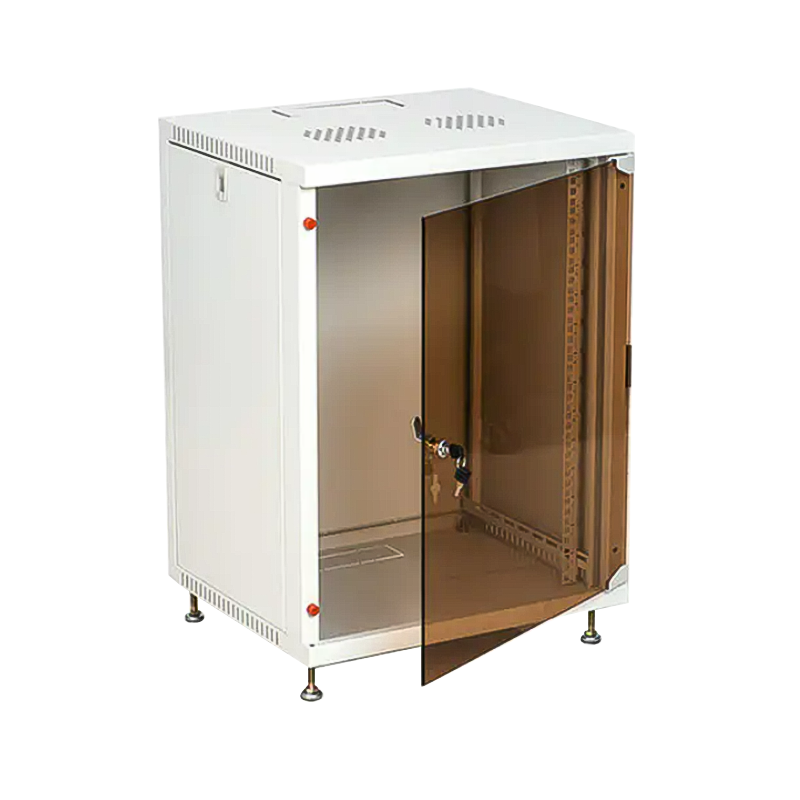
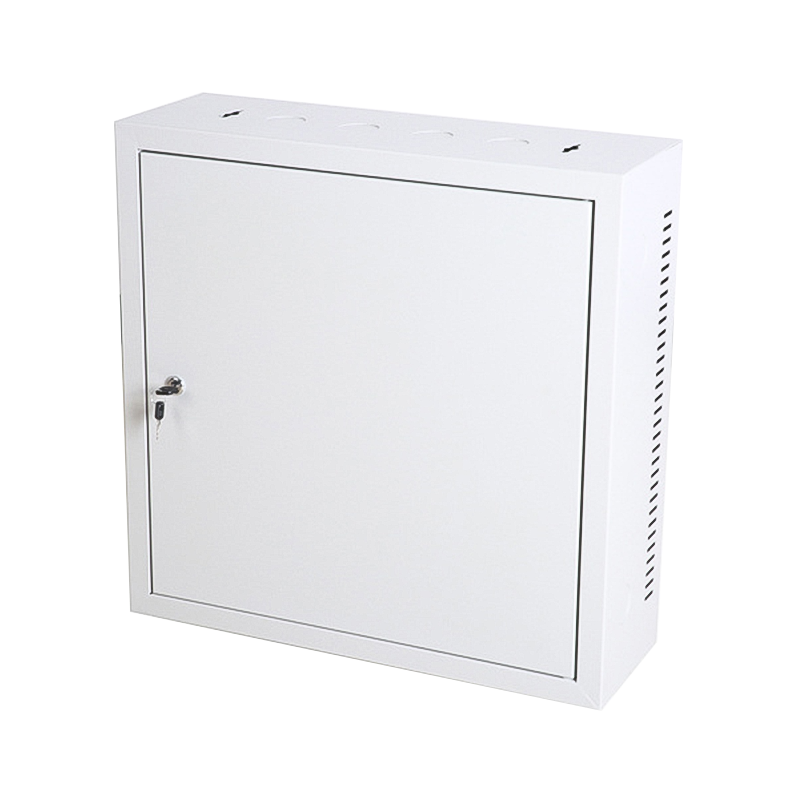
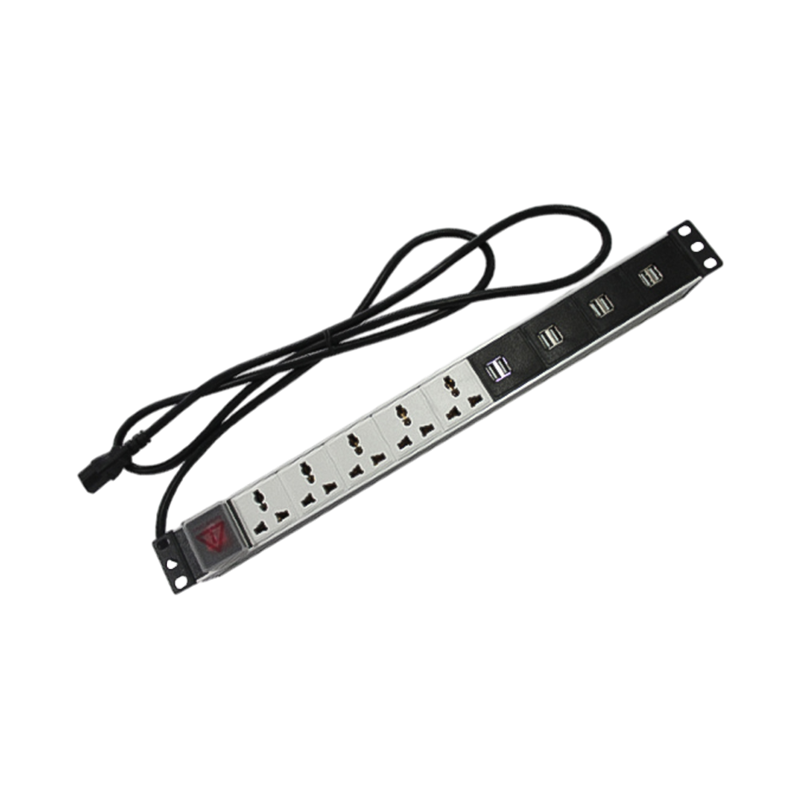

We are a company mainly engaged in the manufacturing of network cabinet , charging cart and other infrastructures.
Product Classification
Address
No.12 Fushan Road,Guanhaiwei Town,Cixi City,Ningbo,Zhejiang,China
PHONE
+86-17857397994

 English
 عربى
عربى
 Español
 русский