Content
A network cabinet is an enclosed, rack-mounted enclosure designed to house, protect, and organize active and passive networking equipment — including switches, patch panels, servers, routers, UPS units, and cable terminations. Constructed primarily from high-grade cold-rolled steel, network cabinets provide a structured, secure, and thermally managed environment that keeps critical infrastructure operating reliably around the clock.
The core value proposition of a server rack cabinet is straightforward: without centralized housing, networking equipment is vulnerable to physical damage, unauthorized access, thermal overload, and cable disorder — all of which contribute to unplanned downtime and increased maintenance costs. A properly specified IT cabinet eliminates these risks by integrating mechanical structure, thermal management, and access control into a single deployable unit.
Whether deployed in a hyperscale data center cabinet environment, a small business server room, a public transport hub, or a residential installation, the fundamental principles of network cabinet design remain consistent: maximize density, ensure airflow, manage cables, and protect the investment inside.
Not all network rack cabinets serve the same deployment scenario. The three primary categories — wall mounted, floor standing, and outdoor — each address distinct space, load, and environmental constraints. Selecting the wrong form factor is one of the most common and costly mistakes in network infrastructure planning.
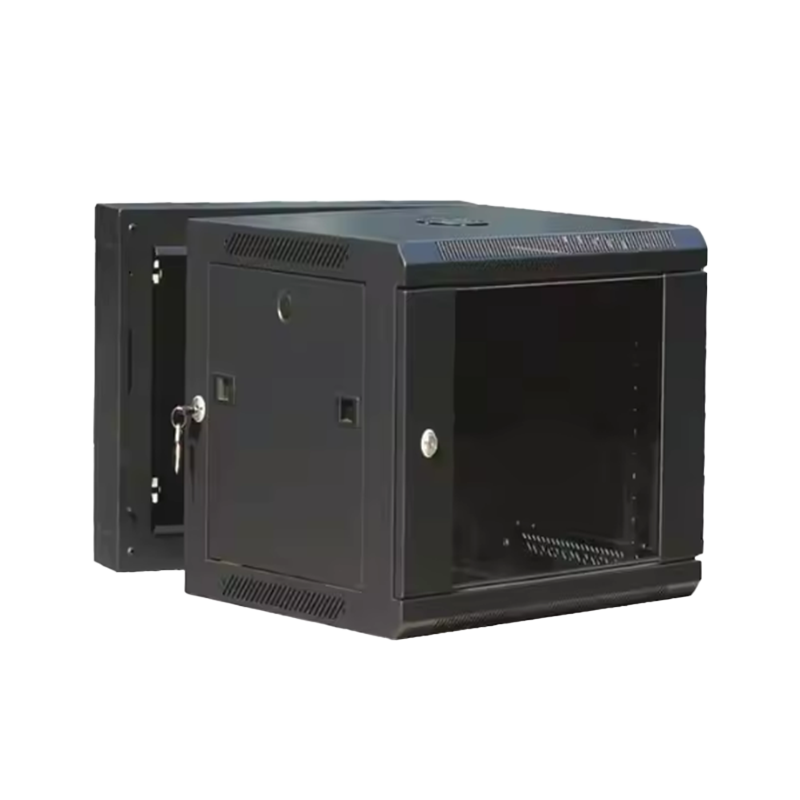
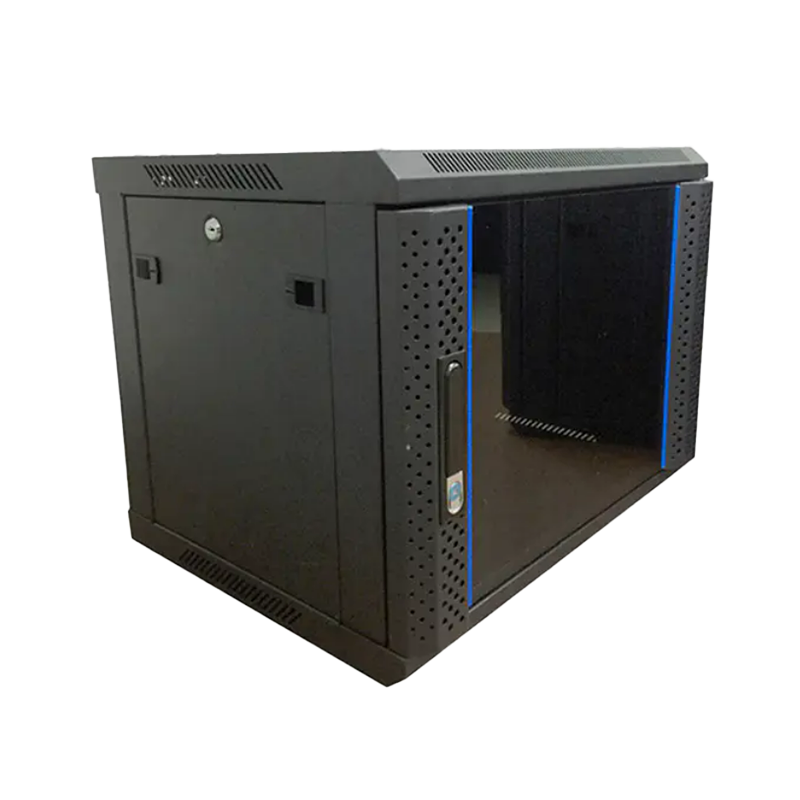
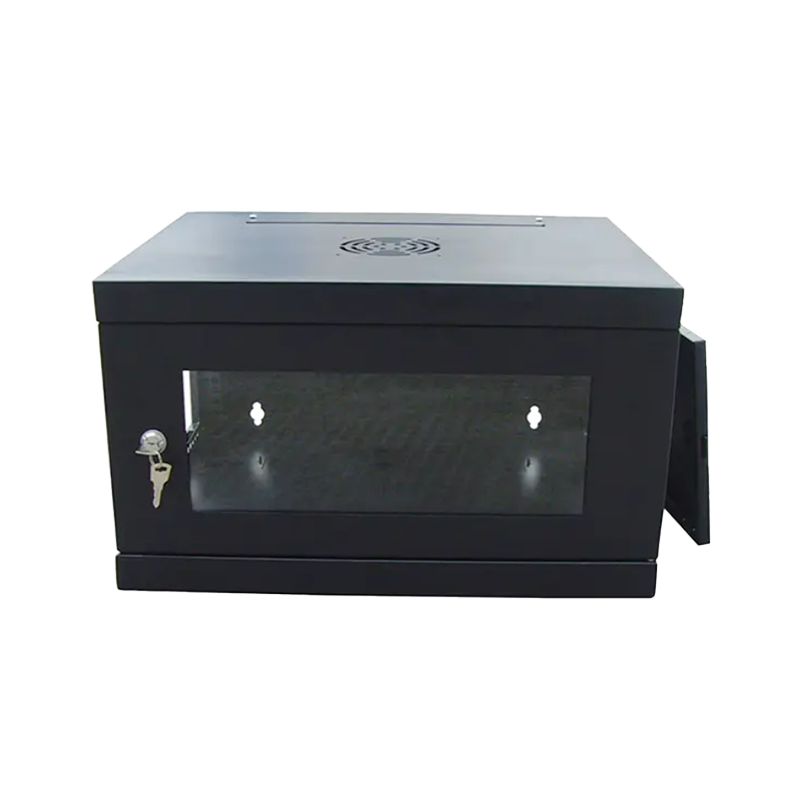
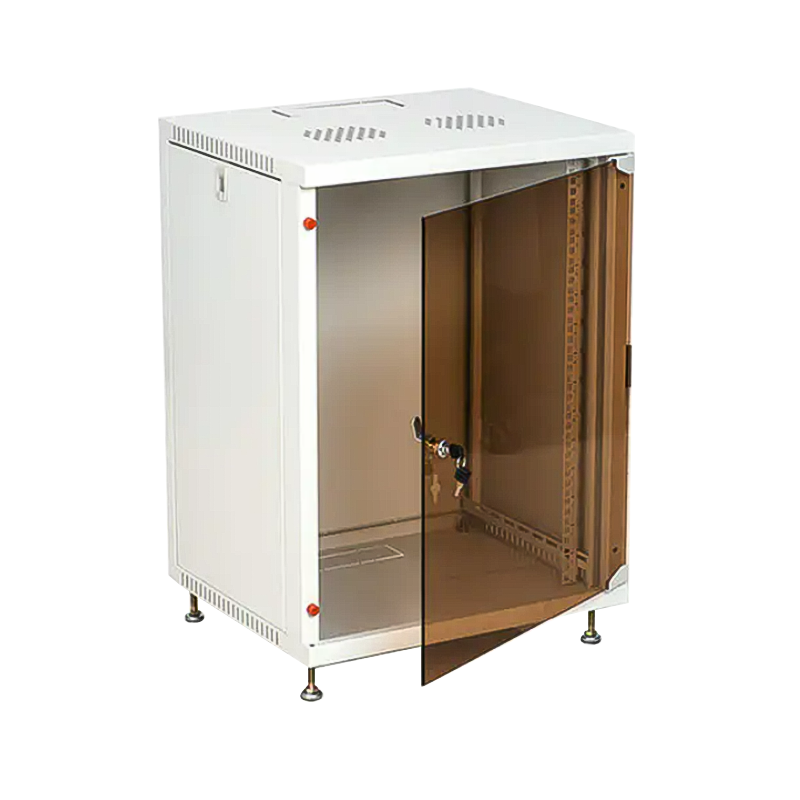
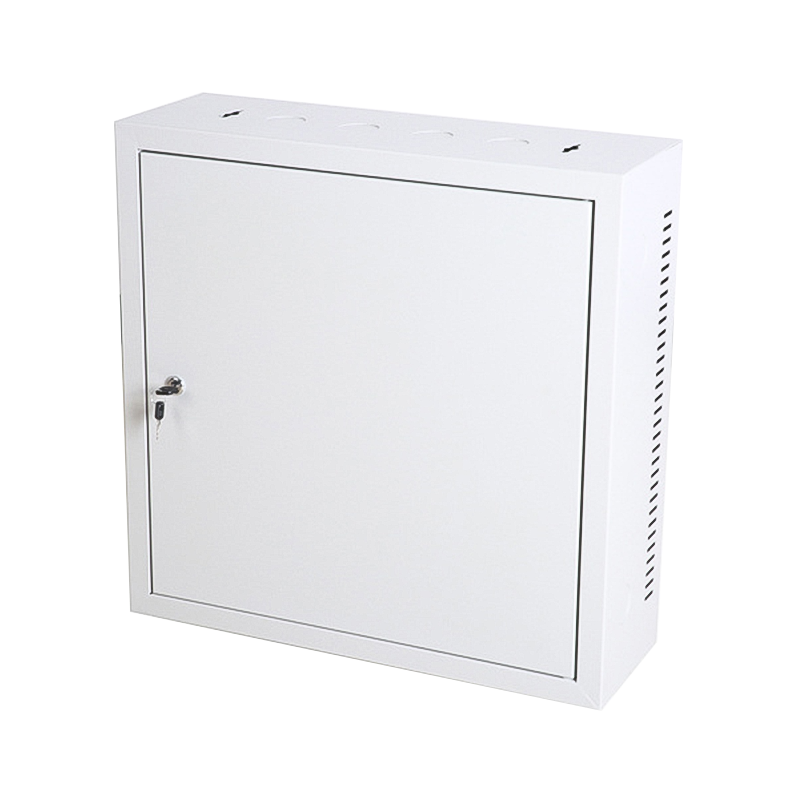
Wall mounted network cabinets are designed for environments where floor space is at a premium — small offices, retail locations, corridor IDF closets, and residential network installations. Typically available in 4U to 18U configurations, these units are fixed directly to structural walls using rated mounting hardware. The shallow depth profile (commonly 300–600mm) accommodates patch panels, small switches, and fiber distribution units without protruding excessively into walkways.
A well-designed wall mount cabinet incorporates a swing-out or hinged frame that provides full rear access to cable terminations and equipment ports without requiring the unit to be uninstalled. Many models also feature a tempered glass or perforated steel front door with key lock, combining visibility with physical security. Load ratings for wall mount cabinets typically range from 30kg to 80kg of static equipment weight.
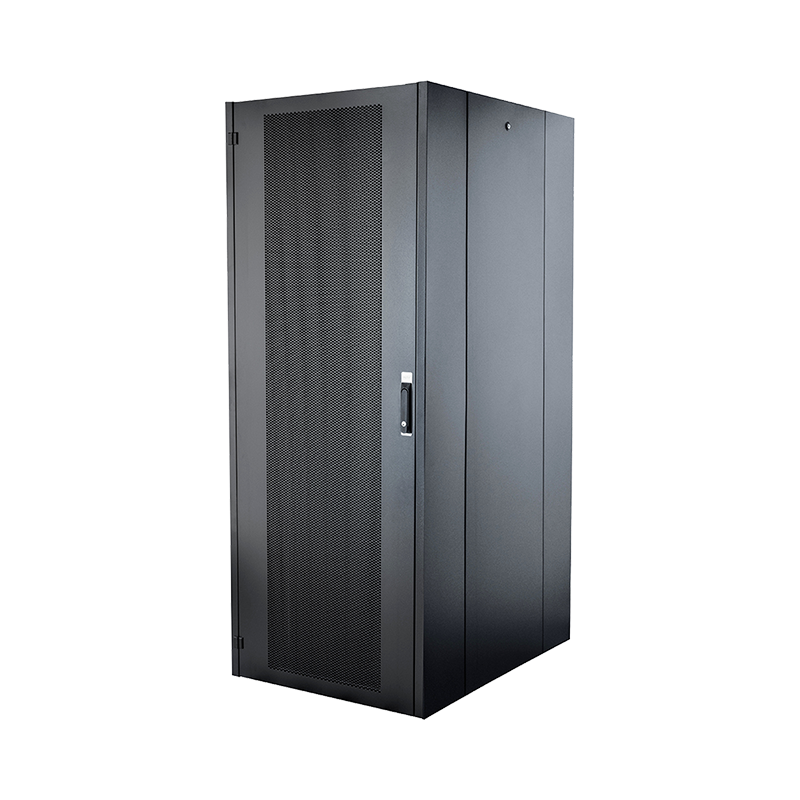
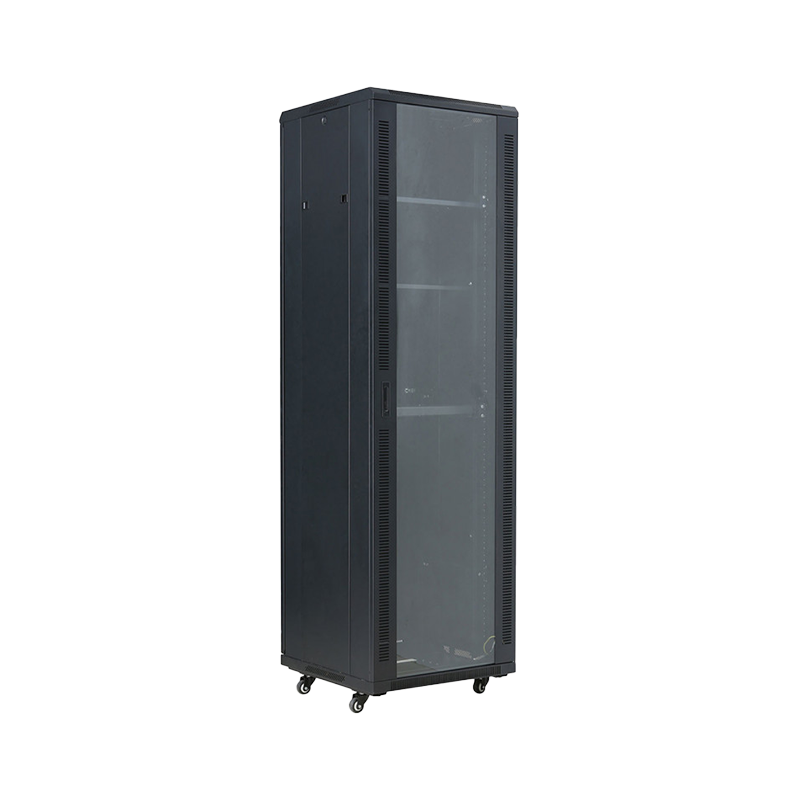
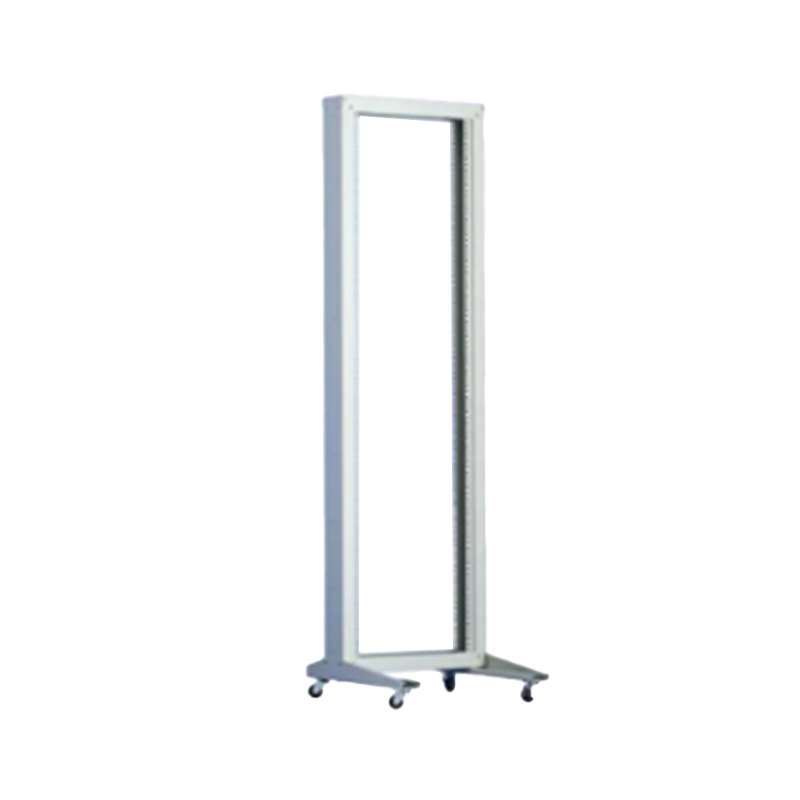
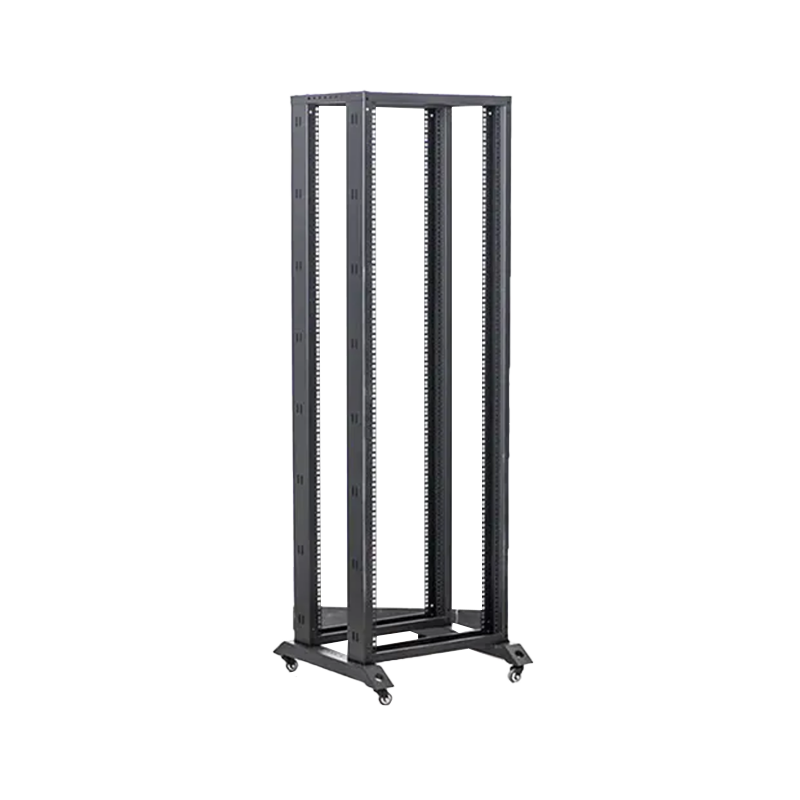
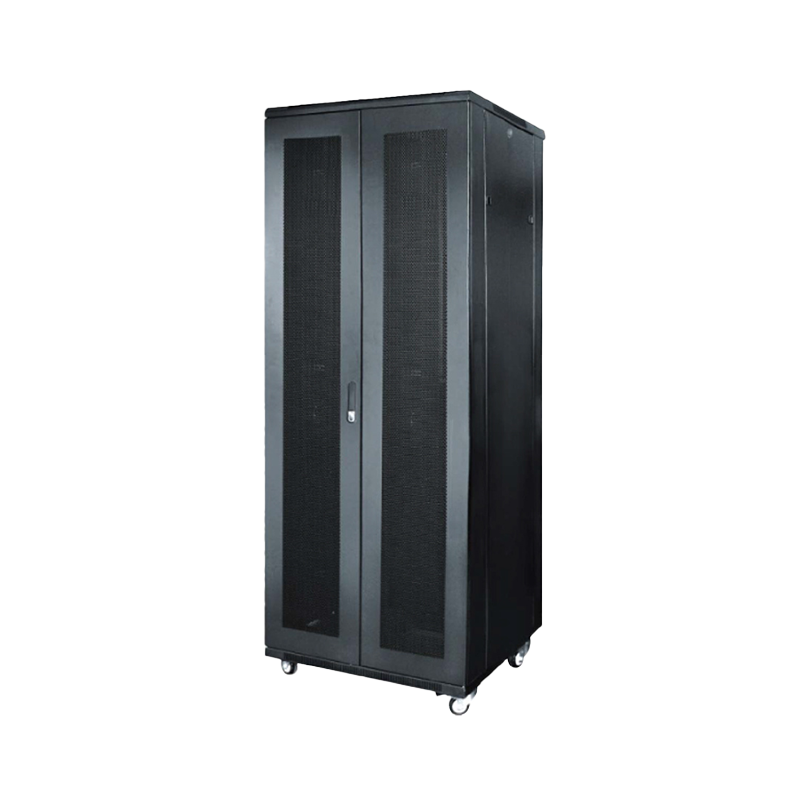
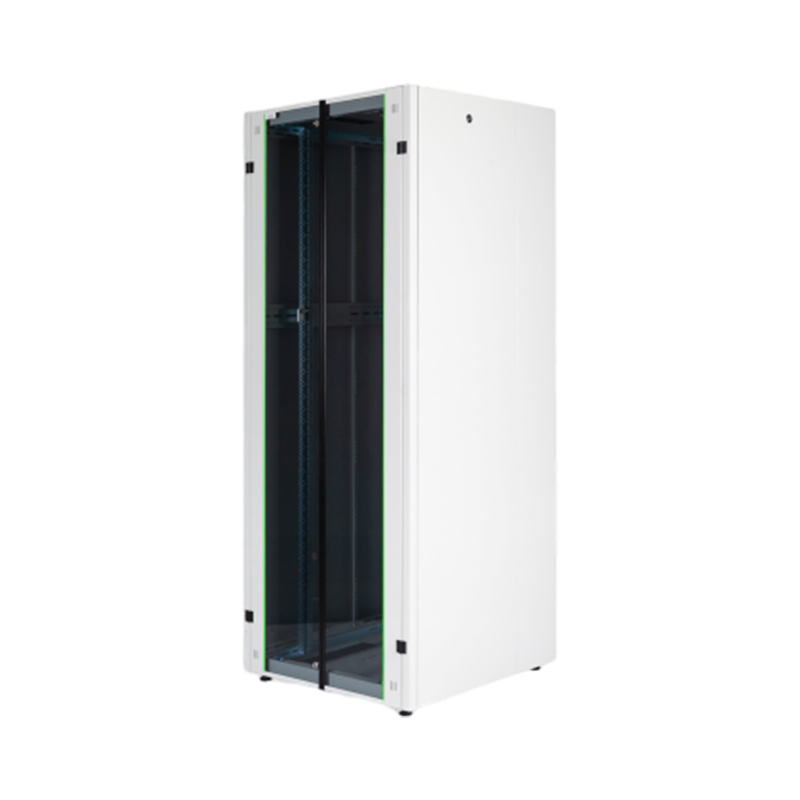
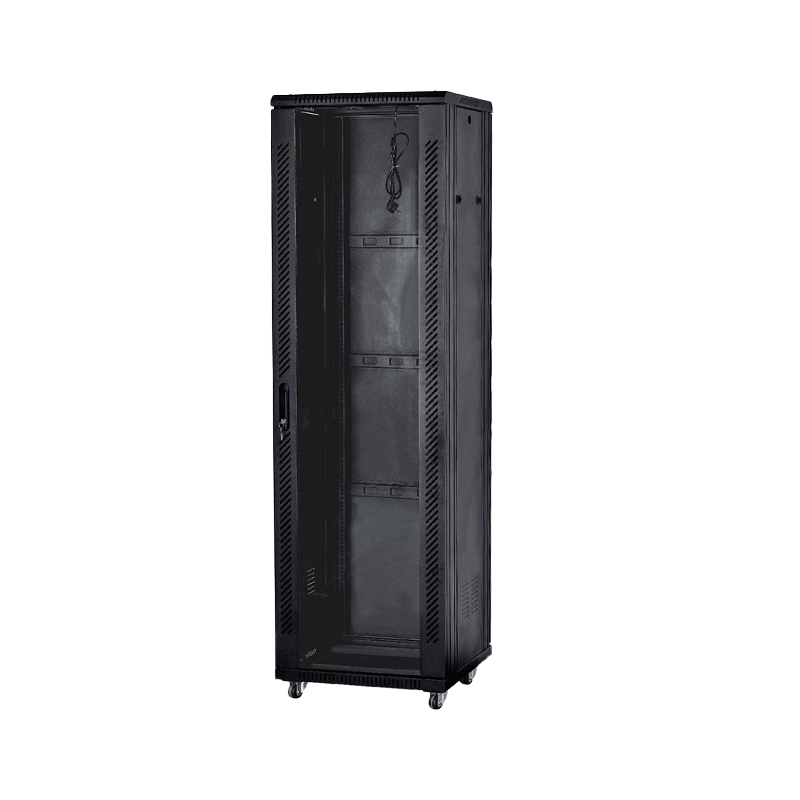
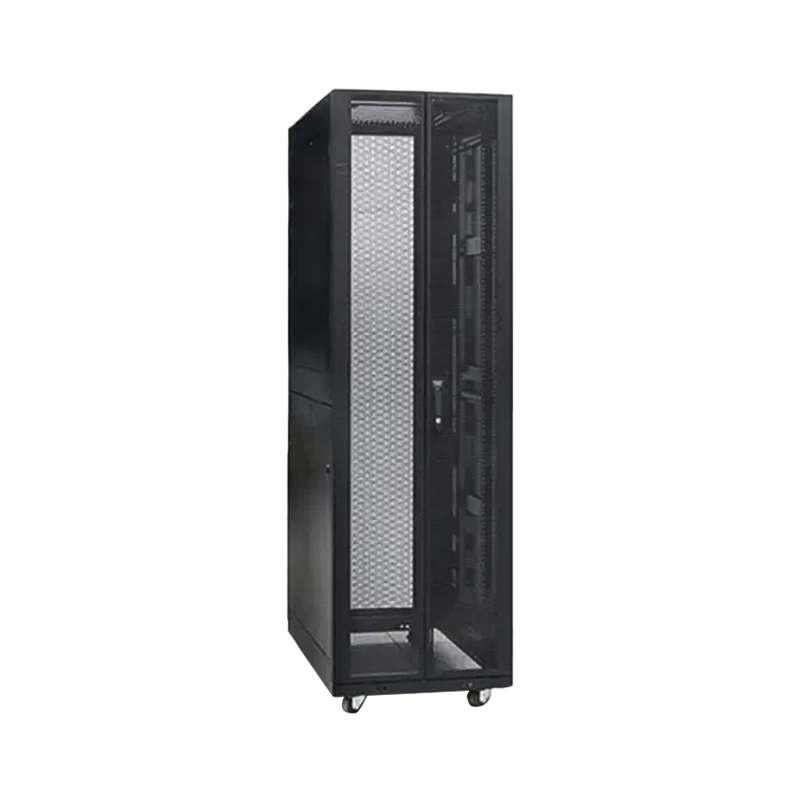
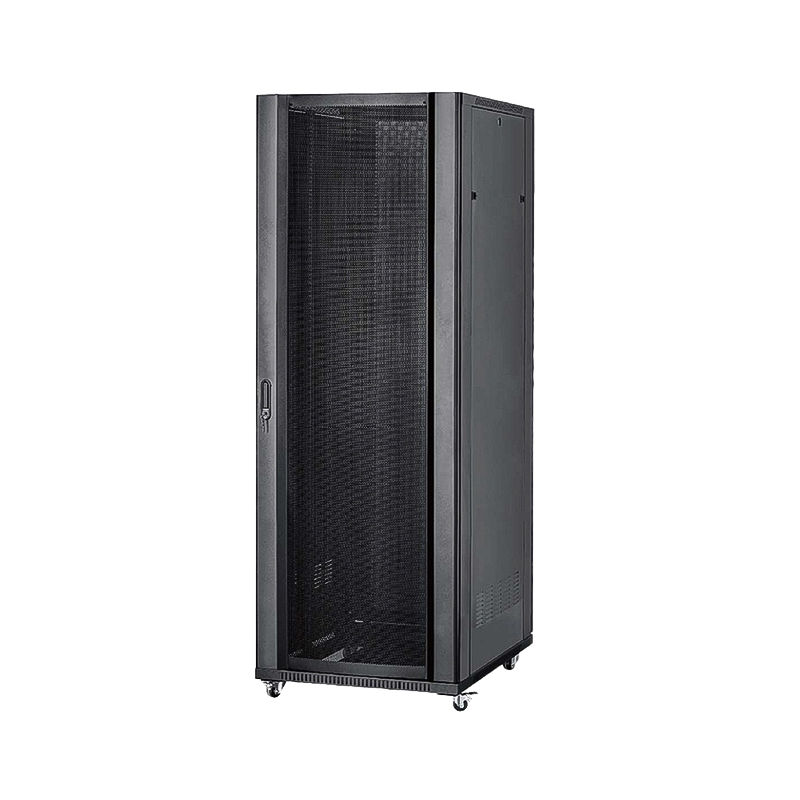
Floor standing server cabinet racks are the workhorse of enterprise IT rooms and data center deployments. Available in standard heights of 22U, 27U, 32U, 42U, and 47U, these full-height enclosures support significantly higher equipment densities and heavier payloads — typically rated to 600–1,200kg static load capacity with heavy-duty leveling feet and optional caster wheels for mobility.
The 19-inch EIA-310 rack standard governs the width of mounting rails, ensuring compatibility with virtually all commercial server, switch, and storage equipment. Floor standing cabinets offer superior cable management capacity, front-to-rear airflow optimization, and the structural rigidity needed to support dense compute configurations in 24/7 operating environments.
Outdoor network cabinets address deployments where no climate-controlled indoor space is available — telecommunications base stations, roadside fiber distribution points, industrial plant perimeters, and transportation infrastructure. These cabinets are rated to at least IP55 ingress protection (dust-tight and jet-water resistant), with many outdoor models achieving IP66 or higher for environments exposed to driving rain or washdown conditions.
Structural construction typically combines galvanized steel with powder-coated exterior finishing to resist corrosion, UV degradation, and mechanical impact. Integrated thermostat-controlled fans, heat exchangers, or air conditioners maintain internal temperature within the equipment's rated operating range regardless of external ambient conditions.
Fig.1 — Comparative performance scoring across key selection criteria for network cabinet types. Equipment density is the standout advantage of floor-standing cabinets, while wall-mounted units lead in space efficiency. Outdoor cabinets score highest on environmental protection ratings.
| Cabinet Type | Typical U Range | Load Rating | Best For | IP Rating |
|---|---|---|---|---|
| Wall Mounted | 4U – 18U | 30 – 80 kg | Small offices, IDF closets, retail | IP20 |
| Floor Standing | 22U – 47U | 600 – 1,200 kg | Data centers, enterprise server rooms | IP20–IP30 |
| Outdoor | 6U – 24U | 50 – 200 kg | Telecom, industrial, transport hubs | IP55 – IP66 |
The difference between a commodity enclosure and a purpose-engineered IT cabinet lies in the detail and integration of its structural, thermal, and security features. Understanding these elements helps buyers and specifiers make decisions that prevent costly retrofits.
The business case for investing in a dedicated server rack cabinet extends well beyond simple physical containment. Organizations that consolidate network infrastructure into purpose-built enclosures consistently report measurable operational improvements across multiple dimensions.
Equipment housed in network cabinets is shielded from accidental impact, liquid spills, dust ingress, and unauthorized cable disconnections — each of which represents a documented cause of network outages. In high-traffic areas, this physical barrier alone can reduce incident rates by a substantial margin.
Networking equipment operating at elevated temperatures experiences accelerated component degradation. Studies on enterprise switch hardware indicate that sustained operation at 10°C above rated temperature can reduce component MTBF (Mean Time Between Failures) by up to 50%. Network cabinets with optimized front-to-rear airflow paths maintain inlet air temperatures within specification, directly extending equipment service life.
A 42U floor-standing network cabinet can accommodate future equipment additions without physical infrastructure changes — simply populating additional rack units as the network grows. This vertical scalability model is far more cost-effective than deploying additional standalone networking hardware without a structured housing framework.
For organizations subject to data security regulations (ISO 27001, HIPAA, PCI-DSS), physical access control to network equipment is a compliance requirement, not merely a best practice. Lockable server cabinet racks with audit-capable access systems provide the documentary evidence needed for compliance reporting.
Fig.2 — Radar chart depicting the relative impact of network cabinet deployment across six operational benefit dimensions. Physical protection and cable organization score highest, reflecting the most immediate and universally reported improvements. Compliance and scalability benefits grow in significance as organizations scale their infrastructure.
Network cable management within a cabinet is arguably the single most impactful factor in long-term maintenance efficiency. A poorly cabled cabinet can turn a 5-minute port swap into a 90-minute troubleshooting exercise as technicians trace unlabeled cables through dense bundles. Conversely, a well-organized cable plant reduces average fault resolution time and virtually eliminates accidental service interruptions caused by inadvertent cable disconnections.
Modern network rack cabinets incorporate several purpose-designed cable management components that work together as a system:
A disciplined cable management approach also directly supports network cabinet cooling performance. Unmanaged cable bundles obstruct front-panel airflow inlets by up to 40% in extreme cases, forcing fans to work harder and allowing hot spots to develop around high-density switching equipment. Proper horizontal and vertical bundling maintains clear airflow paths from front inlet to rear exhaust throughout the full height of the cabinet.
Fig.3 — Airflow obstruction percentage at the front door panel for four cable management approaches. Unmanaged cabling creates significant thermal risks by blocking nearly 40% of the available air inlet area. A combined horizontal and vertical cable management system reduces obstruction to approximately 5%, ensuring near-unimpeded airflow to all equipment inlet fans.
Network cabinet cooling is the most technically demanding aspect of cabinet specification, particularly as equipment power densities continue to increase. Modern high-density switching and compute equipment can generate 3–10 kW per cabinet — heat loads that require deliberate thermal design rather than passive convection.
Low-density deployments (below 1 kW per cabinet) can rely on passive convection cooling — warm air rises naturally from heat-generating equipment and exits through perforated top panels or vented rear doors. Effective passive cooling requires a high perforation rate (60%+) in both front and rear doors, unobstructed cable management, and room ambient temperature maintained below 25°C.
For medium-density deployments (1–3 kW per cabinet), cabinet-mounted fan units installed in the top or rear panel provide forced airflow to supplement equipment-internal fans. Fan tray assemblies typically provide 200–600 CFM of additional airflow and include thermostat control to modulate fan speed based on measured internal temperature, reducing noise and fan wear during low-load periods.
High-density deployments (3 kW and above per cabinet) require dedicated in-cabinet cooling units or in-row cooling placement adjacent to the cabinet. These self-contained refrigerant-based systems provide precise temperature control independent of room cooling infrastructure, making them suitable for edge data center and decentralized deployment scenarios where room HVAC may be inadequate.
A practical consideration often overlooked is the importance of blanking panels. Each empty 1U rack space in a cabinet creates a short-circuit airflow path — cool inlet air bypasses equipment and is drawn directly to the exhaust side, reducing cooling efficiency. Installing 1U blanking panels in all unused rack spaces is a low-cost intervention that can reduce hot-spot temperatures by 5–15°C in high-density configurations.

We are a company mainly engaged in the manufacturing of network cabinet , charging cart and other infrastructures.
Product Classification
Address
No.12 Fushan Road,Guanhaiwei Town,Cixi City,Ningbo,Zhejiang,China
PHONE
+86-17857397994

 English
 عربى
عربى
 Español
 русский