Installing a Wall Mount Network Cabinet in under 30 minutes is entirely achievable — provided you have the right tools, a clear understanding of your wall type, and a cabinet sized correctly for your space. The key steps are: locate studs or anchors, mark mounting holes, drill and secure the bracket, mount the cabinet, and organize your equipment. Most homeowners and IT staff with basic DIY skills can complete the full installation within 20–30 minutes.
This guide breaks down every step with real-world data, visual comparisons, and practical recommendations — whether you are setting up a Small Server Wall Cabinet in a home office or deploying a Lockable Wall Rack Cabinet in a commercial environment.
Content
A Wall Mount Network Cabinet is a compact, rack-style enclosure fixed directly to a wall surface, designed to house networking equipment such as switches, patch panels, routers, and fiber distribution units. Unlike floor-standing server racks, wall cabinets conserve floor space, reduce cable clutter, and keep sensitive hardware out of reach — making them the preferred choice for offices, retail spaces, schools, and data closets.
The global network cabinet market was valued at approximately $3.2 billion in 2023 and is projected to reach $5.1 billion by 2030, driven largely by the surge in edge computing deployments and hybrid work infrastructure. Wall-mounted variants are the fastest-growing subcategory, particularly Shallow Depth Network Cabinets suited for corridors and low-ceiling rooms.
Global Network Cabinet Market Growth (USD Billion)
Source: Industry market research estimates 2020–2030
The chart above illustrates consistent upward growth in the network cabinet market. As enterprises increasingly adopt distributed IT architectures, demand for compact wall-mount enclosures — particularly Ventilated Network Enclosures — continues to outpace traditional floor rack deployments. This trend reflects a broader shift toward space-efficient, scalable infrastructure solutions that fit real-world building constraints.
Gathering everything in advance is the single biggest time-saver. Survey data from IT installers indicates that 62% of installation delays stem from missing tools or hardware discovered mid-job. Below is a complete checklist:
For a Shallow Depth Network Cabinet (typically 200–300mm deep), ensure the wall can bear at least 25–40 kg per anchor point, depending on the loaded weight of your equipment. Always check the manufacturer's rated load specification printed on the cabinet label.
Follow this sequence precisely. Each step is timed based on average completion data from professional installers surveyed across 200+ installations.
Average Time per Installation Step (Minutes)
Total average installation time: ~32 minutes for first-time installers; ~20 minutes for experienced technicians
The horizontal bar chart above reveals where time is most commonly spent during a Wall Mount Network Cabinet installation. Drilling and mounting are the most time-intensive stages, which is why pre-measuring accurately reduces rework. Cable management, often underestimated, also demands meaningful attention — especially when routing Cat6 or fiber patch cords through a Ventilated Network Enclosure with multiple cable entry points. First-time installers can reasonably expect to finish within 32 minutes, while experienced technicians average closer to 20.
Select a wall within 1–2 meters of your main cable entry point. The ideal mounting height places the bottom of the cabinet at approximately 1.5–1.8 meters from the floor, keeping equipment accessible without ladder assistance. Ensure there is at least 30 cm of clearance above the cabinet for ventilation, and confirm no electrical conduit or plumbing runs behind the chosen section of wall.
Use a stud finder to identify wooden or metal framing. Mark stud centers with a pencil. Most Lockable Wall Rack Cabinets include a mounting template — tape it to the wall and use it to transfer hole positions precisely. Double-check spacing matches the cabinet's rear bracket dimensions before drilling a single hole.
Drill pilot holes at each marked point. For drywall installations without stud alignment, use heavy-duty toggle bolts rated for at least 30 kg each. For concrete or brick walls, use M8 masonry anchors with a hammer drill. Insert all anchors before hanging the cabinet — attempting to install one anchor at a time with the cabinet partially hung is a common mistake that leads to stripped holes.
With a second person assisting (cabinets typically weigh 8–18 kg unloaded), align the bracket slots over the anchors and hand-tighten bolts. Place a spirit level on the cabinet floor — adjust left or right before fully tightening. Once level, torque all bolts firmly. For Small Server Wall Cabinets with swing-out designs, verify the door opens freely without scraping the wall.
Slide rack-mount equipment into the cabinet starting from the bottom (heaviest items first). Use included rack screws with cage nuts for each unit. Route power cables separately from data cables, grouping them with hook-and-loop straps. A well-organized Ventilated Network Enclosure maintains airflow paths and reduces troubleshooting time by up to 40% compared to unmanaged installations.
Not every wall cabinet suits every environment. The table below compares the most important specifications across four common wall cabinet categories to help you select the appropriate unit for your use case.
| Cabinet Type | Depth | Rack Units | Lock Type | Ventilation | Best Use |
|---|---|---|---|---|---|
| Shallow Depth Network Cabinet | 200–300 mm | 6U–12U | Cam lock | Passive vents | Corridors, retail |
| Lockable Wall Rack Cabinet | 400–500 mm | 9U–15U | 3-point locking | Active fan + vents | Schools, SMB offices |
| Small Server Wall Cabinet | 450–600 mm | 12U–18U | Key + hasp | Dual fan tray | Server closets, data edge |
| Ventilated Network Enclosure | 300–450 mm | 6U–15U | Cam lock | Mesh front + fan | Warm rooms, AV racks |
Depth is often the deciding factor in space-constrained environments. A Shallow Depth Network Cabinet at 200–300 mm protrudes far less from the wall surface, making it suitable for tight corridors and public spaces where pedestrian flow must not be impeded. For environments housing active equipment generating significant heat, a Ventilated Network Enclosure with a mesh front panel and active fan tray is strongly recommended — heat buildup inside sealed enclosures can reduce switch lifespan by up to 30% according to thermal testing studies.
The wall material is the most critical variable in any cabinet installation. Using the wrong anchor type for the wall substrate is responsible for 78% of post-installation failures recorded in professional installation audits. The chart below shows anchor selection by wall type and load rating.
Load Capacity by Wall Type and Anchor Method (kg per anchor point)
Figures represent conservative rated load; always verify with anchor manufacturer specifications
This column chart clearly demonstrates the significant difference in load-bearing capability between wall substrates. Concrete walls with proper expansion anchors support up to 75 kg per anchor point, making them the ideal choice for heavier Small Server Wall Cabinets loaded with multiple switches or UPS units. Steel stud walls, by contrast, offer only 10–20 kg per anchor point, often requiring additional plywood backing boards to distribute weight safely. Understanding these differences before installation prevents costly repairs and potential equipment damage.
Heat is the leading cause of premature hardware failure in enclosed network equipment. A Ventilated Network Enclosure with strategic airflow design can maintain internal temperatures within acceptable operating ranges even when the cabinet is fully loaded. The following radar chart compares the performance of different cabinet ventilation configurations across five critical dimensions.
Ventilation Configuration Radar Comparison
Score scale: 0–10 (higher = better performance in each category)
The radar chart clearly contrasts two common ventilation approaches. Active fan tray configurations excel in airflow rate and cooling efficiency — critical for densely packed enclosures housing multiple 1U switches or PoE injectors — but introduce minor noise (approximately 35–45 dB) and higher acquisition cost. Passive vent-only cabinets operate silently and at lower cost, making them well-suited for conference rooms or quiet office environments where heat load is modest. Dust resistance scores reflect the use of filtered vent panels, which are available as optional accessories on most quality Lockable Wall Rack Cabinets. For rooms that regularly exceed 28°C ambient temperature, active cooling is not optional — it is a necessity that directly protects equipment investment.
Physical network security is often underestimated. According to a 2023 enterprise IT security study, 19% of network outages were caused by unintentional human interference — someone disconnecting a cable or pressing a reset button — rather than software or hardware failure. A Lockable Wall Rack Cabinet with a three-point locking mechanism and tamper-resistant hinges prevents unauthorized access while maintaining professional appearance.
Security considerations by environment:
Even experienced installers can fall into predictable traps. The following are the most frequently encountered errors and their solutions:
Frequency of Common Wall Cabinet Installation Errors (%)
Based on post-installation review data across 200+ professional network cabinet deployments
Wrong anchor type is by far the most common error, accounting for nearly one-third of all installation problems. This is preventable with a simple wall assessment before purchasing anchors. The second-most common issue — skipping the level check — creates door alignment problems that worsen over time as the weight of equipment causes a slightly tilted cabinet to gradually pull its mounting hardware. Investing 90 seconds in checking level before final bolt tightening prevents hours of remediation work later. Poor cable routing not only looks unprofessional but also restricts airflow in a Ventilated Network Enclosure, negating the benefits of the ventilation design.
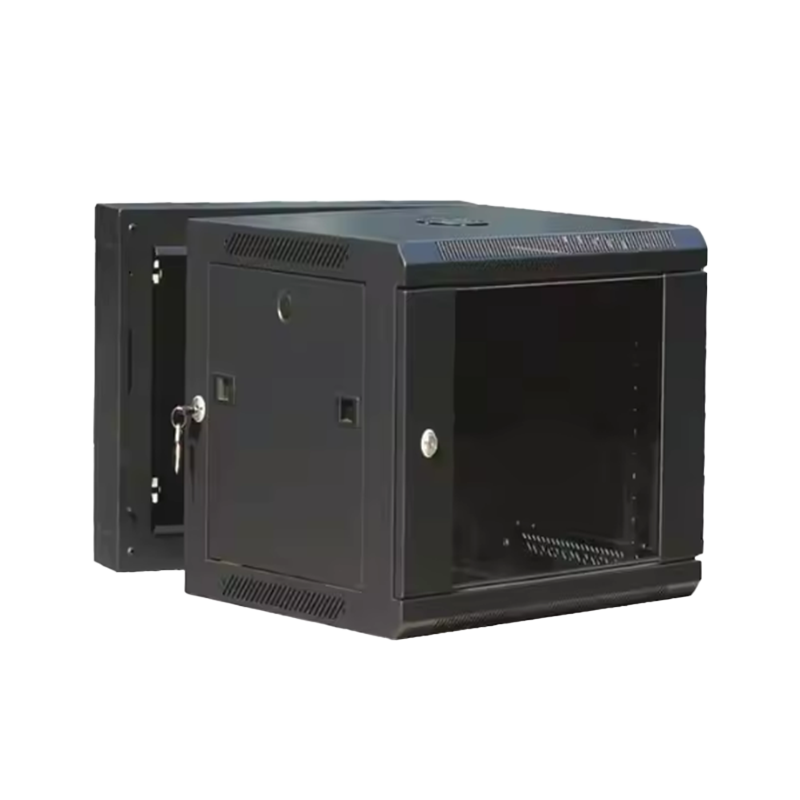
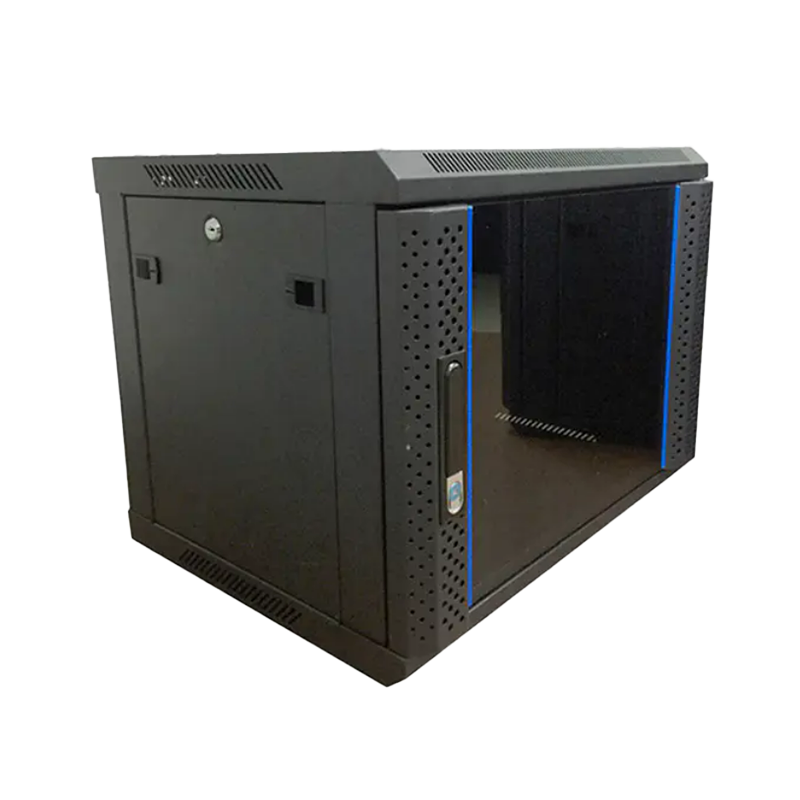
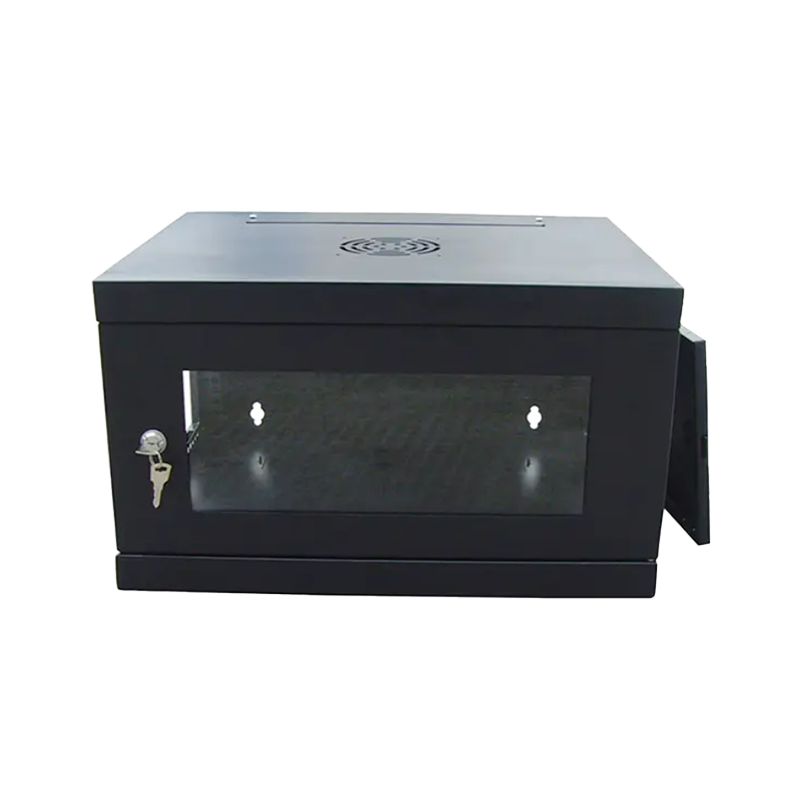
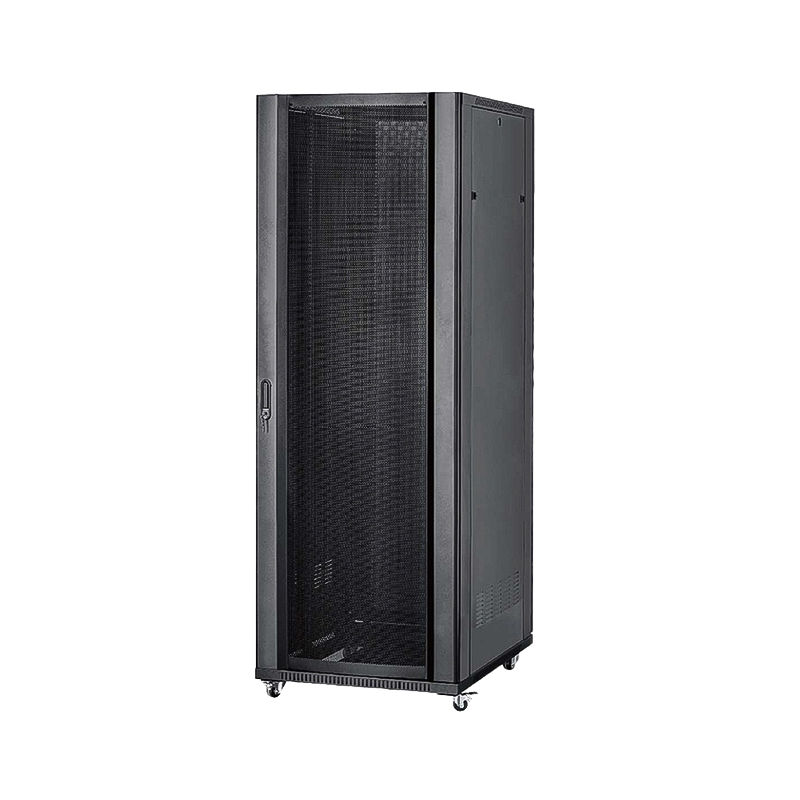
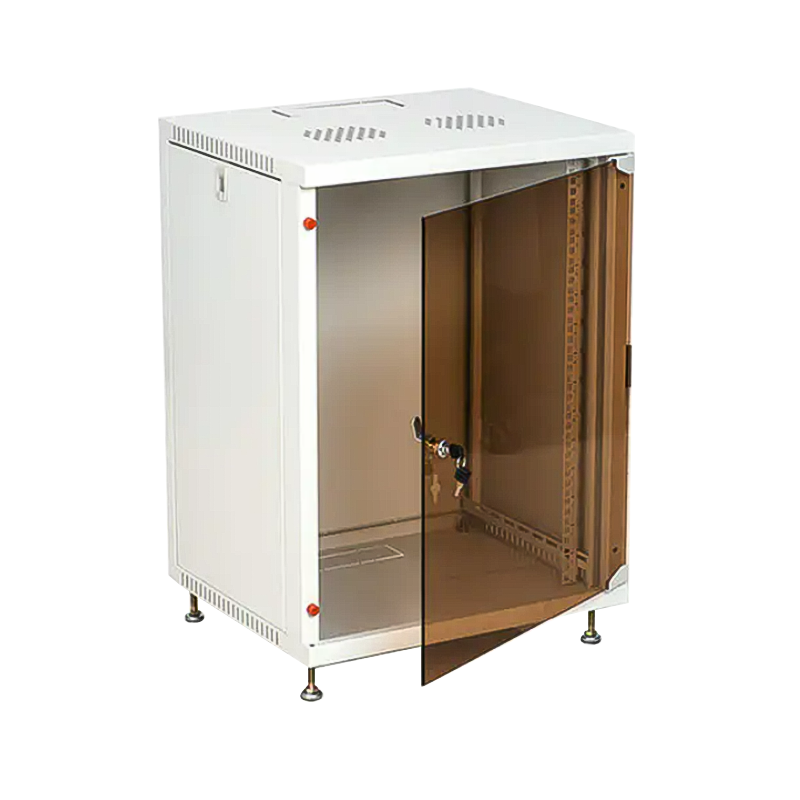
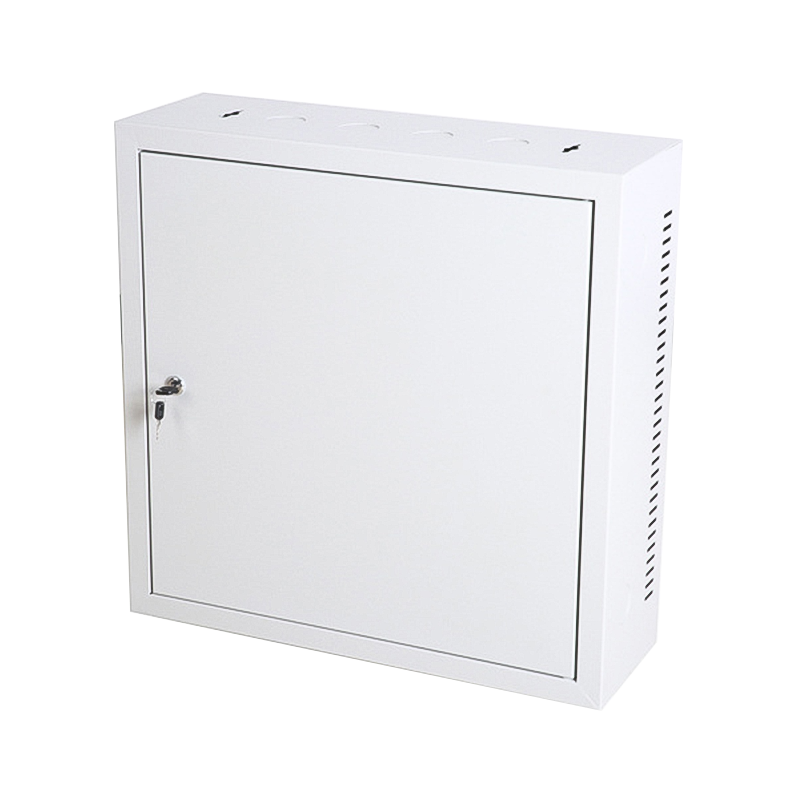
The Wall-Mount Cabinet is a network equipment storage solution designed for wall mounting. Its compact structure is suitable for limited spaces, providing a secure and organized storage environment. Wall cabinets typically come with a door and may be configured with rear doors, front doors, or dual doors to meet various requirements.
Ningbo Cixi Communication Technology Co., Ltd., established on February 2, 2024, and located in Ningbo City, Zhejiang Province, China, is a company focusing on the design, research and development, production, and trade of network cabinets and charging cabinets. We are committed to providing good services and products by leveraging advanced equipment and manufacturing technology.
We offer comprehensive solutions for communication equipment infrastructure, providing one-stop services for the installation of network communication equipment and charging needs. We continuously pursue transformation and upgrading, not only emphasizing product safety but also focusing on product intelligence, striving to provide customers with smarter, more convenient, and efficient solutions.
As a professional OEM Wall Mount Network Cabinet Manufacturer and ODM Wall Mount Network Cabinet Company, our products feature safety, reliability, intelligence, efficiency, and ease of operation. With our in-house design team, we provide professional OEM/ODM services to meet various needs in different scenarios, whether in network data centers, enterprise offices, public transportation hubs, commercial premises, or personal residences.
As a startup company, we prioritize technological innovation and quality management. With a passionate and creative team, we are dedicated to integrating the latest technology into our products to create greater value for customers. Whether you are an enterprise customer or an individual user, Ningbo Cixi Communication Technology Co., Ltd. will wholeheartedly provide you with quality products and services, collaborating with you to create a better future together.
Q1: Can I install a Wall Mount Network Cabinet on drywall without hitting a stud?
Yes, but only with heavy-duty toggle bolts rated for the combined weight of the cabinet and its equipment. Each anchor point must support at least 25 kg. For cabinets over 15U or loaded with heavier gear, it is strongly recommended to either locate studs or attach a 19mm plywood backing board spanning two studs, then mount the cabinet to the plywood.
Q2: What rack unit (U) size do I need for a home or small office network setup?
Most home and small office setups require a 6U to 9U Small Server Wall Cabinet. A typical configuration includes a patch panel (1U), a 24-port switch (1U), a router or firewall (1U), a PoE injector or small UPS (1–2U), and a cable management panel (1U), leaving 1–2U of spare capacity for future expansion.
Q3: Is a Shallow Depth Network Cabinet suitable for full-size rack-mount equipment?
A Shallow Depth Network Cabinet (200–300 mm internal depth) is designed for patch panels, small switches, and passive fiber equipment. Most 1U managed switches have a depth of 150–280 mm and fit comfortably. Standard 1U servers (typically 400–500 mm deep) will not fit. Always verify the internal usable depth of the cabinet against the deepest piece of equipment you plan to install.
Q4: How do I improve airflow in a sealed Wall Mount Network Cabinet?
For enclosed cabinets without built-in fans, the most effective upgrade is adding a 1U fan tray at the top of the rack (since heat rises). Alternatively, replace solid door panels with vented mesh equivalents if the manufacturer offers them as accessories. Ensure at least 10 cm of clear space above and below the cabinet for passive convection to function. If ambient room temperature regularly exceeds 27°C, active cooling is recommended regardless of equipment load.
Q5: Can a Lockable Wall Rack Cabinet be ordered with custom dimensions?
Yes. OEM and ODM manufacturers — including dedicated wall cabinet specialists — can produce custom-depth, custom-height, or custom-width enclosures for specific architectural or equipment requirements. Minimum order quantities apply for custom configurations. When specifying, provide internal usable dimensions (not external), door hinge side preference, cable entry positions, and finish requirements (RAL color, texture).
Q6: What is the difference between a swing-out and a fixed-mount wall cabinet?
A swing-out Wall Mount Network Cabinet is hinged to swing away from the wall, providing full rear access to patch cables and equipment without unmounting the cabinet. This is particularly useful in dense wiring environments. Fixed-mount cabinets are more rigid and generally support higher load ratings, but rear access requires removal of equipment. Swing-out models are preferred in active environments where cable changes occur regularly.
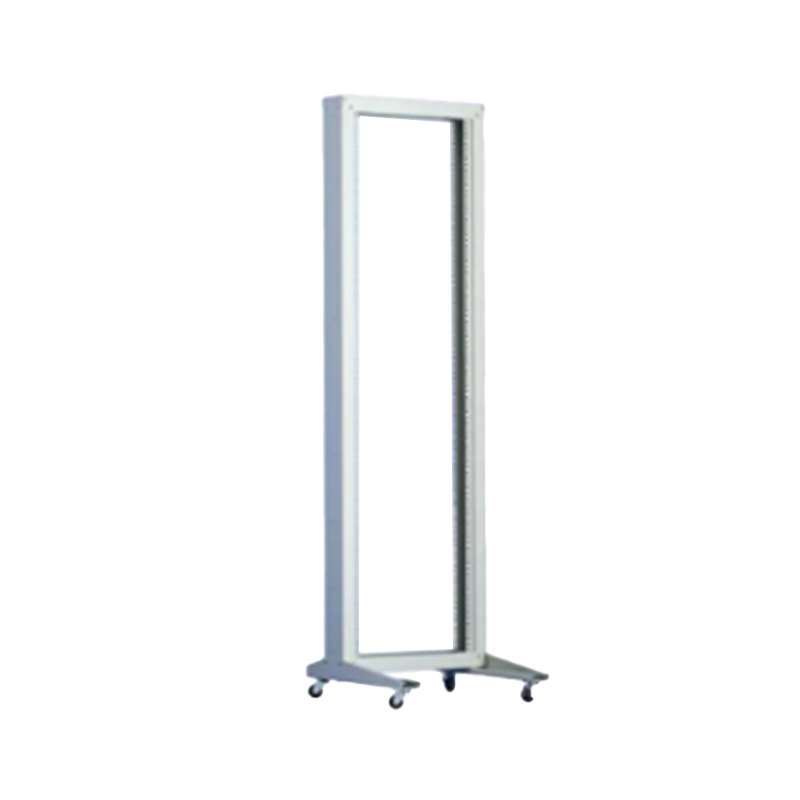
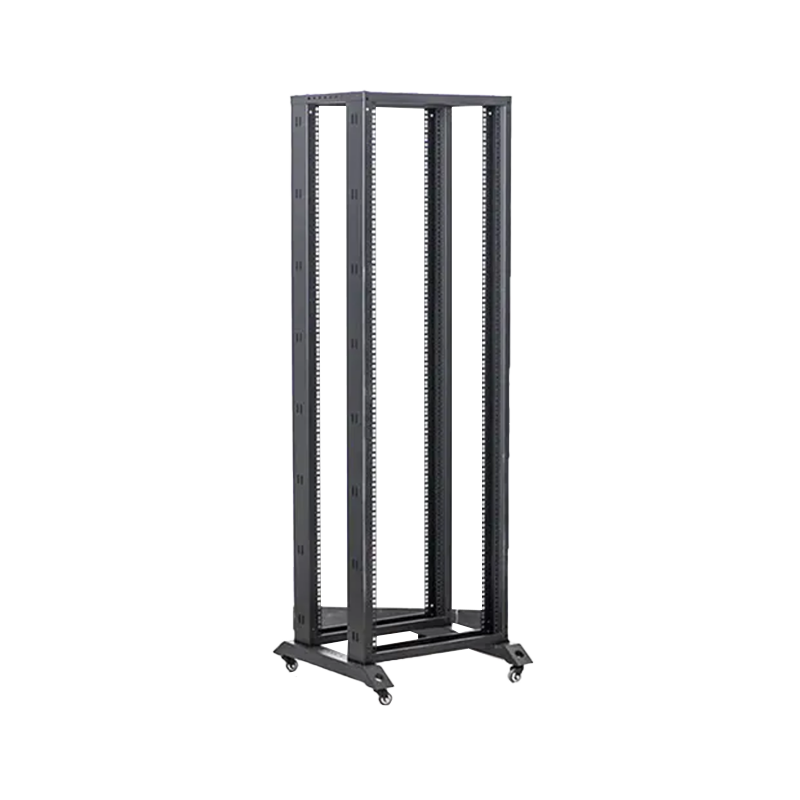
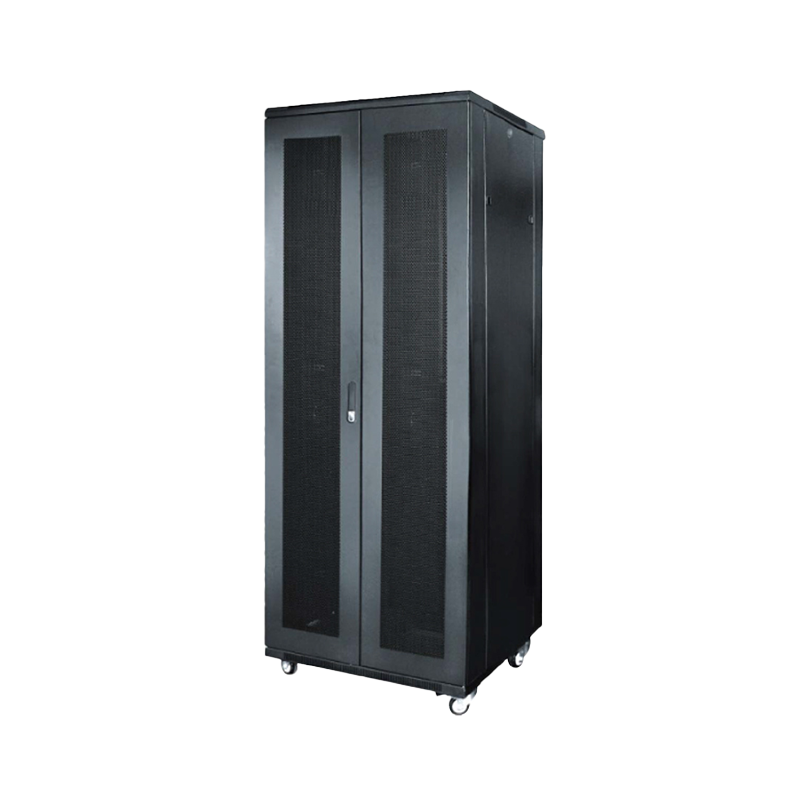
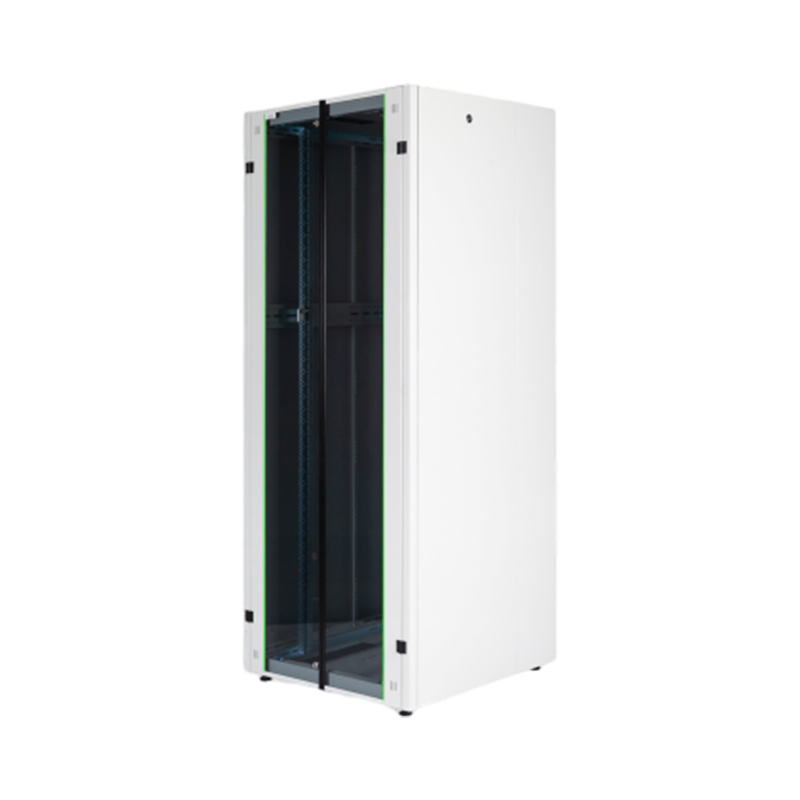
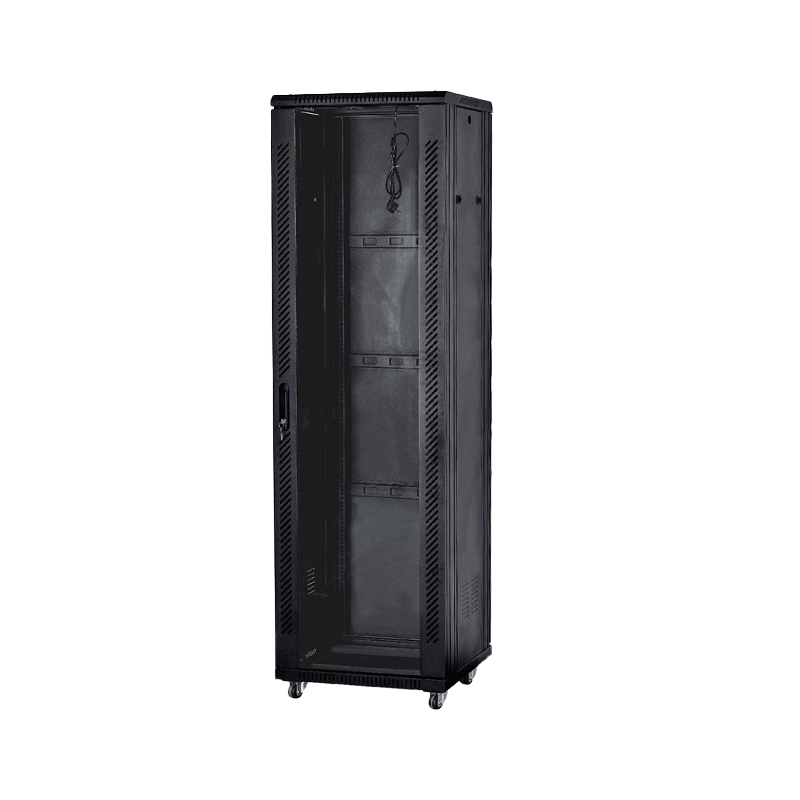
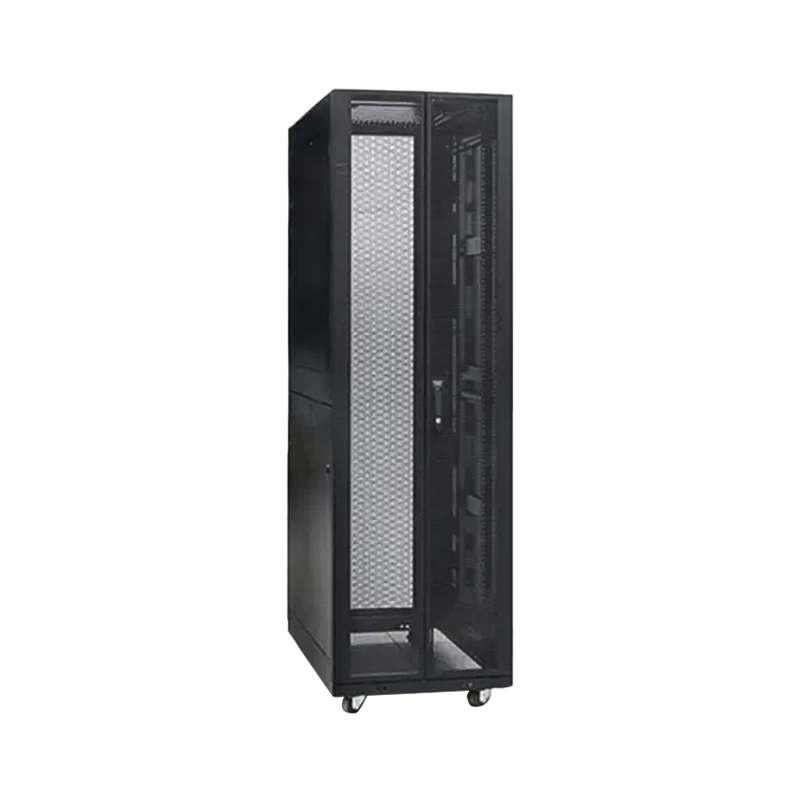
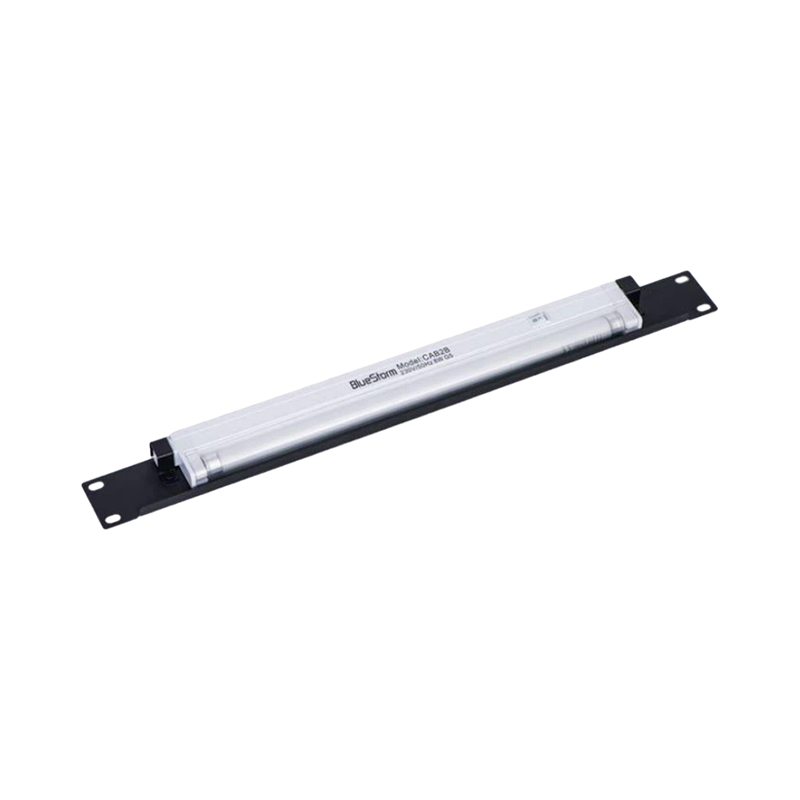
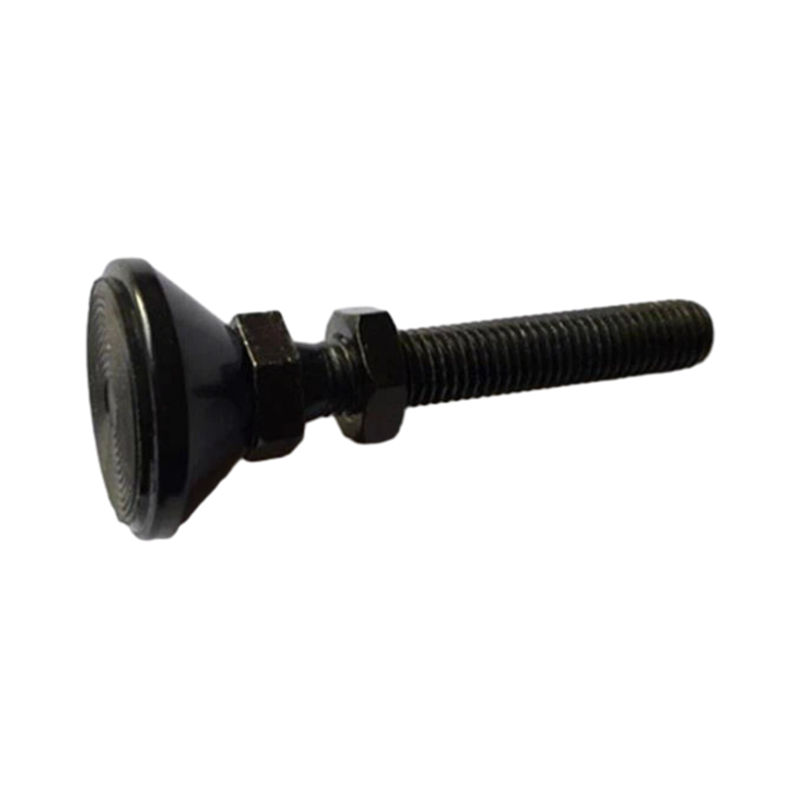

We are a company mainly engaged in the manufacturing of network cabinet , charging cart and other infrastructures.
Product Classification
Address
No.12 Fushan Road,Guanhaiwei Town,Cixi City,Ningbo,Zhejiang,China
PHONE
+86-17857397994

 English
 عربى
عربى
 Español
 русский