English
 عربى
عربى
 Español
 русский

News
Home / News / Industry News / How Effective Is the Cooling Performance of a Wall Mount Network Cabinet?
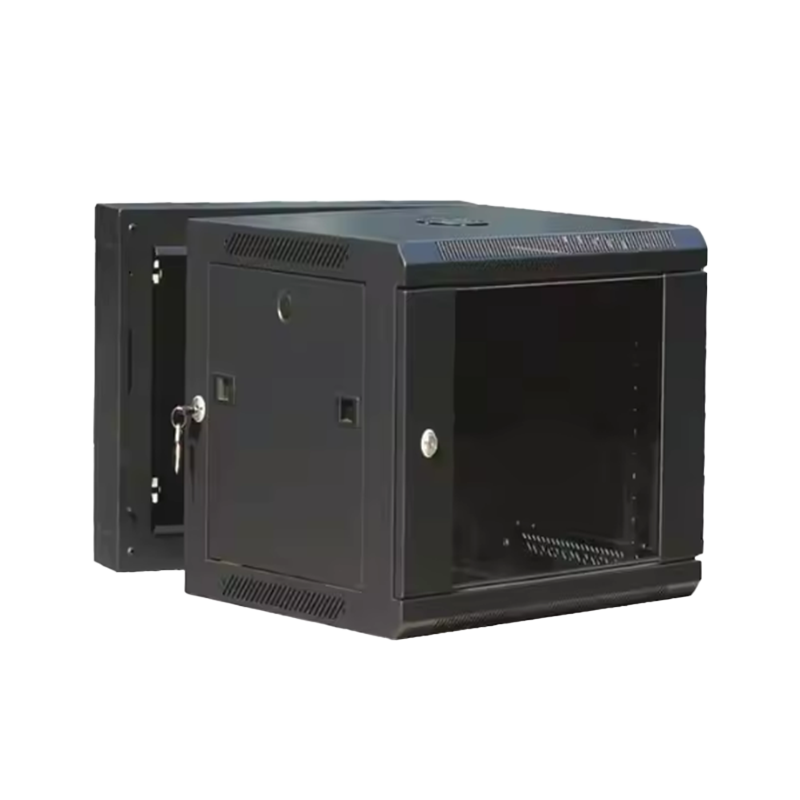
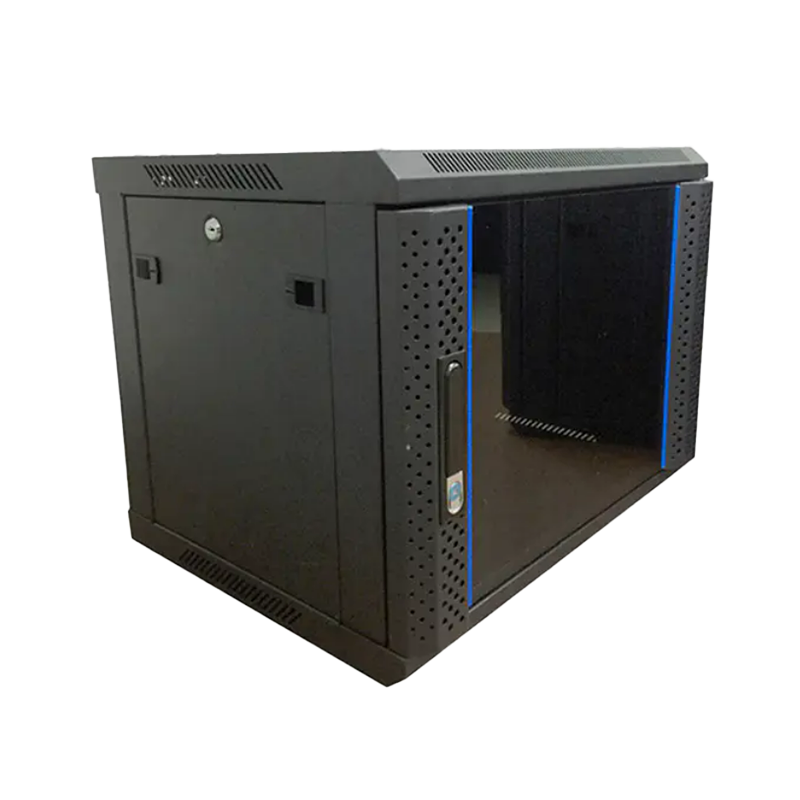
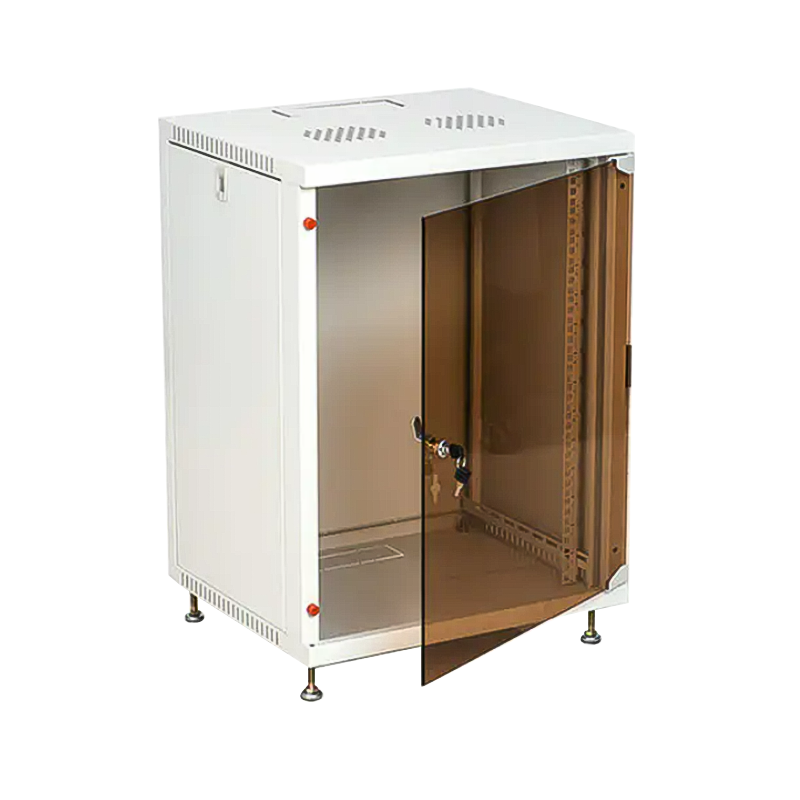
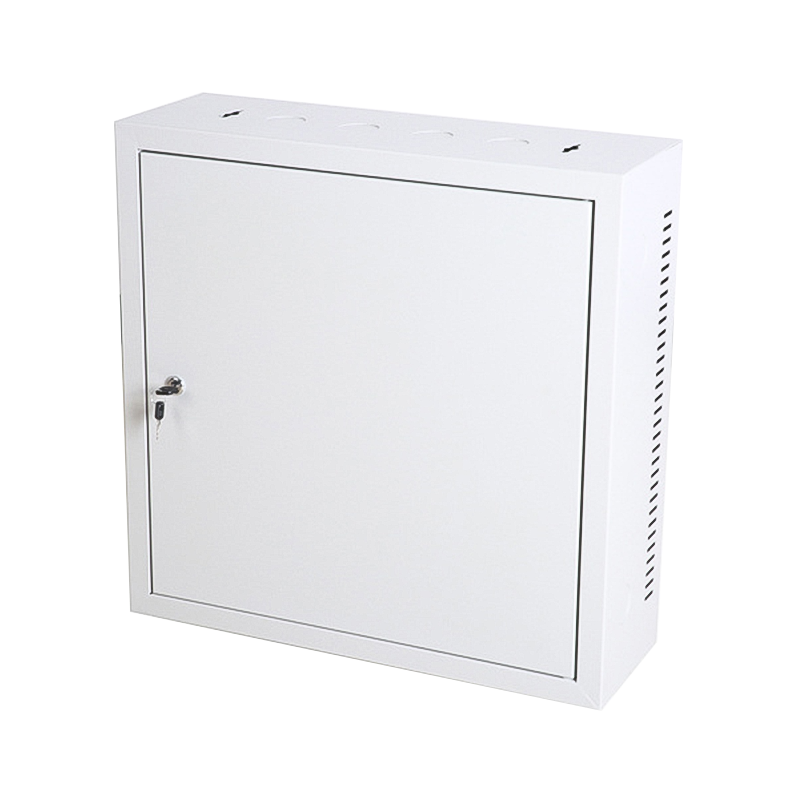
Proper cooling is one of the most critical aspects of maintaining network equipment reliability. Many IT professionals and small business owners wonder: how effective is the cooling performance of a Wall Mount Network Cabinet? Unlike large server racks, wall-mounted cabinets are compact and space-saving, which raises concerns about airflow and heat dissipation.
Content
Network switches, routers, patch panels, and other equipment generate heat during operation. Excessive temperature can shorten equipment lifespan, cause unexpected shutdowns, and increase the risk of system failure. A well-designed Wall Mount Network Cabinet ensures proper airflow, maintaining safe operating temperatures for all installed devices.
The cooling performance of a wall mount network cabinet depends on several design factors:
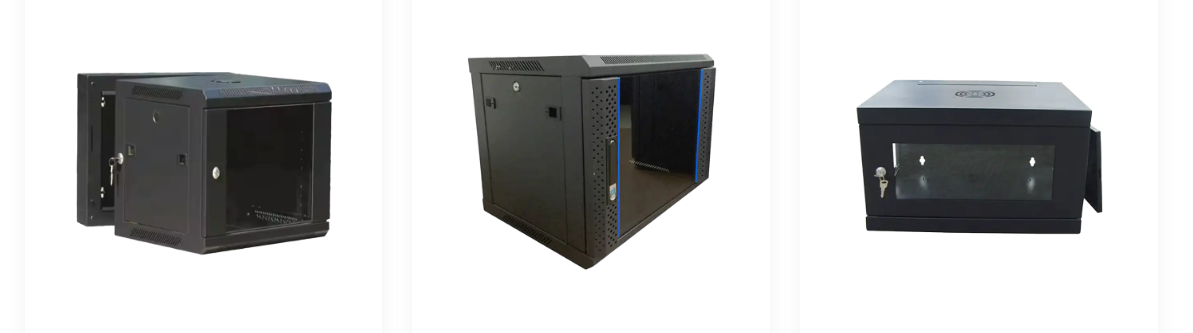
Wall mount network cabinets typically use two types of cooling:
Passive cooling relies on natural airflow through ventilation panels. While energy-efficient and silent, it works best for low to medium heat loads. Proper spacing between devices is essential to ensure heat is not trapped inside the cabinet.
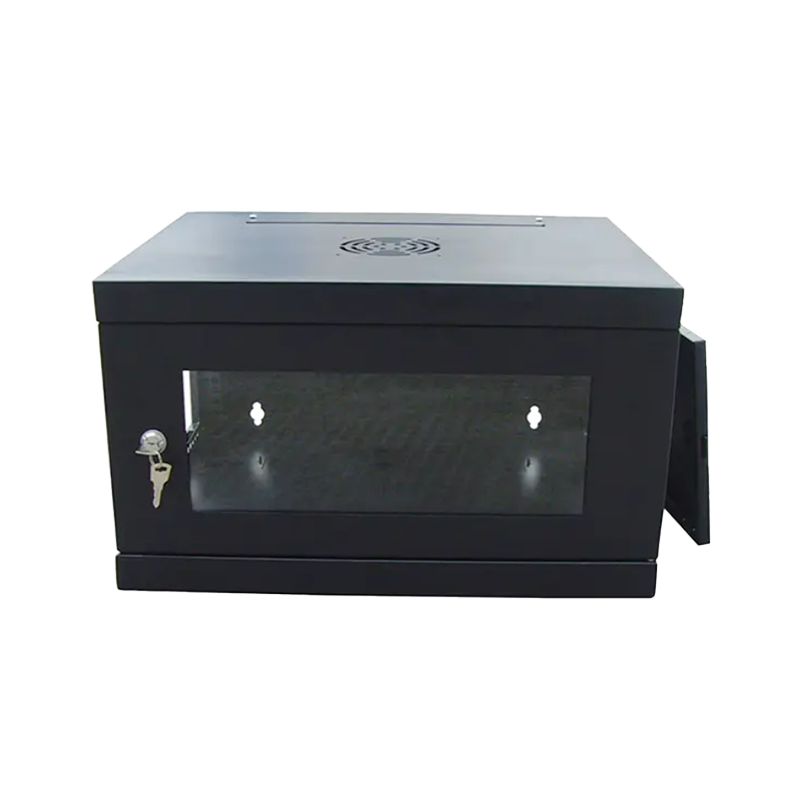
Active cooling uses fans to pull hot air out and draw cool air in. Many wall mount network cabinets have fan trays that can be installed on the top or rear of the cabinet. Active cooling is recommended when housing high-performance switches, multiple servers, or in environments with elevated room temperatures.
To provide a clear picture, the table below compares temperature performance of wall mount network cabinets under different cooling setups:
| Cooling Type | Average Internal Temperature | Best Use Case |
|---|---|---|
| Passive Ventilation | 28°C–35°C | Small networks, low-heat devices |
| Single Fan Active Cooling | 25°C–30°C | Medium networks, moderate heat load |
| Dual Fan Active Cooling | 22°C–27°C | High-density equipment, warm environments |
Even the best cabinets benefit from proper setup and maintenance. Consider the following:
The cooling performance of a Wall Mount Network Cabinet can be highly effective when the cabinet is properly chosen, installed, and maintained. Passive ventilation works well for low-heat setups, while active cooling solutions ensure stable temperatures for high-density or high-performance equipment. By considering design features, airflow management, and fan installation, IT managers and small business owners can safely house network devices without worrying about overheating, ensuring reliable operation and extended equipment lifespan.

We are a company mainly engaged in the manufacturing of network cabinet , charging cart and other infrastructures.
Product Classification
Address
No.12 Fushan Road,Guanhaiwei Town,Cixi City,Ningbo,Zhejiang,China
PHONE
+86-17857397994