Content
A charging cabinet is a lockable storage unit built to charge, organize, and protect multiple electronic devices at the same time, from laptops and tablets to smartphones and handheld terminals. Instead of scattering cables across a classroom or office desk, a single device charging station brings every device into one tidy, powered enclosure. For schools running one to one laptop programs and offices managing shared equipment pools, this single piece of furniture solves three problems at once: where to store devices, how to charge them safely, and how to keep track of them.
The demand for a reliable charging cabinet has grown alongside the rise of digital classrooms, hybrid offices, and shared device fleets. Understanding the practical benefits of charging cabinet ownership helps IT managers, facility coordinators, and procurement teams decide whether a cabinet, a cart, or an open shelf best fits their daily workflow. The sections below walk through ten core benefits, real usage patterns, capacity planning, safety expectations, and what to look for when sourcing a unit from a manufacturer or supplier.
Below are ten practical benefits that schools, offices, training centers, and shared workspaces commonly report after switching from loose chargers and power strips to a dedicated charging cabinet.
Digital learning programs and hybrid office layouts have steadily increased the number of shared laptops, tablets, and handheld devices that need daily charging. As one to one device programs expanded in classrooms and as offices adopted shared desking and bring your own device policies, the need for a dependable device charging station grew alongside them. A cabinet that once served a single computer lab now often supports several rooms on a rotating schedule.
Relative Growth in Charging Cabinet Adoption, 2021 to 2026
Index value starting at 100 in 2021, reflecting the general upward procurement trend for charging cabinets across education and office settings.
This growth pattern lines up with three practical shifts: more schools issuing a device per student, more offices supporting shared laptop pools instead of fixed desktop computers, and a broader push toward tidy, cable free common areas. A school charging cabinet supplier that understands these shifts can help a facility plan capacity for the next few years rather than just the current semester.
Charging cabinets are typically grouped into capacity tiers so a school, office, or training center can match the unit to the number of devices in daily rotation. A small department might only need a compact ten device unit, while a media lab or open plan office may require a bulk charging cabinet built for sixty or more devices.
Common Charging Cabinet Capacity Tiers
Device count per cabinet by common capacity tier.
| Capacity Tier | Typical Device Count | Best Suited For |
|---|---|---|
| Compact | 10 devices | Small offices, reception areas, staff rooms |
| Standard | 20 devices | Single classroom, small meeting hub |
| Large | 30 devices | Larger classroom, department floor |
| Extra Large | 40 devices | Computer lab, training center |
| Bulk | 60 or more devices | School wide device pools, large office campuses |
When comparing a laptop charging cabinet supplier or a tablet charging cabinet manufacturer, it helps to plan for near term growth rather than current headcount alone. A department that adds five new laptops next term will appreciate a computer charging cabinet with a few spare slots built in.
Facilities generally choose between three approaches: a fixed charging cabinet, a mobile charging cart, or an open charging station built from a shelf and power strip. Each option trades off differently across safety, mobility, capacity, organization, and space efficiency.
Comparing Charging Solutions Across Five Factors
Relative scoring across five practical factors, on a scale of low to high.
A fixed charging cabinet leads in safety, organization, and capacity, making it the preferred option for rooms that keep the same device count day to day. A charging cart trades some of that organization for mobility, which suits teams that move devices between rooms. An open charging station, built from a shelf and power strip, offers the least structure and the least protection, which is why many facilities eventually upgrade to a proper cabinet as their device count grows.
Classrooms running one to one Chromebook or tablet programs face a repeating daily challenge: getting every device charged and ready before the next class period begins. A well placed device charging station removes the guesswork from this routine.
Students return devices to a numbered slot at the end of a period, and the next class picks up fully charged units without waiting on individual outlets.
Cables stay inside the cabinet rather than crossing walkways, which supports a tidier and safer classroom layout.
Teachers and media specialists can visually confirm every slot is filled at the end of the day, making a school charging cabinet supplier relationship valuable well beyond the initial purchase, since replacement parts and larger units are easy to source as programs expand.
Offices face a different but related challenge: shared laptops, meeting room tablets, and handheld scanners that move between desks, departments, and buildings. A charging cabinet gives these shared assets a fixed home base.
Employees who do not have an assigned desk can pick up a fully charged laptop each morning from a shared mobile device charging cabinet instead of hunting for an open outlet.
Front desk tablets, presentation devices, and loaner phones can charge out of sight, keeping public facing areas free of loose cords.
Centralized charging makes it simple for IT staff to spot a device that has not been returned, and a reliable USB charging cabinet supplier can help match port types to the mix of laptops, tablets, and phones already in use across departments.
Safety is one of the most frequently cited benefits of charging cabinet ownership, particularly in schools where many young users interact with the same equipment daily. A well built cabinet typically includes the following features working together.
Limits current flow to each port so a single faulty cable or device does not affect the rest of the cabinet.
Monitors total load across the unit and helps prevent the cabinet from drawing more power than the circuit is designed for.
Vents or fans move warm air out of the enclosure so devices charge in a cooler, more stable environment.
Internal routing keeps cords separated and untangled, reducing wear on connectors over time.
A lockable door keeps devices in place overnight and limits access to authorized staff or students.
Sourcing from an experienced charging cabinet manufacturer or charging cabinet supplier makes a noticeable difference in day to day reliability. A few practical questions help narrow the search.
A computer charging cabinet that fits todays device lineup but cannot adapt to next years hardware refresh often becomes a limiting factor. Working with a supplier that offers flexible configurations helps a school or office plan further ahead.
Routine care keeps a charging cabinet performing reliably for years. The following habits are simple to build into a weekly or monthly checklist.
| Task | Suggested Frequency | Why It Matters |
|---|---|---|
| Clear dust from vents | Monthly | Maintains steady airflow and cooler internal temperature |
| Inspect cables and connectors | Monthly | Catches fraying or loose connections before they cause faults |
| Test the locking mechanism | Quarterly | Confirms devices remain secure during off hours |
| Check load distribution | Quarterly | Keeps charging balanced as device count changes |
| Wipe interior surfaces | Monthly | Reduces buildup that can interfere with connectors and slots |
Ningbo Cixi Communication Technology Co., Ltd. is based in Ningbo City, Zhejiang Province, China, and focuses on the design, research and development, production, and trade of network cabinets and charging cabinets. As a charging cabinet manufacturer, the company offers one stop support for communication equipment infrastructure and charging needs, covering network data centers, enterprise offices, public transportation hubs, commercial premises, and residential settings.
With an in house design team, the company provides OEM and ODM services so schools, offices, and other charging cabinet supplier partners can request configurations suited to their own device mix and space layout. Product development emphasizes safety, intelligence, efficiency, and ease of daily operation, with an ongoing focus on integrating practical technology improvements into each product line.
Q1. What is a charging cabinet
A charging cabinet is a centralized storage solution designed to safely charge and organize multiple electronic devices such as laptops, tablets, and smartphones.
Q2. What devices can be charged in a charging cabinet
Charging cabinets commonly support laptops, tablets, iPads, Chromebooks, smartphones, and handheld terminals.
Q3. How many devices can a charging cabinet charge
Common capacities include 10 devices, 20 devices, 30 devices, 40 devices, and 60 or more devices for bulk units.
Q4. Are charging cabinets safe
Quality charging cabinets typically include over current protection, overload protection, a ventilation system, cable management, and a secure locking system.
Q5. What is the difference between a charging cabinet and a charging cart
A charging cabinet is designed mainly for fixed storage and charging, while a charging cart adds mobility for moving devices between rooms.
Q6. Do charging cabinets support both USB-A and USB-C devices
Many current charging cabinets include a mix of USB-A and USB-C ports, and a smart charging cabinet manufacturer can often configure port types to match a specific device fleet.
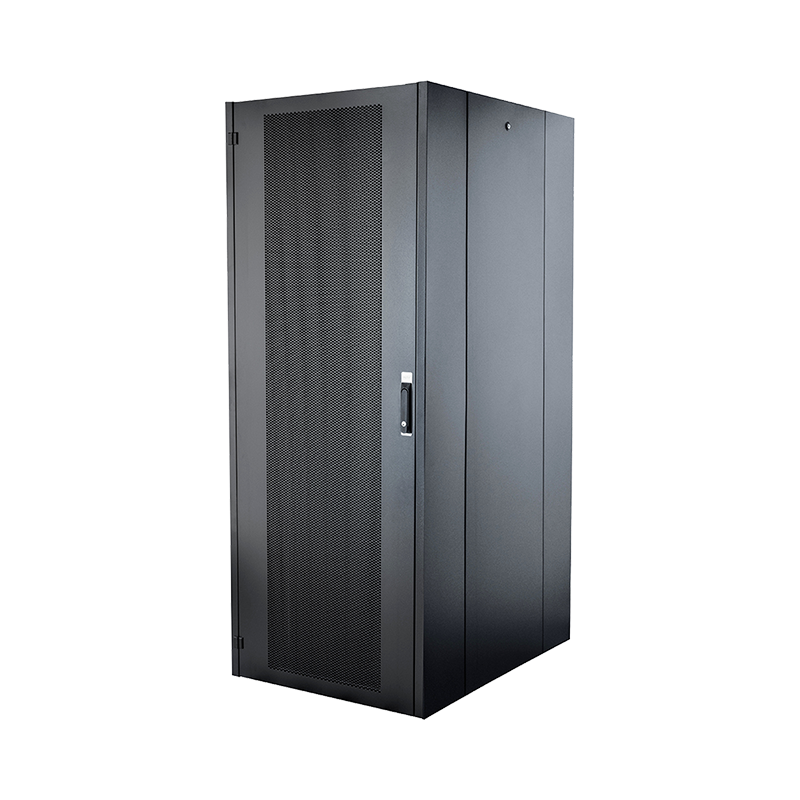
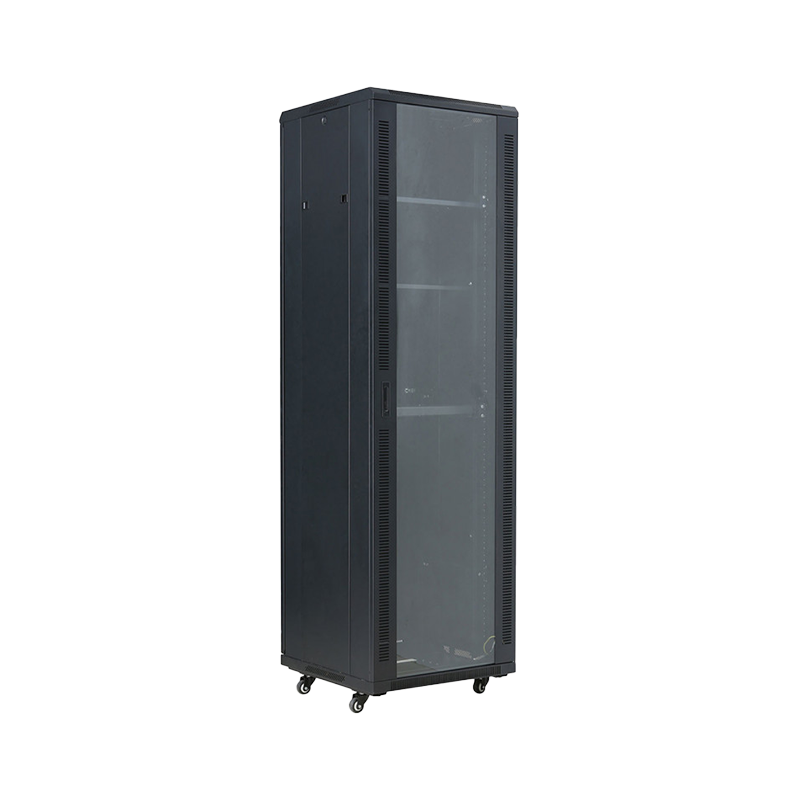
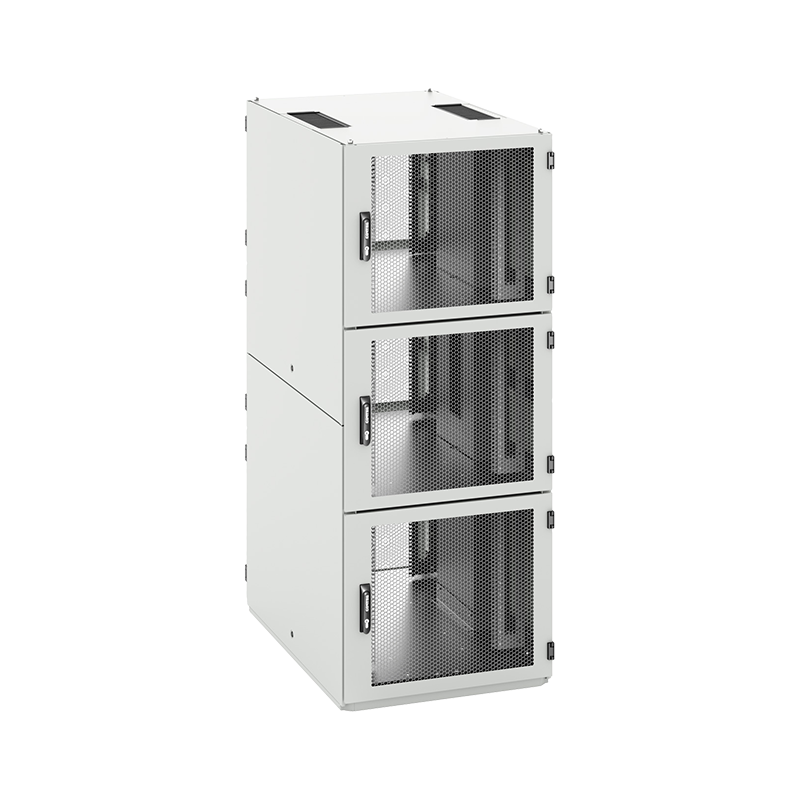
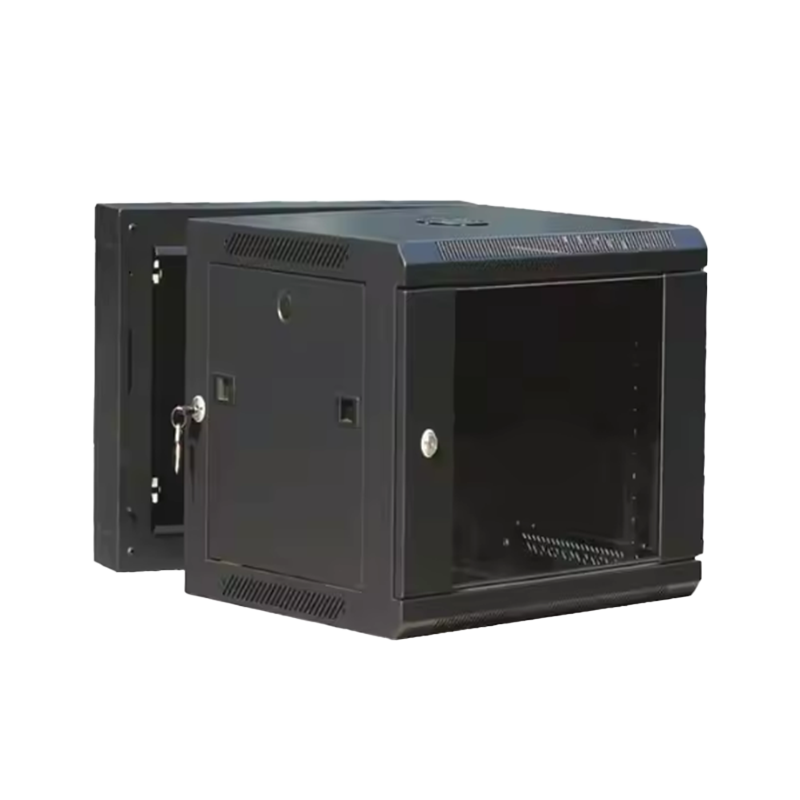
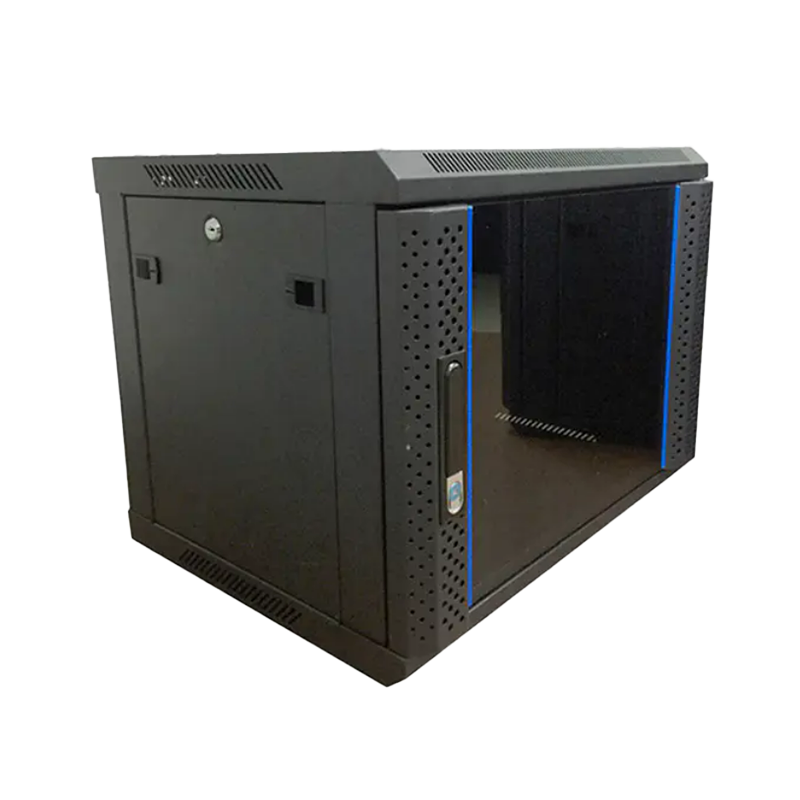
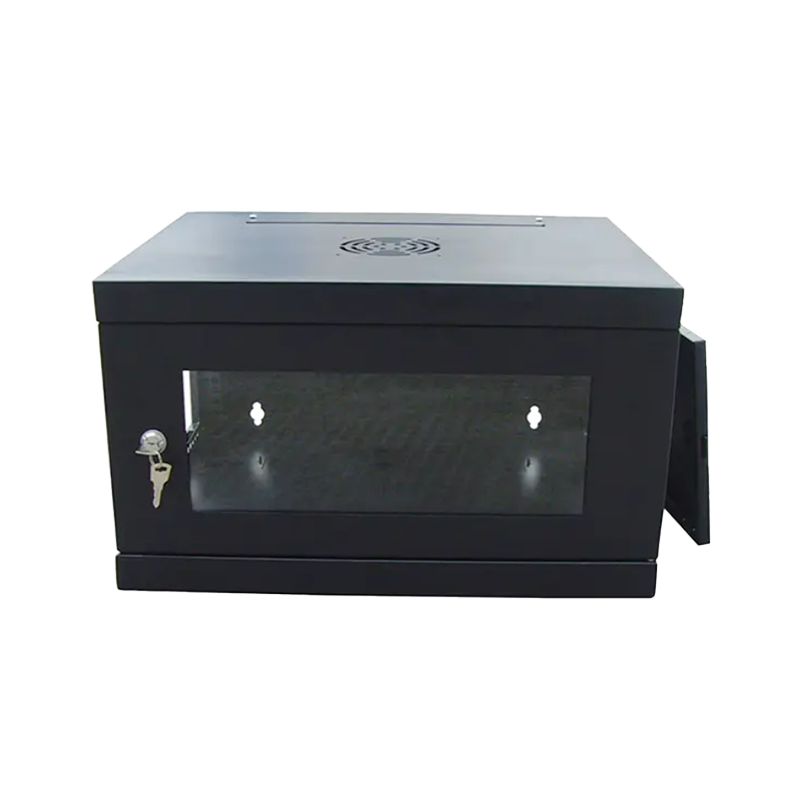
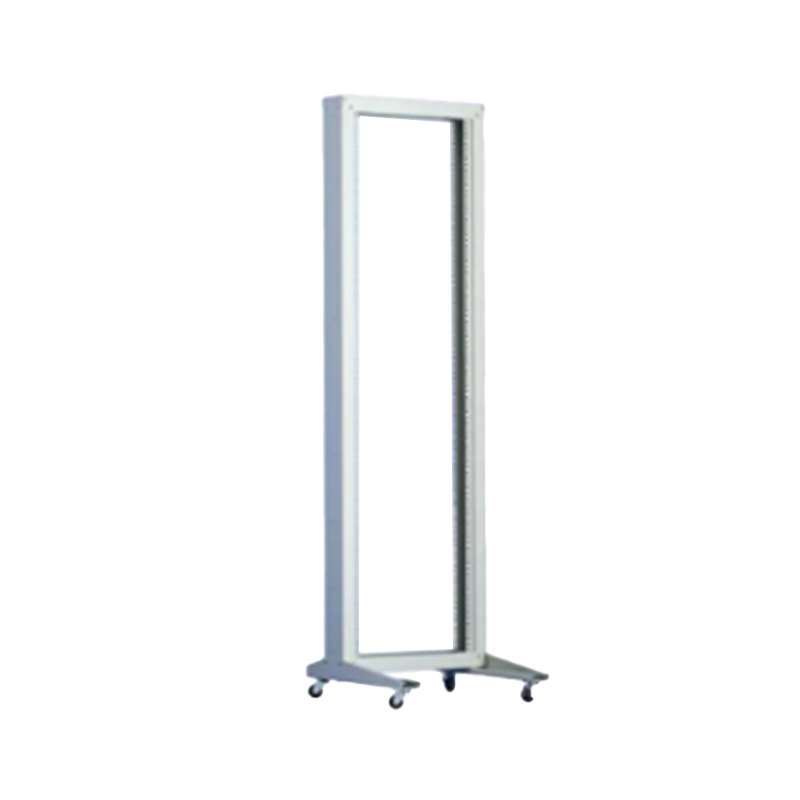
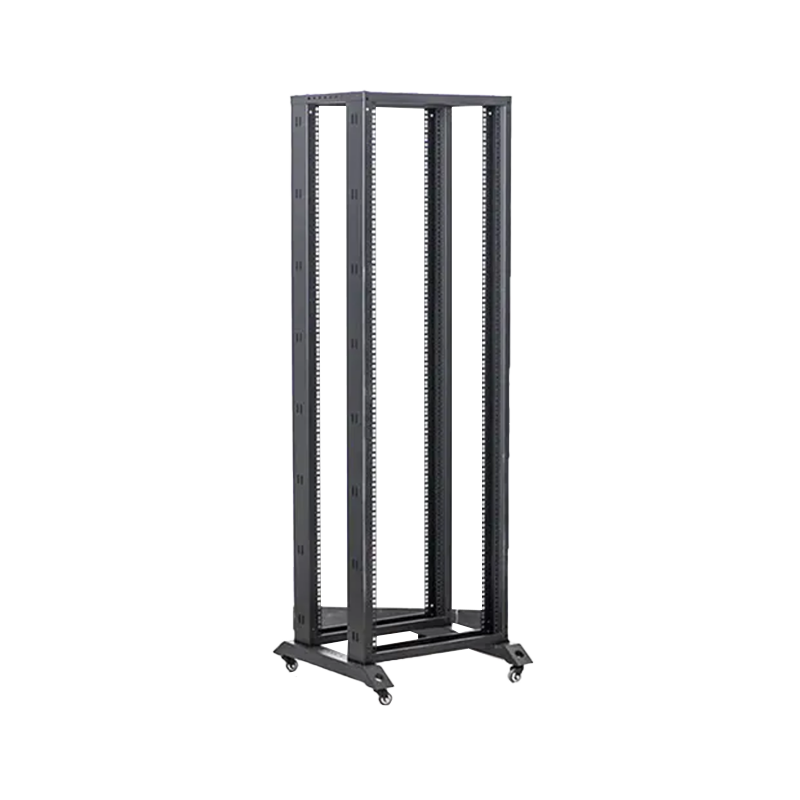
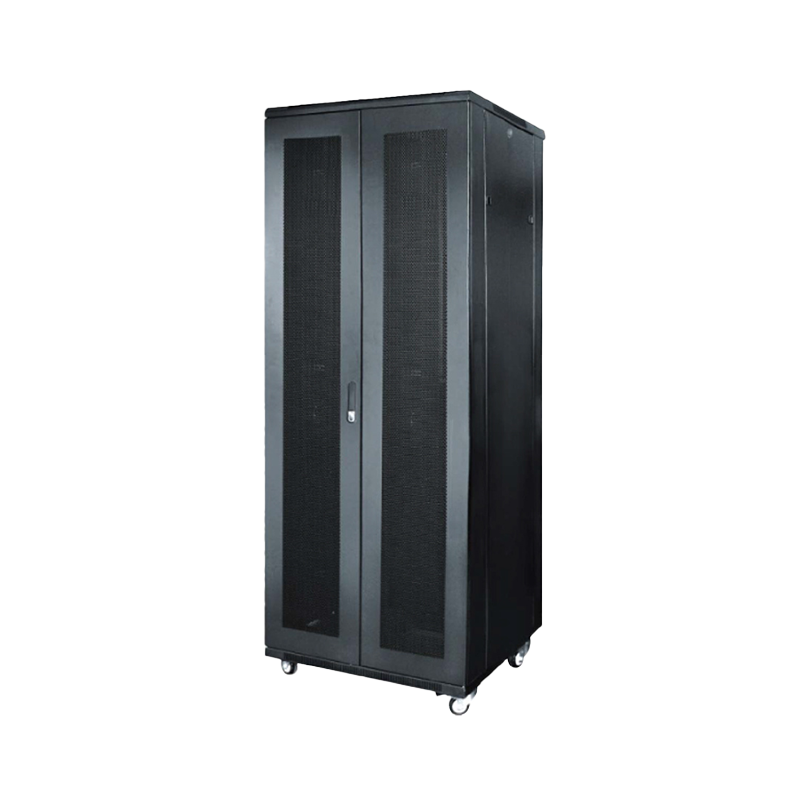
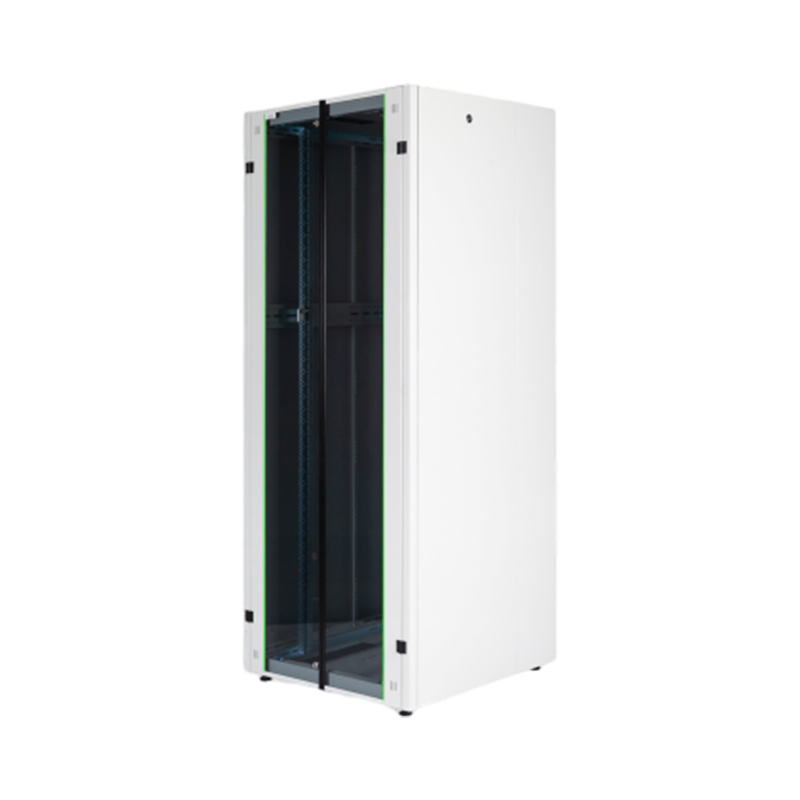
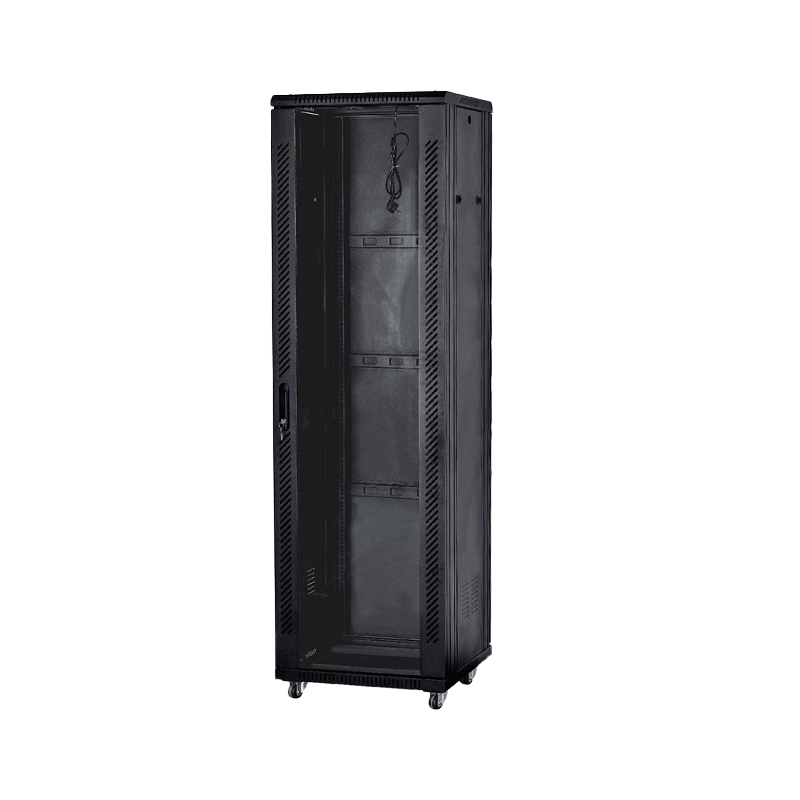
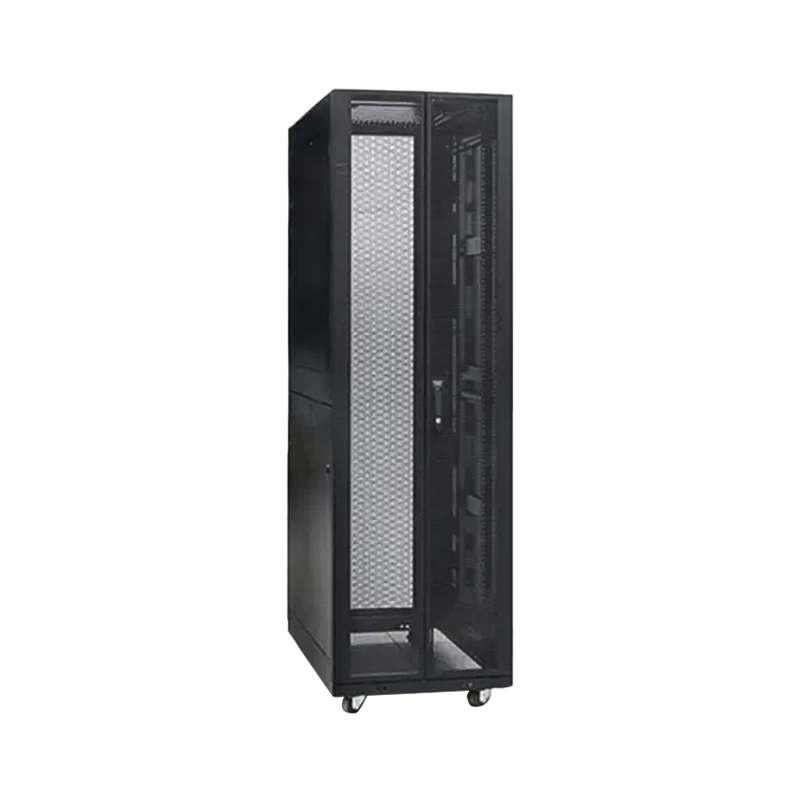
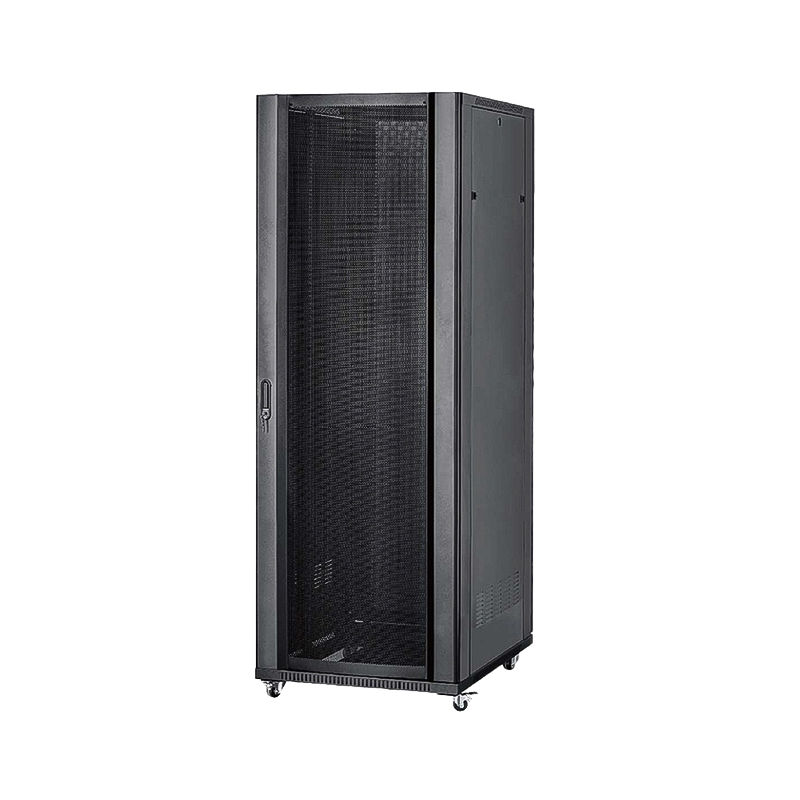
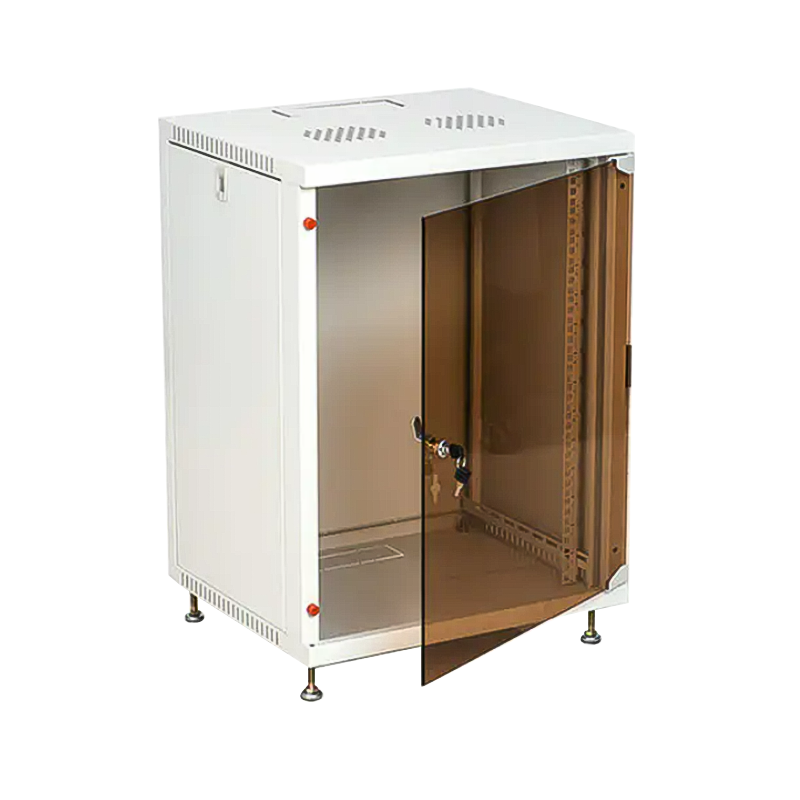
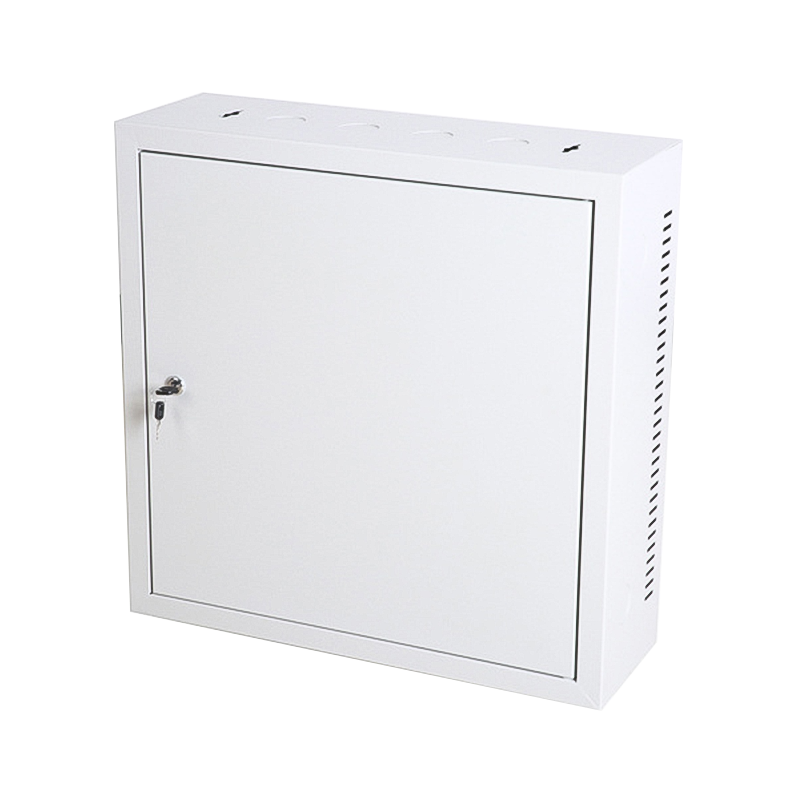
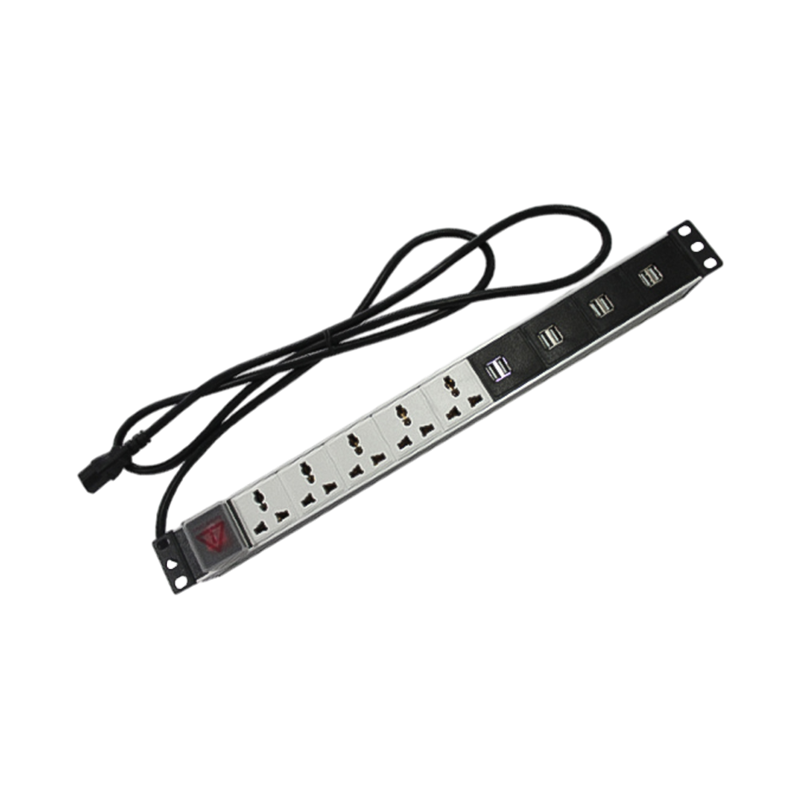


We are a company mainly engaged in the manufacturing of network cabinet , charging cart and other infrastructures.
Product Classification
Address
No.12 Fushan Road,Guanhaiwei Town,Cixi City,Ningbo,Zhejiang,China
PHONE
+86-17857397994

 English
 عربى
عربى
 Español
 русский