English
 عربى
 Español
 русский

News
Home / News / Industry News / Charging Cart With Individual Compartments: Specs That Matter Before You Buy
Picture the end of a school day: twenty-four tablets go back into a plastic tub, three chargers are missing, and one screen has a hairline crack where a USB-C connector pressed into it overnight. That is the scene most buyers describe before they move to a charging cart with individual compartments.
The verdict first: compartments are worth the extra cost when devices are shared between users, travel every day, and are fitted with cases, hand straps or kickstands. If your devices never leave a single desk, a plain multi-port shelf will do the same job for less money, and no one should sell you more cart than that.
What real compartments buy you is three things — physical separation between screens and connectors, a fixed address for every device, and predictable airflow and power draw. The rest of this guide covers the specifications that decide whether the cart survives year three: bay size, wattage, heat, steel, and the questions to ask before you sign a purchase order.
Content
In catalogues the phrase covers everything from moulded plastic slots sitting loose on a shelf to welded steel partitions with a dedicated cable exit per bay. Only the second type survives daily use in a school corridor or a warehouse office. Carts in our own charging cart range are built around fixed dividers for exactly this reason: a divider that a student can lift out is a divider that will be lost in the first term.
When a sample arrives, check these five points before you look at the price again:
| Device class | Suggested bay width | Plan for this depth | What usually goes wrong |
|---|---|---|---|
| 9–11" tablet in a rugged case | 32–40 mm | 260–300 mm | Case corners jam against the divider |
| 13–15" laptop | 45–60 mm | 360–400 mm | Charger brick has nowhere to sit |
| Convertible with a sleeve | 55–70 mm | 380–420 mm | Sleeve fabric traps heat around the hinge |
| Handheld scanner or radio | 25–35 mm | 150–220 mm | Cradle does not align with the bay floor |
If a supplier cannot tell you the bay width and the depth at the tightest point without measuring, they have not built the cart for your devices.
A 30-bay cart sharing one circuit with a printer and a kettle will trip a breaker at 8 a.m., and the blame will land on the cart. Four numbers decide whether the cart is a convenience or a nuisance: per-port wattage, simultaneous device count, charger efficiency, and the circuit available in the room.
The planning formula is simple — bays × watts per bay × a simultaneity factor, usually 0.6 to 0.8 because not every device draws peak power at the same moment. The bars below apply that formula at 45 W per bay and a 60% factor.
At 120 V, 1.30 kW is about 11 A, so a 48-bay cart needs its own 20 A circuit and nothing else on it. At 230 V the same cart draws roughly 5.6 A, which is far easier to place in an older building.
The second number is time. A 50 Wh laptop battery refills faster on a 60 W port than on a 30 W port, but only up to the limit its own charge controller accepts — and almost every laptop caps that limit.
Two practical consequences follow. Put each cart on a dedicated circuit behind a surge protector rated for the full load, and buy per-port USB-C PD boards rather than a single fixed supply, so a 45 W tablet and a 100 W laptop can share the same cart without either throttling the other.
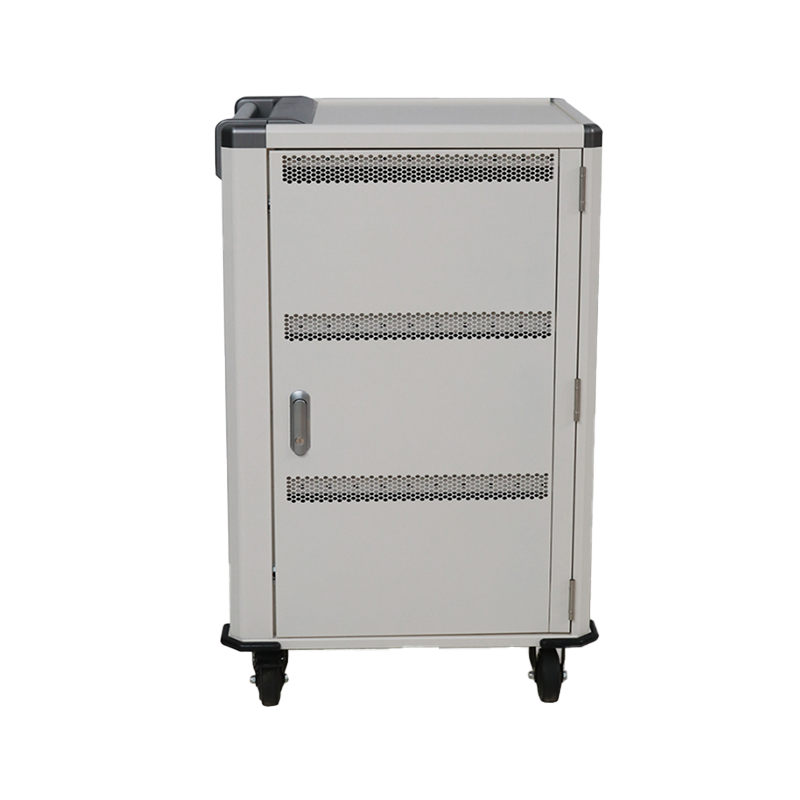 24-Device Mobile Charging Cart for Tablets and LaptopsMobile steel cart for up to 24 tablets or laptops, with ventilation, cable organizers, lock options, and configurable USB-C fast charging for mixed device loads.View Product →
A cart with two dozen bays drawing 650 W converts a share of that power into heat inside a closed steel box, and the box sits in a corridor that nobody air-conditions. Lithium-ion cells are generally recommended for charging between roughly 10 °C and 30 °C ambient; a sealed cart in a warm hallway can push bay temperature well above that by mid-afternoon, which is exactly when batteries age fastest.
What to insist on: intake vents low on the front door and exhaust high on the rear so air actually crosses the bays; spacing of a few millimetres between occupied slots; a thermostat-controlled fan that starts at a set temperature rather than running continuously; and a thermal cutoff that stops charging before a bay becomes a hot spot. If you want the electrical side in more detail, this guide on device safety during charging covers protection circuits, cable quality and what to look for in a test report.
Specification sheets are written by people who want the order. A sample cart is the only honest test, and half an hour with a screwdriver and a full load of devices will tell you more than a brochure.
Ask for the test reports on the power strip and the fan, not only on the cabinet. In service, those are the parts that fail first.
Bay count is a storage decision, but it is also a furniture decision. A 30-bay cart is not a trolley you can park anywhere: it needs a doorway wide enough, a corner where it does not block a fire exit, and a socket within cable reach. Measure the route from the store cupboard to the classroom before you choose the number of bays.
Portability is a specification, not a bonus. A cart that is too heavy to push up a ramp will be left downstairs, and devices will be carried by hand again within a month.
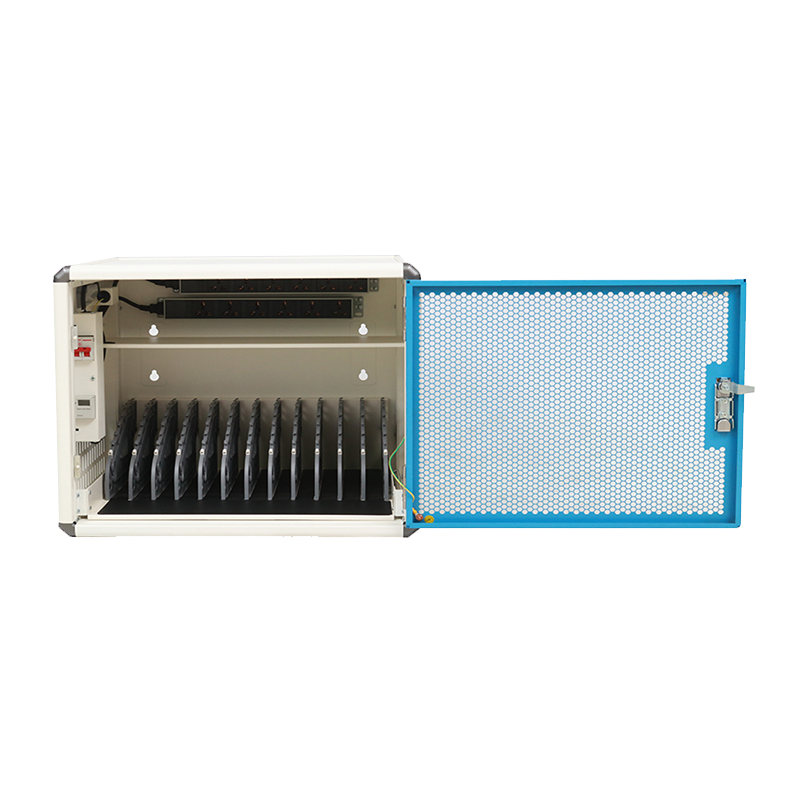 12-Device USB-C Charging Cart for Laptops and Tablets12-device USB-C cart with adaptive fast charging, mesh doors, LED charging indicators, and optional casters for mobile floor use.View Product →
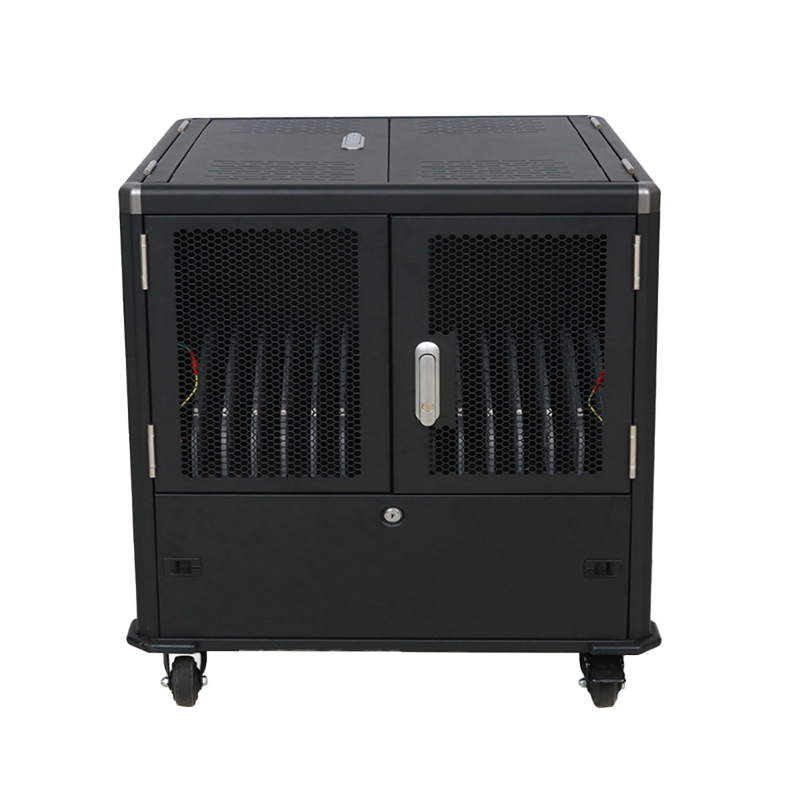 Portable Mobile Charging Cabinet for Tablets and LaptopsA 27 kg mobile cabinet with top or side access, cable management, sequential charging, mesh doors, and optional casters for moving between rooms.View Product →
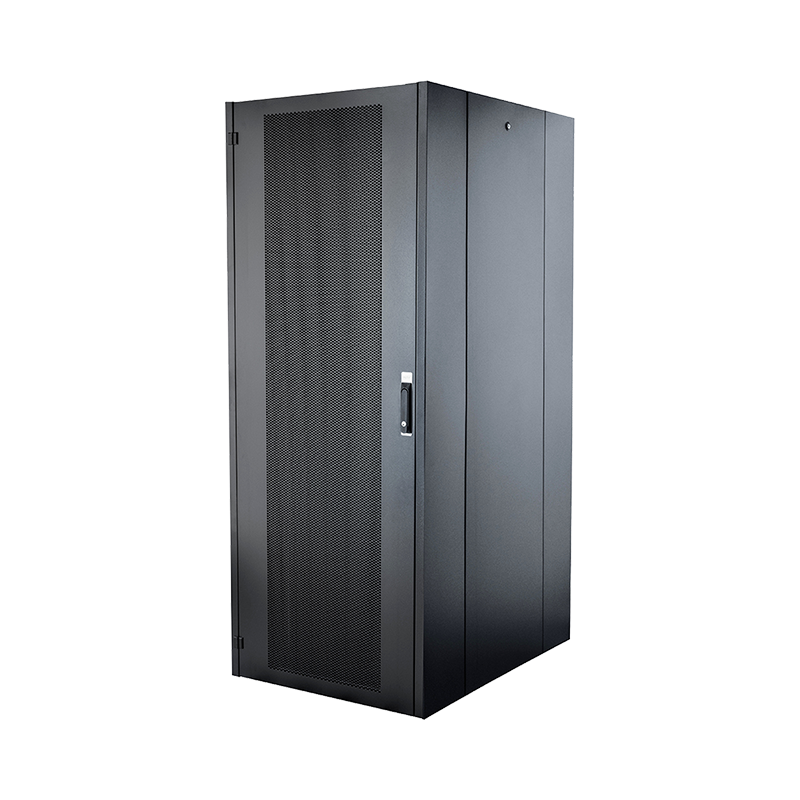

We are a company mainly engaged in the manufacturing of network cabinet , charging cart and other infrastructures.
Product Classification
Address
No.12 Fushan Road,Guanhaiwei Town,Cixi City,Ningbo,Zhejiang,China
PHONE
+86-17857397994