English
 عربى
 Español
 русский

News
Home / News / Industry News / Types of PDU in a Data Center: Basic, Metered, Monitored, and Switched
Picture the moment a rack layout gets frozen. The servers are chosen, the network design is signed off, and someone asks how many outlets each cabinet needs. That question is the wrong place to start. In a data center, the type of PDU you install — basic, metered, monitored, switched, or a fully intelligent outlet-metered unit — decides far more than the plug count. It decides whether you can see a rack's load without walking the floor, reboot a frozen server at 2 a.m. without a truck roll, and invoice a colocation customer from measured kilowatt-hours instead of estimates.
The short answer: lock the metering and switching layer first, the form factor second, and the plug-and-phase combination last. Do it in that order and the outlet count almost falls out of the design by itself.
Content
Walk into a data hall and people will call two different things a "PDU". One is the floor-mounted power distribution unit, sometimes called a remote power panel, that takes a large feed from the UPS and splits it into branch circuits for a row of racks. The other is the rack PDU that sits inside the cabinet and hands power to the servers. This article is about the second one — the unit bolted into the enclosure.
A second myth worth clearing up: a basic rack PDU is not simply a power strip with a metal shell. The difference between a PDU and a power strip comes down to input current, breaker coordination, mounting, and the fact that a rack PDU is designed to be fed from a UPS branch circuit and to be serviced with the rack live.
Every rack PDU on the market is a variation on one question: how much of the power path can you see, and how much of it can you control remotely? The table below shows the usual progression.
| PDU type | Rack-level metering | Outlet-level metering | Remote switching | Typical fit |
|---|---|---|---|---|
| Basic | No | No | No | Fixed, low-risk loads; small offices; wall-mount cabinets |
| Metered | Yes | No | No | Capacity planning, per-rack chargeback, hotspot detection |
| Monitored | Yes | Yes | No | Mixed racks, DCIM-driven sites, granular cost allocation |
| Switched | Optional | Optional | Yes | Remote reboot, staged power-up, disabling unused outlets |
| Intelligent (switched + outlet metered) | Yes | Yes | Yes | Colocation billing, high-density and AI rows, automated failover |
Figure 1: Solid segments are included at that tier; pale segments are optional or absent.
A basic PDU is a distribution board in a steel tube. A metered unit adds current sensing at the input, usually per phase. A monitored unit extends that to every outlet so you can see which server is drawing 400 W and which one is idle. A switched unit adds a relay per outlet, and the intelligent tier combines all of the above with per-outlet energy counters and network interfaces such as SNMP v3 or Modbus TCP.
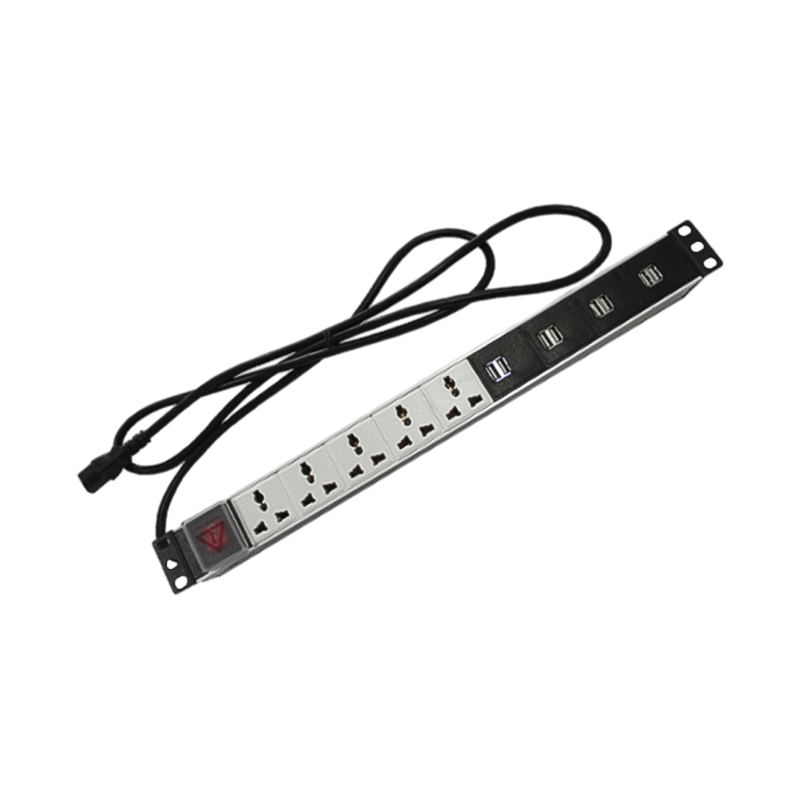 Configurable Power Distribution Units for Rack PowerReview configurable PDUs for distributing rack power, with remote monitoring and control, overload protection, and energy measurement.View Product →
Vertical PDUs mount on the rear side rails or on the cabinet frame and consume no rack units. They suit 42U and 47U cabinets because a 0U strip of 24 to 36 outlets runs the full height of the rack and keeps cords short, which reduces the tangle behind the servers. Horizontal 1U PDUs are the practical choice in shallow or wall-mounted enclosures, where a full-height strip would foul the door or the cable entry.
Compatibility failures almost never come from the metering electronics. They come from the plug on the wall side and the breaker upstream. Three numbers decide most of it.
Then apply the continuous-load rule. Under NEC practice, a branch circuit feeding IT equipment for three hours or more should be loaded to no more than 80 percent of its rating, so a 32 A single-phase feed is realistically a 25 A working load. Skipping that derating is the single most common reason a rack trips a breaker during a firmware update that spins up every fan at once.
Rack-level metering answers one question well: is this cabinet near its limit? That is enough for capacity planning and for spotting a rack that has quietly doubled its draw. Outlet-level metering answers a different question: who is using it? In a colocation or a shared lab, per-outlet kilowatt-hour counters turn billing into arithmetic instead of argument. In an enterprise hall, the same data lets you track a decommissioned server that was never unplugged and is still pulling 300 W.
The practical detail is protocol support. A PDU that reports only through a vendor portal creates a silo; one that exposes SNMP or Modbus TCP registers can be polled by whatever DCIM or monitoring stack you already run. Many units also accept environmental sensors on an RJ45 chain, which lets you correlate inlet temperature with load on the same dashboard.
Most enterprise servers have two power supplies for a reason: each one goes to a different PDU, each PDU to a different UPS, and each UPS to a different utility feed. The rule that matters on site is that the two PDUs must never share upstream protection. Two strips plugged into the same panel give you the appearance of redundancy and none of the benefit.
For equipment with a single cord, an automatic transfer switch PDU takes two inputs and picks one. It is a reasonable compromise for switches and small appliances, but it is a single point of failure and should not be used to prop up a design that should have been dual-corded.
Figure 2: A typical dense cabinet with rear-mounted vertical PDUs on separate feeds.
A PDU that does not physically fit is a return shipment. Before ordering, measure the usable depth behind the rear mounting rails; a vertical strip with outlets on both faces typically needs 50 to 70 mm of clear space. Check how the unit attaches, because tool-less button mounting and bracket mounting are not interchangeable across cabinet brands. And check the door swing — a strip mounted too close to the rear frame will foul a glazed door on a 1000 mm deep enclosure.
Airflow is the other half of the fit. Rear-mounted PDUs should sit outside the hot exhaust path of the servers, and their cords should route into vertical cable managers rather than across the exhaust face. This is where a coherent rack build helps: matching the PDU with the right rack cable management accessories and blanking panels does more for inlet temperatures than adding another fan.
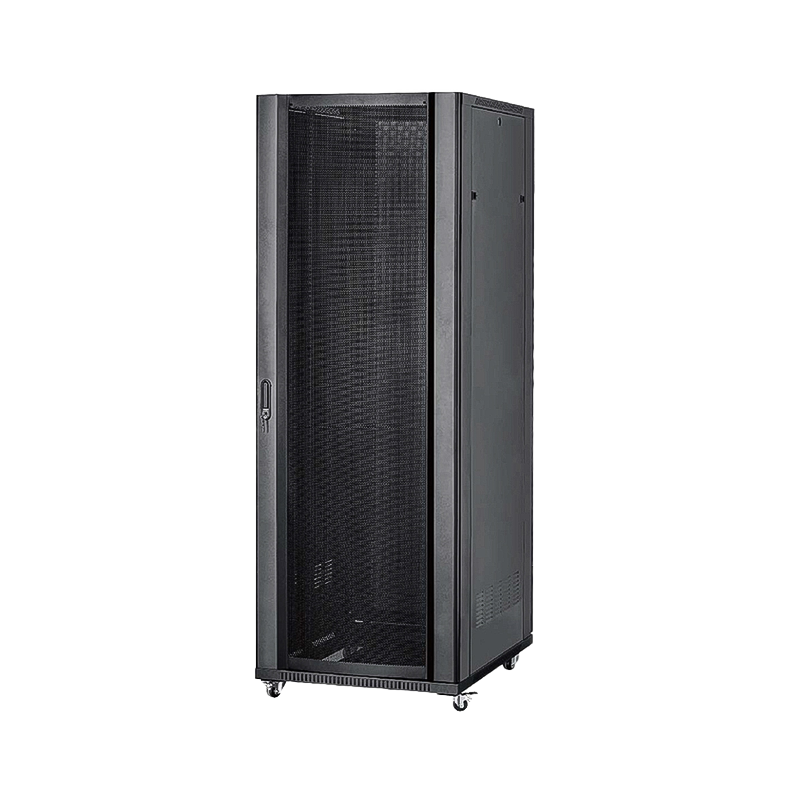
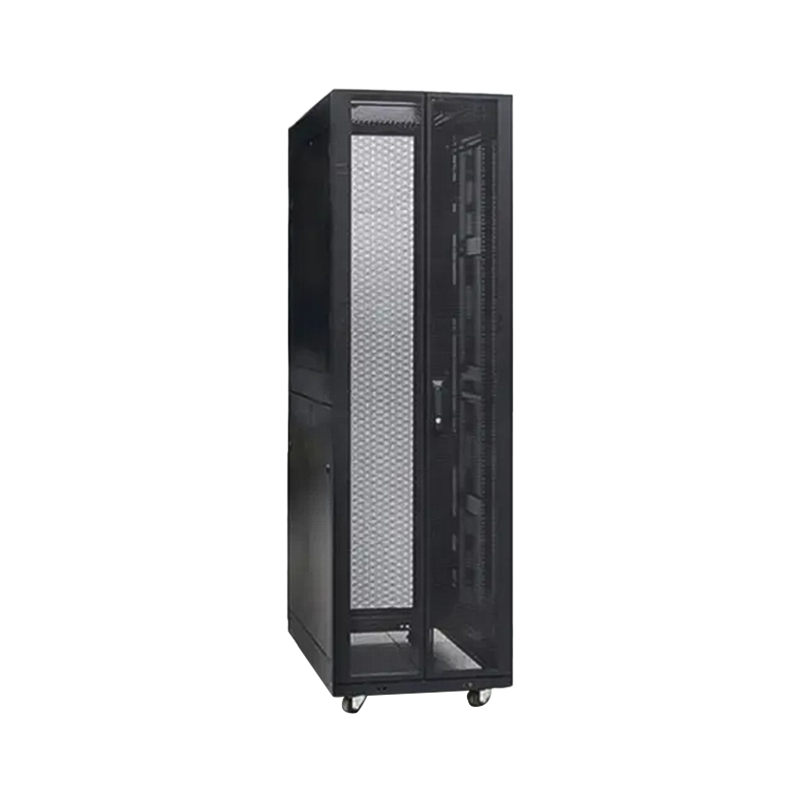 ARC High-Load Floor-Standing Server CabinetA 12U–47U steel server cabinet with mesh doors, segmented side panels, and high-load construction for dense rack builds.View Product →
In high-density deployments, the cabinet itself constrains the PDU choice. A 42U frame designed for heavy loads gives you the load rating, depth and rear clearance to fit a 32 A three-phase strip without bending the mounting rails.
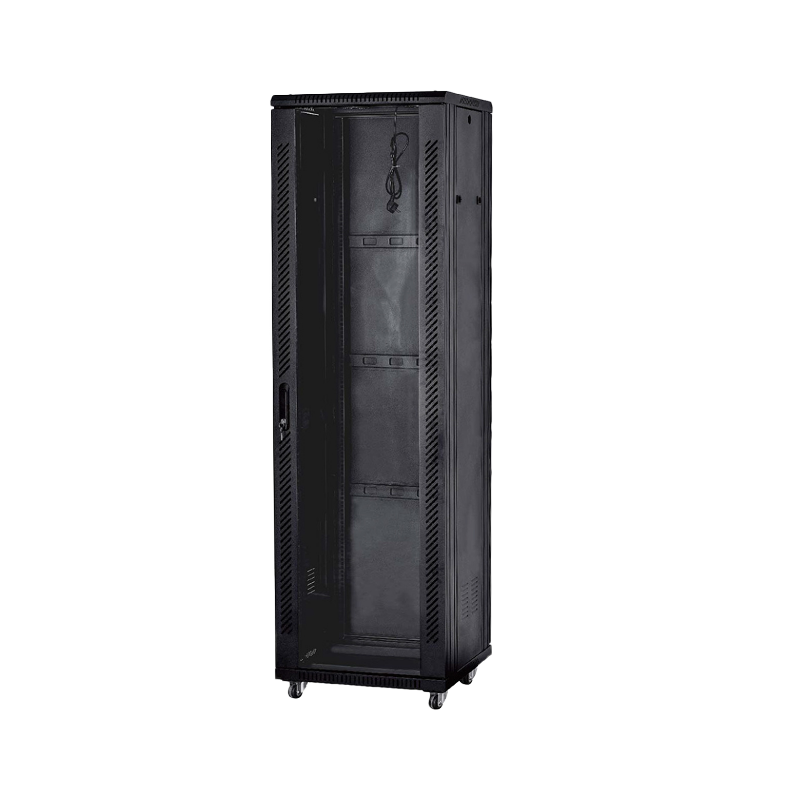
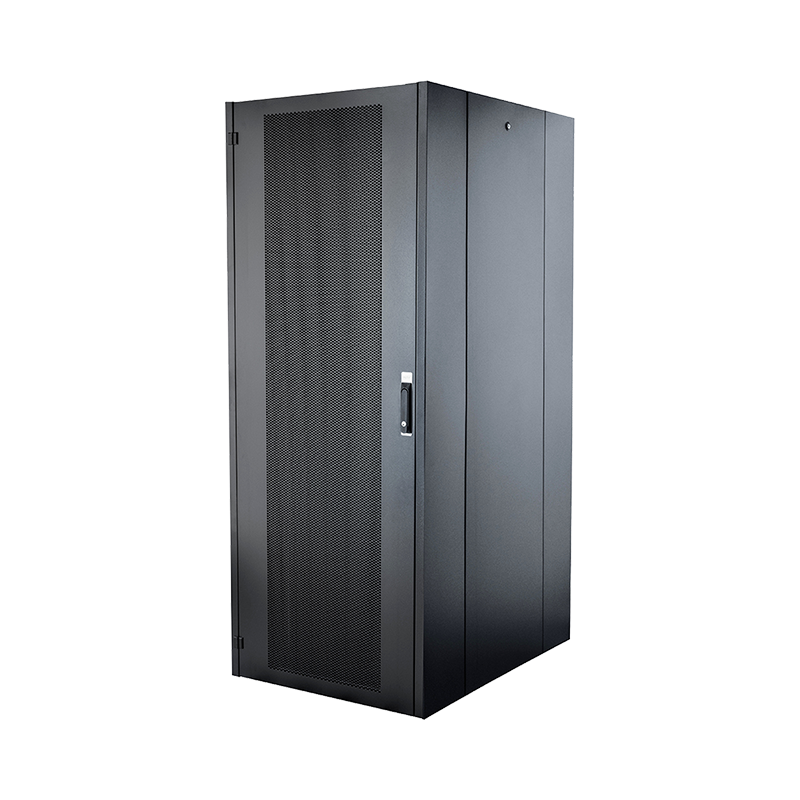 CX-S-01 42U Free-Standing Network CabinetA floor-standing 12U–47U network cabinet with optional digital display, lockable doors, and airflow-focused design for rack builds.View Product →
Industry surveys such as the Uptime Institute's annual global data center survey keep reporting that most racks still sit in the single-digit kilowatt range, with a small but growing share well above 20 kW. That spread is exactly why one PDU type cannot serve a whole facility. Work through these points before you commit to a model.
Basic, metered, monitored and switched. A fifth tier, usually called intelligent or outlet-metered switched, combines per-outlet energy metering with remote switching and network management.
A UPS stores energy and keeps equipment running during an outage. A PDU only distributes power that the UPS or utility already provides, adding breakers, outlets, metering and remote control.
Two, on separate feeds, for any rack with dual-corded equipment. Redundancy only works when the A and B strips do not share upstream protection.
Remote power cycling of individual outlets, staged power-up after an outage, and disabling unused ports so nobody plugs an unauthorised device into the rack.
Single-phase suits network racks and light compute up to roughly 7 kW per feed. Three-phase becomes the practical choice above that, delivering around 22 kW from a 32 A feed.
No. A rack PDU is rated and mounted for cabinet use, with breakers, IEC outlets and load ratings that a domestic strip cannot provide inside a live data hall.
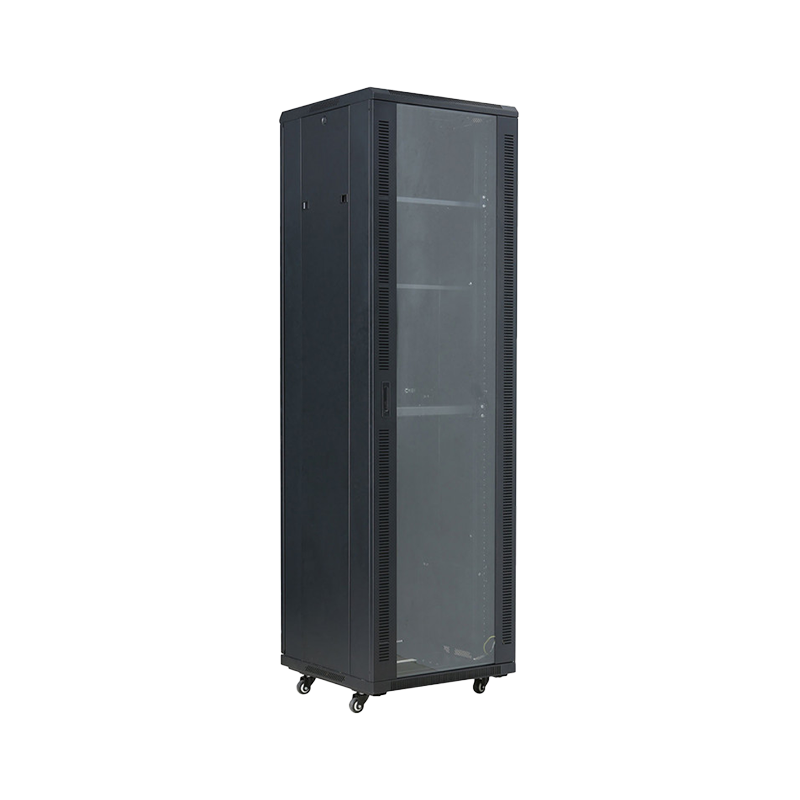

We are a company mainly engaged in the manufacturing of network cabinet , charging cart and other infrastructures.
Product Classification
Address
No.12 Fushan Road,Guanhaiwei Town,Cixi City,Ningbo,Zhejiang,China
PHONE
+86-17857397994