English
 عربى
عربى
 Español
 русский

News
Home / News / Industry News / Edge Data Center Explained: Benefits, Infrastructure & Cabinet Choices
A railway signaling system cannot wait for a data center 500 kilometers away. An augmented-reality quality check on a factory line fails when the video round-trip is choppy. A rural clinic still needs its imaging systems when the national backbone slows down. In all three cases, the fix is the same: move computing closer to where data is created.
An edge data center is the smallest practical version of a data center — a compact, distributed facility placed near the people, machines, and sensors it serves. It does not replace the core cloud; it removes the distance penalty for time-sensitive workloads. In our daily work as a factory that builds network cabinets, server racks, and power enclosures, we see the same lesson repeated: the software gets the attention, but the enclosure layer decides whether an edge site survives its first summer, its first dust storm, or its first security audit. This guide covers what edge data centers are, why they are expanding, and how to plan the physical infrastructure around them.
Content
Conclusion first: an edge data center is a small, decentralized computing facility located close to the network edge, processing time-sensitive data locally instead of sending it to a centralized data center. That definition has three practical consequences. First, latency drops because packets travel shorter distances. Second, bandwidth costs fall because only valuable data is sent upstream. Third, operations become more complex, because you now manage infrastructure in dozens or hundreds of locations instead of one.
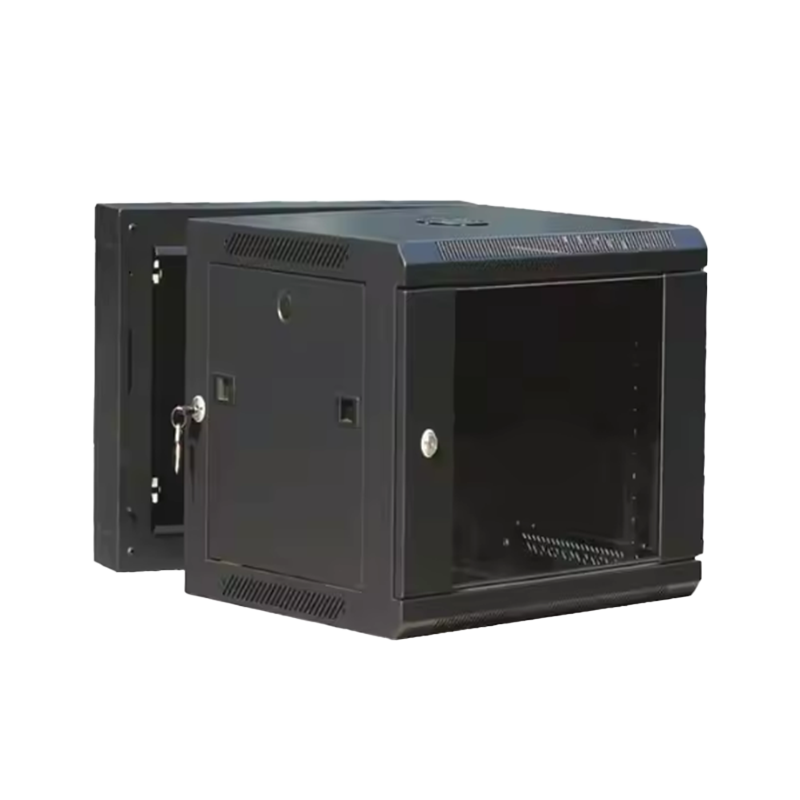
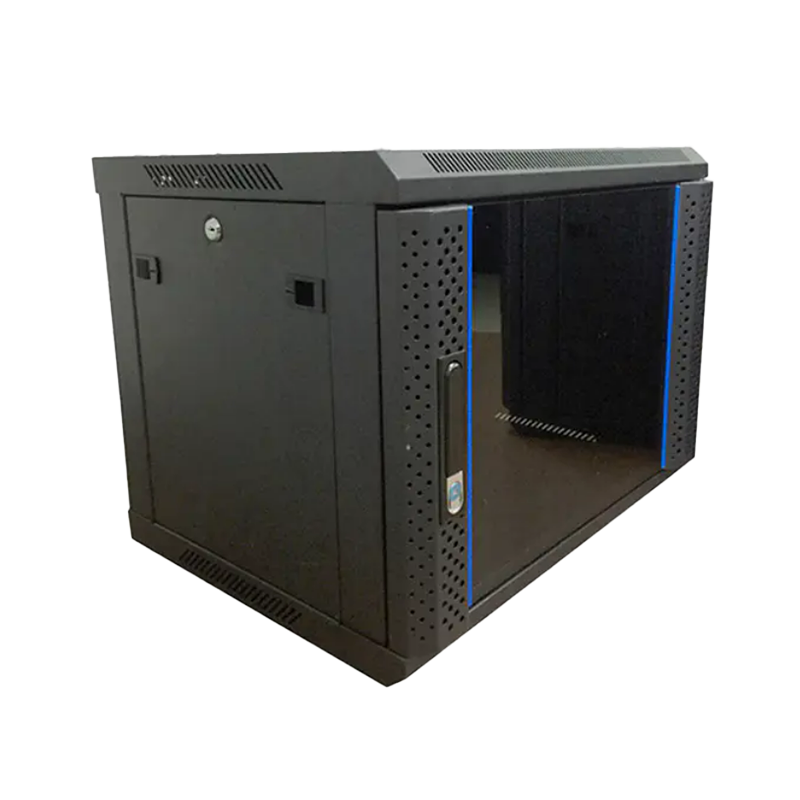
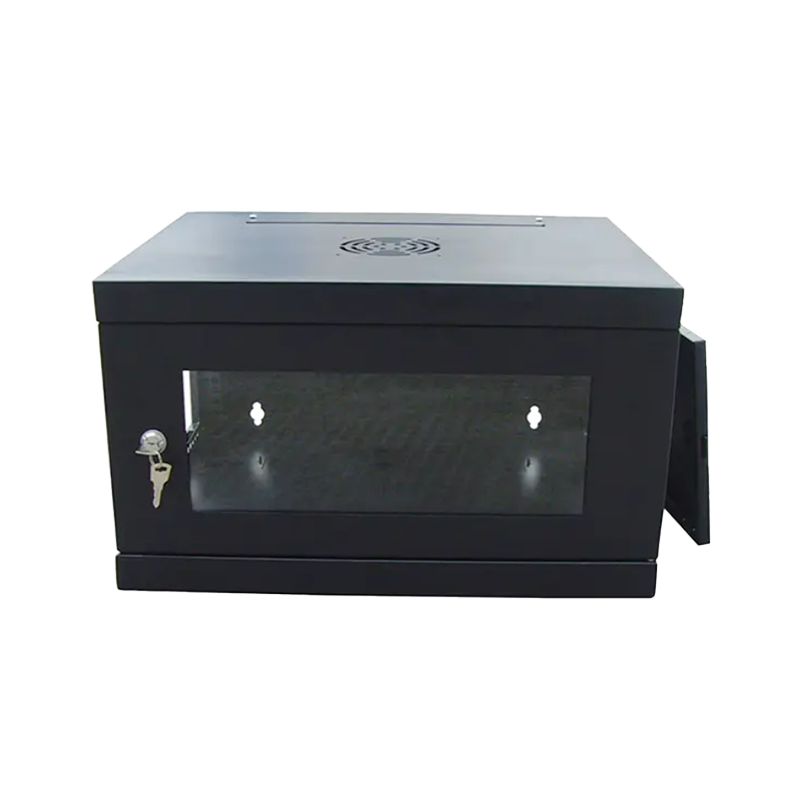
Edge facilities range in size from a lockable IT closet with a wall-mount cabinet to a prefabricated micro-module with a few racks, cooling, UPS, and monitoring. They often run unattended. That makes the cabinet, the PDU, the cable path, and the cooling strategy the real data center — not marbled lobbies or raised floors.
| Aspect | Traditional data center | Edge data center |
|---|---|---|
| Location | Centralized, remote from users | Close to users, devices, or physical sites |
| Footprint | Large halls with hundreds of racks | One to ten racks in cabinets or micro-modules |
| Typical latency | 50–100 ms round trip (illustrative) | Under 10 ms achievable (illustrative) |
| Staffing | 24/7 onsite team | Often unstaffed, remotely managed |
| Enclosure priority | Density and energy efficiency | Compactness, protection, and serviceability |
| Environmental tolerance | Climate-controlled building | Wide range; may be outdoor or semi-outdoor |
The latency gap is the reason edge exists. An illustrative comparison shows what the numbers look like in practice.
The short answer is data volume and real-time demand. IDC projected that global data creation would grow from 33 zettabytes in 2018 to 59 zettabytes in 2020 and roughly 175 zettabytes by 2025. Most of that data is generated outside traditional data centers — in vehicles, stores, factories, hospitals, and public infrastructure. Sending all of it to a central site is no longer physically or financially viable.
Gartner reached a similar conclusion from a different angle: by 2025, 75% of enterprise-generated data would be created and processed outside a traditional centralized data center or cloud. PwC’s analysis of the coming edge boom highlighted the same tension, pointing to a 64 zettabyte data gap between the data organizations generate and the data they actually analyze or act on. The business logic of edge is to capture value from data close to the source, before it becomes cost or risk.
Three forces accelerate the shift. 5G and private wireless lower the cost of connecting sensors and machines. AI workloads — particularly inference — need consistent low latency that a distant cloud cannot guarantee. And regulation or corporate policy often requires that certain data stay within a region or on-site. Each of these forces pushes toward the same architectural answer: small, hardened, well-connected facilities distributed across the territory.
Edge sites are small, but they are not simple. The choice of enclosure — the cabinet, rack layout, power path, airflow, and locking — sets the limit for every other system. A practical rule we use when reviewing edge designs: estimate the real heat load, add a 25% safety margin, and keep the cabinet away from windows, heat sources, and unsecured access points.
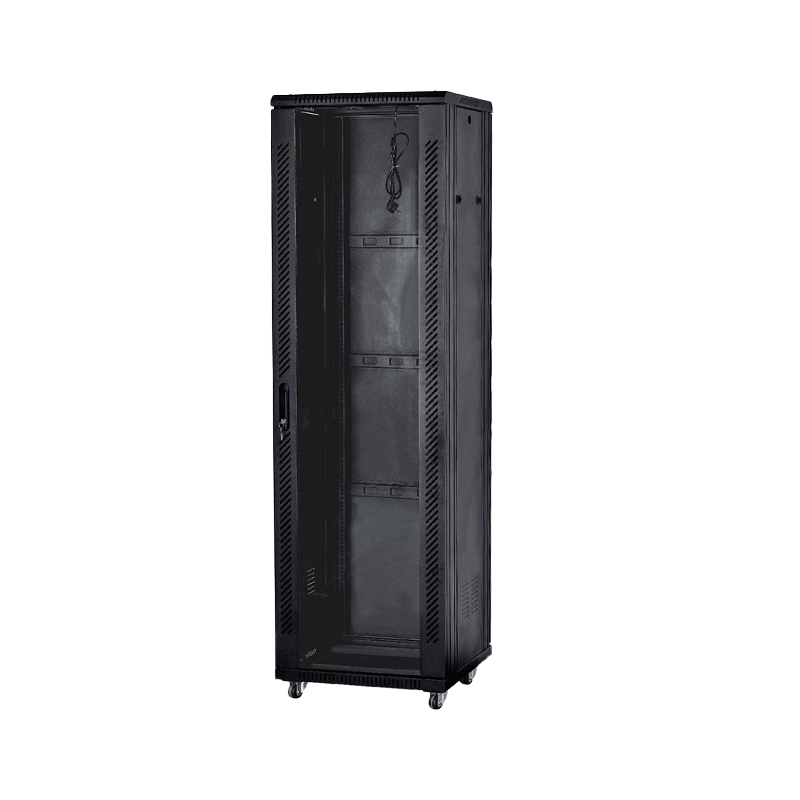
Start with the workload, then choose the cabinet height. Many edge rooms only need a 12U to 24U enclosure for switches, routers, a small server stack, and a patch panel. Others aggregate several locations and need 42U of capacity for compute and storage. For most edge deployments we recommend a freestanding cabinet with adjustable 19-inch rails, a vented or glass door, brush or blanking panels for airflow control, and an integrated cable path. A 42U freestanding network cabinet can serve as the entire physical infrastructure of a small edge room.
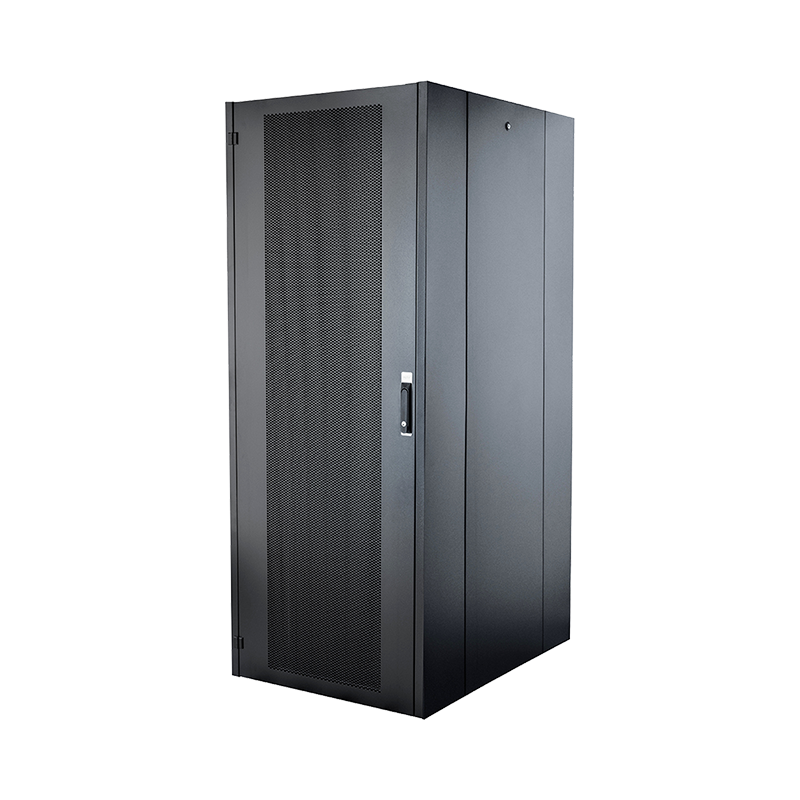 42U Freestanding Network Cabinet with Vented or Glass DoorThis full-height rack supports dense edge deployments, with adjustable 19-inch rails and airflow features to keep switches and servers cool in compact rooms.View Product →
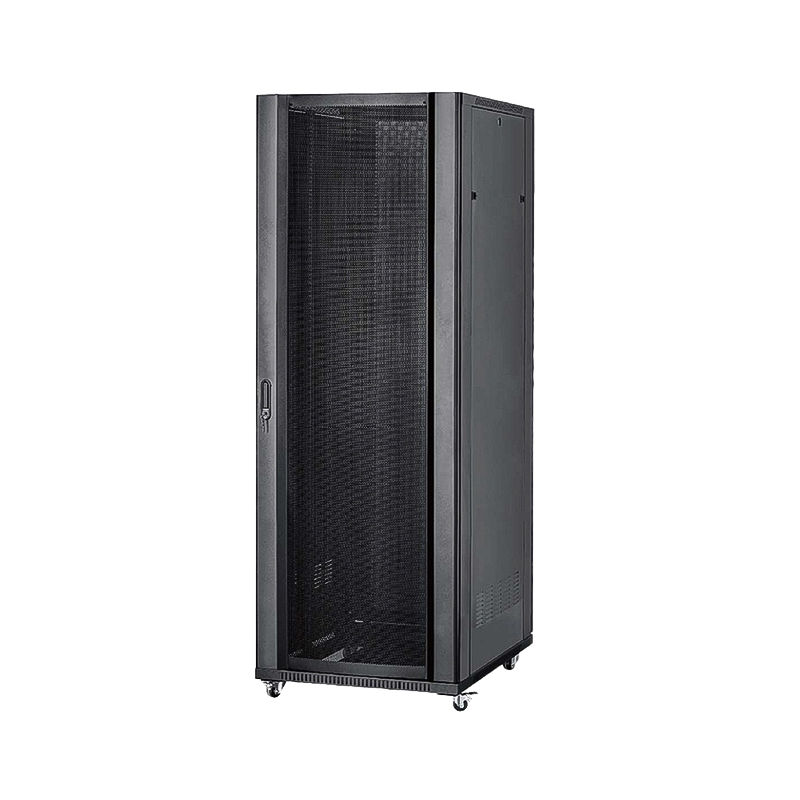
Heat is the most common silent killer of edge equipment. A compact cabinet with poor venting can push intake temperatures past the safe range within minutes. That is why perforated doors, top-mounted fan units, blanking panels, and rack-level thermal management all matter; we explain the mechanisms in detail in this guide to airflow management inside network cabinets. For heavier compute nodes, a high-loading cabinet with reinforced frames and soundproofing keeps the structure stable when the rack is partially loaded — the ARC-series high-loading server cabinet is designed for exactly this situation.
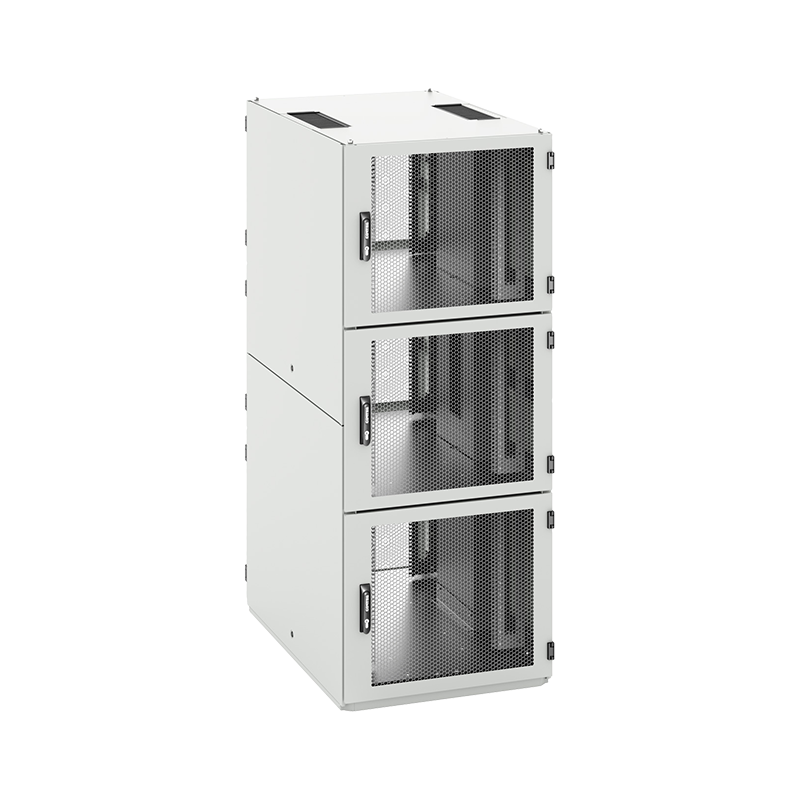
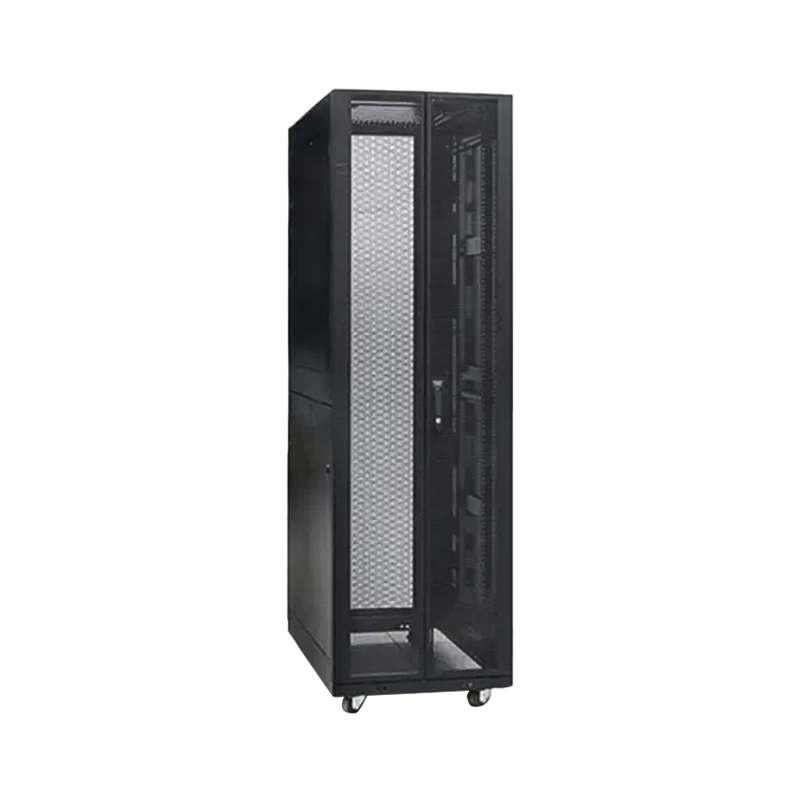 ARC-Series High-Loading Server Cabinet with Segmented Side DoorsReinforced frames and soundproofing handle heavy compute loads, while split side panels allow independent upper and lower access for faster maintenance.View Product →
Not every edge site has a computer room. Many live in substations, cell towers, factory yards, gas stations, and urban curbs. For these, the enclosure is the data center: it must resist rain, dust, salt air, solar heat, and tampering while keeping electronics inside their operating envelope. Outdoor network cabinets combine weatherproof shells, thermal management, power distribution, and physical security in one structure. An all-in-one outdoor energy-storage cabinet extends the same concept to sites that also need battery capacity and solar integration.
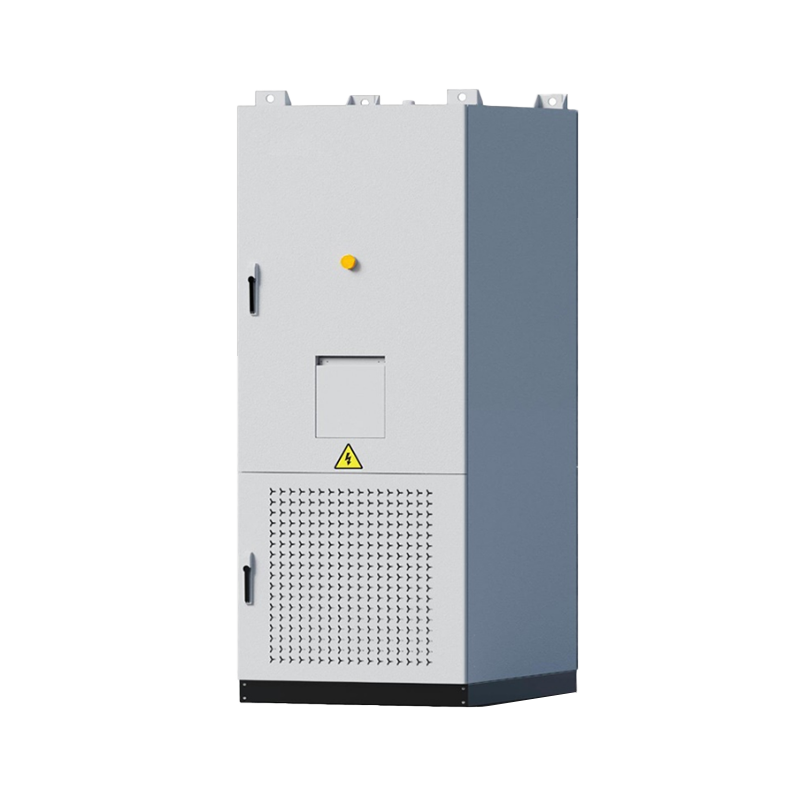 All-in-One Outdoor Energy Storage Cabinet with Battery and BMSIntegrates battery pack, controller, BMS, EMS, and PCS in one weatherproof unit with liquid cooling and fire suppression for remote or outdoor sites.View Product →
If a site might be exposed to weather, do not plan to retrofit later. Sealed cable entries, the correct ingress protection rating, condensation management, and shading or active cooling must be specified before purchase.
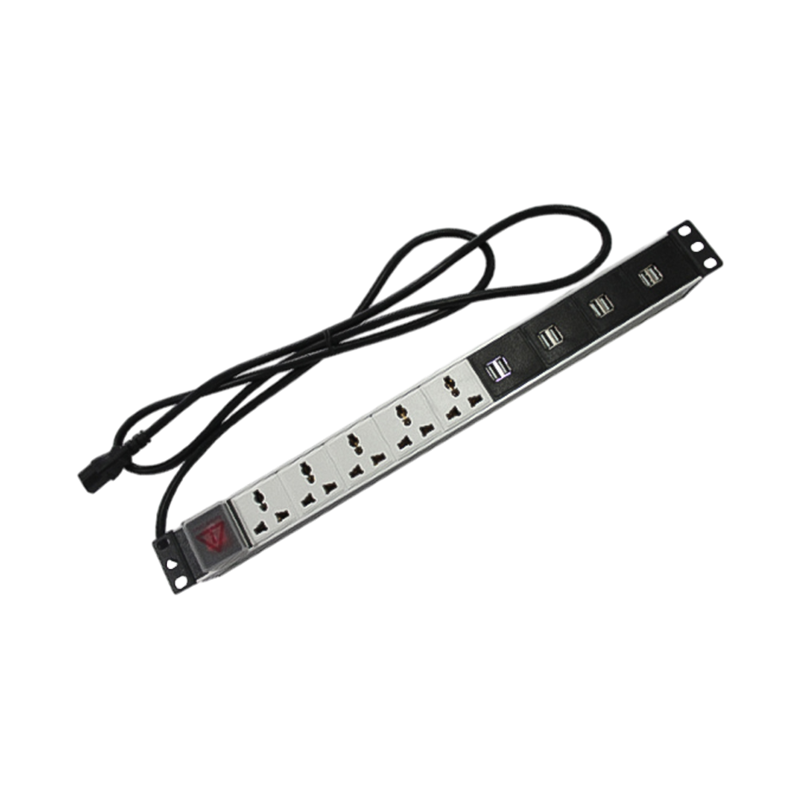
At the edge, power distribution is part of the wiring, not a separate project. Vertical PDUs mounted inside the cabinet keep power close to the devices and free up rack space. Cable managers, brush grommets, and 19-inch shelves keep copper and fiber organized so a technician can swap a unit without pulling the whole rack. Budget for both power and data paths: a typical edge cabinet combines rear cable trays, side ducts, and front brush panels to separate power from data runs.
Conclusion: if you cannot open the door and identify every cable and outlet in under two minutes, the site is not ready. Design the cabling before the cabinet arrives.
Not every workload belongs at the edge. The decision balances six attributes: latency, bandwidth efficiency, data sovereignty, operational control, scalability, and ease of operations. The radar below is an illustrative comparison of deployment models.
Use the radar as a discussion tool: real-time control and large local data flows favor edge; highly elastic, bursty workloads still belong in a central cloud; regional data centers remain a middle path for compliance-sensitive workloads that need moderate latency.
A well-designed edge enclosure is more than a metal box. The labeled diagram shows the elements that keep a compact edge rack alive.
Plan in six steps, and let the site constraints drive the hardware. The sequence that works in practice is:
As a network cabinet manufacturer with an internal design team and OEM/ODM capability, we recommend treating the first site as a prototype. Measure it during a hot week and a cold week, review the cable paths, and only then replicate. A standardized enclosure template — the same rails, the same PDU, the same locking — reduces spare parts, training, and recovery time across the whole edge fleet.
An edge data center is a small computing facility placed close to end users and connected devices. It stores and processes data locally to reduce latency and network load, rather than sending everything to a distant cloud or core data center.
Cloud computing centralizes compute and storage in large remote facilities, while edge computing processes data near the source. Edge reduces round-trip latency and bandwidth use and keeps sensitive data local; cloud offers massive elasticity and centralized management.
Physical distance adds delay. Because edge facilities sit within a few dozen kilometers of users — sometimes on the same site — round-trip times can drop from 50–100 ms to under 10 ms, which matters for real-time control, AI inference, and interactive services.
A typical edge node includes servers, network switches, a network or server cabinet, PDUs and UPS power, thermal management, cable management, and remote monitoring. A 12U to 47U enclosure is often enough for a single site.
Costs vary widely by capacity and site. Small edge enclosures with integrated power and cooling can be deployed at a fraction of a traditional data center build; the main cost drivers are real estate, power, connectivity, security, and the enclosure system.
Cabinets protect equipment from dust, moisture, tampering, and heat. Good cabinet design supports airflow, cable organization, and maintenance access, all of which directly affect uptime — especially at unattended edge locations.

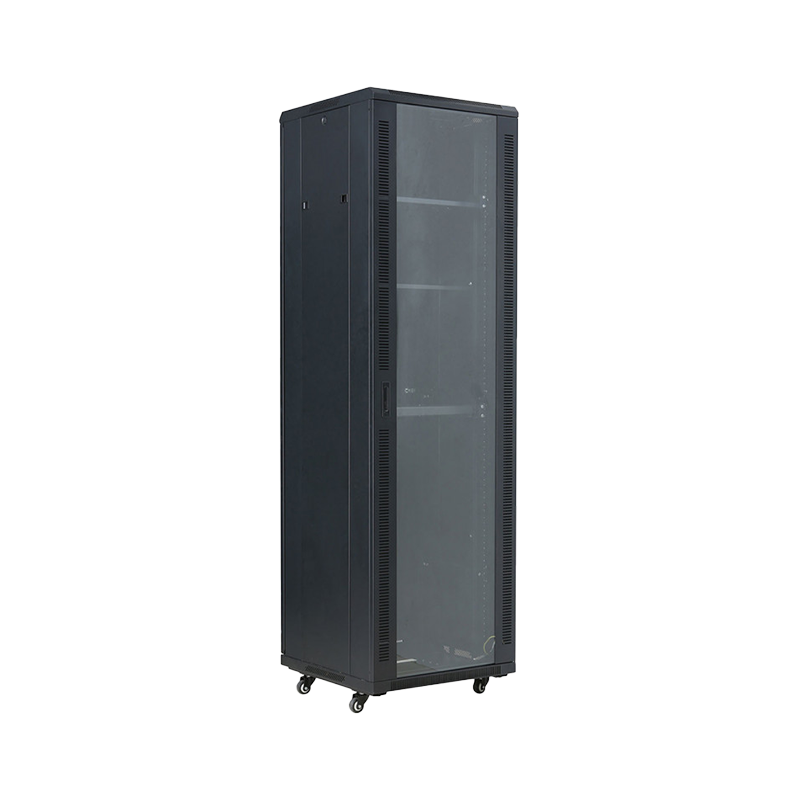


We are a company mainly engaged in the manufacturing of network cabinet , charging cart and other infrastructures.
Product Classification
Address
No.12 Fushan Road,Guanhaiwei Town,Cixi City,Ningbo,Zhejiang,China
PHONE
+86-17857397994