English
 عربى
عربى
 Español
 русский

News
Home / News / Industry News / Server Rack Air Conditioning: Cooling Methods, CFM Guide & Best Practices
It is a familiar scene for IT administrators: a 42U rack near the corner of a server room runs fine for most of the year, then starts throwing temperature warnings in summer. The room thermostat says 22°C, but the air entering the switches is above 30°C. The problem is not the room cooling capacity — it is rack-level air conditioning, or the lack of it.
Server rack air conditioning means managing heat at the cabinet level: delivering enough cool air to the front of the rack, removing hot exhaust from the back, and choosing hardware that supports that airflow. This guide covers the heat loads you can expect, how to calculate cooling and airflow requirements, and which rack components actually improve thermal performance.
Content
Rack inlet temperature is not the same as room temperature. ASHRAE Technical Committee 9.9 recommends keeping IT equipment inlet air between 18°C and 27°C (64.4-80.6°F). When racks lack airflow management, hot exhaust can recirculate over the top and around the sides of cabinets, pushing intake temperatures well above the room average.
Two facts explain why cabinet-level cooling matters:
So a rack can look fine on the room thermostat while already developing hotspots near the top of the cabinet. Planned cooling at the rack level is what keeps those hotspots from becoming failures.
The starting point is heat load. Nearly all of the electrical power a server or switch draws is converted to heat, so you can estimate rack heat output by summing the power consumption of every installed device.
Typical heat output by device type; representative full-load values for common rack equipment.
Once you have the total kilowatt figure, two conversions are useful:
| Rack load | Heat output (BTU/hr) | Approx. airflow needed (CFM) |
|---|---|---|
| 2 kW | 6,826 | 320 |
| 4 kW | 13,652 | 640 |
| 6 kW | 20,478 | 960 |
| 8 kW | 27,304 | 1,280 |
| 10 kW | 34,130 | 1,600 |
Example: a rack with eight 500 W servers draws 4 kW. That is roughly 13,650 BTU/hr of heat. At the standard 11°C delta, the rack needs about 640 CFM of airflow. If the room supply provides only half that, inlet temperatures will climb steadily.
Nameplate ratings are worst-case values, and measured loads are often 10-30% lower. Even so, size airflow for the realistic peak load, because cooling problems always appear when the load is highest.
Before adding fans or special cooling units, fix the basics. Nearly all rack-mount equipment is designed for front-to-back airflow: cool air enters from the front and warm air exits from the rear. Anything that breaks that path — a glass door blocking the intake, a rear panel against the wall, or open U-spaces that let hot air recirculate — reduces cooling effectiveness.
Front-to-back airflow: cool supply enters the perforated door; equipment exhaust exits toward the rear.
Practical steps that improve rack-level airflow:
Recirculation is the main reason rack intake temperatures exceed room temperature. In a room that reads 22°C on the thermostat, an unmanaged rack can pull air at 28-30°C into its top bays. Poor airflow mixing can waste 20-30% of available cooling capacity, a figure often cited in data center efficiency assessments. For a deeper look at how airflow and cabinet design interact, see how airflow management in network cabinets prevents overheating of IT equipment.
Cabinet doors also play a direct role in cooling. A solid front door with a large glass pane leaves almost no open area for air to enter, so the cabinet becomes a dead zone. Perforated doors, or doors designed specifically for ventilation, are the better choice for racks carrying active switches and servers. High-ventilation doors maintain security while letting cold air actually reach the equipment:
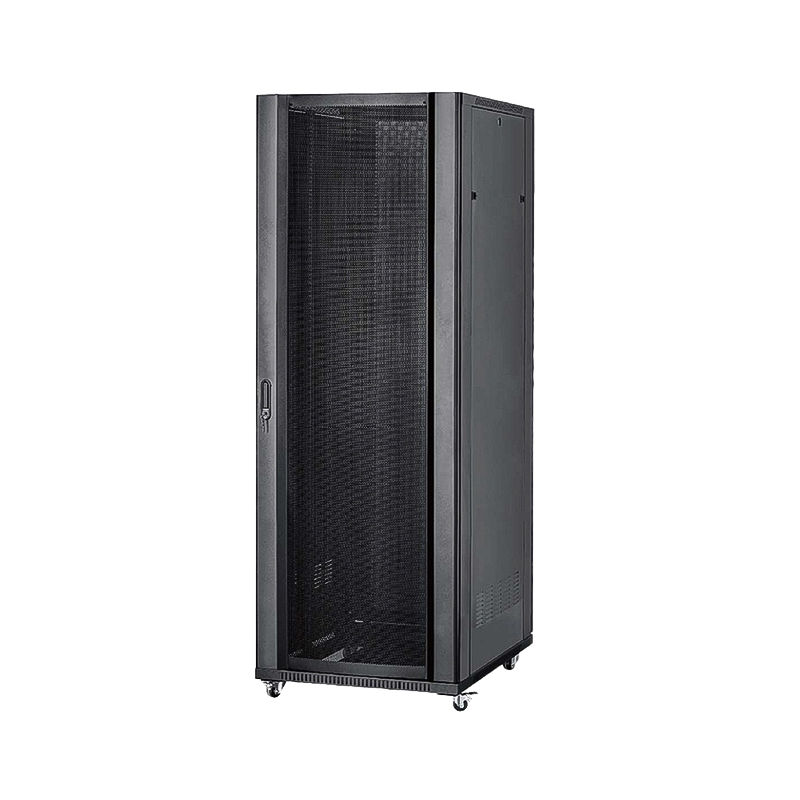 Vented front door for heavy-duty soundproof server cabinetThis vented door provides airflow while maintaining security, addressing the cooling needs of active switches and servers. It supports roughly 1000 kg, offers optional curved frames, and fits standard 19-inch racks.View Product →
For cabinets that sit in warm spots or hold dense equipment, a rack fan unit is a low-cost, effective addition. A 1U or 2U fan panel mounts directly in the rack and either pulls hot air out of the rear or pushes cool air into the front. The most useful versions include a thermostat switch, so the fans run only when the internal temperature crosses a set point. That saves energy and keeps noise down compared with continuous fan operation.
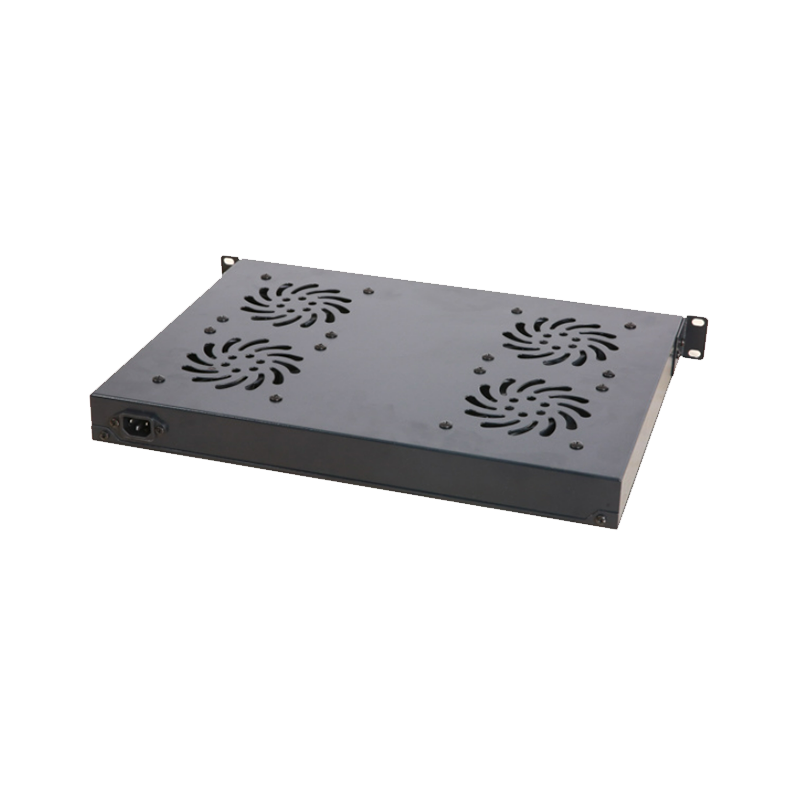 Thermostat-controlled rack fan unit for server cabinetsA low-cost cooling add-on for warm racks, this fan panel mounts in a 1U or 2U space and runs only when internal temperature exceeds a set point, saving energy and reducing noise.View Product →
Closed cabinets and wall-mounted enclosures may need even simpler circulation aids. A cabinet cooling fan can be mounted in the side or top panels to improve internal air movement in spaces where natural convection is weak. It is a practical option for wall-mounted cabinets in corridors, shops, and small offices where a full precision cooling system is not justified.
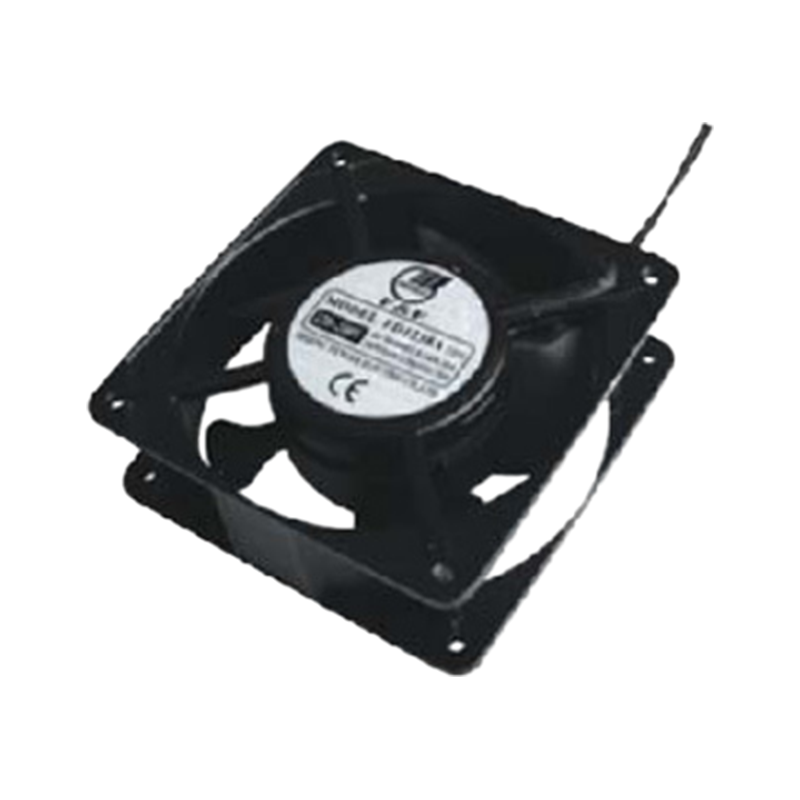 Compact intelligent cooling fan for network cabinetsThis fan mounts in side or top panels to improve air circulation where natural convection is weak. It adjusts speed based on device temperature, operates quietly, and suits wall-mounted cabinets.View Product →
In more demanding cases, in-row coolers, rear-door heat exchangers, and self-contained air-conditioned racks are available. These become necessary when a single rack reaches roughly 10 kW or more and the room cannot supply sufficient conditioned air. For most server rooms and network closets, however, the combination of clean airflow patterns, vented doors, and thermostat-controlled fans delivers reliable rack cooling at a fraction of the cost. Remember that any additional cooling hardware is only effective if the room itself can reject the total heat load: the rack depends on the room, and the room depends on the air conditioning system.
The most meaningful reading for a server rack is the inlet temperature of the equipment, not the room average. Place a temperature sensor at the front of the rack, around mid-height, and log it for a few weeks. You will see how temperature changes with workload and room cooling cycles, and you can use that data to set fan thresholds.
Relative failure rate rises as rack inlet temperature climbs above the recommended range.
Even a small rise in inlet temperature adds stress to components, which is why keeping racks inside the ASHRAE recommended band is a practical reliability plan. Common mistakes to avoid:
There is also an energy argument for running racks near the upper end of the recommended range. Each degree of overcooling typically raises cooling energy consumption by about 2-4%, because the air conditioning system works harder to keep the space colder than needed. Proper ventilation and heat dissipation practices complement the rack-level measures described above.
ASHRAE recommends keeping rack inlet air between 18°C and 27°C. Most IT equipment runs reliably in this range; 22-25°C is a practical target for balancing safety and energy cost.
As a rule of thumb, about 160 CFM per kilowatt of heat load with an 11°C temperature difference. A 4 kW rack therefore needs roughly 640 CFM across the front intake.
It is a rack-mount fan panel that moves hot air out of the cabinet or cool air into it. Thermostat control activates the fans only when a temperature set point is exceeded, saving energy and reducing continuous fan noise.
It is not mandatory for a single rack, but aligning racks front-to-front and rear-to-rear prevents hot exhaust from recirculating into intakes. Full containment noticeably reduces cooling energy in larger rooms.
Small closets may get away with a mini-split or portable unit, but window air conditioners lack precise humidity and temperature control and usually cannot distribute air evenly across rack fronts. Dedicated cooling is recommended for continuous IT loads.
Blanking panels block airflow recirculation through empty U-spaces. Without them, cold air bypasses equipment intakes and hot air loops back into the rack, so temperatures rise even when the room is cool.
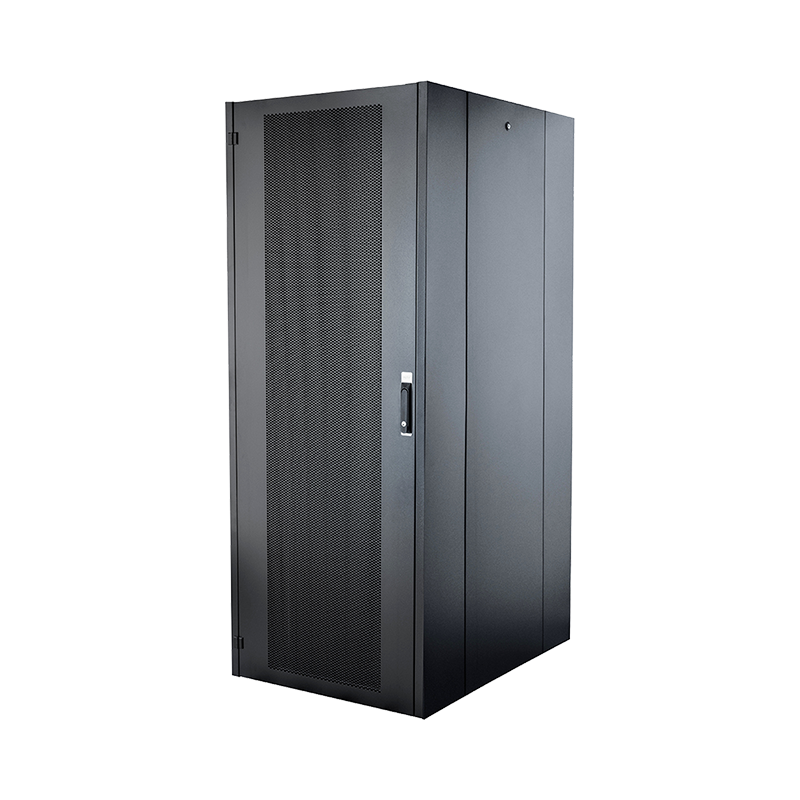


We are a company mainly engaged in the manufacturing of network cabinet , charging cart and other infrastructures.
Product Classification
Address
No.12 Fushan Road,Guanhaiwei Town,Cixi City,Ningbo,Zhejiang,China
PHONE
+86-17857397994