English
 عربى
عربى
 Español
 русский

News
Home / News / Industry News / What Is the Purpose of a Patch Panel? A Practical Guide for Network Racks
A rack where forty Cat6 cables run straight from wall outlets into a switch looks tidy for about a week. Six months later a desk moves, nobody can say which cable feeds which outlet, and tracing one failed link means unplugging live connections until something visibly breaks.
What it does is freeze the expensive part of the network, the cable inside walls, ceilings, and conduit, and turn every routine change into a two-minute job at the front of the rack.
Content
A structured cabling system is built in layers, and the patch panel is the boundary between two of them. The horizontal cable that leaves each wall outlet and arrives in the telecom room is a permanent link. It is pulled once, terminated once, tested once, and then it should never be disturbed again. The rear of the patch panel is where that cable lands.
On the front, a short patch cord connects each port to the switch. When a desk moves from port 7 to port 19, nothing inside the wall changes. Two cords get swapped, one label gets updated, and the job is finished with the original test result intact.
Standards give this arrangement its limits. Under TIA-568 and ISO/IEC 11801, a copper channel is capped at 100 m end to end, and the horizontal permanent link may account for no more than 90 m of it. The remaining 10 m is the allowance for patch cords at both ends.
That allowance is why the panel belongs in the telecom room, close to the switches. Every extra meter of cord eats into a budget the installed cable has usually already claimed.
The difference shows up the moment something changes. The table below compares a workstation link run straight to a switch with the same link terminated on a panel.
| Task | Direct to switch | Through a patch panel |
|---|---|---|
| Adding or moving a desk | New run or re-termination at the outlet | Swap one patch cord at the rack |
| Tracing a fault | Unplug live cables to see what happens | Test the permanent link from a known port |
| Wear on equipment | Switch connectors take every insertion | Panel ports absorb the changes |
| Documentation | Switch port list only | Both ends labeled to a written record |
| Growth | Every new outlet reaches the switch | Spare panel ports remain available |
Three expectations come up in almost every project meeting, and all three are wrong.
That last point bites when a Cat5e panel is squeezed into a Cat6A channel: the cable and the switch may both support 10GBASE-T, but the panel caps the whole run at the lower category.
A 24-port copper panel occupies 1U, and it is rarely alone. A working layout alternates panels with horizontal cable managers, puts a brush or blank panel where overhead cable enters, and keeps vertical managers at the sides of the rack so cords never cross the front of active equipment.
Bend radius is the quiet constraint. Unshielded twisted-pair cable is normally installed with a minimum bend radius of roughly four times its diameter, and tight zip ties flatten pairs, distort impedance, and produce return-loss failures that only show up under test. The same principle applies to compact installations, as described in this guide to cable management in wall-mounted network cabinets.
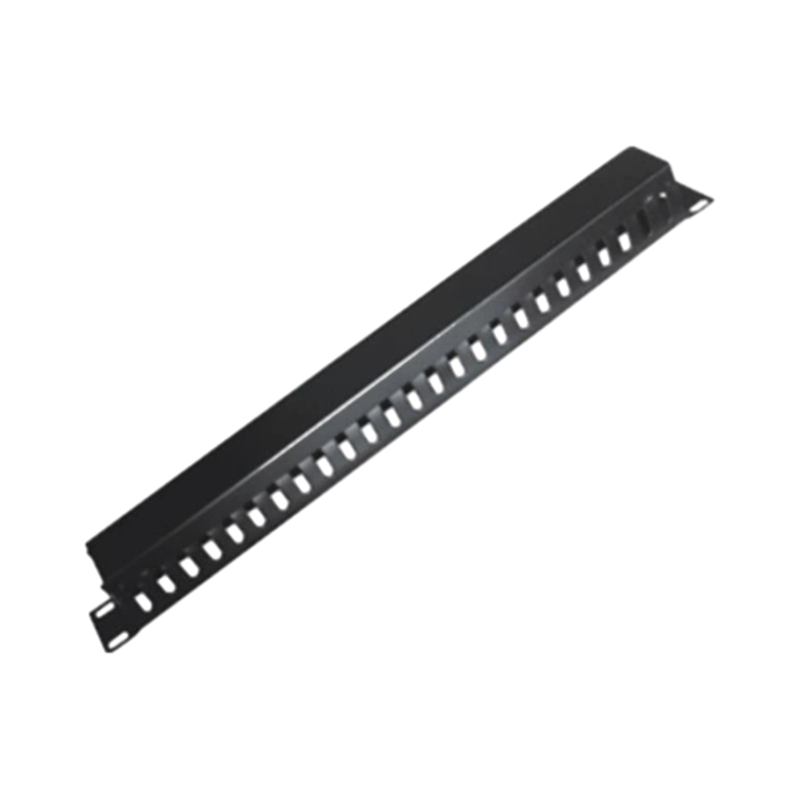 19" Server rack used cable organizerOur cabinet cable management systems are recognized for innovation in the industry. We consistently invest in research and development to ensure our products incorpora...View Product →
Hook-and-loop straps and dedicated managers solve the problem at low cost, which is why installers usually order management hardware together with the panel. A 1U horizontal organizer with five rings is enough to dress cords for two adjacent 24-port panels.
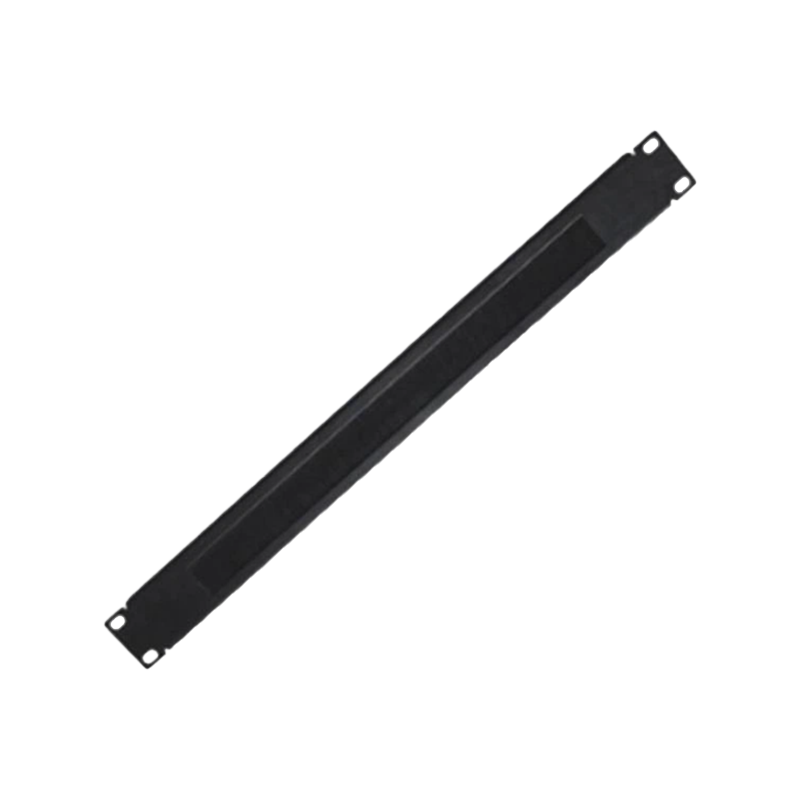 19" Installed panel for cabinet with brushUsage: Network cabinet accessories Certification: CE, RoHS, GS Material: Cold rolled steel Trademark: TNE, OEM, ODM Specification: CE, RoHS HS Code:8517709000 Conditio...View Product →
Where cable enters from above, a brush strip keeps dust out, relieves strain on the terminations, and lets cords be added later without cutting a new opening.
Three decisions determine whether the panel still does its job ten years from now.
Terminate every horizontal cable, not only the ones in use today. Empty ports cost almost nothing, while a second panel added later means re-terminating under time pressure. Most projects hand over with 20 to 30 percent of ports unused.
Punch-down panels using 110 or Krone contacts remain the standard for permanent terminations because the connection is gas-tight and rarely disturbed. Feed-through and coupler panels install faster and re-purpose more easily, at a higher cost per port. Either way, match the category and shielding of the cable behind it.
Unit count is the easy part; depth and cable room are not. A 48-port panel with heavy Cat6A cable needs more space behind the rail than a 24-port Cat5e panel, and deep cabinets are easier to dress than shallow wall boxes.
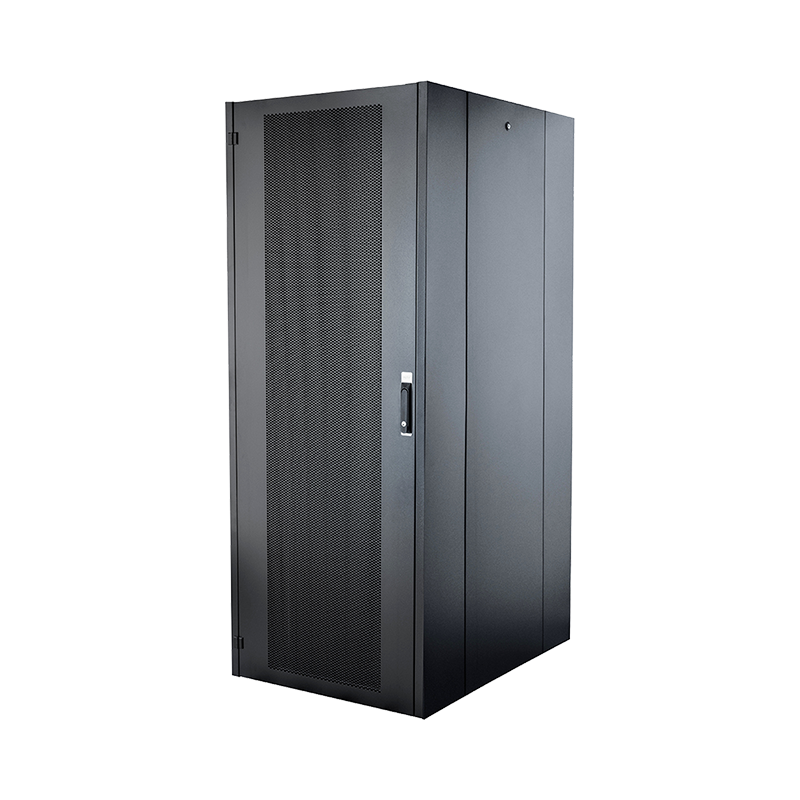 42U free standing network cabinet1. Vertical Space Utilization:The upright structure optimizes vertical space, making it suitable for limited areas and equipment density. 2. Flexible Installation Opti...View Product →
Where the budget is tight, spend it on rack accessories first. Managers, shelves, and blanking panels do more for long-term reliability than a larger panel with no way to dress the cable behind it.
A patch panel earns its place the first time a desk moves, a switch is replaced, or a fault has to be traced without guesswork. Match the panel to the cable category behind it, keep spare ports, label both ends of every link, and invest in the managers that keep cords dressed. Do that, and the panel stops being a box of jacks and becomes what it was always meant to be: the control point for the whole cabling system.

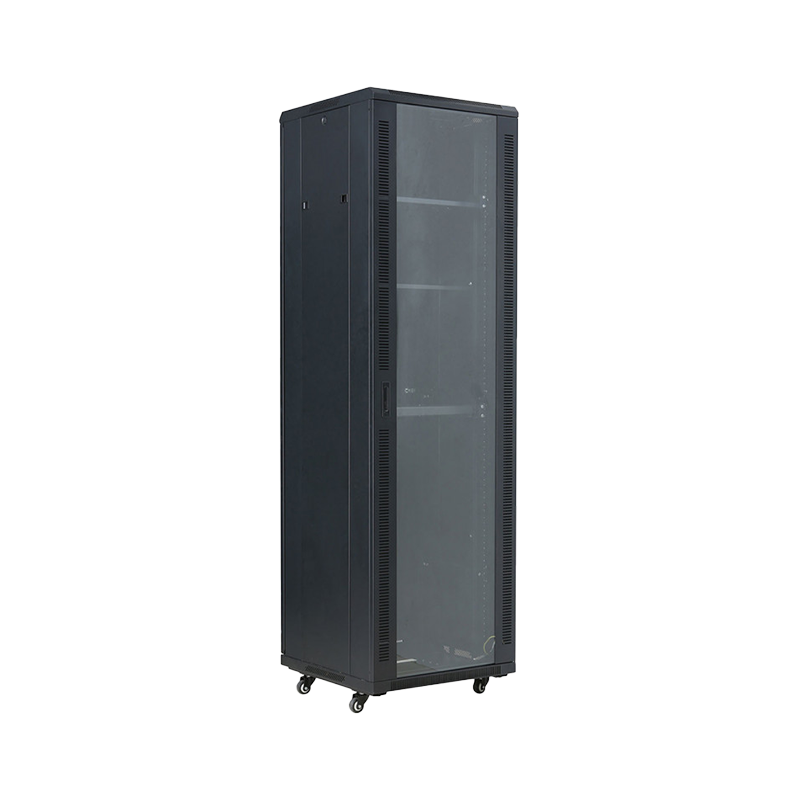

We are a company mainly engaged in the manufacturing of network cabinet , charging cart and other infrastructures.
Product Classification
Address
No.12 Fushan Road,Guanhaiwei Town,Cixi City,Ningbo,Zhejiang,China
PHONE
+86-17857397994