English
 عربى
عربى
 Español
 русский

News
Home / News / Industry News / What Is a Rack Mount Server? Rack Units, Depth and Cabinet Sizing Guide
A rack mount server is a computer chassis built to slide into a standard 19-inch equipment rack and measured in rack units. That single design decision is why a compact server room can hold forty machines in the floor space a single tower PC would need.
Picture a 42U cabinet: a 2U database server on rails, a 1U firewall above it, a patch panel at the top. The server slides out like a drawer for a disk swap because the chassis, the rail kit and the cabinet all follow the same mounting standard.
If you are buying, the short answer is this. U height tells you how much cabinet space the server consumes. Chassis depth decides whether it physically fits. Airflow direction decides how the cabinet must be loaded and ventilated. Get any of the three wrong and the server arrives, but it will not install.
Content
A rack mount server is a server whose physical form is standardised for a 19-inch rack. The 19 inches (482.6 mm) is the width across the front mounting flanges; the chassis body behind them is narrower, usually about 450 mm, so it slides between the vertical rails. Mounting holes on the rails sit 465.1 mm apart, and the vertical hole pattern repeats every 1.75 inches — the same 44.45 mm that defines one rack unit.
The rack shapes the internals too. Redundant power supplies sit at the rear so they can be swapped without pulling the chassis out; hot-swap drive bays sit at the front for the same reason. A row of fans pushes air from the front panel to the back, which is why rack mount servers are installed with a cold aisle in front and a hot aisle behind. Expansion cards mount horizontally on a riser so full-height cards still fit inside a 2U chassis.
It is not a tower PC with brackets bolted on. Rack chassis need rails, cage nuts and slide rails, they cool front-to-back rather than side-to-side, and their redundant supplies are normally fed from two separate PDUs.
The diagram below shows the parts that decide whether a cabinet will actually accept the server.
One rack unit equals 1.75 inches, or 44.45 mm of vertical space. Every rack mount server is described by how many units it occupies, and that number drives everything else.
1U covers web servers, firewalls and thin application hosts: one or two sockets and low-profile expansion only. 2U is the practical workhorse — double the height means more drive bays, full-height cards and better airflow per watt. 3U and 4U exist for GPU, storage and virtualisation hosts that need full-length cards without risers.
The arithmetic looks simple until you plan a real cabinet. A 42U enclosure offers 42 x 44.45 mm = 1,866.9 mm of usable height. Take away two switches, a patch panel, a horizontal PDU, a cable bar and blanking panels, and you are planning with roughly 35U of server space. Leave 15-20% of the height empty for airflow and growth instead of filling the cabinet on day one.
Rack mount is the mainstream format, but not the only one. The table below compares the three common server form factors on the points that usually decide a purchase.
| Aspect | Rack mount server | Tower server | Blade server |
|---|---|---|---|
| Mounting | 19-inch rails, 1U to 4U | Freestanding chassis | Proprietary blade enclosure |
| Space efficiency | High | Low | Highest per compute node |
| Cooling path | Front-to-back, managed by the cabinet | Internal fans only | Shared enclosure fans |
| Expansion | Standard PCIe slots via riser cards | Full-height slots, easy access | Limited to blade-specific modules |
| Servicing | Hot-swap components on slide rails | Open the side panel | Slide out the blade module |
| Typical use | Data centres, colocation, growing racks | Small office, single server | Very high density compute |
In short: if the equipment shares a room, a power feed and a cooling system, rack mount is the format that fits.
Installation is where compatibility problems surface, usually after delivery. The sequence below is the one that avoids them.
Two numbers decide whether step three works: the cabinet's adjustable mounting depth and the rail kit's length range. A cabinet whose posts cannot reach the server's rail span will not accept the chassis, however many U are free. That is also why a 600 mm deep enclosure is usually the wrong home for a 700-800 mm deep server. If you are still planning, this guide to choosing the right network cabinet size works through the height and depth calculation step by step.
A populated rack lives or dies on airflow. Rack mount servers pull cold air through the front bezel and push warm air out of the rear, so the cabinet has to give that air a clear path in and a clear path out.
ASHRAE's TC 9.9 guidance puts the recommended inlet window for Class A1 equipment at roughly 18-27 °C. Air entering the front of the servers above that range shortens component life and can affect support agreements, so the number that matters is inlet temperature, not room temperature.
Blanking panels are the cheapest airflow fix available. An empty U slot without a panel becomes a short circuit: cold air escapes into the hot aisle without ever passing a component. Perforated or mesh doors on both faces lower the pressure drop, and a thermostat-controlled fan unit helps where heat-sensitive equipment shares the rack.
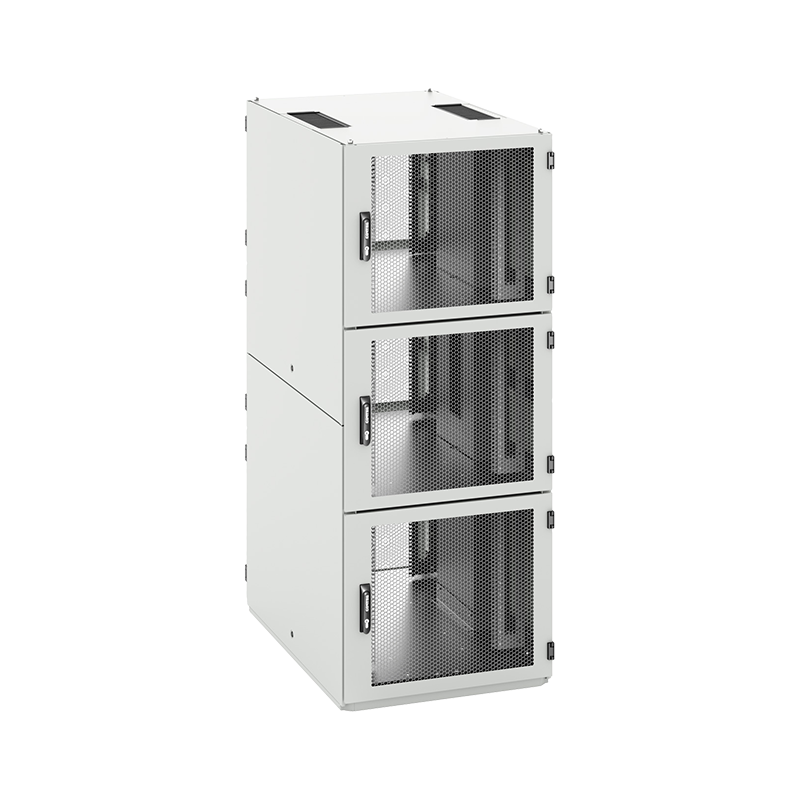
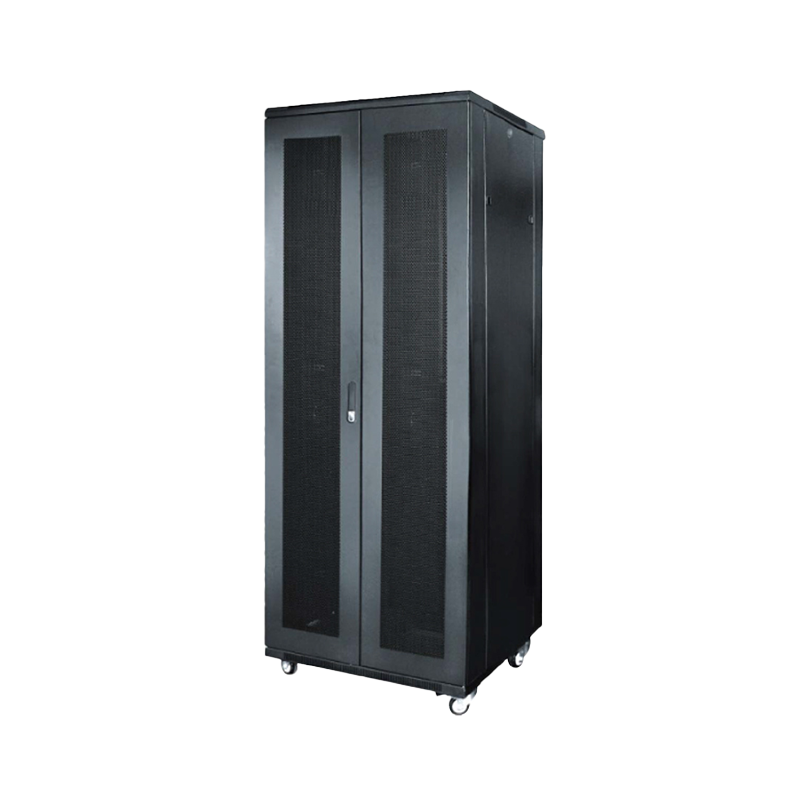
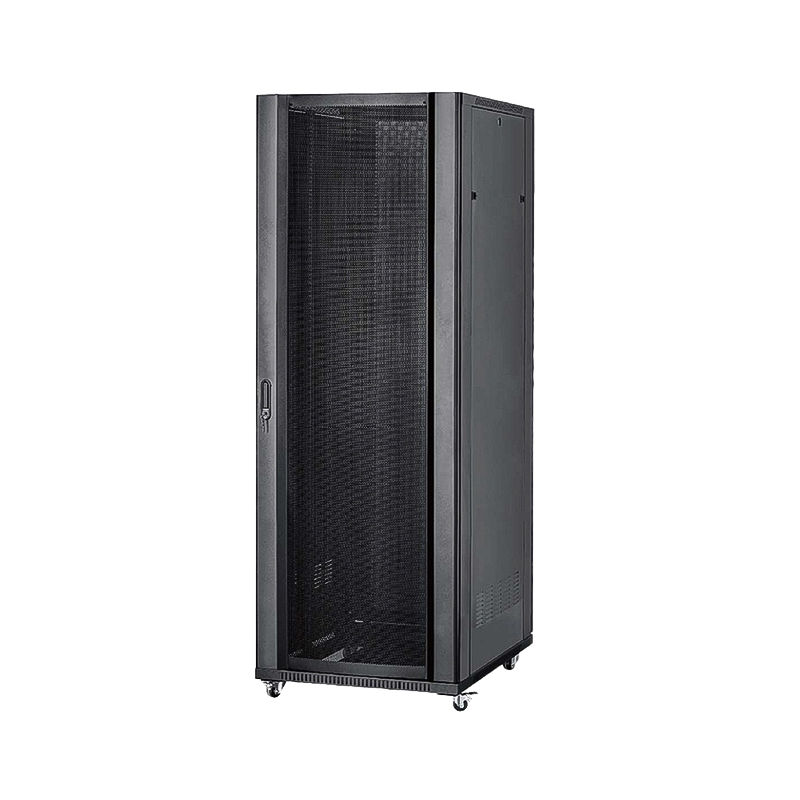
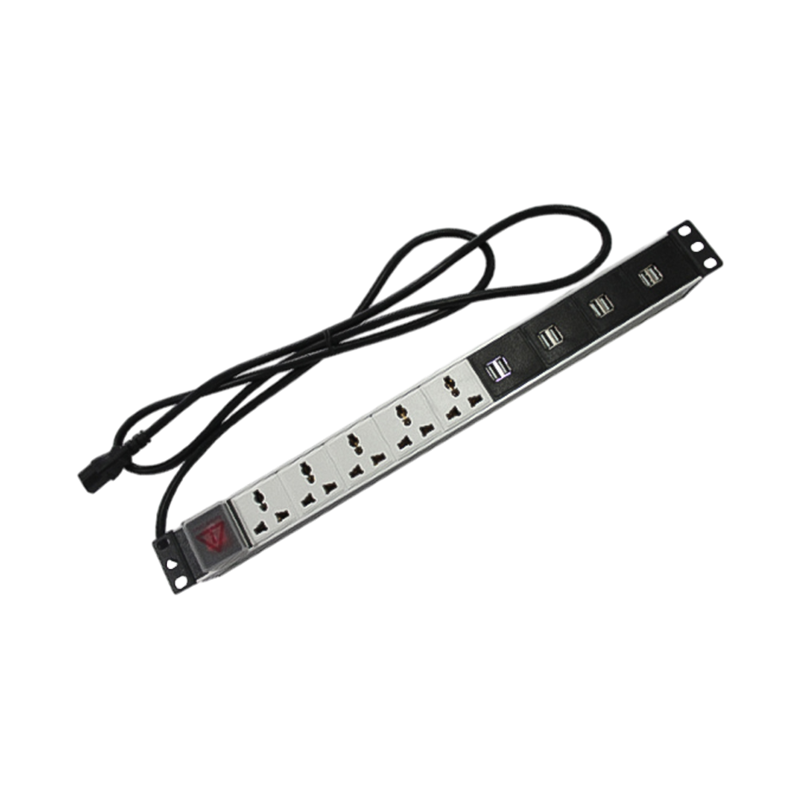
Power follows the same logic. A 1U server and a 4U GPU chassis can differ in draw by a factor of five or more, so size circuits from the nameplate rating and feed redundant supplies from separate PDUs. Heavier builds also load the cabinet structure itself; a high-loading server cabinet with reinforced posts and a vented door is designed to carry that weight while still moving air.
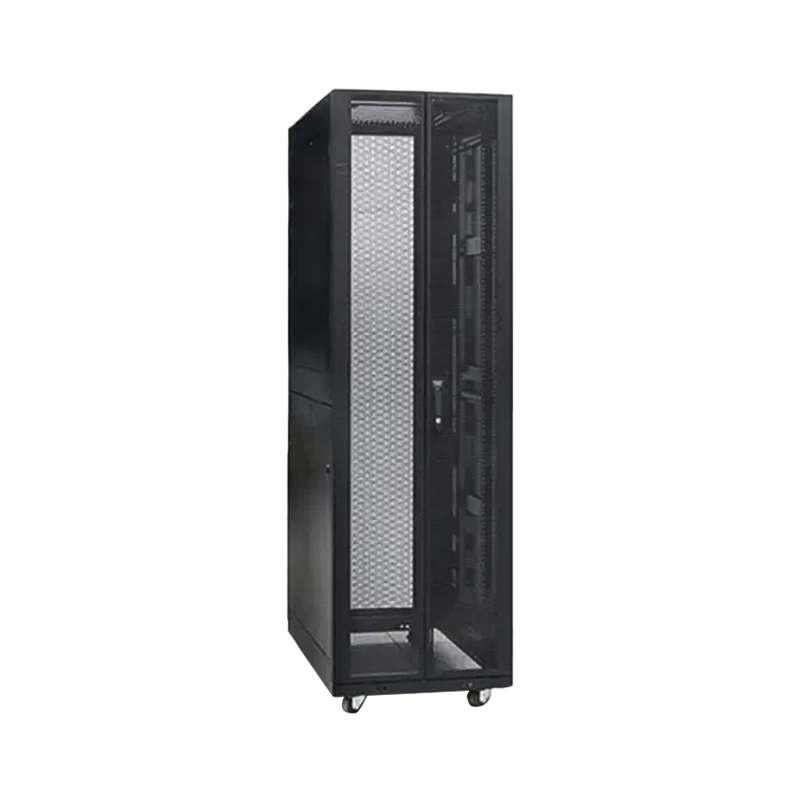 ARC model high loading server cabinetInnovative Server Cabinet with Multiple Features: 1.Enhanced Accessibility for Maintenance:This server cabinet features an innovative design with segmented side door p...View Product →
Once the servers are known, choosing the enclosure becomes a checklist rather than a guess.
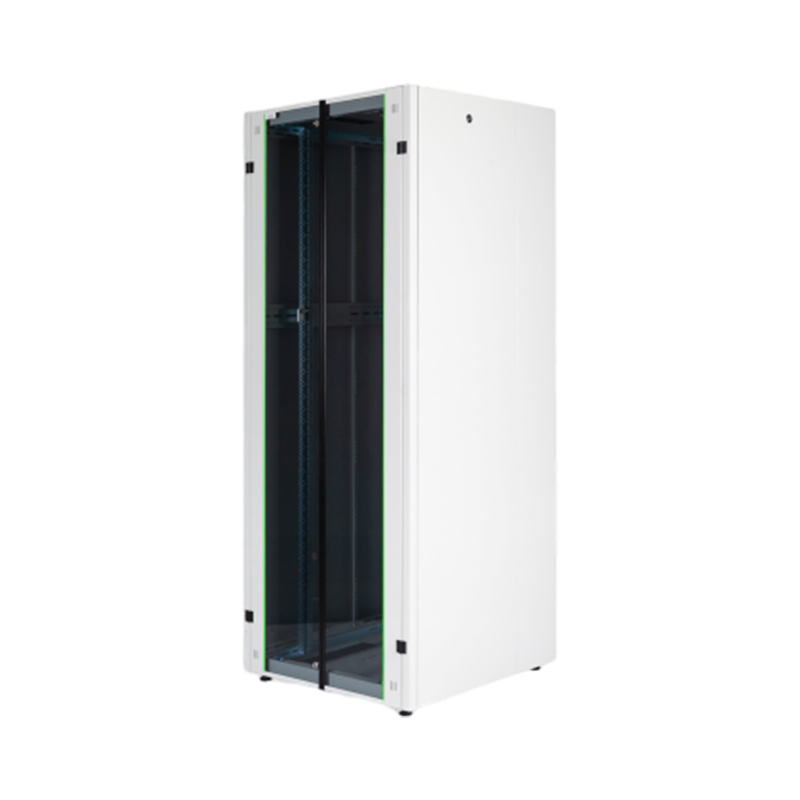
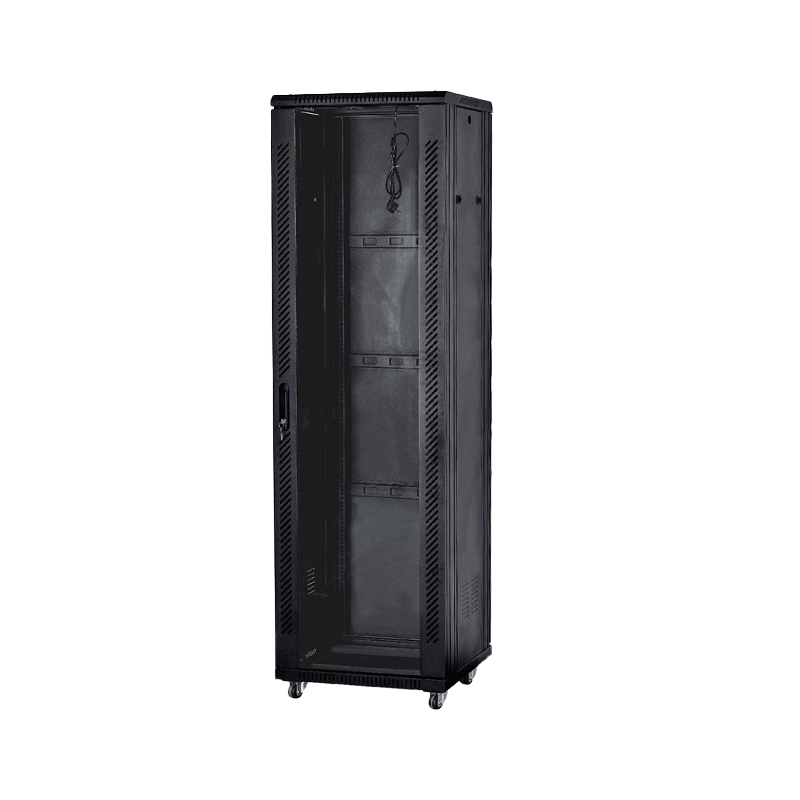
A 42U free standing network cabinet is the usual starting point for a mixed server and network room, because it leaves space for servers, switching, patch panels and vertical PDUs in one footprint with access from both the front and the rear.
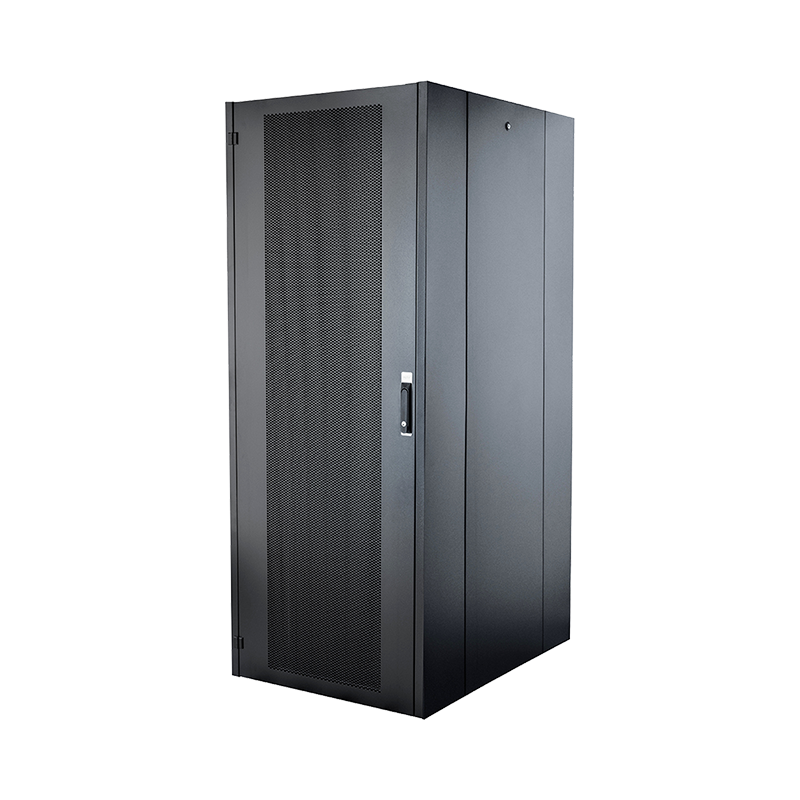 42U free standing network cabinet1. Vertical Space Utilization:The upright structure optimizes vertical space, making it suitable for limited areas and equipment density. 2. Flexible Installation Opti...View Product →
For deeper or heavier equipment, look at the range of server network cabinets built around server chassis rather than around switches.
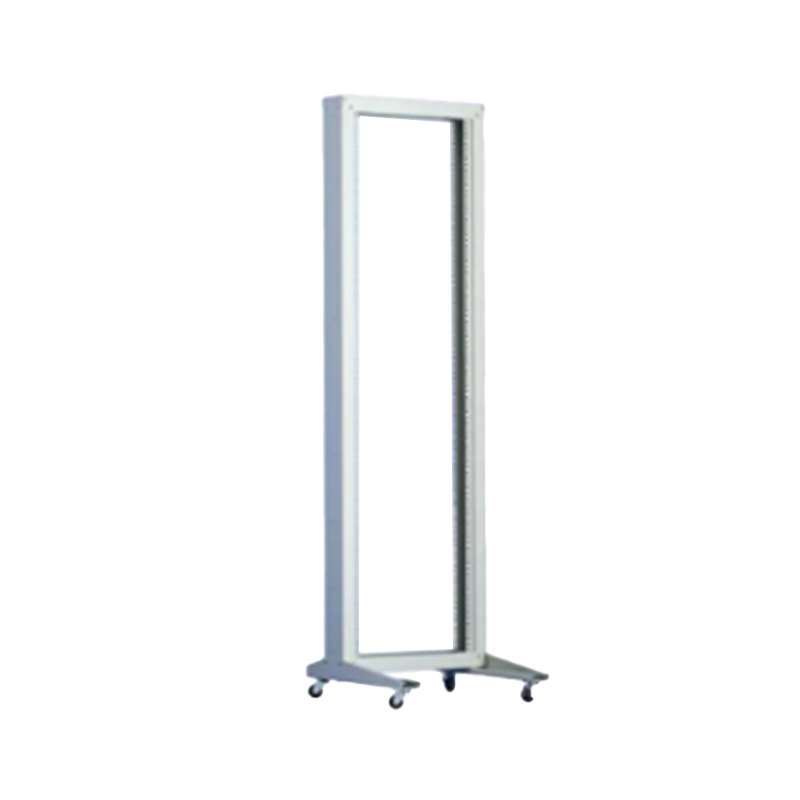
Not every rack mount server needs a lockable enclosure. Four-post open racks are common in hyperscale and AI clusters, where airflow is managed at room level and technicians need to reach the rear of each chassis without opening a door.
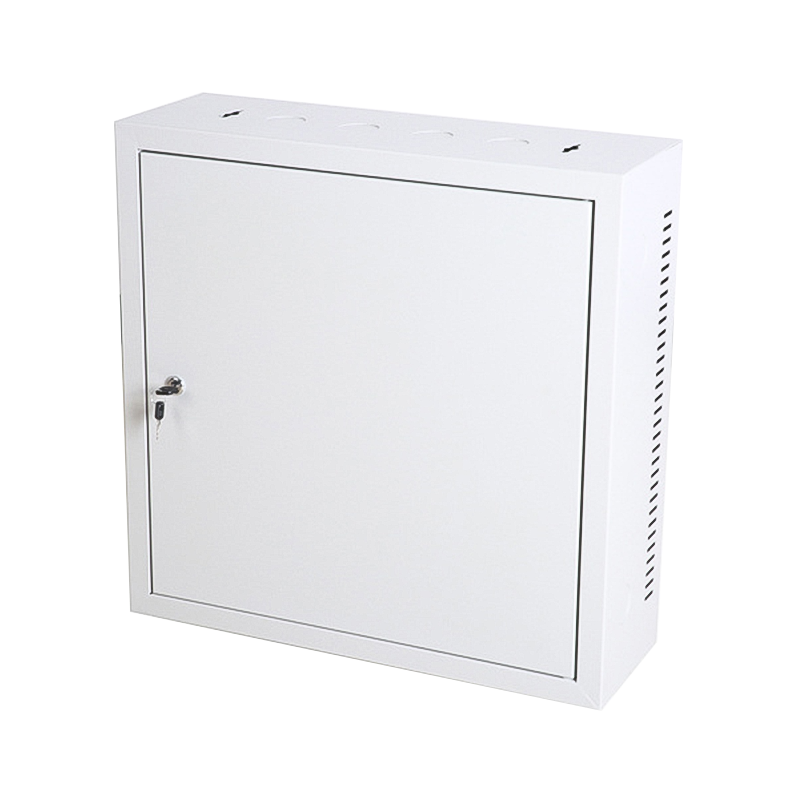
Enclosed cabinets still win where security, dust or fire control matters, or where mixed equipment shares a room. Wall mount enclosures suit branch sites running a switch, a router and a small appliance; hanging a heavy 2U or 4U server on a wall bracket usually exceeds the load rating and makes the rear ports hard to reach.
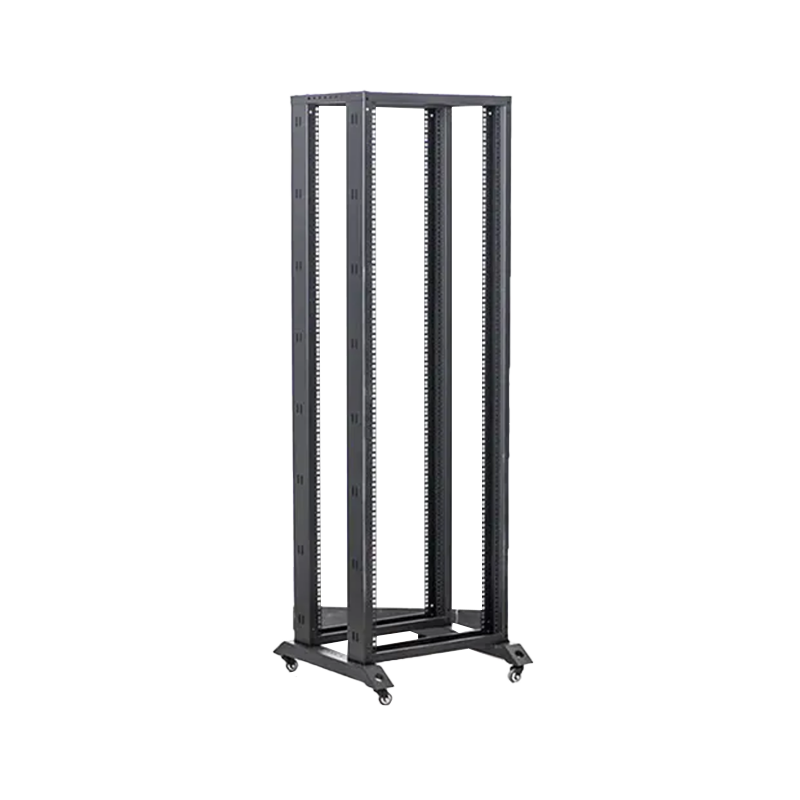 Four poles network open rack1.Enhanced Stability with Four-Pole Design:This rack distinguishes itself with a four-pole structural design, providing stability. The additional support poles contrib...View Product →
It runs workloads in a shared rack: web and application servers, databases, virtualisation hosts, storage nodes and firewalls, where power, cooling and cabling are centralised in one place.
U is a rack unit of 1.75 inches (44.45 mm) of vertical space. A 2U server is twice as tall as a 1U and usually brings more drive bays, full-height cards and quieter cooling.
Measure the chassis first, then add about 100 mm at the front for the door and 100-150 mm at the rear for cables and exhaust. A 1000 mm cabinet holds most 700-800 mm servers; 600 mm is normally for network gear.
In theory forty-two 1U servers fit in 42U. In practice switches, patch panels, PDUs and blanking panels take space, so plan for roughly 35U of server capacity and keep space free.
Only if the enclosure is deep enough and rated for the weight. Wall mount cabinets usually hold switches, patch panels and small appliances, and a heavy 2U or 4U server often exceeds their load rating.
A rack mount server is self-contained, with its own power supplies and fans, and fits standard rails. A blade shares power, cooling and networking inside a proprietary chassis, raising density but tying you to one enclosure.
Rack mount servers are standardised, and that is the point: the same 1U, 2U and 4U measurements have held for decades, so the cabinet you specify today can still hold the server you buy in five years. Match the height, the depth and the airflow path, and the rest of the installation takes care of itself.

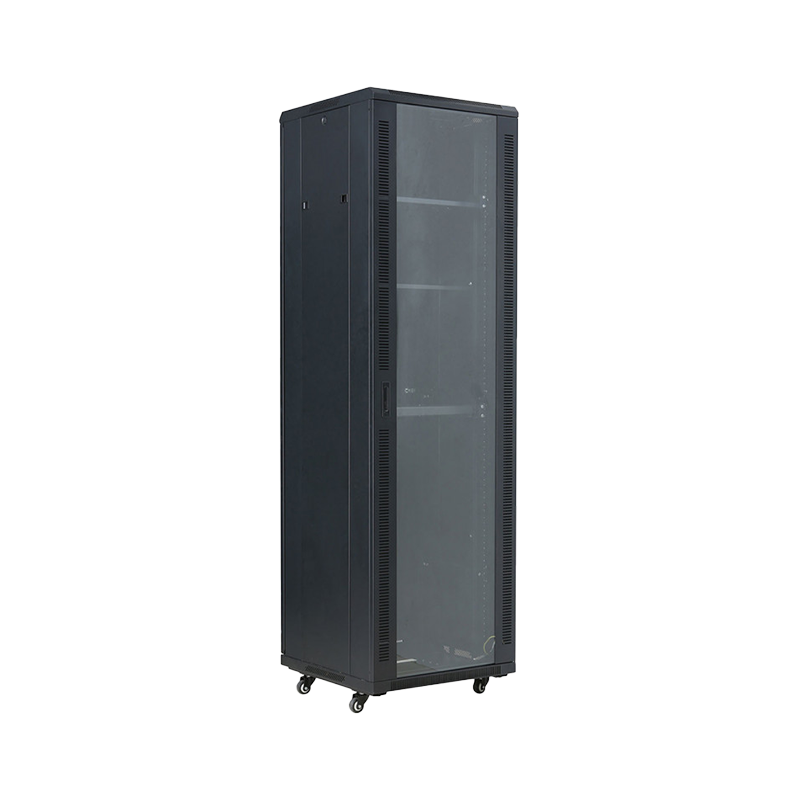



We are a company mainly engaged in the manufacturing of network cabinet , charging cart and other infrastructures.
Product Classification
Address
No.12 Fushan Road,Guanhaiwei Town,Cixi City,Ningbo,Zhejiang,China
PHONE
+86-17857397994