 English
 عربى
عربى
 Español
 русский

Content
- 1 The Short Answer: Match Size, Load Rating, And Ventilation Before Comparing Suppliers
- 2 What A Wall Mount Network Cabinet Is And Why Sizing Matters
- 3 Common Wall Mount Cabinet Sizes And What They Typically Hold
- 4 Static Load Capacity Trends As Cabinet Size Increases
- 5 Where Wall Mount Network Cabinets Are Typically Installed
- 6 Comparing Wall Mount Cabinet Performance Dimensions At A Glance
- 7 How To Install A Wall Mount Network Cabinet Correctly
- 8 What To Check When Comparing A Wall Mount Network Cabinet Manufacturer For Bulk Orders
- 9 About Ningbo Cixi Communication Technology As A Wall Mount Network Cabinet Manufacturer
- 10 Frequently Asked Questions About Wall Mount Network Cabinets
- 10.1 Q1. What is a wall mount network cabinet
- 10.2 Q2. How to install a wall mount network cabinet
- 10.3 Q3. Can a network cabinet be mounted on drywall
- 10.4 Q4. How much weight can a wall mount rack hold
- 10.5 Q5. Where should a wall mount network cabinet be installed
- 10.6 Q6. What accessories are needed for a wall mount rack
The Short Answer: Match Size, Load Rating, And Ventilation Before Comparing Suppliers
Buying wall mount rack cabinets in bulk usually goes smoothly when three factors are settled before any purchase order is placed: the correct U size for the equipment load, a static load rating with a reasonable safety margin, and enough ventilation for the switches or patch panels that will sit inside. Skipping any one of these three factors is the most common reason bulk orders end up with cabinets that do not fit the actual installation site. A Wall Mount Network Cabinet that looks identical on a spec sheet can behave very differently once loaded with active equipment, cabling, and a closed door restricting airflow.
The sections below cover sizing standards, load capacity trends, ventilation and cable management, installation steps, and what to check when comparing a wall mount network cabinet manufacturer for a bulk order.
- Confirm the U height needed for current equipment plus reasonable future expansion
- Check the static load rating against the combined weight of switches, patch panels, and cabling
- Review ventilation options, since a sealed cabinet can trap heat from active network gear
- Verify the mounting method matches the wall structure at the installation site
What A Wall Mount Network Cabinet Is And Why Sizing Matters
Standard Sizing Behind Every Wall Mount Rack
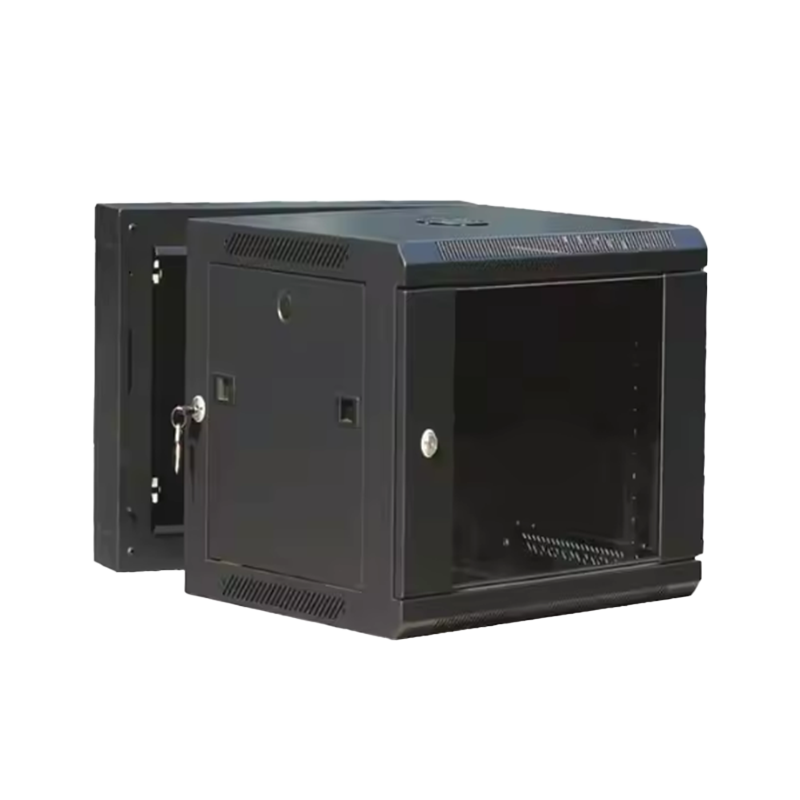
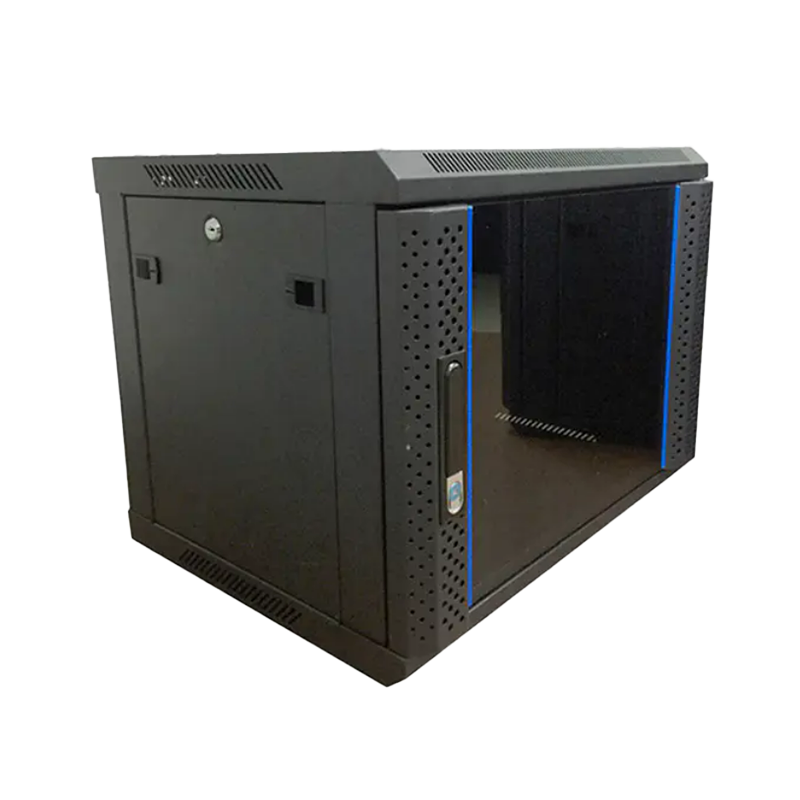
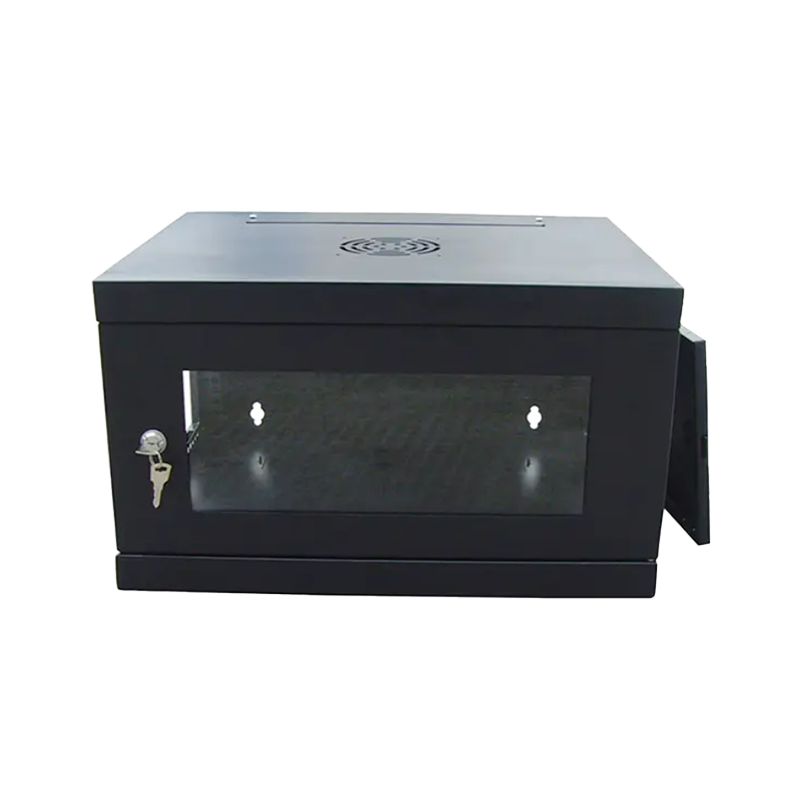
A wall mount network cabinet is an enclosure fixed directly to a wall that holds networking equipment such as switches, patch panels, and small servers using a standard 19 inch mounting width, with internal height measured in rack units. One rack unit, commonly written as 1U, is a fixed measurement of 1.75 inches or 44.45 millimeters, which is why equipment from different brands can still fit into the same cabinet as long as the U height and mounting width match. Getting the U count right at the planning stage is what allows a bulk order of wall mount rack cabinets to fit consistently across multiple installation sites.
Depth And Door Style Considerations
Beyond height, cabinet depth needs to match the equipment being installed, since patch panels and small switches usually need less depth than cabinets built to hold deeper servers or UPS units. Door style is another practical detail, since a perforated or glass front door supports airflow and visual inspection, while a solid locking door is often chosen for cabinets placed in public facing or shared spaces.
Common Wall Mount Cabinet Sizes And What They Typically Hold
Wall mount rack cabinet supplier catalogs usually organize products by U size, since this single number gives a quick reference for how much equipment a cabinet can physically hold. The chart below shows how internal usable space scales as U size increases.
Bar lengths represent relative internal usable space as U size increases and are meant as a general planning reference.
| Cabinet Size | Typical Depth Range | Common Equipment |
|---|---|---|
| 6U | 300 - 450 mm | Single switch, small patch panel |
| 9U | 450 - 550 mm | Switch, patch panel, compact UPS |
| 12U | 500 - 600 mm | Multiple switches, cable management panels |
| 15U | 500 - 650 mm | Small server plus networking gear |
| 18U | 600 - 800 mm | Full closet or small data room setup |
Static Load Capacity Trends As Cabinet Size Increases
Static load capacity generally rises as cabinet size increases, since larger frames use heavier gauge steel and wider mounting rails to support the additional weight. This trend matters for a bulk buyer comparing a telecom wall mount cabinet supplier, since undersized load ratings on paper can look acceptable until real cabling weight and equipment density are added.
Trend line reflects a general relationship between cabinet size and static load capacity and should not replace the rated figure on a specific data sheet.
When placing a bulk order, it is common practice to leave a reasonable margin between the expected equipment weight and the cabinet rated capacity, since cable bundles, patch cords, and future equipment additions all add weight over the life of the installation.
Where Wall Mount Network Cabinets Are Typically Installed
A Wall Mount Network Cabinet shows up across several common environments, each with slightly different priorities around depth, ventilation, and door style. The chart and table below outline general usage patterns across these environments.
Bars represent a general installation frequency index based on common industry patterns rather than a measured market statistic.
| Environment | Common Priority | Suggested Feature |
|---|---|---|
| Enterprise Office | Neat cable management | Cable pass through panels |
| Data Closets | Heat dissipation | Ventilation fan kit |
| Transit Hubs | Restricted access | Lockable solid door |
| Commercial Sites | Compact footprint | Shallow depth cabinet |
| Personal Use | Simple installation | Wall bracket with hinge |
Comparing Wall Mount Cabinet Performance Dimensions At A Glance
Beyond U size, bulk buyers generally weigh several performance dimensions together when comparing a custom wall mount cabinet manufacturer. The radar chart below gives a general illustrative profile of how a well specified wall mount rack tends to score across six commonly referenced dimensions.
Scores illustrate a general performance shape for reference only and can shift depending on the specific model and build quality being compared.
How To Install A Wall Mount Network Cabinet Correctly
Installation quality affects both safety and long term cabinet performance, which makes the process worth planning carefully rather than treating it as a quick mounting job.
- Locate wall studs or confirm a solid mounting board is in place, since drywall alone is usually not strong enough to carry a fully loaded cabinet.
- Mark mounting hole positions at a height that leaves enough clearance for the door to swing open fully.
- Secure the back bracket or frame using fasteners rated for the wall structure and expected load.
- Check that the cabinet sits level before tightening all mounting points fully.
- Route and dress cabling through pass through panels before loading switches or patch panels inside.
- Test the door swing and lock mechanism, then confirm ventilation openings are not blocked by cabling.
What To Check When Comparing A Wall Mount Network Cabinet Manufacturer For Bulk Orders
Bulk sourcing decisions carry more weight than a single unit purchase, since inconsistent quality across a large order can create installation problems across many sites at once. When comparing a wall mounted network rack supplier, buyers commonly review the following points.
- Manufacturing consistency across a network cabinet factory China based buyers plan to reorder from over time
- Availability of OEM wall mount network cabinet and custom wall mount cabinet manufacturer services for branded or site specific requirements
- Steel gauge and welding quality behind the stated load rating
- Range of 19 inch wall mount cabinet manufacturer options across different U sizes and depths
- Packaging suited to bulk freight without damage to doors or corners
- Technical support for accessory selection such as fan kits, cable organizers, and mounting hardware
About Ningbo Cixi Communication Technology As A Wall Mount Network Cabinet Manufacturer
Ningbo Cixi Communication Technology Co., Ltd. is based in Ningbo City, Zhejiang Province, and focuses on the design, research and development, production, and trade of network cabinets and charging cabinets. The company works across communication equipment infrastructure, offering one stop support for installation needs spanning network data centers, enterprise offices, public transportation hubs, commercial premises, and personal residences.
As an OEM wall mount network cabinet manufacturer and ODM partner, the company maintains an in house design team that supports custom wall mount cabinet manufacturer projects for different scenarios and mounting requirements. The company places emphasis on product safety alongside product intelligence, aiming to give bulk buyers a wall mount rack cabinet supplier that can support both standard catalog sizes and project specific configurations. Buyers comparing a telecom wall mount cabinet supplier for a bulk order can request technical specifications and accessory options to match cabinets to the intended installation environment.
Frequently Asked Questions About Wall Mount Network Cabinets
-
Q1. What is a wall mount network cabinet
A wall mount network cabinet is a compact enclosure fixed directly to a wall that houses networking equipment such as switches, patch panels, and small servers, without needing floor space like a free standing rack.
-
Q2. How to install a wall mount network cabinet
Installation generally involves marking mounting points at the correct height, securing the frame into wall studs or suitable anchors, leveling the cabinet, and then loading equipment once it is firmly fixed.
-
Q3. Can a network cabinet be mounted on drywall
A cabinet can pass through drywall at the mounting points, but those points should reach solid framing such as wall studs, since drywall alone is usually not strong enough to support a loaded cabinet by itself.
-
Q4. How much weight can a wall mount rack hold
Static load capacity varies by cabinet size and construction and generally increases with U height, so checking the manufacturer data sheet for the specific model is the most reliable way to confirm the rated capacity.
-
Q5. Where should a wall mount network cabinet be installed
Cabinets are commonly installed in a location with stable wall framing, reasonable airflow, and easy access for cabling and maintenance, such as a utility room, office closet, or dedicated equipment area.
-
Q6. What accessories are needed for a wall mount rack
Common accessories include cable management panels, mounting rails, ventilation fan kits, cable pass through brackets, and a lockable door, depending on the equipment being housed.