Content
A charging cabinet is an enclosed storage unit fitted with individual internal power outlets, cable channels, and ventilation openings that allow multiple electronic devices to be stored and charged safely at the same time. Instead of leaving chargers scattered across a desk, cart, or floor, a charging cabinet keeps every laptop, tablet, smartphone, handheld terminal, or power tool in its own compartment while a centralized power distribution system manages current flow, reduces standby power draw, and helps limit overheating during long charging cycles.
Organizations that manage large numbers of shared devices, such as schools, corporate offices, warehouses, and transportation hubs, rely on a charging cabinet to keep equipment organized, protected from dust and impact, and ready for the next shift or class period. Because every device sits behind a lockable door, a charging cabinet also works as a secure charging locker cabinet that limits open access to devices while they are powering up.
Every charging cabinet follows the same basic operating idea. Devices are placed into individual slots or shelves, connected to a dedicated outlet or charging module, and the cabinet door is then closed and locked while charging takes place. The internal wiring is arranged so that each device draws power on its own circuit path, which means one worn cable or one device with a charging fault is far less likely to interrupt the charging of the others.
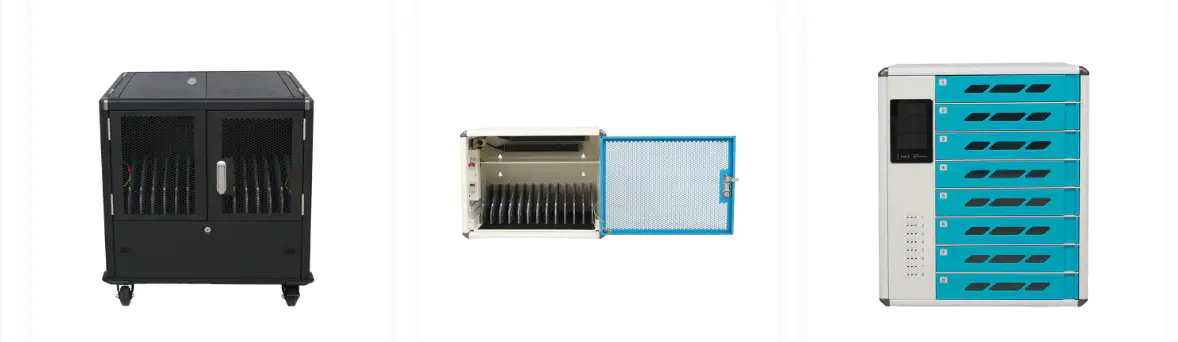
Charging cabinet capacity is usually described by the number of internal slots or compartments it offers. Smaller units are common in classrooms or small offices, while larger multi device charging cabinet configurations are used in warehouses, call centers, and transportation hubs where dozens of handheld terminals or tablets need to be charged between shifts.
Figures represent typical deployment patterns across commercial and institutional settings and are shown for general comparison only.
Selecting the right capacity depends on how many devices need to be charged at once, how much floor or wall space is available, and whether the cabinet will also be used for longer term device storage between uses.
A charging cabinet is not limited to a single setting. Because the internal layout can be adjusted to fit different device sizes, the same basic cabinet structure is applied across a wide range of industries.
| Industry | Typical Application |
|---|---|
| Schools and training centers | Charging and storing classroom tablets and laptops between lessons |
| Corporate offices | Charging shared laptops, tablets, and presentation devices in meeting areas |
| Warehouses and logistics centers | Charging handheld terminals and scanners between shifts |
| Public transportation hubs | Charging communication devices and handheld equipment used by staff |
| Retail and commercial premises | Charging point of sale tablets and mobile devices overnight |
| Network data centers | Charging and storing maintenance tools and diagnostic devices |
A well designed mobile device charging cabinet is not limited to a single device category. Depending on the internal slot dimensions and outlet type, the same cabinet family can typically support laptops, tablets, smartphones, handheld terminals, and small power tools.
Distribution reflects common usage patterns observed in office, education, and logistics environments.
Charging cabinet safety depends on several layers of protection working together rather than any single feature. Surge protection limits sudden voltage spikes, ventilation reduces heat buildup, structured cable management lowers the chance of pinched or damaged cords, lockable doors control access, and on more advanced models, monitoring functions can flag a slot that is drawing unusual current.
Comparison illustrates how safety related features typically scale from a basic to an advanced charging cabinet configuration.
Compared with a loose arrangement of power strips and extension cords, a charging cabinet organizes cable routing and device placement inside one enclosed unit. Charging duration itself still depends on the device and its battery, but a structured charging cabinet layout reduces the chance of cables being disconnected, crossed, or left charging in an unsafe position.
Charge times vary by battery capacity, device model, and outlet output; figures shown represent general reference ranges only.
Facilities searching for a charging cabinet manufacturer usually compare several factors before settling on a supplier, particularly when the cabinet needs to fit a specific room layout or device fleet.
Ningbo Cixi Communication Technology Co., Ltd. is based in Ningbo City, Zhejiang Province, China, and focuses on the design, research and development, production, and trade of network cabinets and charging cabinets. The company provides one stop services for the installation of network communication equipment and charging needs, with continued attention to product safety alongside growing product intelligence.
As an OEM charging cabinet manufacturer and ODM charging cabinet company, Ningbo Cixi Communication Technology works with an in house design team to support different deployment scenarios, including network data centers, enterprise offices, public transportation hubs, commercial premises, and personal residences, serving both enterprise customers and individual users.
A charging cabinet is used to store and charge multiple electronic devices at the same time, keeping cables organized and devices secured behind a lockable door while they charge.
Charging cabinet capacity varies by model, ranging from smaller units with around 8 to 16 slots up to larger configurations with 32 slots or more for higher volume environments.
Charging cabinet safety is supported by features such as individual outlets per slot, ventilation, and circuit protection, which are designed to reduce the risk of overheating when several devices charge together.
Most charging cabinets support a range of devices, including laptops, tablets, smartphones, handheld terminals, and power tools, depending on the internal slot configuration.
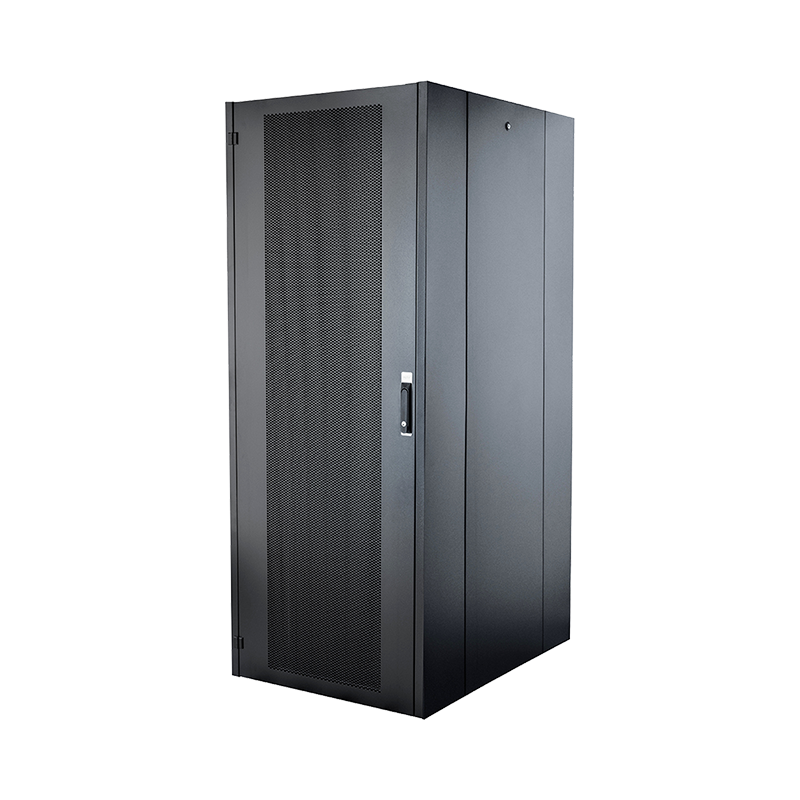
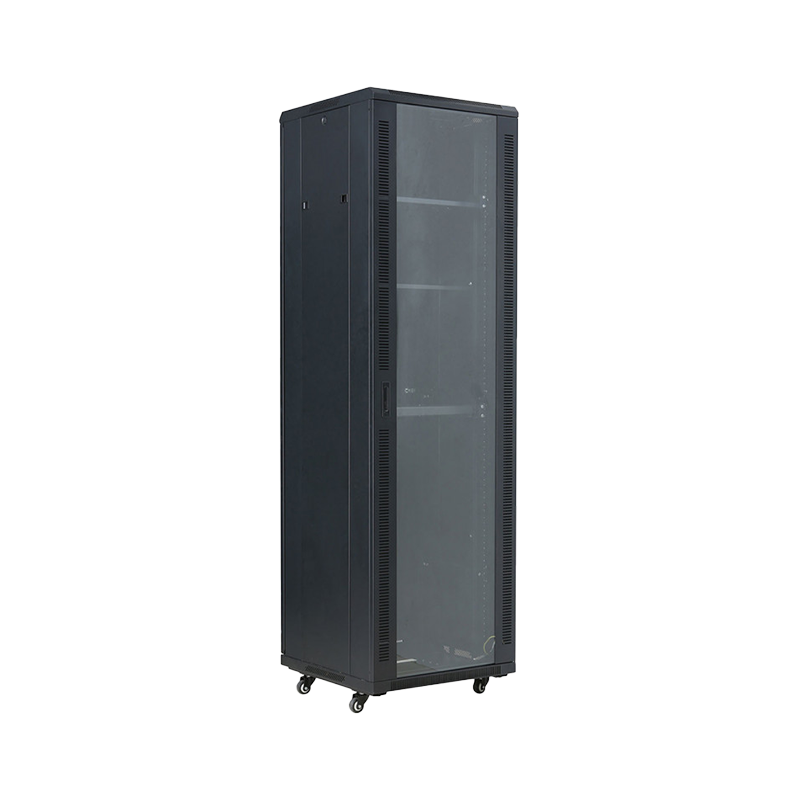
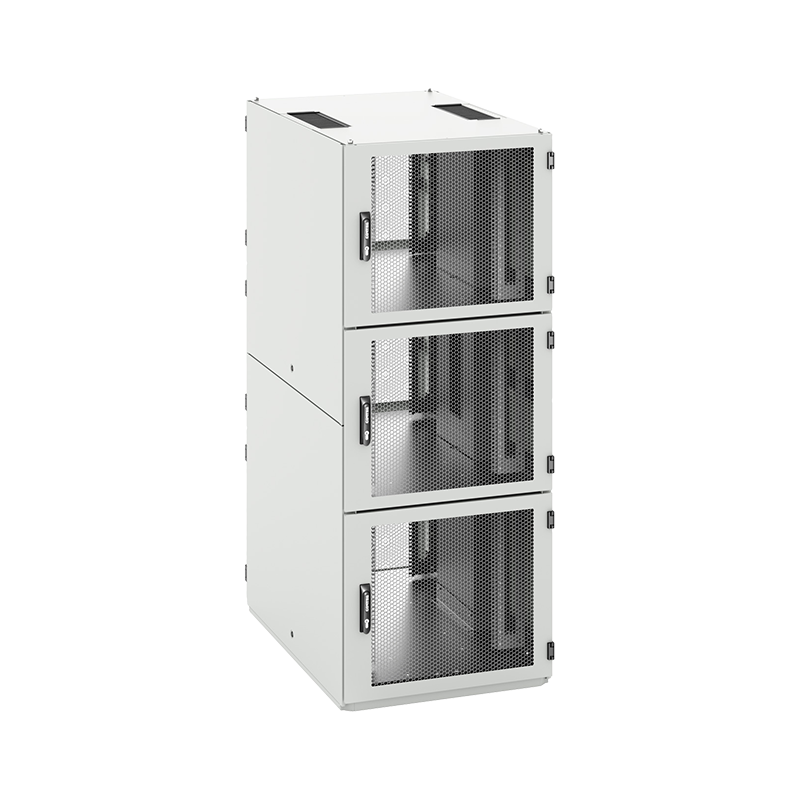
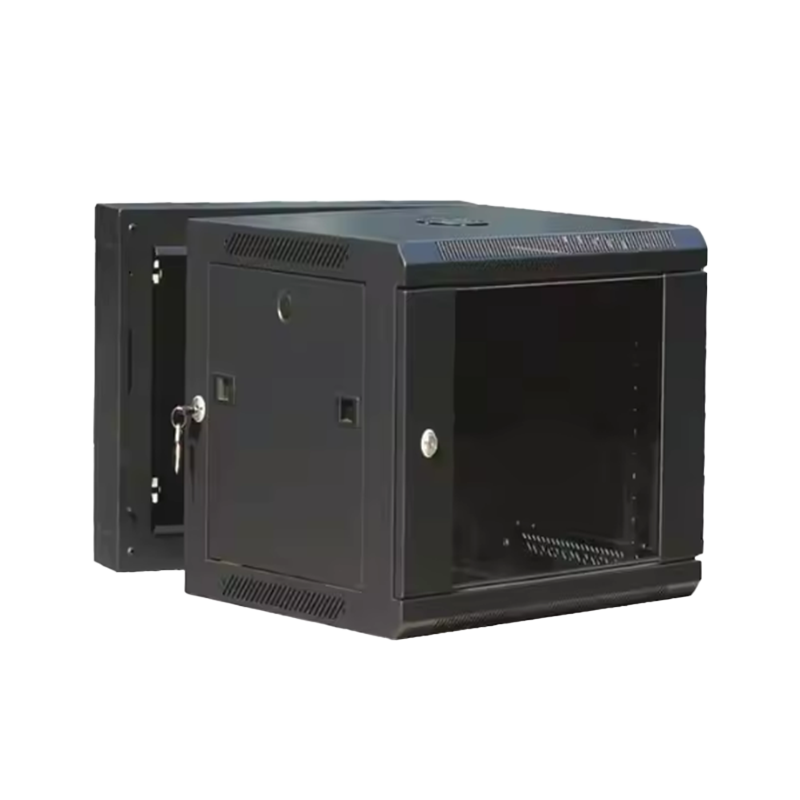
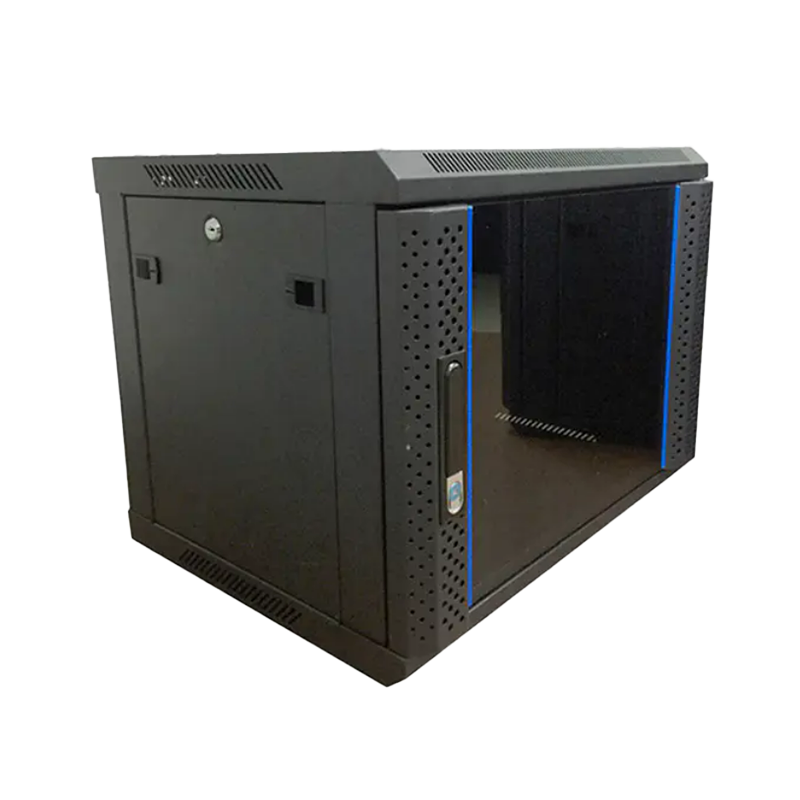
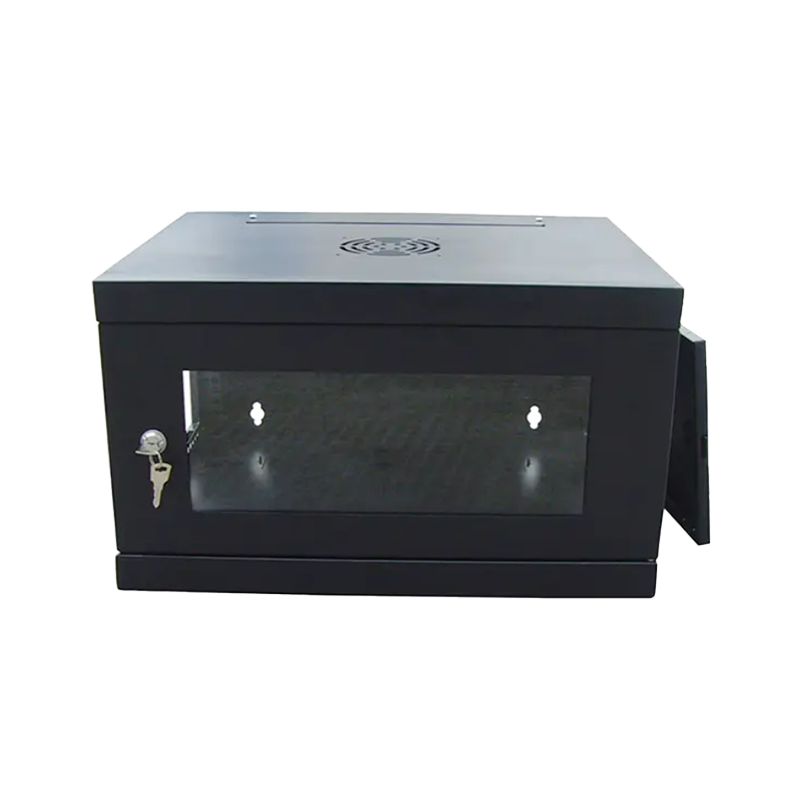
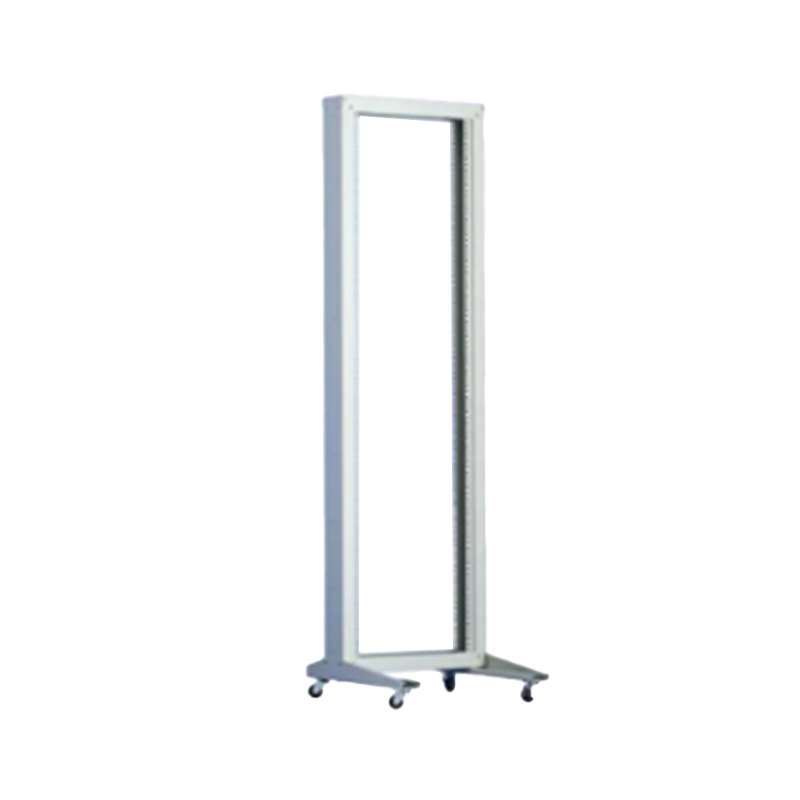
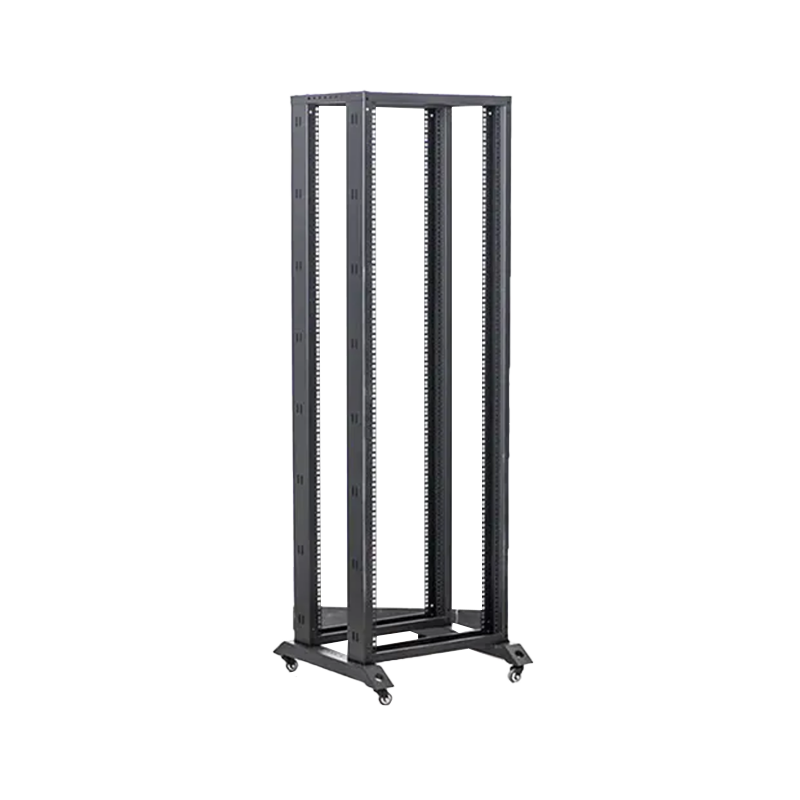
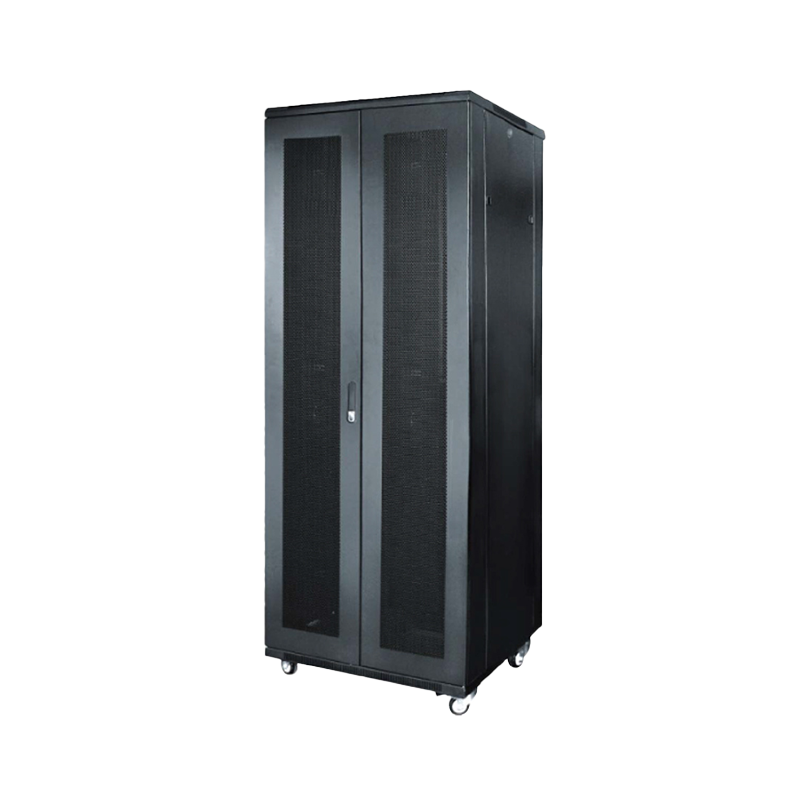
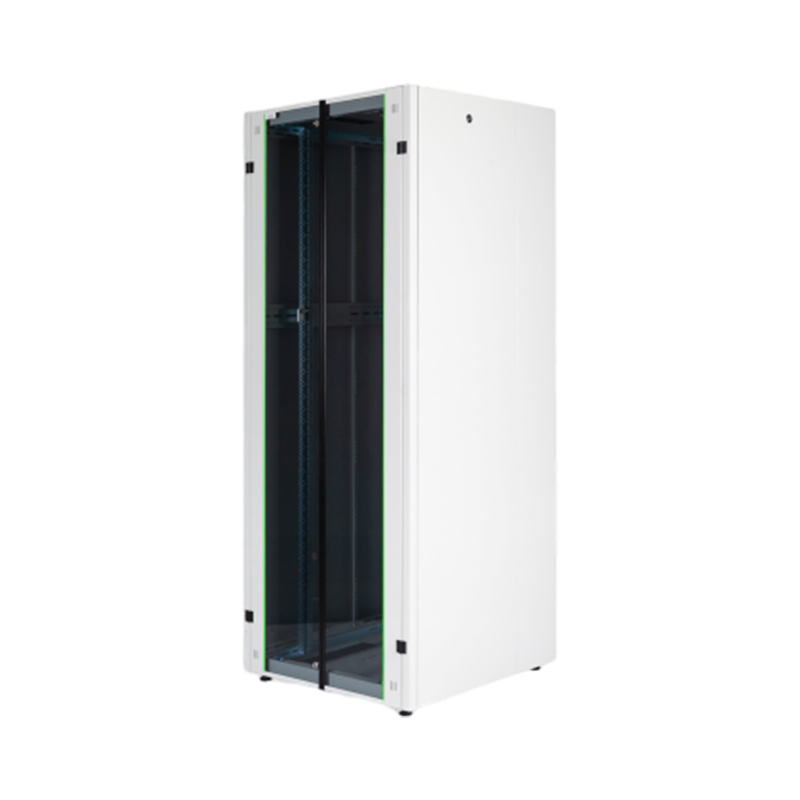
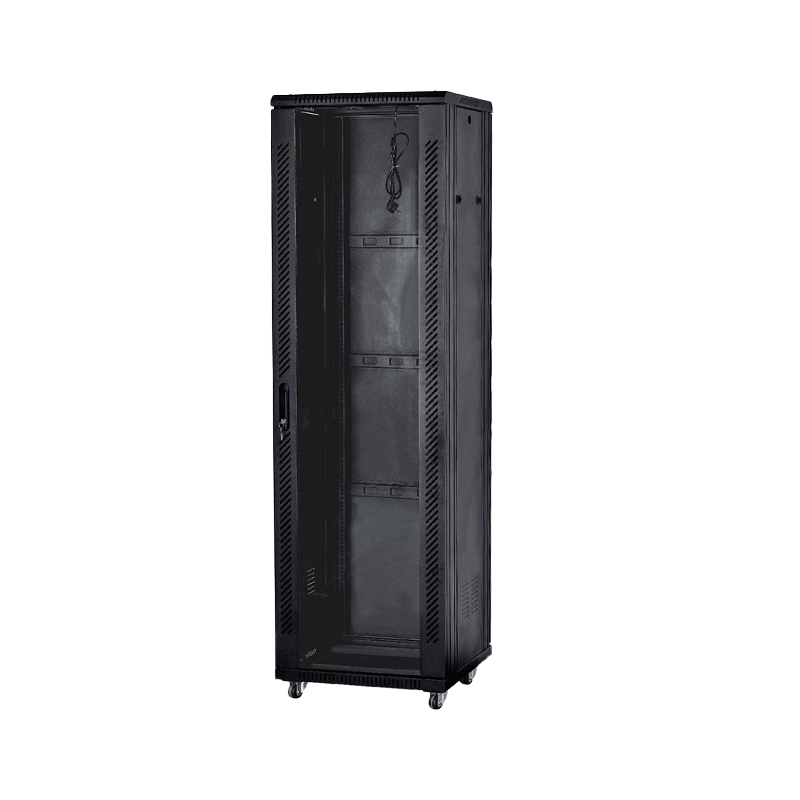
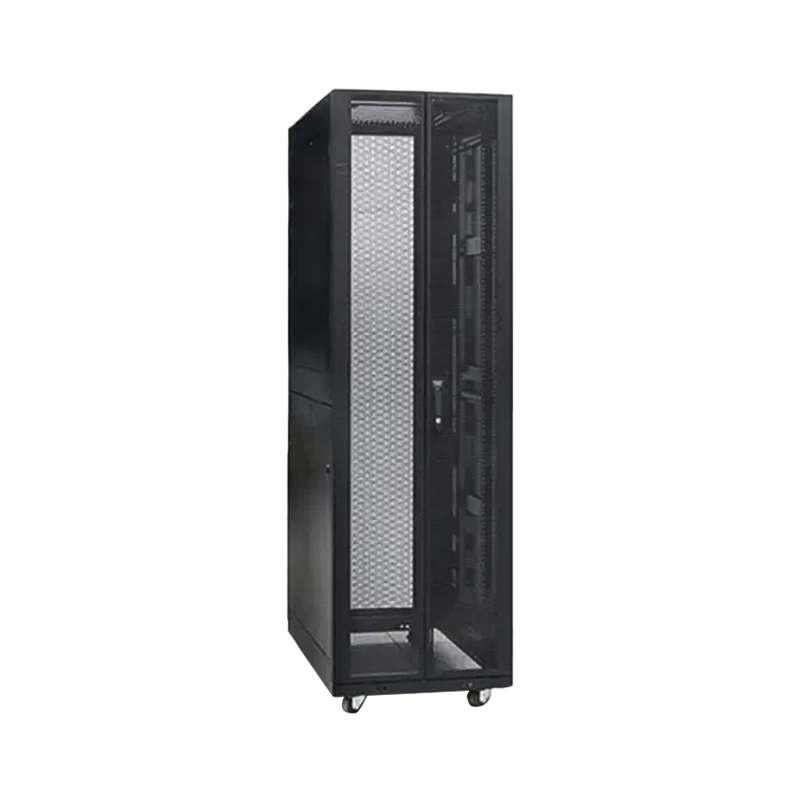
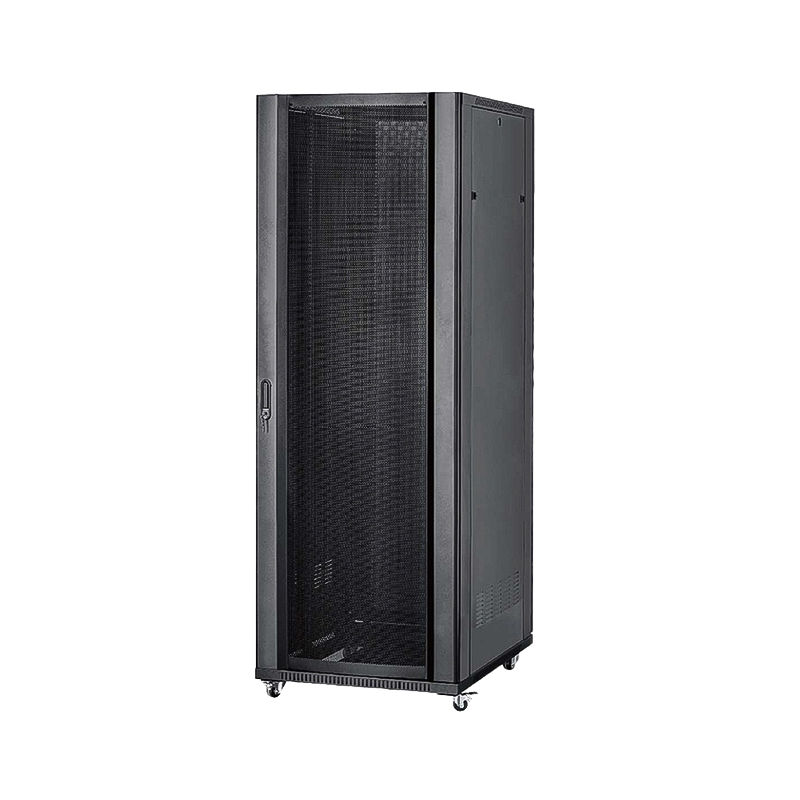
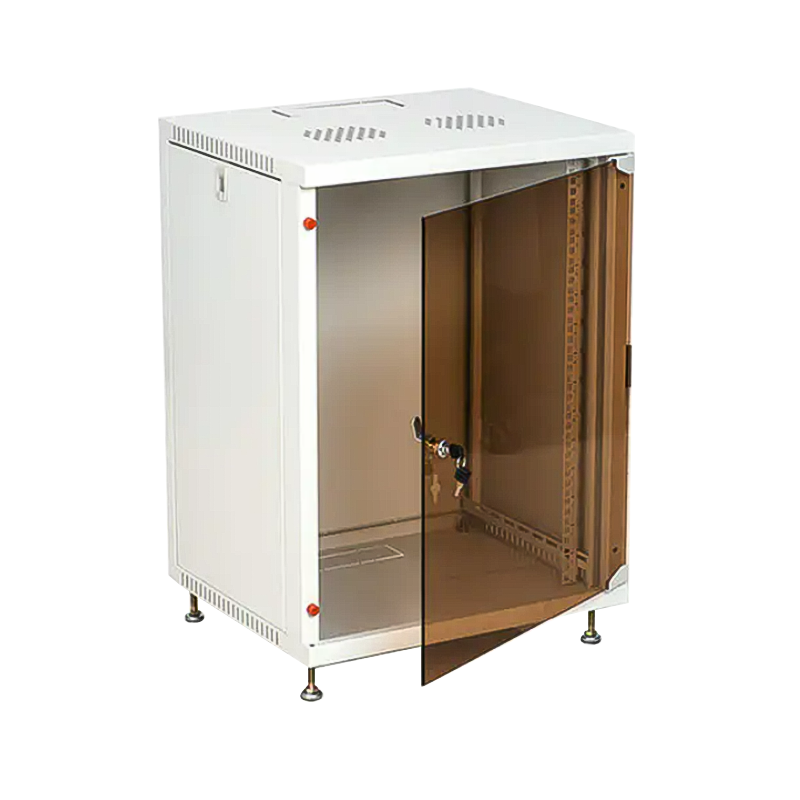
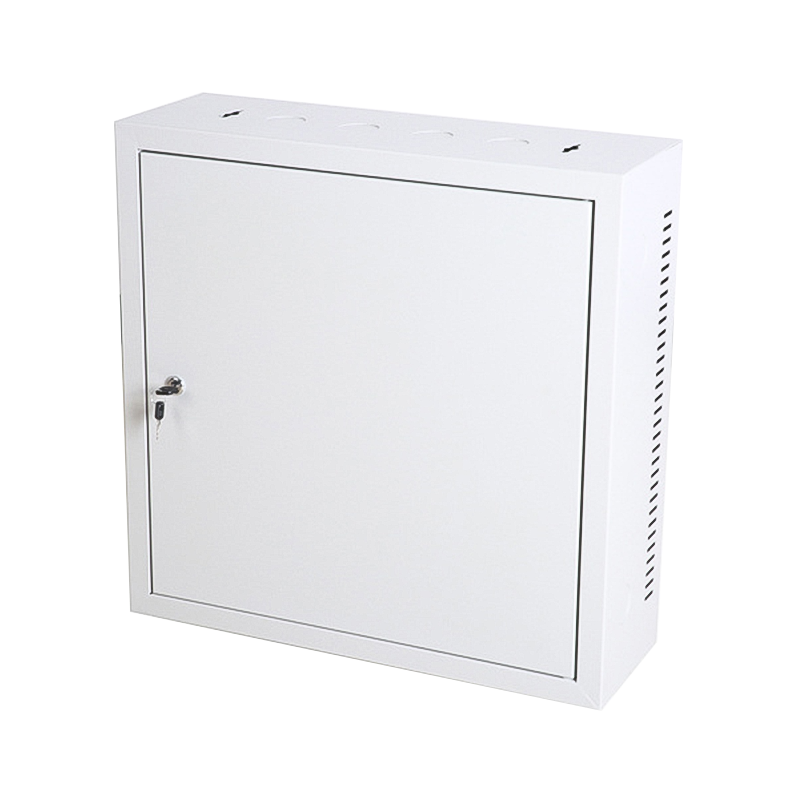
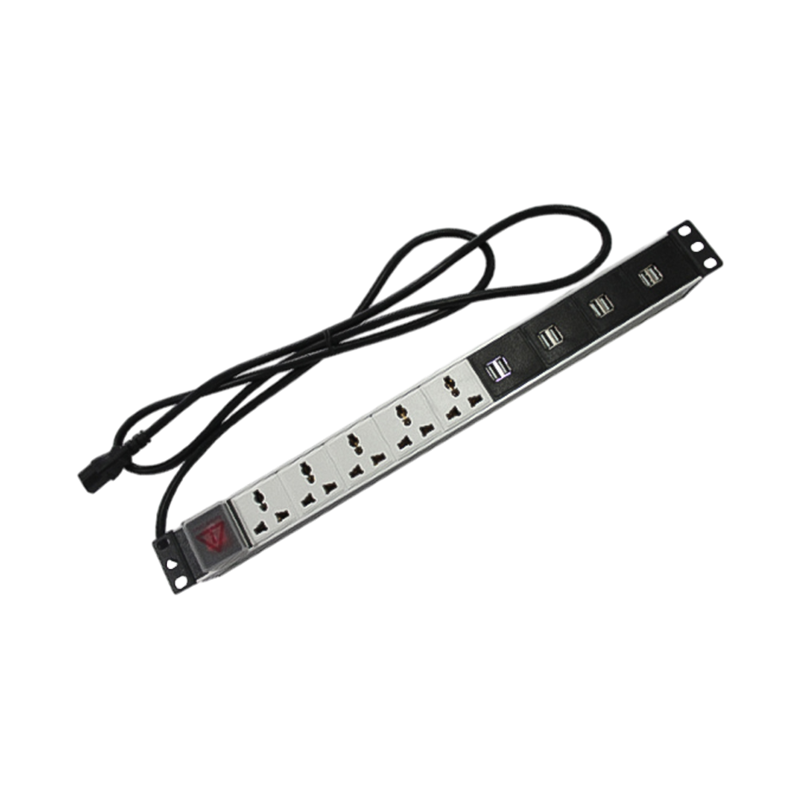
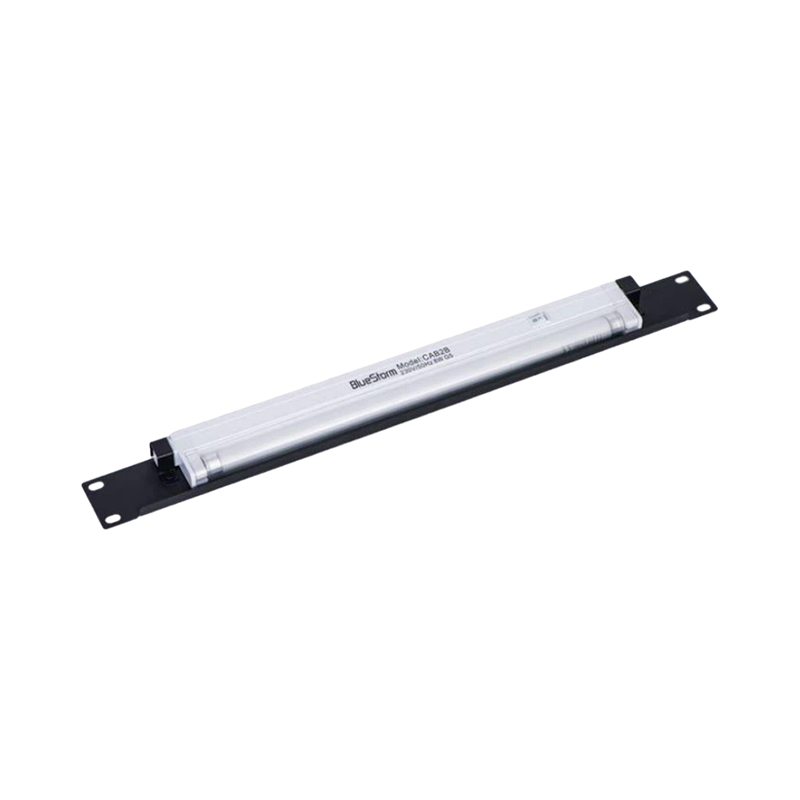
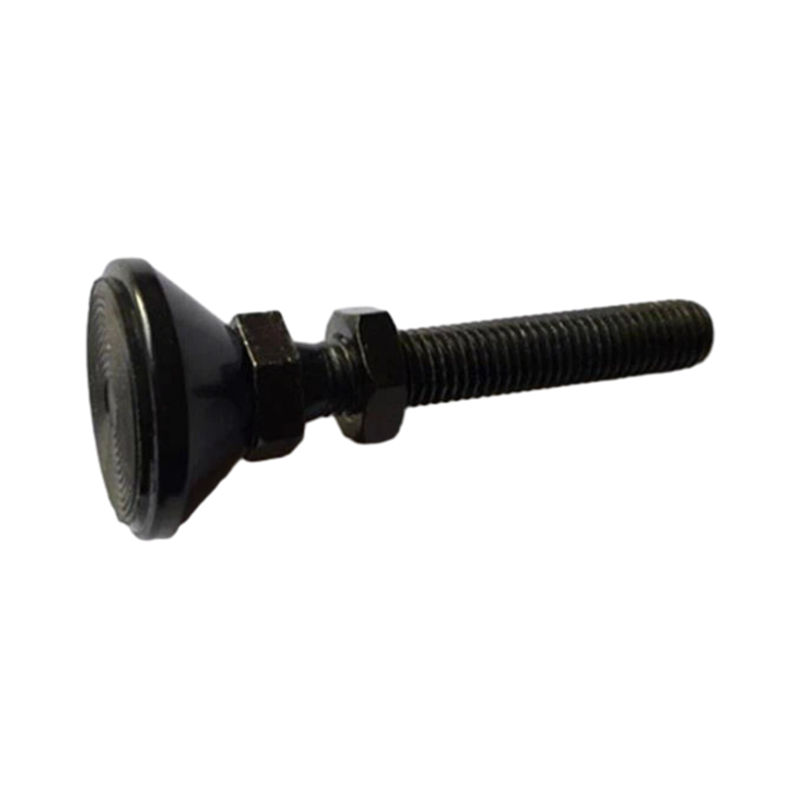

We are a company mainly engaged in the manufacturing of network cabinet , charging cart and other infrastructures.
Product Classification
Address
No.12 Fushan Road,Guanhaiwei Town,Cixi City,Ningbo,Zhejiang,China
PHONE
+86-17857397994

 English
 عربى
عربى
 Español
 русский